
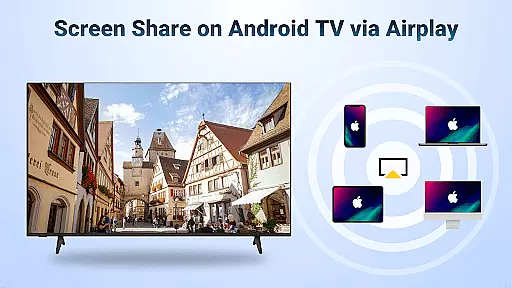
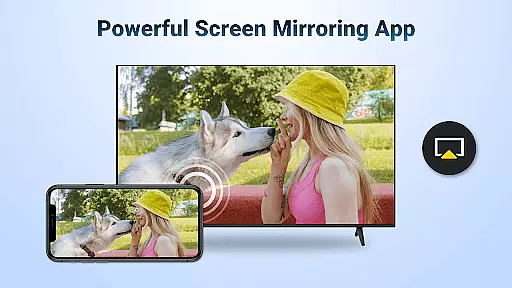
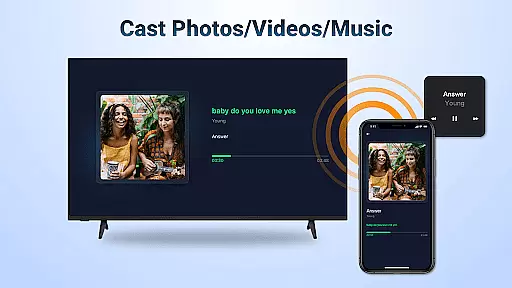
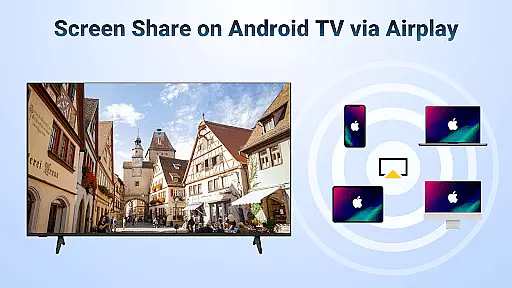

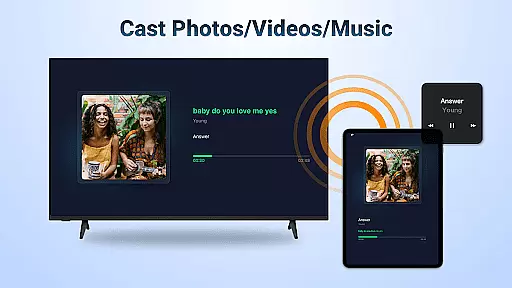

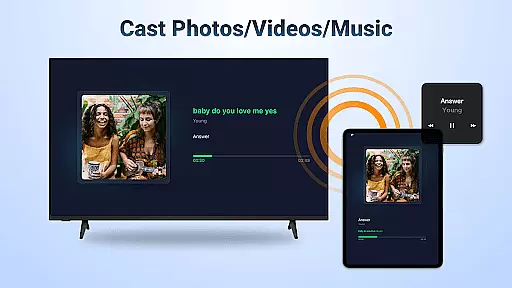
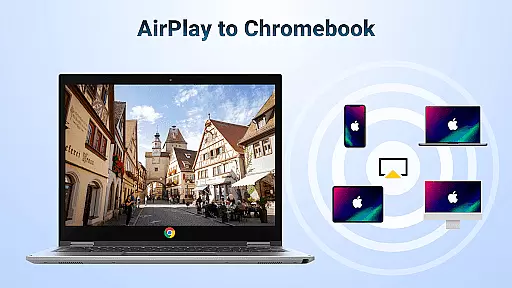
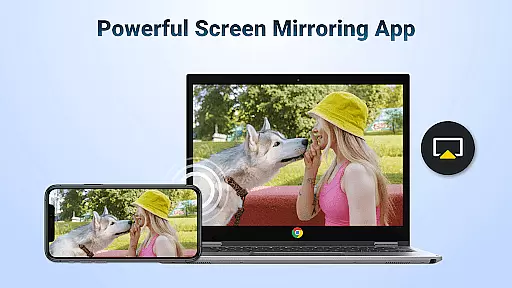
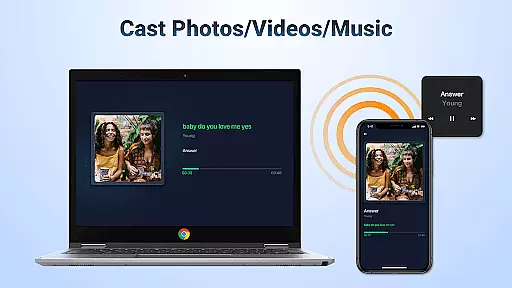
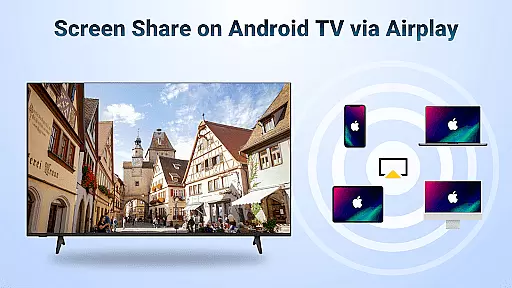
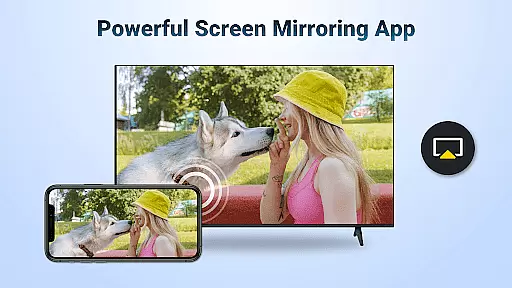
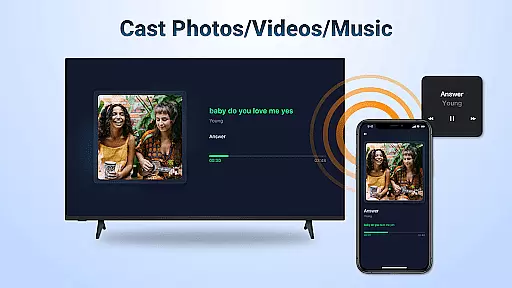
AirMirror is a specialized wireless streaming receiver application that enables seamless screen mirroring and content casting from Apple devices to Android TV. This innovative solution allows users to directly mirror screens or cast photos, videos, and audio from iOS devices to Android TV without the need for additional converters or frequent device switching.
The app's core functionality lies in its ability to facilitate various sharing scenarios - from business presentations and educational content sharing to multiplayer gaming sessions and family photo sharing. Its support for AirPlay technology ensures smooth transmission of web videos, music, and other media content while maintaining excellent audio-visual quality.
Particularly useful for both professional and personal settings, AirMirror transforms Android TV into a versatile display platform for iOS content. Whether it's for work presentations, fitness sessions, or movie nights, this application provides a practical solution for cross-platform content sharing, making it an essential tool for modern smart home entertainment systems.
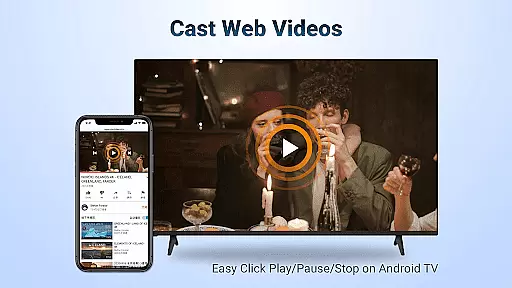
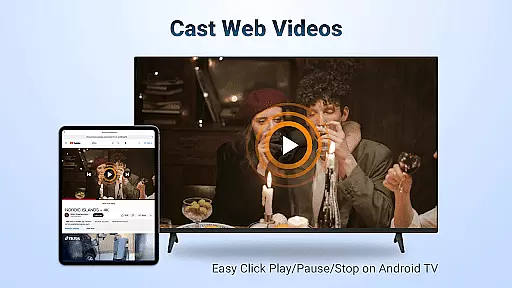
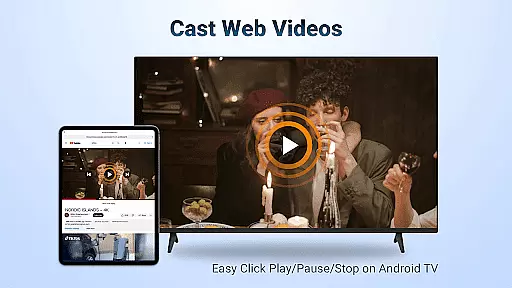
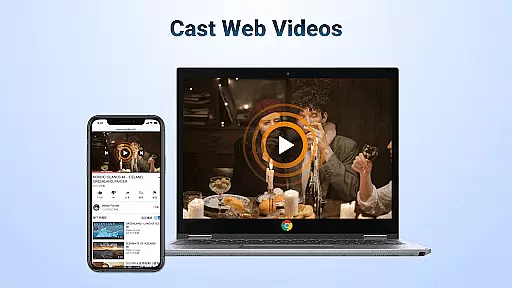
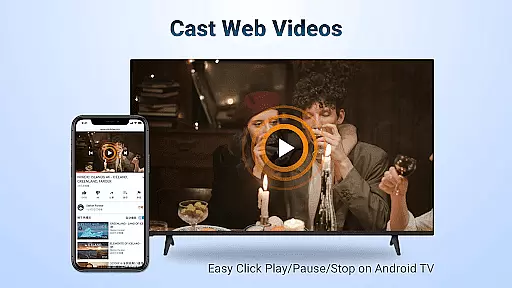
AirMirror distinguishes itself through several key features that enhance user experience. The application supports comprehensive AirPlay functionality, allowing users to stream audio, video, and photos from various Apple devices and iTunes. Its advanced streaming capabilities ensure smooth and fast transmission of web videos where DRM restrictions permit.
The app provides convenient playback controls directly on the receiving end, enabling users to play, pause, or stop content effortlessly. It maintains flexible orientation options, allowing seamless switching between landscape and portrait modes according to user preference. The implementation of simple yet stable connectivity protocols ensures reliable mirroring and casting performance.
What sets AirMirror apart is its user-friendly approach to cross-platform content sharing. By eliminating the need for complex setup procedures or additional hardware, it creates a bridge between Apple's ecosystem and Android TV platforms. The application's ability to maintain high-quality transmission while offering essential control features makes it a valuable tool for both casual entertainment and professional presentations.
Video format compatibility is a crucial feature for any video player and editor, ensuring that users can play or edit videos in various formats without the need for conversion. AirMirror: TV Cast via AirPlay supports a wide range of video formats, allowing seamless streaming from AirPlay-enabled devices to Android TV. This eliminates the frustration of format incompatibility and provides a smooth user experience.
The application facilitates screen mirroring and casting of videos, music, and photos from iOS devices to Android TV over WiFi. Whether you're sharing educational content, business presentations, or enjoying multiplayer games and movies, AirMirror handles different media formats with ease. The support extends to DRM-free web videos and streaming media, enhancing your multimedia enjoyment.
Users benefit from the ability to directly control playback on the receiving end, switching between landscape and portrait modes effortlessly. With simple connectivity and stable mirroring, AirMirror ensures that your content is displayed correctly every time. This versatility makes it an indispensable tool for both personal entertainment and professional settings.
AI-powered editing features represent the cutting edge of video player and editor technology, offering smart tools that enhance the editing process. While AirMirror: TV Cast via AirPlay focuses primarily on screen mirroring, its intelligent connectivity and control options provide a form of AI assistance. This ensures a streamlined and intuitive user experience when sharing content from Apple devices to Android TV.
Although AirMirror does not offer traditional video editing capabilities, its smart recognition of AirPlay-enabled devices simplifies the connection process. Users can easily mirror their screens or cast specific content like web videos with minimal effort. The app's ability to maintain stable mirroring and casting is akin to AI-driven stabilization features found in dedicated editors.
By supporting functions such as Play/Pause/Stop directly on the receiving end, AirMirror demonstrates a level of automation that enhances usability. These features ensure that users can focus on their content rather than technical details, making it an ideal solution for both casual viewers and professionals who require reliable performance during important presentations or gatherings.
Seamless cross-platform support
Excellent audio-visual quality
User-friendly interface
Stable connectivity
Versatile content support
No DRM content support
WiFi dependency
Limited to AirPlay
Occasional connection issues
Device compatibility limitations

Video Player - Unlimited features, 30 days money back guarantee.
 4.60
4.60
Create & edit videos with AI
4.30
All format media Player, no need video converter any more!
4.00
Capture images & record videos for USB Camera, Webcam, Microscopes, Endoscopes
3.80
Explore the largest library of free GIFs, Stickers & Memes - or create your own!
3.90
Mix with Virtual DJ directly from your phone or tablet !
3.10
The essential companion to your Blue Iris PC software
2.50
VLC for Android is the best open source video and music player, fast and easy!
4.10
Photo editor & video maker with music and slideshows.
4.10
AI Video Editor with Music, Filter, Slideshow, Effect, Merge & Trim Video.
4.80
A Simple app to download Video & Music from the Internet.
4.70
Cast Videos from Web Browser, IPTV to Roku, Chromecast, DLNA, Smart TV +more
4.60
Add date and time watermark to photos and videos
4.50
Fast & Private HD Video Downloader with Built-in Proxy Browser and Video Player.
4.50
Photo and Music Video Creator into Stunning Videos—Effortlessly
4.40
This app was created to edit the metadata of music files.
4.20
Web Browser for LG TV to stream webvideos, online movies and livestreams in HD
4.20
IPTV Player - Watch live TV from m3m & m3u8 playlist, stream IPTV on mobile
3.30
Powerful HD video player with support for all formats & subtitles.
4.5


User Reviews