
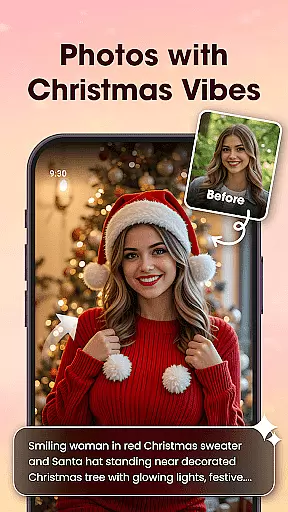
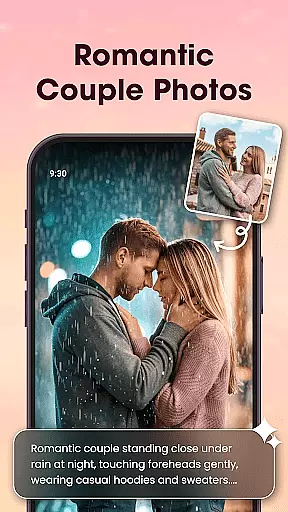
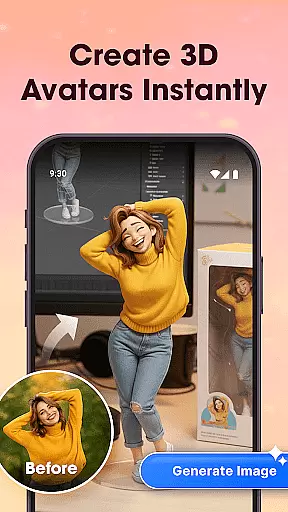
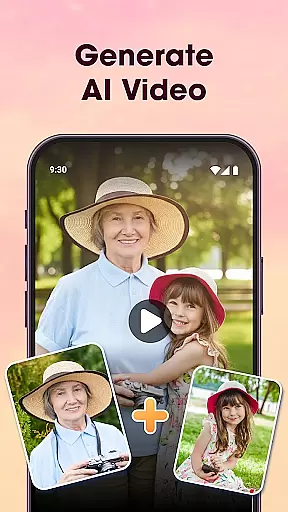
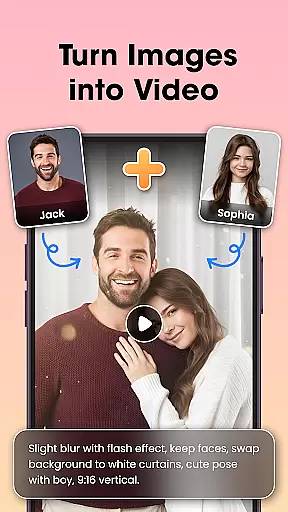
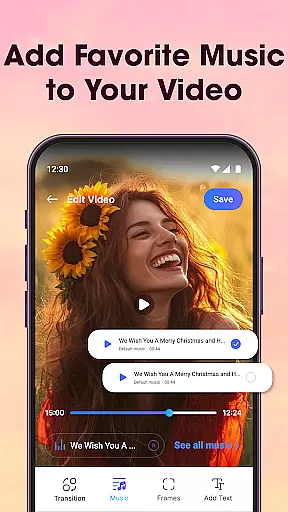
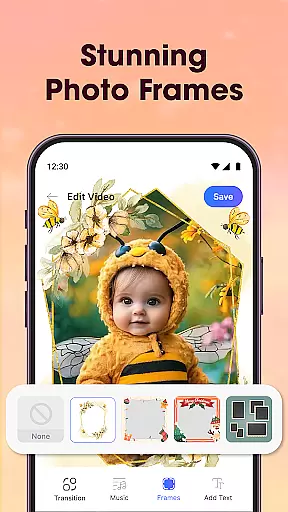
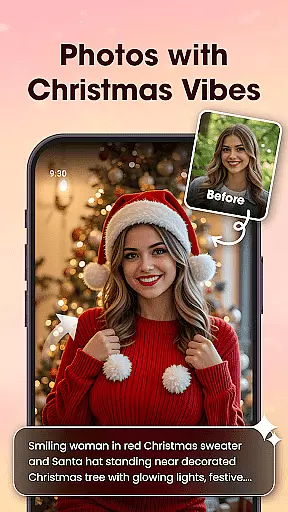
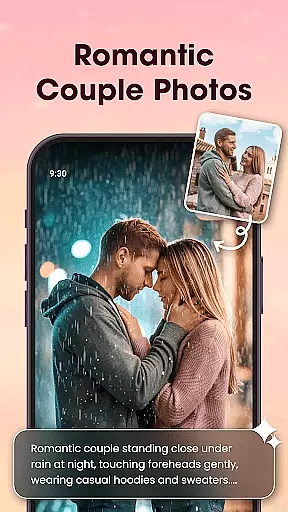
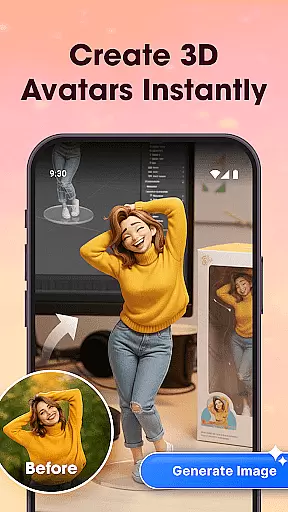
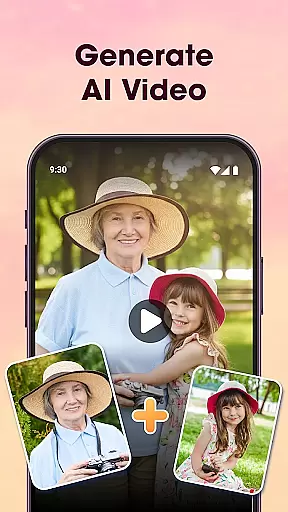
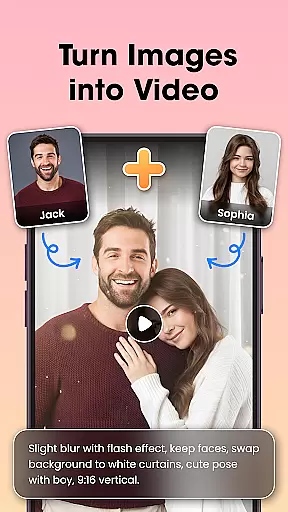
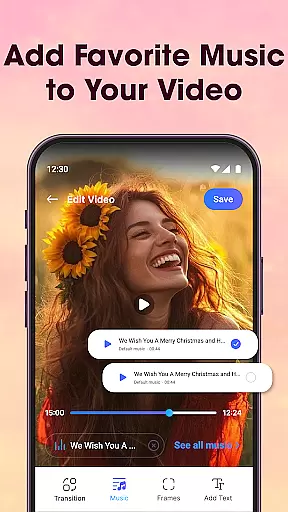
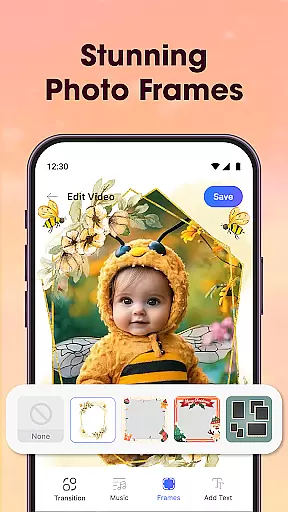
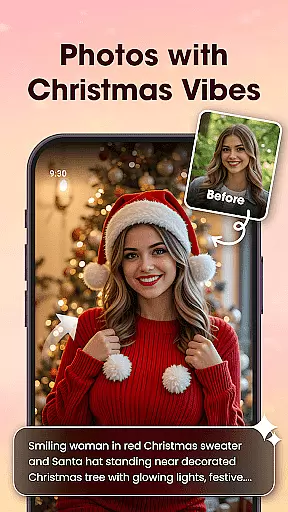
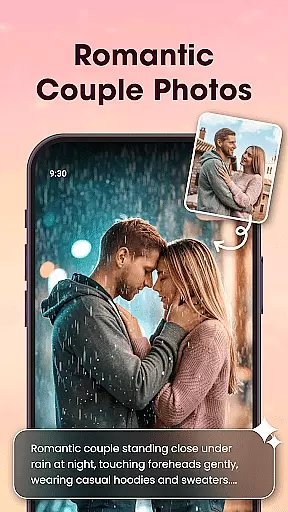
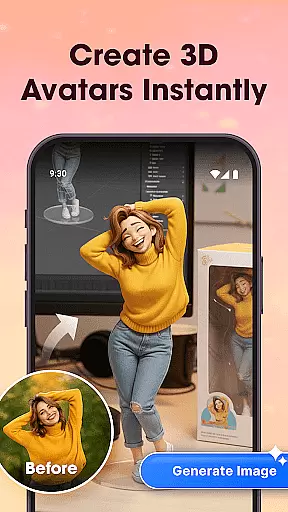
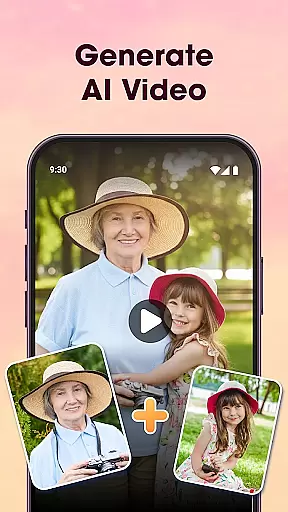
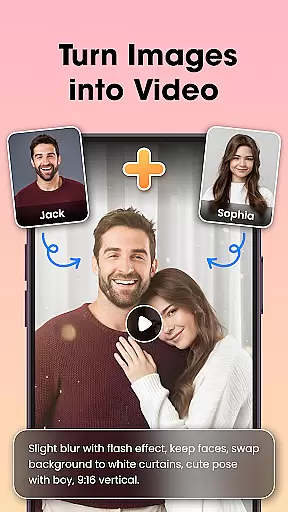
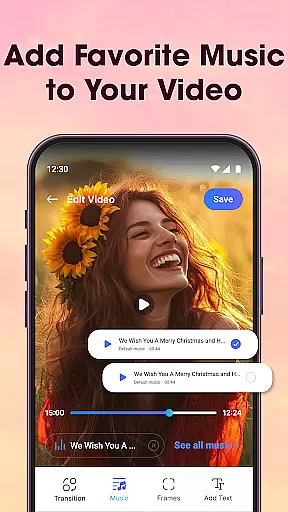
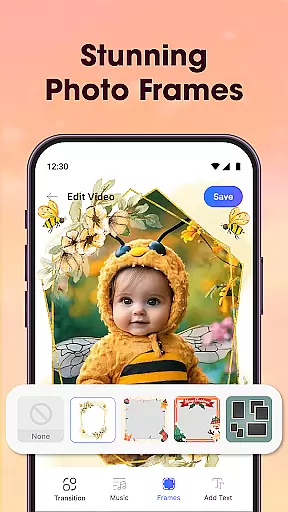
Photo Editor Video Maker Music is a versatile video editing application that allows users to transform their photos into engaging video stories enriched with music and creative effects. The app offers an intuitive interface where users can add stylish transitions, frames, text overlays, and background music to craft personalized videos. With its powerful AI capabilities, the app provides unique features like AI Hug and AI Kiss, which enable users to create emotionally resonant videos from simple images.
In addition to its core video-making functionality, Photo Editor Video Maker Music includes a robust photo editor. Users can enhance their images with filters, cropping tools, and retouching options before incorporating them into videos. Whether you're creating content for social media platforms or preserving personal memories, this app ensures your videos stand out with professional-grade quality and emotional depth.
One of the standout aspects of Photo Editor Video Maker Music is its comprehensive suite of features tailored for both casual users and content creators. The AI Video Generator is a game-changer, allowing users to convert static images into dynamic videos using pre-designed templates such as AI Hug and AI Kiss. These templates provide an effortless way to produce visually stunning results without requiring advanced technical skills.
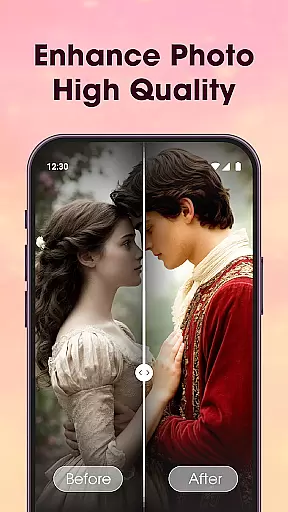
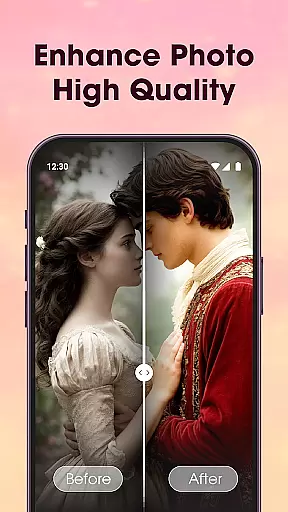
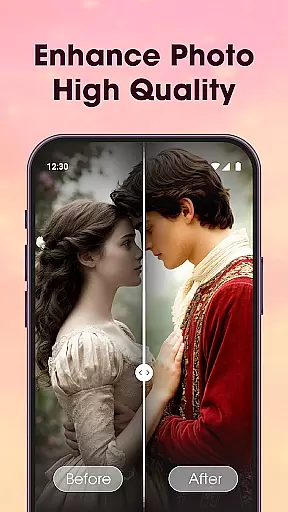
The app also excels in audio integration, offering a vast library of background music tracks that perfectly complement visual narratives. Users can further customize their creations by adding themed frames, text captions, and impactful visual effects. The built-in photo editor enhances image quality through AI-powered tools like background removal and photo enhancement. This combination of features makes the app suitable for various use cases, from crafting social media content to creating heartfelt family videos.
Video format compatibility is a crucial feature for any video editing application, ensuring that users can work with a wide range of file types without conversion hassles. Photo Editor Video Maker Music supports an extensive array of video formats, allowing creators to import and export their projects in the resolution and codec that best suits their needs.
This app's dedication to comprehensive format support means that whether you're creating content for YouTube, Instagram, or personal storage, your videos will maintain top-notch quality throughout the process. The flexibility in format options also enables seamless integration with other tools and platforms, enhancing the user's creative workflow.
By providing such versatility, Photo Editor Video Maker Music empowers its users to focus on the artistic aspects of video production rather than technical limitations. This ensures that every project retains its intended visual impact and emotional resonance, regardless of where it's shared or viewed.
AI-powered editing features revolutionize how users interact with their media by automating complex tasks and offering intelligent suggestions. In Photo Editor Video Maker Music, AI technology takes center stage with capabilities like AI Hug and AI Kiss, which transform static images into dynamic video stories through smart templates.
The inclusion of an AI Background Remover simplifies the once tedious task of manually erasing backgrounds, enabling users to replace them with just one click. Additionally, the AI Photo Enhancer optimizes image clarity, lighting, and detail automatically, ensuring every frame looks its best before being turned into a video slideshow.
These advanced AI functionalities not only save time but also open up new creative possibilities for storytellers at all levels. By leveraging these intuitive tools, even those new to video editing can produce professional-looking results filled with emotion and creativity, making Photo Editor Video Maker Music an indispensable asset for modern content creation.
User-friendly interface
Extensive template library
AI-powered enhancements
Versatile editing tools
High-quality exports
Limited free features
Subscription required
Occasional bugs
Ads in free version
Learning curve

Tik & Story Saver-Download ALL social media videos, photos & reels no watermark.
 4.80
4.80
Snaptubè Video Downloader app allows to download videos and music in Snaptube. .
4.60
Fast video downloader & private browser. Save HD clips to watch offline.
4.40
Play ALL formats in 4K & HD. Video downloader, MP3 player, Chromecast & more.
4.80
1)AirPlay/DLNA Mirroring/Streaming, up to 4 connections; 2)Samba/NAS/DMS Player.
4.00
Pro video editor app for Instagram, edit video with song, AI, effect & slowmo.
4.80
Download videos and play them offline
4.70
Find, download, and play torrents with the official BitTorrent® Pro app
4.70
Screen recorder with audio to take live videos & Screenshot in high quality!
4.70
Video Trimmer, Video to MP3 Converter. Extract music from video, Easy & Fast.
4.80
High-Quality USB Camera Viewer & HDMI Display
4.70
VLC Remote lets you control your VLC Media Player on Mac, PC or Linux.
4.60
Seamlessly connect and control your smart devices, anytime, anywhere with ease.
4.60
Fast, private downloading, video saving, social media
4.50
AirMirror Receiver - Screen mirroring/cast web videos to Android TV by AirPlay.
4.40
AI Video Editor:AI Music, Text to Video,Text to Speech,Auto Caption,Video Effect
4.00
Connect 2 UVC devices for recording and broadcast video/audio stream
3.90
Livestream, news, & gaming content. Watch, chat, and upload. Join Rumble today!
3.80
IPTV Player - Watch live TV from m3m & m3u8 playlist, stream IPTV on mobile
3.30


User Reviews