

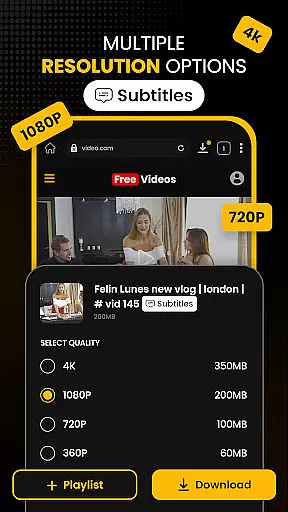
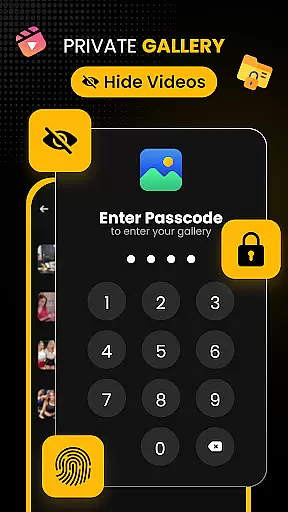
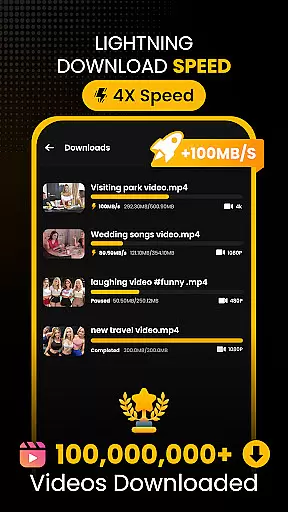
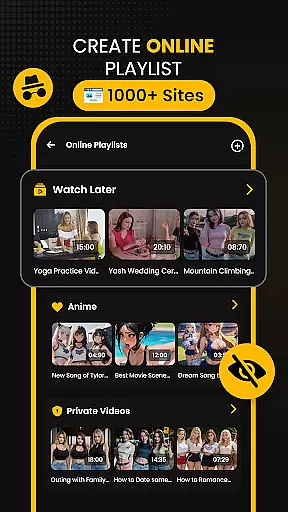












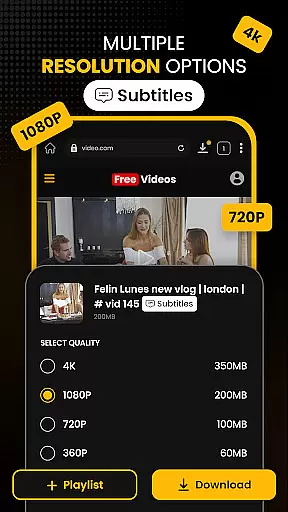
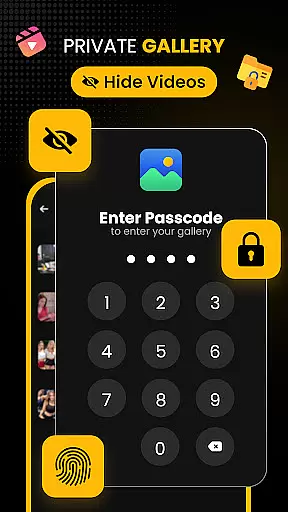
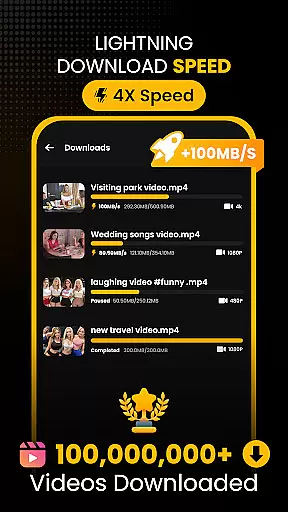
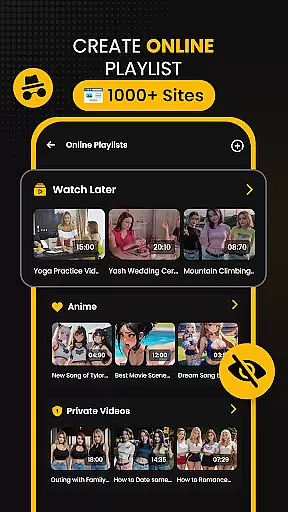



Download Hub is an all-in-one solution for video downloading, private browsing, and file management. This versatile app combines a high-speed video downloader with a secure incognito browser and robust file manager. Users can enjoy features like multi-threaded downloads, smart media detection, and resolution selection up to 4K quality. The built-in private browser offers ad-blocking, desktop mode, and secure tab management.
The app also includes advanced security features such as App Lock and a hidden folder for sensitive content. Its comprehensive file manager supports SD card storage, background downloading, and interrupted download resumption. With additional capabilities like audio extraction and offline HD playback, Download Hub caters to various user needs from commuters to students and privacy-conscious individuals.
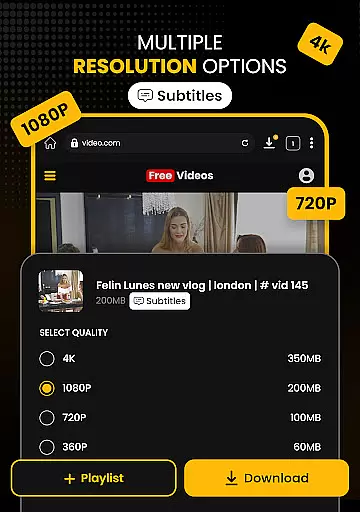
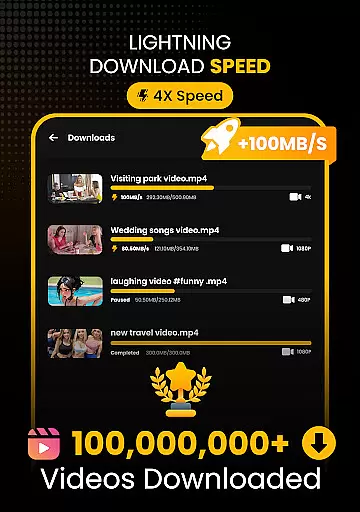
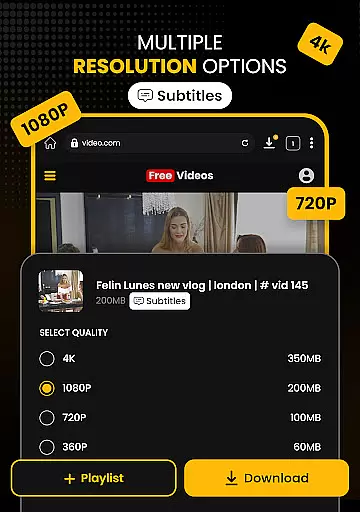
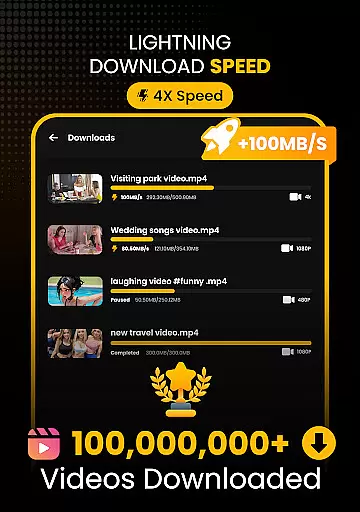
Download Hub distinguishes itself through its Universal Downloader Engine that accelerates download speeds by up to 300% using multi-threading technology. The Smart Detection feature automatically identifies downloadable media links on web pages, while Resolution Control allows users to choose between SD and multiple HD options including 1080p, 2K, and 4K quality downloads. It supports all major video formats and enables batch downloading for enhanced productivity.
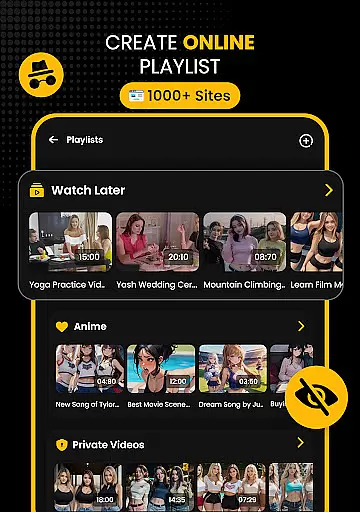
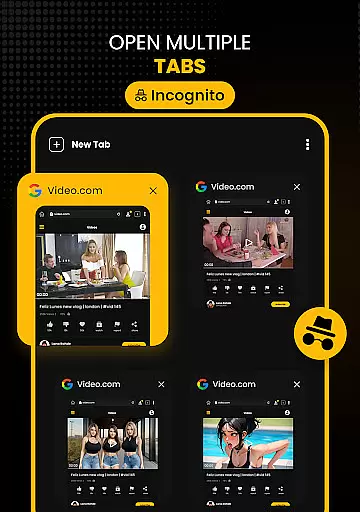
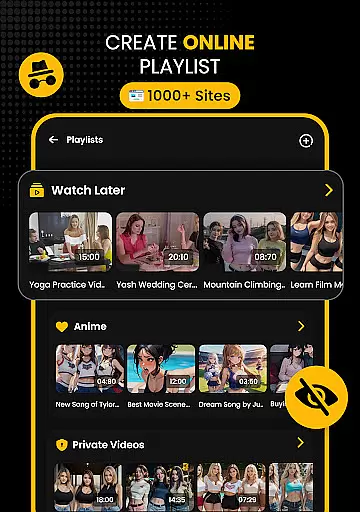
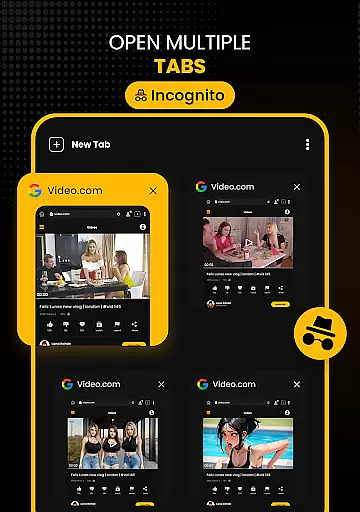
The Secure Private Browser component provides complete online anonymity with its incognito mode, automatic history clearing, and aggressive ad-blocking system. Desktop Mode allows full site functionality on mobile devices. The Security Center implements multiple protection layers including PIN-based App Lock and a hidden vault for private files. Advanced File Manager capabilities include SD card support, background service continuity, and organized media sorting options.
Video format compatibility is a crucial feature for any video player and editor, ensuring that users can enjoy a wide range of media files without conversion hassles. Download Hub supports an extensive array of video formats including MP4, M4V, MOV, AVI, WMV, MKV, FLV, and MPG. This versatility allows users to download and play videos from various sources seamlessly.
The app's universal downloader engine enhances the video format compatibility by detecting downloadable media links on web pages and enabling users to save videos in their preferred resolution and format. Whether you're downloading HD movies or smaller video clips, Download Hub ensures that all content is accessible in high-quality formats like SD (480p), HD (720p), 1080p, 2K, and even 4K.
For users who require offline playback, the inclusion of an Offline HD Player guarantees smooth playback of all saved formats without the need for internet connectivity. With gesture controls for volume, brightness, and seek, as well as a Night Mode for late-night viewing, Download Hub offers a comprehensive video experience tailored to user convenience.
AI-powered editing features are revolutionizing the way users interact with video content, providing smarter and more efficient ways to edit and manage media. Download Hub incorporates advanced AI technology to enhance its functionality beyond basic video downloading. The smart detection system automatically identifies downloadable media links, streamlining the process of saving online videos.
In addition to video detection, Download Hub also functions as an audio and music saver. Users can extract audio tracks from video clips and save music or sound effects for offline listening. This feature caters to those who wish to repurpose content or create custom playlists for personal use.
While Download Hub does not support YouTube downloads due to policy restrictions, it remains a powerful tool for handling legally permitted content such as Public Domain, Creative Commons, or user-owned media. By integrating AI-powered tools with traditional video management capabilities, Download Hub delivers a robust solution for students, commuters, privacy-conscious users, and collectors alike.
Fast multi-thread downloads
Comprehensive format support
Advanced privacy features
Batch processing capability
Offline HD playback
No YouTube support
Limited to legal content
Requires storage space
Complex for beginners
Internet required for downloads

Kodi media center, a free and open source cross-platform entertainment hub
 3.60
3.60
Client application for NextPVR software
3.00
All format media Player, no need video converter any more!
4.00
Stream Web Videos to Chromecast, Samsung, LG, Sony, Roku, Fire TV, DLNA + more
4.00
Turn your phone into a wireless camera!
4.20
Download videos easily & play them all in one smart, powerful video manager.
3.40
Manage your IPTV live channels and VOD playlists (no playlist included)
3.80
A Simple app to download Video & Music from the Internet.
4.70
convenient, safe and fast at Video Downloader & Player
4.60
Tik & Story Saver-Download ALL social media videos, photos & reels no watermark.
4.80
AI Video Editor with Music, Filter, Slideshow, Effect, Merge & Trim Video.
4.80
Screen recorder with audio to take live videos & Screenshot in high quality!
4.70
Snaptubè Video Downloader app allows to download videos and music in Snaptube. .
4.60
Fast & Private HD Video Downloader with Built-in Proxy Browser and Video Player.
4.50
Movie maker & video editing app with AI effects and green screen
4.30
Browser for Samsung TV to stream webvideos, online movies and livestreams in HD
4.10
1)AirPlay/DLNA Mirroring/Streaming, up to 4 connections; 2)Samba/NAS/DMS Player.
4.00
IPTV Player - Watch live TV from m3m & m3u8 playlist, stream IPTV on mobile
3.30
Stream high quality video from your camera over NDI protocol
4.2


User Reviews