
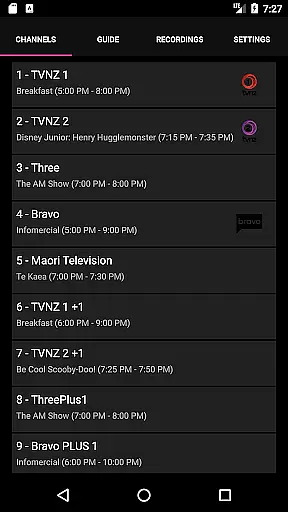
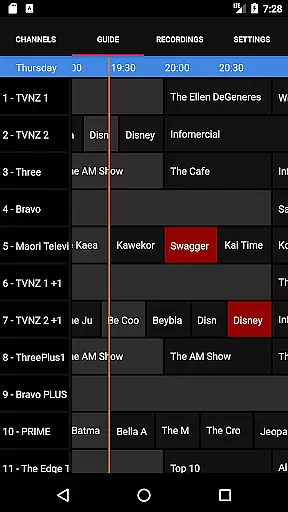
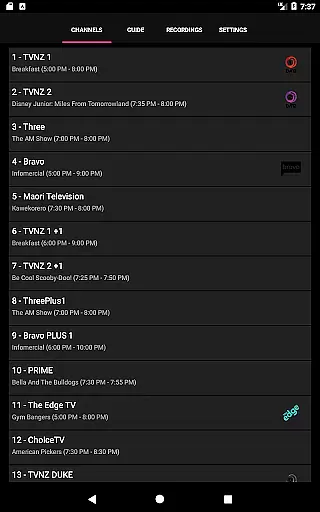
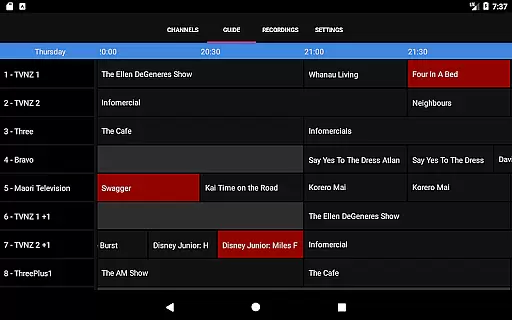
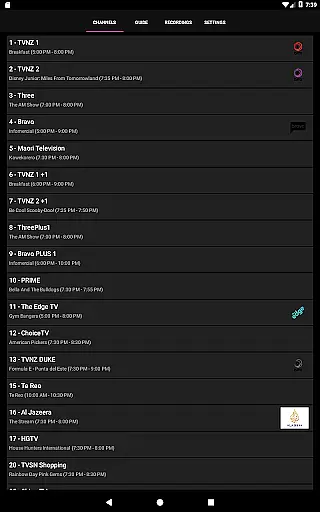
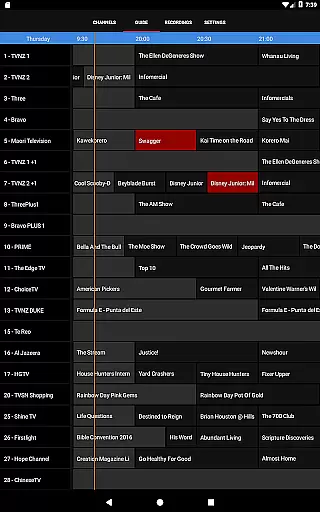
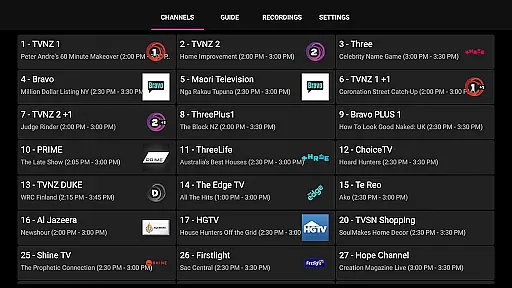
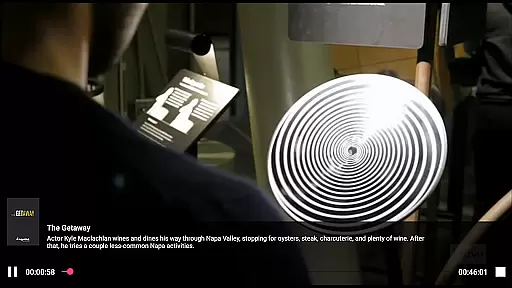
NextPVR is a versatile client application designed for users who already have the NextPVR software installed on their network. This app enables seamless interaction with your media center, allowing you to watch Live TV, explore the TV Guide, manage recording schedules, and access recorded content from anywhere in your home. With support for ATSC / DVB / Analog TV tuners and other video capture sources, it transforms your Windows PC into a powerful media hub.
The app requires NextPVR version 4.1.0 or higher to function optimally, ensuring compatibility with modern devices and features. Whether you're looking to enjoy live broadcasts or schedule recordings remotely, this app provides an intuitive interface that enhances your TV viewing experience. Its integration with the NextPVR ecosystem makes it an essential tool for managing your entertainment needs efficiently.
NextPVR offers a comprehensive set of features tailored for users seeking control over their media environment. The app allows you to stream Live TV directly to your mobile device, providing flexibility and convenience. You can browse through an interactive TV Guide, which displays current and upcoming programming, making it easy to plan your viewing schedule.
One standout feature is the ability to manage your recording schedule remotely. From the app, you can set up new recordings, modify existing ones, or cancel them as needed. Additionally, recorded content is readily accessible, letting you watch your favorite shows at your convenience. The app also supports integration with various TV tuners and video capture devices, ensuring broad compatibility and high-quality playback.
For troubleshooting or additional customization, users can seek help from the active community forums. These resources provide valuable insights and tips for optimizing your NextPVR setup, ensuring you get the most out of your media center experience.
NextPVR offers extensive video format compatibility, ensuring users can enjoy a wide range of media content without worrying about format restrictions.
The app supports popular formats such as MP4, AVI, MKV, and more, allowing seamless playback of videos recorded from ATSC/DVB/Analog TV tuners or other capture sources.
This flexibility enables users to watch live TV, view recordings, and manage their media library with ease, regardless of the original video format.
By supporting multiple formats, NextPVR ensures that users can focus on enjoying their content rather than dealing with technical limitations.
While primarily a media player, NextPVR incorporates AI-powered editing features that enhance the user experience when managing recordings.
These features include smart trimming, which uses AI algorithms to detect and remove unwanted segments from recordings automatically.
Additionally, the app provides intuitive tools for organizing and tagging content, making it easier to search and retrieve specific videos.
By integrating these advanced editing capabilities, NextPVR not only simplifies video management but also empowers users to customize their viewing experience efficiently.
User-friendly interface
Comprehensive TV guide
Remote recording management
Active community support
Flexible streaming options
Requires NextPVR setup
Limited to Windows PCs
No standalone functionality
Dependent on network stability
Premium features may cost extra

The smartest M3U IPTV Player your playlists have ever seen.
 4.1
4.1
HD video & music player - All format support with floating & PIP mode!
3.80
Photo and Music Video Creator into Stunning Videos—Effortlessly
4.40
Explore the largest library of free GIFs, Stickers & Memes - or create your own!
3.90
Download videos easily & play them all in one smart, powerful video manager.
3.40
Powerful Video Editor & Photo Editing App —— Quick Edits & Stunning Effects!
4.30
Web Browser for LG TV to stream webvideos, online movies and livestreams in HD
4.20
AI Video Editor with Music, Filter, Slideshow, Effect, Merge & Trim Video.
4.80
Video&Drama Player All Format is a HD video player, music player
3.00
Download videos and play them offline
4.70
Create photo video with music & template. AI video maker for stunning slideshow.
4.60
Add date and time watermark to photos and videos
4.50
Viddo: Generate Action Figure, AI Anime, AI kiss, AI hug Video from image & text
4.40
KMPlayer Plus (Divx Codec) officially support Divx codec.
4.30
Powerful video player with advanced hardware acceleration and subtitle supports
4.20
Cast to Smart TV, Fire TV. Cast video, photo - Fast & Stable!
3.90
Kodi media center, a free and open source cross-platform entertainment hub
3.60
You can play SWF format file!
2.50
Play and download HD videos from all sources — fast, simple, and all-in-one.
4.5


User Reviews