
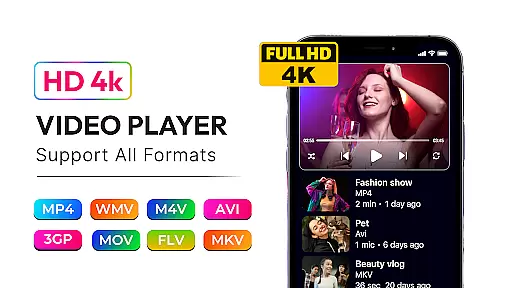
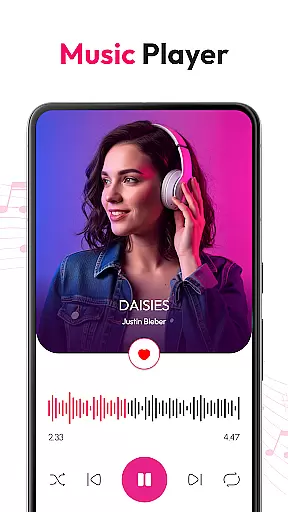
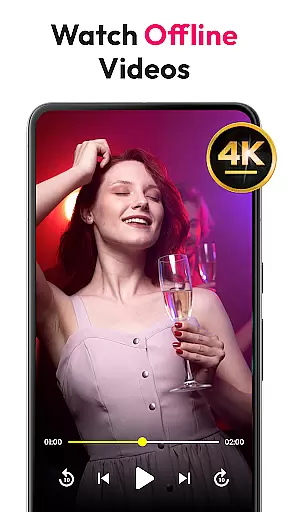
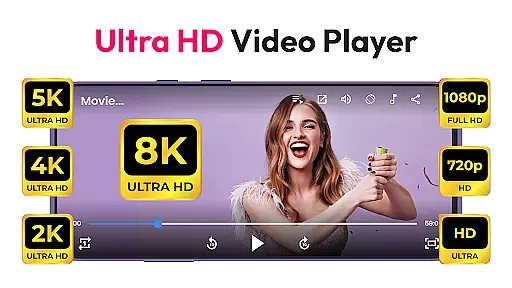
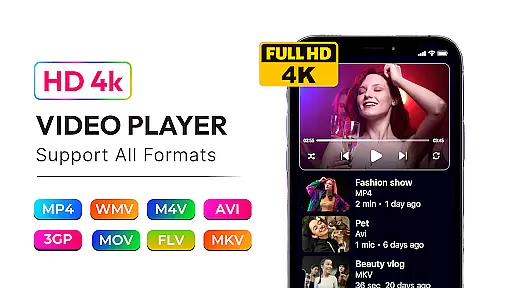
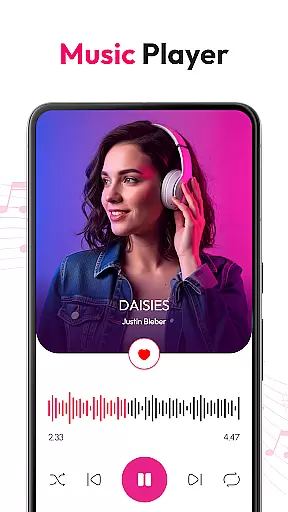
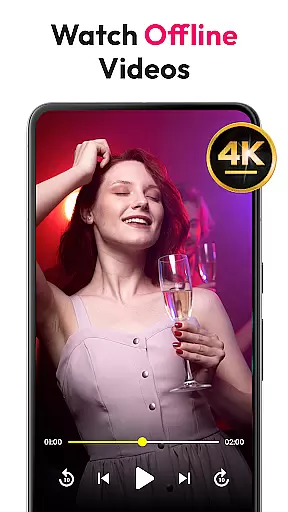
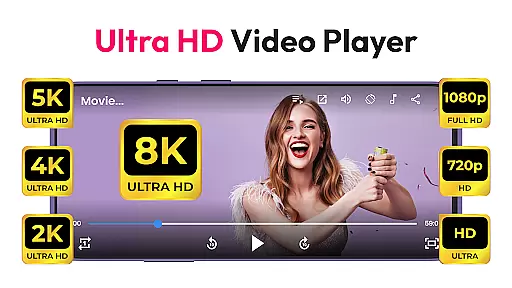
HD Video & Music Player is a versatile media player for Android that supports all video and audio formats. Whether you're watching 4K, Ultra HD, or Full HD videos, this app delivers smooth playback with advanced controls. It also functions as an mp4 player, mp3 player, and offline video player, making it the perfect choice for managing all your media needs on Android devices.
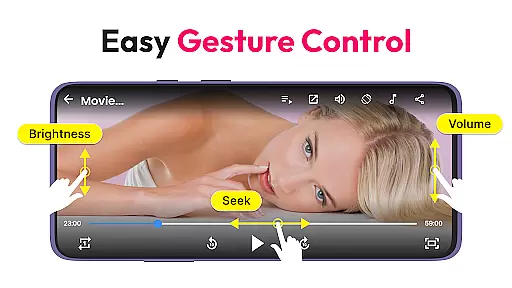
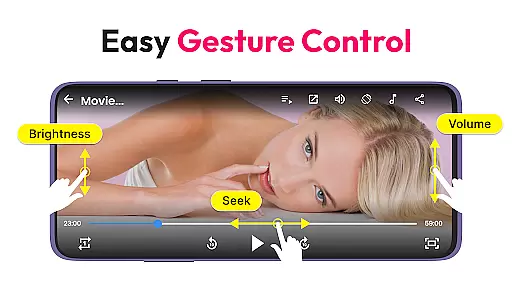
This app stands out with its Picture-in-Picture mode, auto-rotate feature, and built-in file manager. You can easily organize and manage media files, create playlists, and browse content by various categories. With support for gesture controls and a powerful equalizer, users can enjoy a seamless entertainment experience tailored to their preferences.
Whether commuting or relaxing at home, HD Video & Music Player ensures high-quality playback for both movies and music. Its elegant design and rich features make it an ideal choice for those seeking a comprehensive media player that combines functionality with convenience.
HD Video & Music Player offers an impressive range of features that cater to diverse media needs. The app supports all major video formats including MP4, AVI, MKV, and more, while delivering smooth 4K and Full HD playback. Advanced functionalities like Picture-in-Picture mode, auto-rotate, and screen lock enhance the viewing experience significantly.
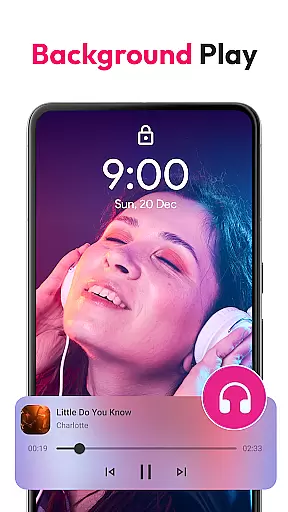
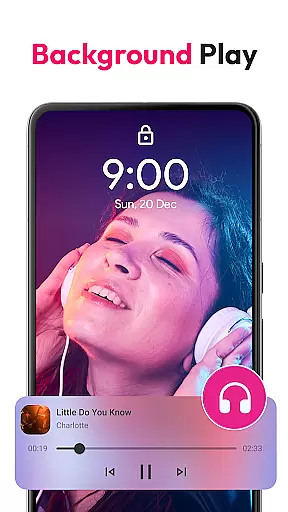
As a music player, it supports formats like MP3, WAV, FLAC, and AAC, providing users with a powerful equalizer, bass boost, and reverb options. Users can create custom playlists, browse songs by album or artist, and control playback from the lock screen. Gesture controls for volume and brightness adjustment further improve accessibility.
The app's built-in file manager allows easy organization of media files stored on internal memory or SD cards. With its sleek design and multitasking capabilities, HD Video & Music Player is a top choice for anyone looking for a reliable and feature-rich media player on Android.
Video format compatibility is a critical feature for any media player, ensuring that users can enjoy content in various formats without technical limitations. HD Video & Music Player excels in this area by supporting an extensive range of video formats including MP4, AVI, MKV, 3GP, FLV, MOV, WMV, and TS. This versatility allows users to play virtually any video file they encounter, eliminating the frustration of format incompatibility.
The app's advanced decoding capabilities ensure smooth playback of high-resolution videos such as 4K, Ultra HD, and Full HD content. Whether you're watching professional film productions or personal recordings, the player maintains exceptional visual quality and audio synchronization. The inclusion of floating player mode and Picture-in-Picture (PIP) functionality further enhances the viewing experience across different usage scenarios.
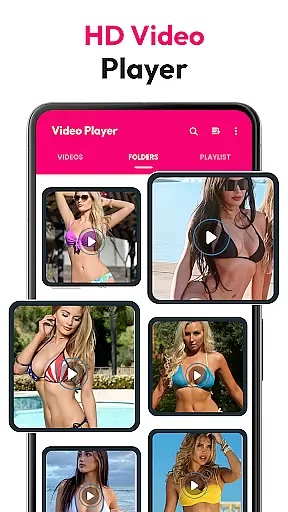
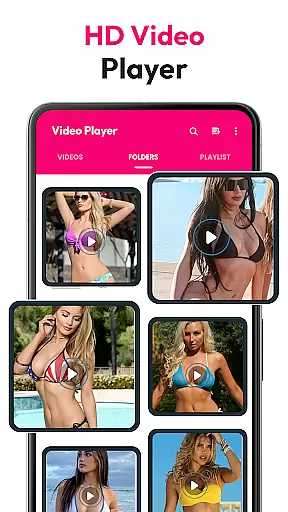
For users who work with diverse video sources, the automatic file scanning feature from both internal storage and SD cards streamlines media management. The built-in file manager helps organize video collections efficiently, while gesture controls for volume, brightness, and seeking provide intuitive navigation during playback sessions. These comprehensive format support features make HD Video & Music Player an indispensable tool for anyone seeking a versatile video playback solution.
While primarily known for its playback capabilities, HD Video & Music Player also incorporates AI-powered editing features that enhance the overall media experience. The application utilizes intelligent algorithms to optimize video playback settings automatically, adjusting parameters such as aspect ratio, screen orientation, and display preferences based on content type and user behavior patterns.
The integrated smart search function demonstrates the app's artificial intelligence capabilities by enabling users to quickly locate specific video content through keyword filtering and metadata analysis. This feature saves time when managing large media libraries and ensures that users can easily access their desired content. Additionally, the AI-driven playlist management system suggests optimal video arrangements based on viewing habits and preferences.
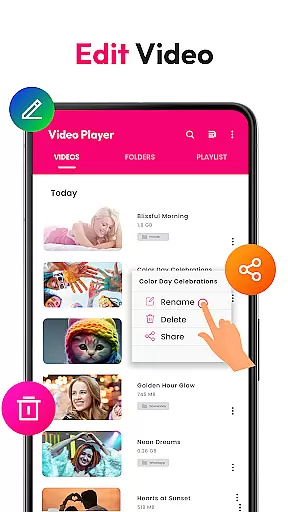
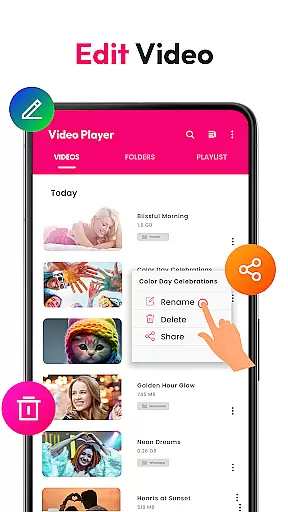
Although not a traditional video editor, the application offers practical tools such as automatic video organization and format conversion recommendations, powered by machine learning algorithms. These features help users maintain an efficient media library while ensuring optimal playback performance. The combination of traditional playback functions with modern AI enhancements creates a comprehensive media solution that adapts to users' evolving needs.
User-friendly interface
Supports all formats
Advanced equalizer
Picture-in-Picture mode
Offline playback
Occasional bugs
Ads in free version
Large app size
Limited customization
High system requirements

Save photos and videos from social apps in one tap.
 3.60
3.60
Photo and Music Video Creator into Stunning Videos—Effortlessly
4.40
Pro video editor app for Instagram, edit video with song, AI, effect & slowmo.
4.80
IPTV Player - Watch live TV from m3m & m3u8 playlist, stream IPTV on mobile
3.30
Mix with Virtual DJ directly from your phone or tablet !
3.10
Browser for Sony TV to stream web videos, online movies and live tv
3.20
LumaFusion: The Ultimate Storytelling Experience for Video Editing
4.10
Browser for Fire TV to stream webvideos, online movies, livestreams in HD
4.40
Create, Publish & Maximize
4.70
HD Video player all format, HD Videos, Cast & Subtitle. No annoying ads.
4.60
Search & download videos from net with all video downloader, auto-detect & safe.
4.60
Add date and time watermark to photos and videos
4.50
Viddo: Generate Action Figure, AI Anime, AI kiss, AI hug Video from image & text
4.40
KMPlayer Plus (Divx Codec) officially support Divx codec.
4.30
Powerful Video Editor & Photo Editing App —— Quick Edits & Stunning Effects!
4.30
This app was created to edit the metadata of music files.
4.20
IPTV-Smarters Player Pro M3U - Watch Live Stream TV Channels with Chromecast
4.00
Explore the largest library of free GIFs, Stickers & Memes - or create your own!
3.90
Video player with powerful streaming playback and various convenient features.
2.10


User Reviews