
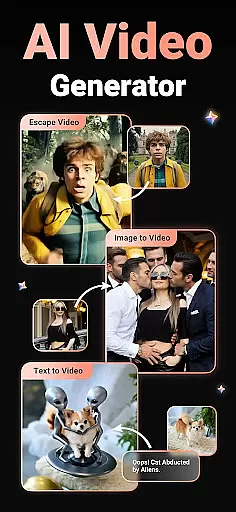
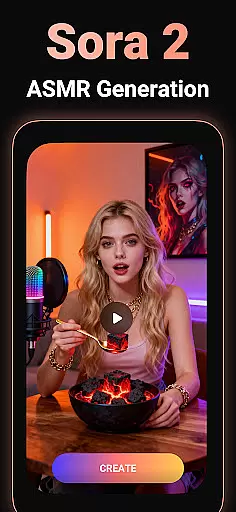
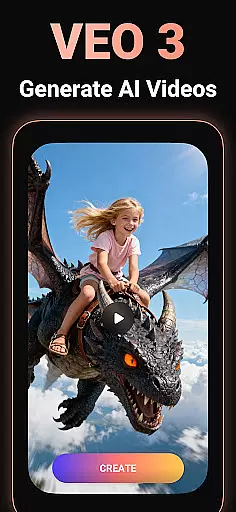
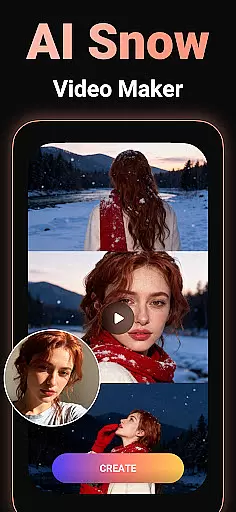
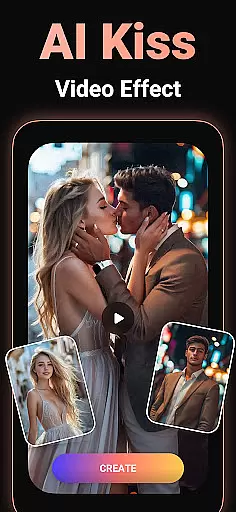

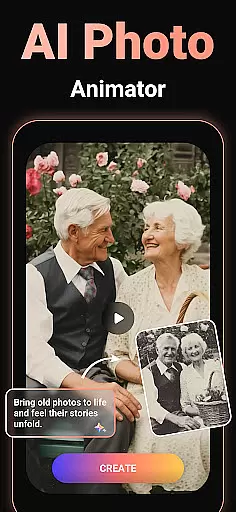
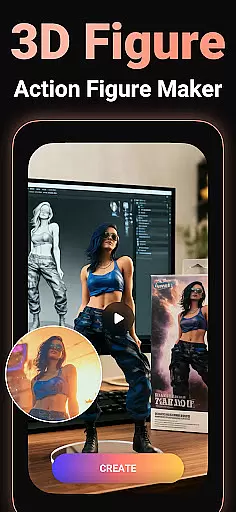
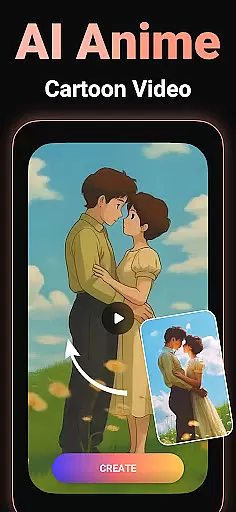
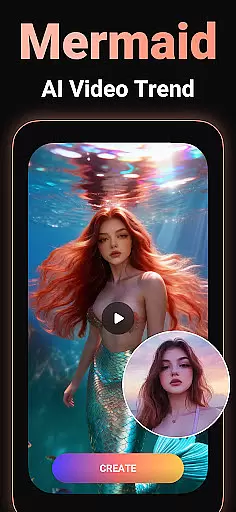
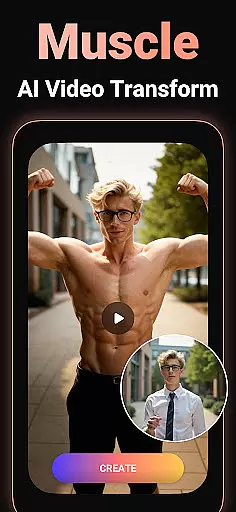
Viddo - AI Video Generator is a revolutionary video creation tool that leverages advanced AI technology to transform images, text, and simple prompts into stunning, high-quality videos. With features like Image-to-Video conversion, Text-to-Video generation, and unique AI effects such as Action Figure transformations, AI Hugs, Kisses, Anime styles, and more, the app opens up endless creative possibilities for users.
Designed for both casual creators and professional content makers, Viddo stands out with its user-friendly interface and powerful Pixverse AI technology. Whether you're looking to make your photos dance, turn yourself into an anime character, or create viral social media content, this app delivers fast, easy, and fun results every time.
The application is perfect for crafting personalized videos for special occasions, enhancing storytelling projects, or simply experimenting with imaginative concepts. By combining cutting-edge AI tools with intuitive design, Viddo empowers users to bring their wildest ideas to life while maintaining exceptional quality and realism in each output.
Viddo offers a comprehensive suite of innovative features designed to push the boundaries of AI-powered video creation. One standout capability is its Image-to-Video generator, which allows users to upload static images and convert them into dynamic animations using customizable prompts. This feature rivals even industry leaders like Pixverse AI Video Generator by producing ultra-realistic motion effects such as dancing figures, miniature worlds, and animated transformations.
Another key highlight is the Text-to-Video creator, enabling users to input scripts and instantly generate engaging video content tailored for platforms like Instagram, TikTok, and YouTube. The AI Keyframe Video Generator further enhances creativity by allowing seamless transitions between frames—perfect for morphing objects or characters into entirely new forms.
Beyond these core functionalities, Viddo includes trending AI effects such as AI Anime style rendering, AI Dance simulations, virtual hugs and kisses, and much more. These tools not only cater to current social media trends but also inspire entirely new forms of expression. Each effect is optimized for speed and ease of use, ensuring that even beginners can achieve impressive results without any technical expertise.
Video format compatibility is a crucial feature for any video player and editor, ensuring that users can work with a wide range of video files without conversion issues. Viddo - AI Video Generator supports an extensive array of formats, allowing creators to upload and edit videos in their preferred specifications.
The application leverages advanced technology to handle various codecs and containers, making it versatile for different user needs. Whether you're working with high-definition footage or older video files, Viddo ensures smooth processing and playback.
For content creators, this means less time worrying about technical limitations and more freedom to focus on the creative aspects of video production. The app's broad format support empowers users to produce professional-quality videos that are ready for any platform or device.
By removing barriers related to video format restrictions, Viddo - AI Video Generator enables seamless content creation and sharing across multiple channels. This flexibility enhances productivity and expands creative possibilities for both amateur and professional videographers.
AI-powered editing features represent the cutting-edge of video editing technology, enabling users to create sophisticated visual effects with minimal effort. Viddo - AI Video Generator incorporates these intelligent tools to simplify complex editing tasks, such as transforming images into lifelike animations and generating viral video effects like AI Hug and AI Kiss.
These AI-driven capabilities allow even novice editors to produce high-quality content that rivals professional productions. By simply uploading photos or inputting text, users can leverage Viddo's advanced algorithms to craft engaging narratives and eye-catching visuals that captivate audiences.
In addition to automating tedious processes, Viddo's AI technology enhances creativity by offering unique features such as Action Figure transformations and Anime-style conversions. These innovative options enable storytellers to explore new artistic directions while maintaining complete control over their projects.
With its intuitive interface and powerful AI functions, Viddo - AI Video Generator democratizes video production, making it accessible to everyone from social media enthusiasts to professional content creators. This technological advancement significantly reduces editing time while elevating the overall quality of user-generated content.
User-friendly interface
Advanced AI capabilities
Versatile content creation
High-quality outputs
Trending effects library
Limited free features
Subscription costs
Occasional bugs
Learning curve
Export limitations

You can play SWF format file!
 2.50
2.50
Video Trimmer, Video to MP3 Converter. Extract music from video, Easy & Fast.
4.80
Snaptubè Video Downloader app allows to download videos and music in Snaptube. .
4.60
High-Quality USB Camera Viewer & HDMI Display
4.70
Add date and time watermark to photos and videos
4.50
All in one multi protocols stream receiver for AirPlay, Cast and DLNA.
3.60
Fast & Private HD Video Downloader with Built-in Proxy Browser and Video Player.
4.50
Enjoy your favorite videos and channels with the official YouTube app.
3.90
Capture the moment and Cut
3.40
Video Player - Unlimited features, 30 days money back guarantee.
4.60
Auto video maker with music & exclusive filters. Video editing made simple.
4.50
Fast, private downloading, video saving, social media
4.50
Create & edit videos with AI
4.30
Turn your phone into a wireless camera!
4.20
Online Videos Player
3.90
Live TV, anywhere in your home
3.80
Manage your IPTV live channels and VOD playlists (no playlist included)
3.80
Kodi media center, a free and open source cross-platform entertainment hub
3.60
The smartest M3U IPTV Player your playlists have ever seen.
4.5


User Reviews