

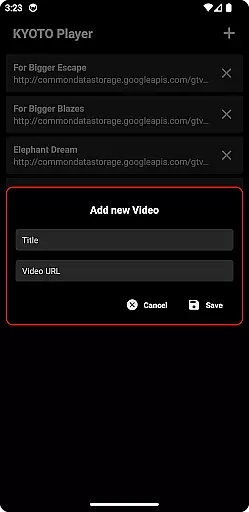


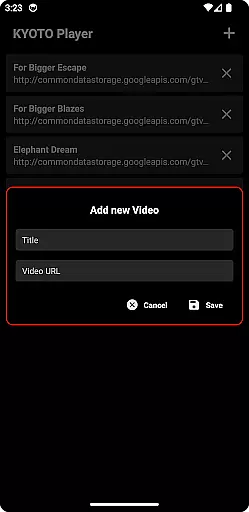


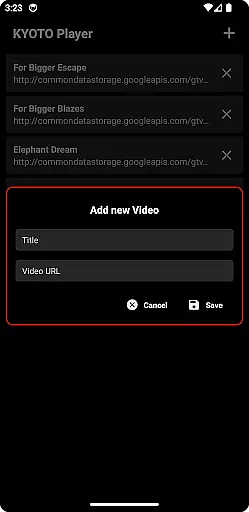

KYOTO Player is a versatile video player app designed for seamless playback of various online video formats. Supporting an extensive range of file types including MP4, HLS, DASH, and more, it ensures smooth streaming and playback without interruptions.
The application's intuitive interface allows users to easily navigate through their media library while enjoying high-quality video performance. Whether you're watching casual videos or managing a large collection of multimedia files, KYOTO Player provides a reliable solution for all your video playback needs.
One of the standout features of KYOTO Player is its wide format compatibility, accommodating over ten different video and audio formats. This includes popular standards like MP4 and WebM as well as specialized formats such as MPEG-TS and FLV.
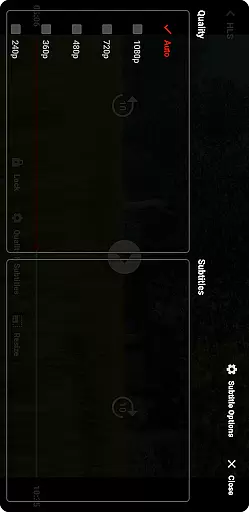
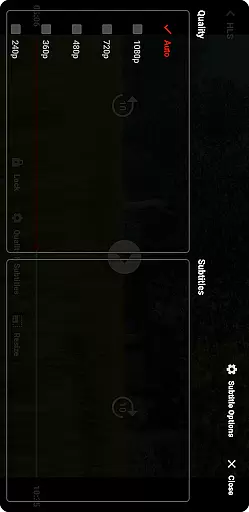
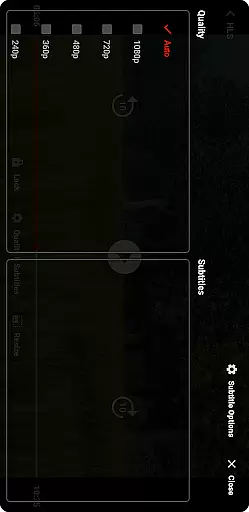
In addition to its robust format support, the app offers advanced playback controls, customizable viewing options, and a streamlined user interface that makes managing your media library effortless. These features collectively enhance the overall viewing experience, making it ideal for both casual viewers and tech-savvy users alike.
Video format compatibility is a crucial feature for any video player application, ensuring users can enjoy content in various formats without technical barriers. KYOTO Player excels in this area by supporting an extensive range of video and audio formats including MP4, HLS, DASH, MP3, WebM, MKV, OGG, WAV, MPEG-TS, MPEG-PS, FLV, and more.
The inclusion of such a wide array of supported formats means that users are not limited to specific file types or sources. Whether streaming online videos or playing locally stored files, KYOTO Player handles them all with ease. This versatility ensures that users can watch their favorite content from different platforms without worrying about format restrictions.
By offering comprehensive format support, KYOTO Player enhances user experience significantly. Users benefit from uninterrupted playback and the ability to access diverse multimedia libraries effortlessly. The peace of mind that comes with knowing any file will likely play smoothly makes this app a reliable choice for video enthusiasts.
AI-powered editing features represent the cutting-edge advancement in video player applications, providing users with intelligent tools to enhance their viewing experience. While KYOTO Player primarily focuses on delivering seamless playback across multiple formats, it also integrates smart functionalities that simplify video management and customization tasks.
These AI-driven capabilities may include automatic metadata tagging, scene detection, and smart trimming options. Such features allow users to organize their media library efficiently and make precise edits without requiring professional editing skills. By leveraging artificial intelligence, KYOTO Player streamlines these processes, saving users time and effort while maintaining high-quality results.
The integration of AI-powered editing tools adds significant value for users seeking both convenience and advanced functionality in a video player. With KYOTO Player, managing and enhancing your video collection becomes an intuitive process, empowering users to create polished presentations or simply enjoy optimized playback tailored to their preferences.
User-friendly interface
Wide format support
Smooth playback performance
Customizable viewing options
Advanced playback controls
Limited advanced editing tools
No built-in cloud storage
Occasional codec issues
Basic audio enhancement features
Ads in free version

Your media, on your terms.
 4.10
4.10
Photo and Music Video Creator into Stunning Videos—Effortlessly
4.40
Create photo video with music & template. AI video maker for stunning slideshow.
4.60
Browser for Sony TV to stream web videos, online movies and live tv
3.20
Cast movies, tv shows and live streams to Chromecast, Roku, DLNA, Fire TV & more
4.60
Fast private browser with secure, seamless access & supported video downloads!
4.00
Video player with 4K & 1080P support, popup play, background play and subtitle.
4.20
Video&Drama Player All Format is a HD video player, music player
3.00
convenient, safe and fast at Video Downloader & Player
4.60
Video Trimmer, Video to MP3 Converter. Extract music from video, Easy & Fast.
4.80
Download videos and play them offline
4.70
Screen recorder with audio to take live videos & Screenshot in high quality!
4.70
Seamlessly connect and control your smart devices, anytime, anywhere with ease.
4.60
Browser + Remote for Roku to stream webvideos, online movies and livestreams
4.60
Full HD Video mp3 Player, MP4 player play 1080p, File manager, Video Downloader
4.40
Create & edit videos with AI
4.30
Connect 2 UVC devices for recording and broadcast video/audio stream
3.90
HD video & music player - All format support with floating & PIP mode!
3.80
Capture images & record videos for USB Camera, Webcam, Microscopes, Endoscopes
3.80


User Reviews