
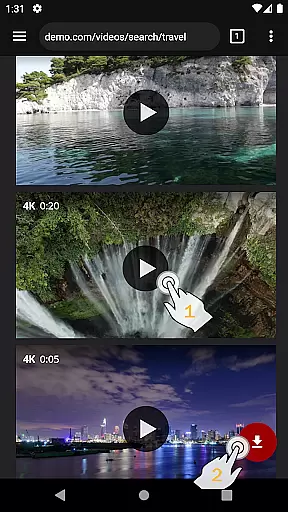
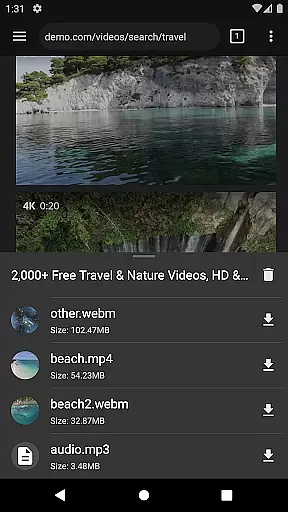
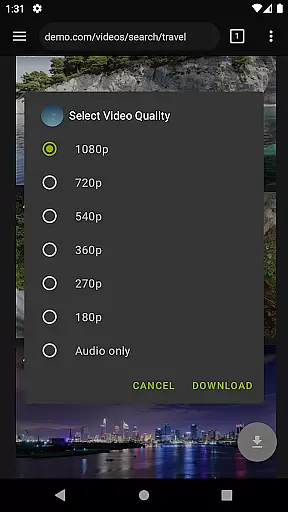
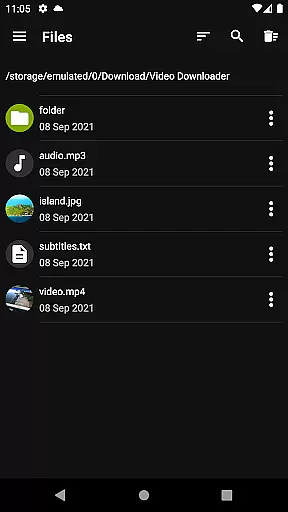
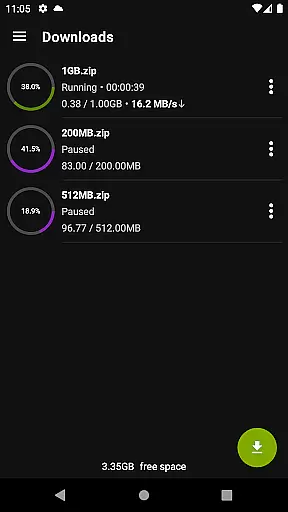

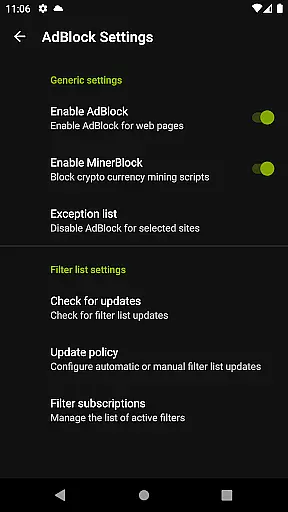
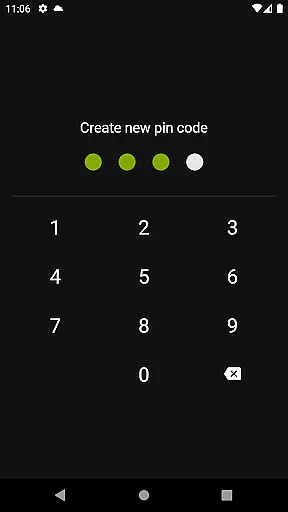
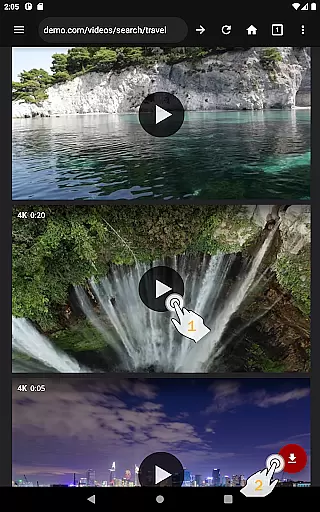
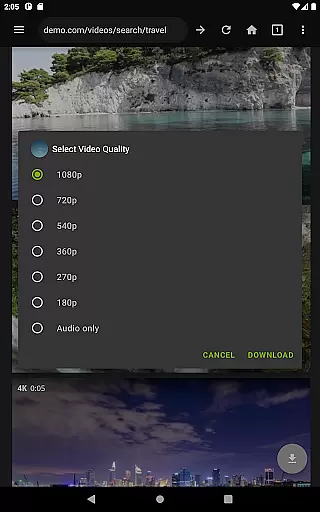
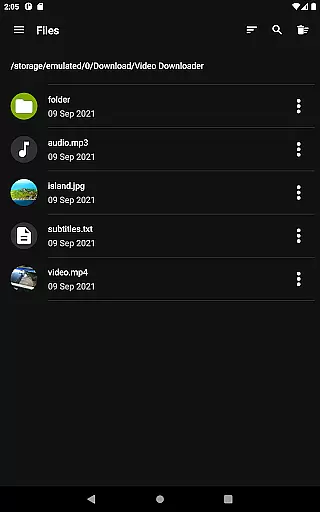
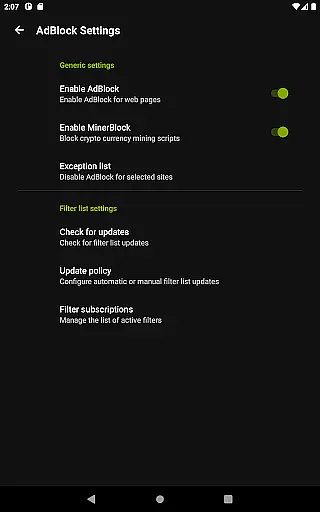
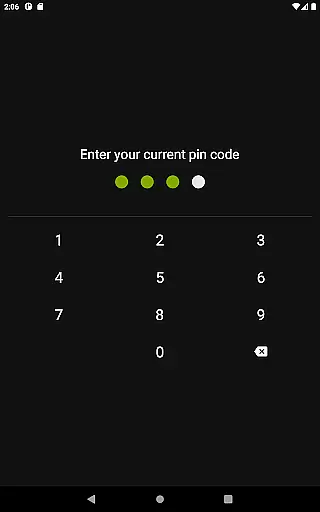
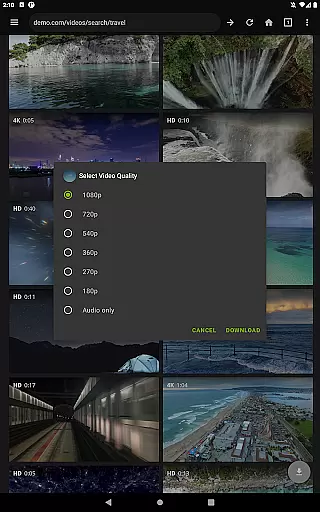
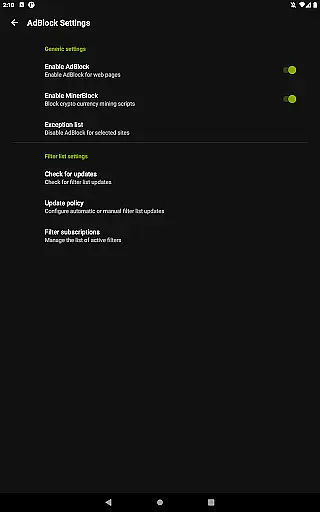
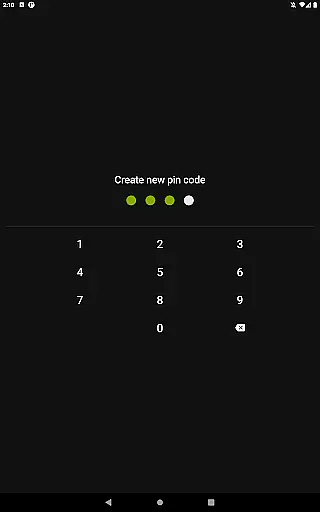
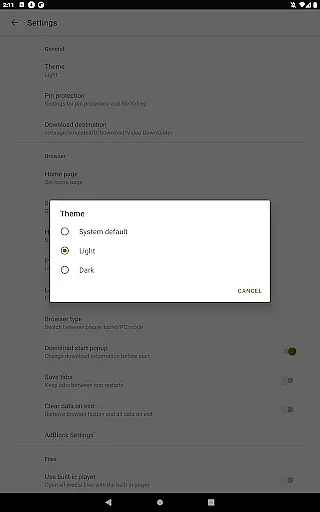
Video Downloader Pro is a premium application designed for users who need an efficient solution to download and manage video content across multiple platforms. The app offers advanced functionality that goes beyond basic downloading, including the ability to save live video streams for offline viewing. With its private web browser featuring incognito mode and PIN protection, users can browse securely while enjoying an uninterrupted, ad-free experience thanks to the built-in AdBlocker.
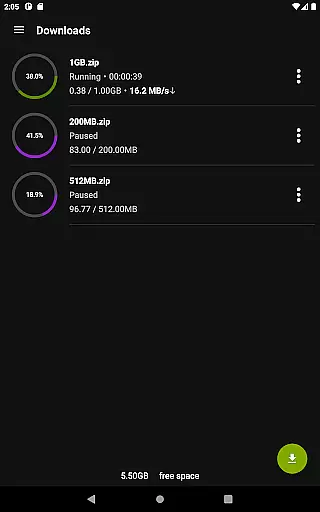
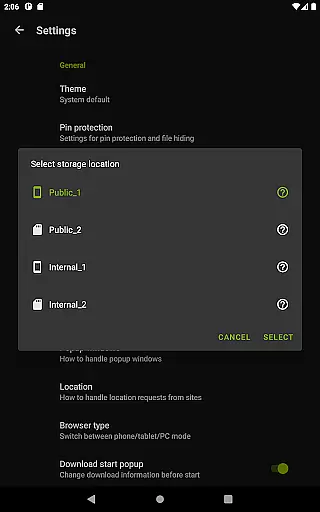
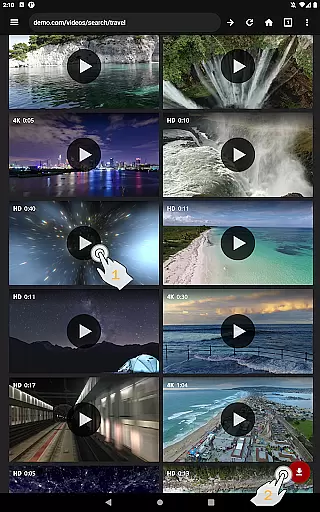
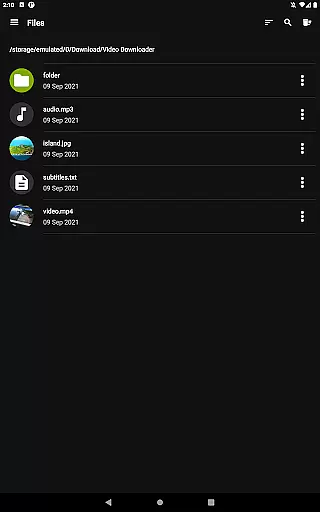
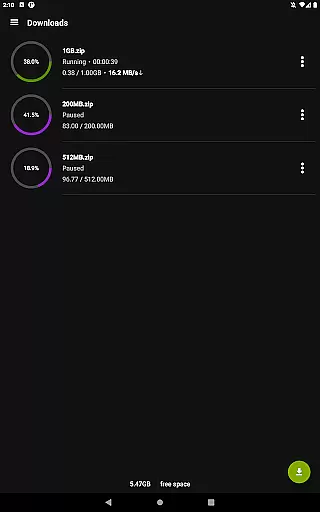
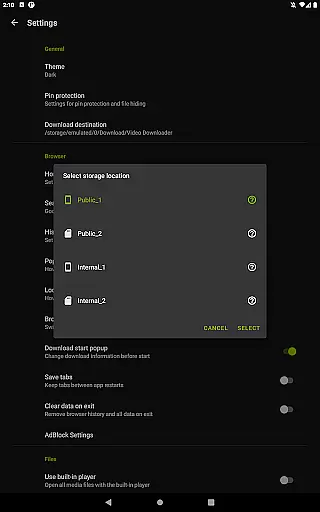
In addition to downloading capabilities, the app provides practical features such as multi-connection acceleration, support for multiple SD cards, and the option to bookmark favorite pages. Its user-friendly interface ensures seamless navigation, making it easy to select video quality, initiate downloads, and manage files. Whether you're looking to download large files or handle simultaneous downloads, Video Downloader Pro delivers reliable performance tailored to meet diverse user needs.
One of the standout aspects of Video Downloader Pro is its comprehensive suite of tools designed to enhance the downloading experience. The app supports both static video files and live streams, allowing users to watch content offline at their convenience. Its multi-connection download manager significantly boosts download speeds, while the full-featured AdBlocker lets users customize filter lists to block unwanted ads during browsing sessions.
For added convenience, the app includes practical utilities like background file downloads, pause/resume functionality, and support for files larger than 4GB. Users also benefit from priority customer support, ensuring prompt responses to inquiries. With additional perks such as a 48-hour money-back guarantee and lifetime access across multiple devices under one Google account, Video Downloader Pro positions itself as a versatile tool for managing digital media efficiently.
Video Downloader Pro offers extensive video format compatibility, ensuring users can download and play videos in various formats without any hassle. This feature is crucial for a seamless user experience as it eliminates the need for additional conversion software.
The application supports all popular video formats including MP4, AVI, MKV, and more. Whether you're downloading from mainstream platforms or niche websites, the app automatically detects and processes the video format, providing optimal playback quality.
Users benefit from this comprehensive format support by enjoying unrestricted access to their downloaded content. The built-in multi-connection download manager further enhances this experience by accelerating download speeds, regardless of the file format.
This versatility in video format handling sets Video Downloader Pro apart from its competitors, making it an ideal choice for users who work with diverse video sources and require reliable performance across different file types.
While primarily a video downloader, Video Downloader Pro incorporates AI-powered editing features that add significant value to its primary function. These intelligent tools help users enhance their downloaded videos through automated processing and optimization.
The AI algorithms analyze video content and automatically adjust parameters such as brightness, contrast, and color balance to improve overall video quality. Additionally, the premium version includes advanced features like live video stream downloading, which utilizes AI to maintain stream integrity during the download process.
These smart editing capabilities save users considerable time and effort compared to manual editing. The integration of artificial intelligence ensures that even novice users can achieve professional-looking results without requiring specialized technical knowledge.
By combining robust downloading capabilities with intelligent editing features, Video Downloader Pro establishes itself as a comprehensive solution for both content acquisition and enhancement, catering to both casual users and professionals in the video editing field.
Ad-free experience
Live stream downloads
Lifetime license
Multi-device sync
Priority support
Premium price tag
Requires permissions
No free version
Limited refunds
Complex setup

A Quick and Pro Video Editor
 4.70
4.70
Powerful HD video player with support for all formats & subtitles.
4.1
Live TV, anywhere in your home
3.80
An easy-to-use and all-round screen recorder with audio
4.80
Video Downloader, Multiple Resolution Options, Video Player
4.50
Browser for Sony TV to stream web videos, online movies and live tv
3.20
#1 Torrent App on Android ** No Ads Ever + Battery Saver **
4.80
A Simple app to download Video & Music from the Internet.
4.70
Make videos you’re proud to share with Edits, a video editor for creators.
4.70
Find, download, and play torrents with the official BitTorrent® Pro app
4.70
Auto video maker with music & exclusive filters. Video editing made simple.
4.50
Photo and Music Video Creator into Stunning Videos—Effortlessly
4.40
Web Browser for LG TV to stream webvideos, online movies and livestreams in HD
4.20
Manage your IPTV live channels and VOD playlists (no playlist included)
3.80
Kodi media center, a free and open source cross-platform entertainment hub
3.60
AirMirror is Receiver for Screen Mirroring and Casting from Apple Devices.
3.60
Connect EasyCap or UVC devices for recording and broadcast video/audio stream
3.60
Mix with Virtual DJ directly from your phone or tablet !
3.10
Video player with powerful streaming playback and various convenient features.
2.10


User Reviews