
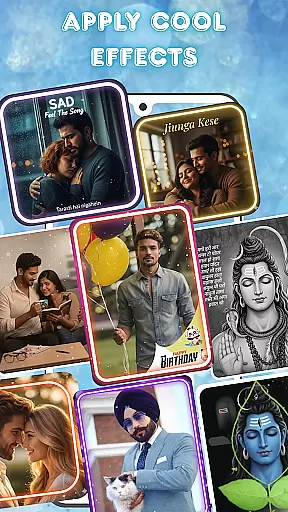
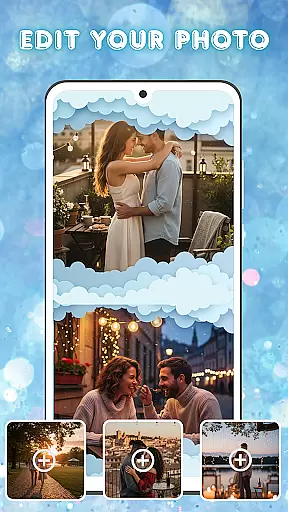
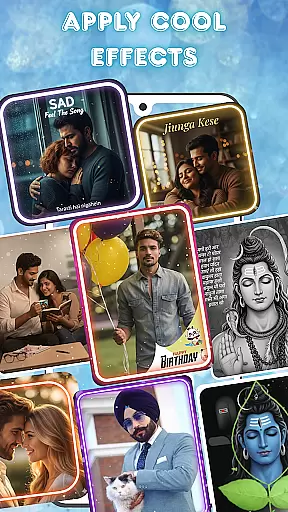
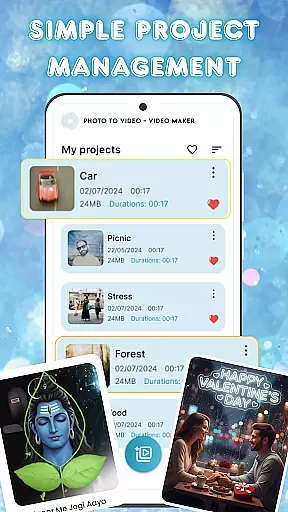
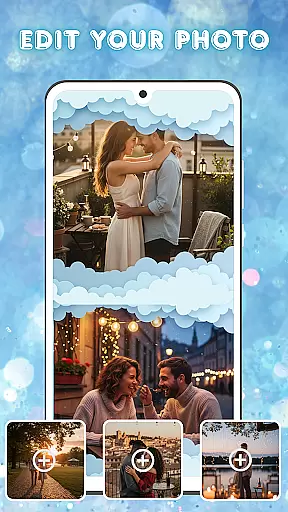
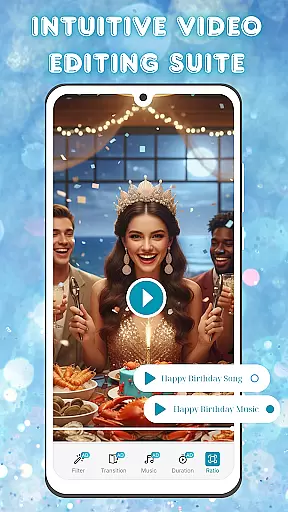
Photo and Music Video Creator is a versatile video editing tool designed to transform your photos into engaging video stories. With its user-friendly interface, the app allows anyone to create professional-quality videos effortlessly.
The app offers powerful features such as easy photo-to-video conversion, built-in photo enhancement tools, and an intuitive video editing suite. Whether you're making a heartfelt slideshow or a quick social media reel, this app provides all the necessary tools to bring your memories to life in a visually captivating way.
Perfect for both casual users and content creators, Photo and Music Video Creator helps you design polished videos with smooth transitions, stylish filters, and customizable music options. Start creating and sharing your visual stories today.
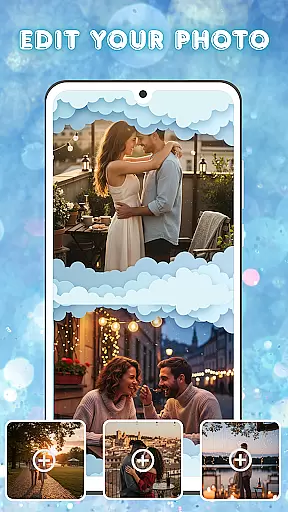
One of the standout features of Photo and Music Video Creator is its seamless photo-to-video conversion capability. Users can turn their favorite snapshots into dynamic videos within minutes, using just a few taps on their mobile device.
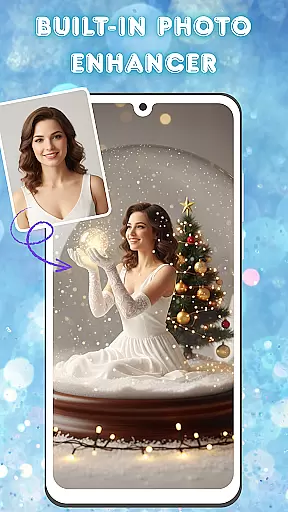
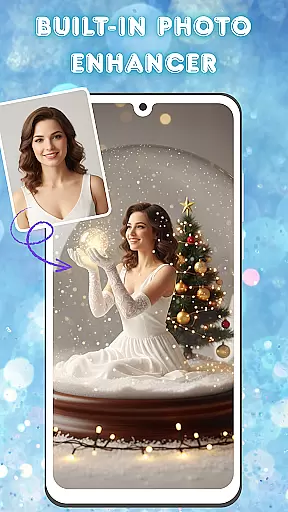
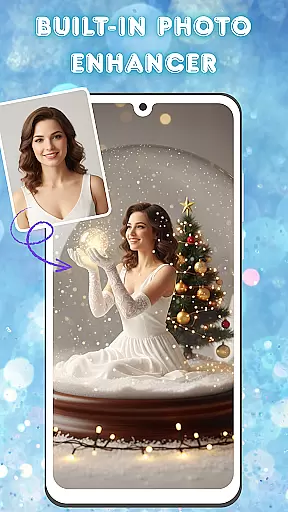
In addition to basic conversion, the app includes advanced photo editing tools. You can enhance your images by adjusting brightness, contrast, saturation, and more before incorporating them into your video projects. This ensures every frame looks its best.
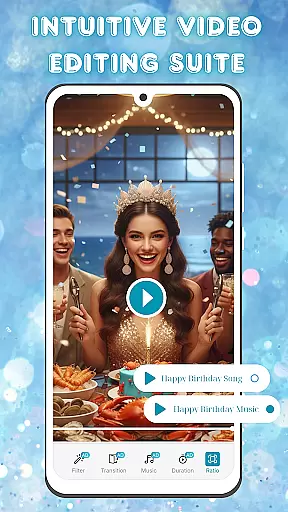
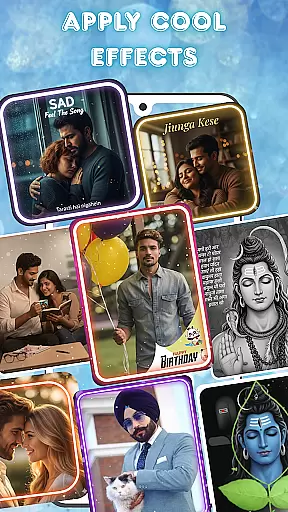
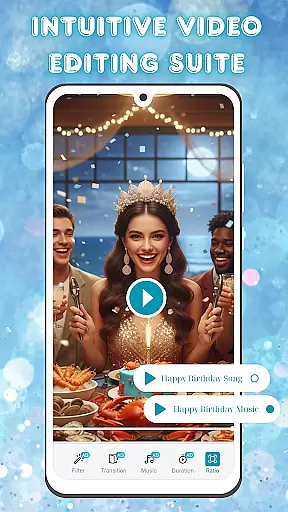
The app also boasts an intuitive video editing suite that lets you add smooth transitions, stylish filters, and background music tracks. These features enable users to produce high-quality, professional-looking videos tailored to their unique style and preferences.
Video format compatibility is a crucial feature for any video editing tool, ensuring that users can work with a wide range of file types without conversion hassles. Photo and Music Video Creator supports an extensive array of video formats, allowing creators to import and export projects in the most common and widely-used codecs.
This app ensures seamless integration with various devices and platforms by supporting MP4, AVI, MOV, and more. Whether you're pulling footage from your smartphone or DSLR, this app has you covered. The built-in format support eliminates the need for pre-conversion, saving time and preserving video quality.
Users benefit from the ability to share their creations across multiple platforms effortlessly. Be it YouTube, Instagram, or Facebook, the finished videos maintain their quality and compatibility, making distribution a breeze. This flexibility empowers creators to focus on storytelling rather than technical limitations.
AI-powered editing features revolutionize the way users interact with video editing software by automating complex tasks and offering intelligent suggestions. Photo and Music Video Creator leverages advanced AI algorithms to streamline the editing process, providing tools like automatic scene detection, smart cropping, and enhanced stabilization.
The app's AI capabilities extend to its built-in photo enhancer, which intelligently adjusts brightness, contrast, and saturation. These features ensure that every frame of your video looks polished and professional without manual tweaking. Additionally, AI-driven music synchronization helps create dynamic videos that are perfectly in tune with selected soundtracks.
By incorporating these cutting-edge technologies, Photo and Music Video Creator not only simplifies the editing process but also elevates the final output. Users can achieve sophisticated results with minimal effort, making high-quality video production accessible to everyone, regardless of skill level.
User-friendly interface
Advanced photo editing
Customizable transitions
Built-in music library
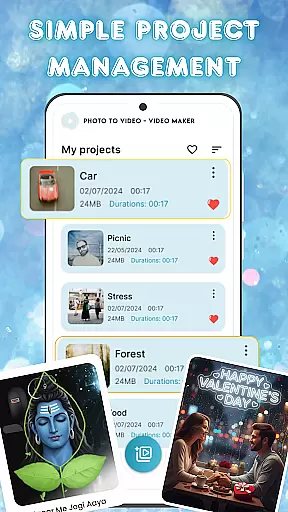
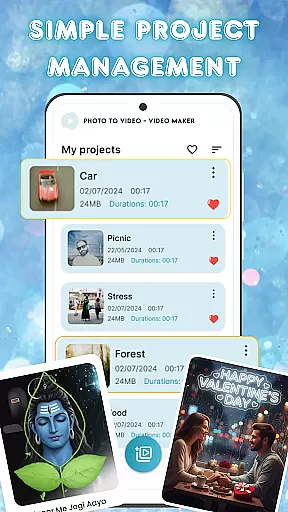
Seamless project management
Limited free features
Occasional ads
Premium subscription required
Export resolution limits
Learning curve for beginners

A full editing room to accompany your Insta360 cameras and handheld gimbals.
 3.30
3.30
Fast, private downloading, video saving, social media
4.50
You can play SWF format file!
2.50
Video Trimmer, Video to MP3 Converter. Extract music from video, Easy & Fast.
4.80
Stream high quality video from your camera over NDI protocol
4.5
Make your own Animations, Video and Photo Edits, Visual Effects, and more!
4.00
Cast movies, tv shows and live streams to Chromecast, Roku, DLNA, Fire TV & more
4.60
Download Hub, easy and private way to download and enjoy your videos offline
4.80
Enjoy your favorite videos and channels with the official YouTube app.
3.90
Download videos and play them offline
4.70
All in one HD video downloader & player for multiple formats with full privacy
4.70
Seamlessly connect and control your smart devices, anytime, anywhere with ease.
4.60
Watch a large amount of high-definition short drama content
4.60
IPTV Loader, loads your own Playlist. DOES NOT CONTAIN ANY LIST OR CHANNELS
4.60
Fast video downloader & private browser. Save HD clips to watch offline.
4.40
Video player, file manager for all formats, 4K/HD media player supports subtitle
4.30
KMPlayer Plus (Divx Codec) officially support Divx codec.
4.30
Turn your phone into a wireless camera!
4.20
Watch full episodes of your favorite Cartoon Network and Cartoonito shows!
3.50


User Reviews