
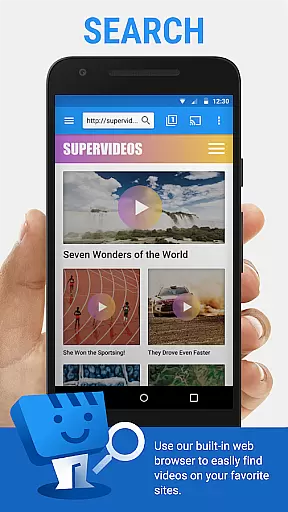
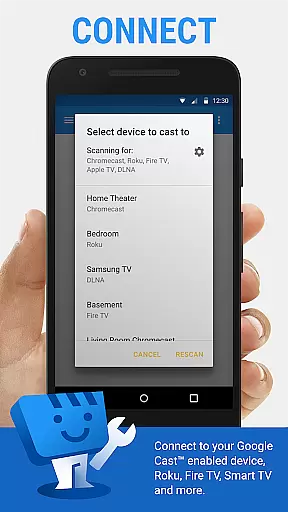
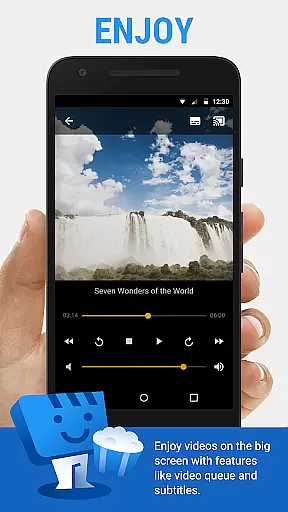
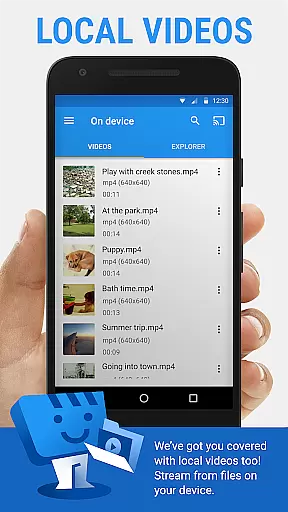
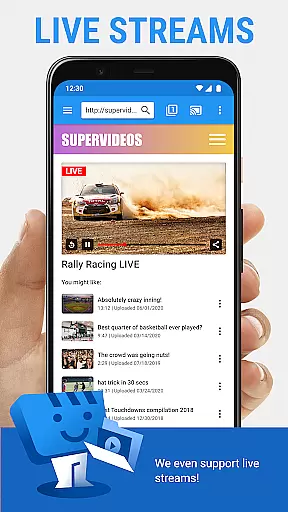
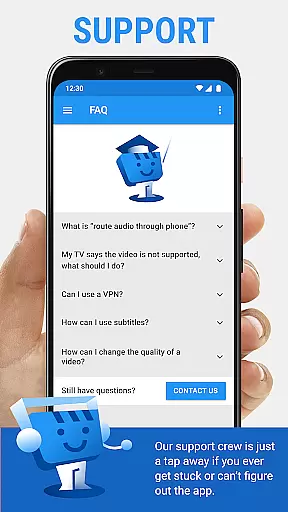
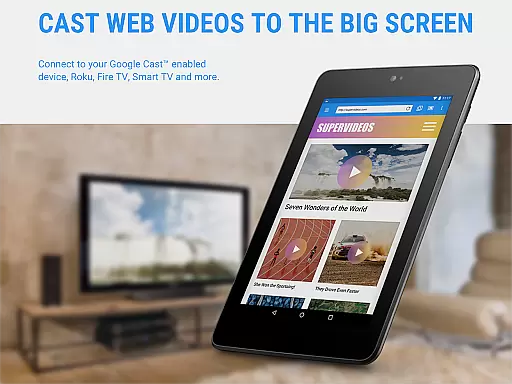
Web Video Cast is a versatile streaming application that enables users to cast videos, photos, and audio files from their mobile devices or the web directly to their TV. The app supports popular streaming devices such as Chromecast, Roku, DLNA receivers, Amazon Fire TV, and more, making it easy to enjoy content on a larger screen. With support for various media formats including MP4 videos, live news, sports, and HTML5 videos, Web Video Cast ensures compatibility with most modern TVs and streaming devices.
In addition to casting online content, the app allows users to cast local files stored on their phones, providing flexibility in media consumption. Subtitle support is available through automatic detection on web pages, user-provided subtitles, or integration with OpenSubtitles.org. Whether you're watching movies, TV shows, or live streams, Web Video Cast offers a seamless experience for enjoying your favorite content on the big screen.
Web Video Cast stands out with its comprehensive feature set tailored for diverse streaming needs. The app supports HLS live streams in M3U8 format and can cast any HTML5 video, provided the streaming device is compatible. It also includes advanced functionalities like subtitle integration, allowing users to either use detected subtitles on web pages or upload their own. This makes it an ideal choice for viewers who require multilingual or accessibility options during playback.
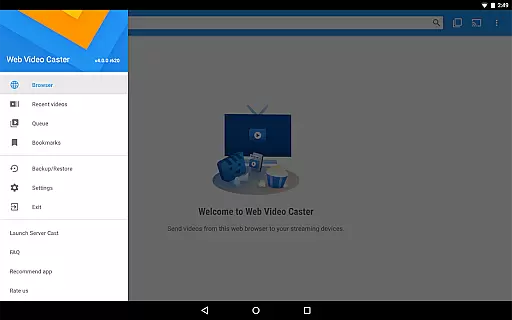
Premium features enhance the user experience further by offering benefits such as ad-free browsing, bookmarks, video history tracking, and customizable home page settings. Users can create queues of videos to watch later and even add shortcuts to their homescreen for quick access. These features, combined with broad device compatibility and support for various media types, make Web Video Cast a powerful tool for anyone looking to expand their home entertainment options.
Video format compatibility is a crucial feature for any video player, ensuring that users can enjoy content in various formats without technical barriers. Web Video Cast supports an extensive range of video formats, including MP4 and M3U8 for live streams, making it versatile for different types of media.
The application's ability to cast local videos stored on your phone, along with its support for HTML5 videos, photos, and audio files, highlights its comprehensive approach to media compatibility. This ensures that whether you're streaming from popular websites or casting personal media collections, the experience remains seamless.
For users, this means freedom and flexibility in consuming media. You are not limited by specific file types or sources; instead, you have the liberty to access content across multiple platforms and devices effortlessly. The broad format support enhances user satisfaction by catering to diverse preferences and needs.
Moreover, Web Video Cast's commitment to supporting advanced streaming protocols like HLS live streams reflects its dedication to staying current with technological advancements. By doing so, it provides a future-proof solution that adapts to evolving media consumption trends while maintaining high-quality playback standards.
AI-powered editing features represent the cutting edge of video player functionality, offering users tools that enhance their viewing and editing experiences through intelligent automation. While Web Video Cast primarily focuses on streaming capabilities, it integrates some smart functionalities that streamline media management and improve accessibility.
One notable AI-driven feature is the integrated search of OpenSubtitles.org, which automatically detects subtitles on web pages or allows users to upload their own. This simplifies the process of finding accurate translations or captions, enhancing comprehension and enjoyment for viewers who rely on them.
Additionally, premium features such as bookmarks, video history, and queue management demonstrate how intelligent design can optimize user interaction with digital content. These tools help organize viewing sessions efficiently, allowing users to pick up where they left off or plan their entertainment schedules with ease.
By incorporating these advanced features, Web Video Cast not only meets basic playback requirements but also elevates the overall user experience. It empowers individuals to customize their interactions with media according to personal preferences, setting a new standard for what modern video players should offer.
User-friendly interface
Wide device compatibility
Subtitle support
Local file casting
Premium customization options
No tab casting functionality
Limited server-side issue resolution
Premium features not universal
Permissions required for full functionality
Device-specific limitations

The smartest M3U IPTV Player your playlists have ever seen.
 4.2
4.2
Search & download videos from net with all video downloader, auto-detect & safe.
4.60
1)AirPlay/DLNA Mirroring/Streaming, up to 4 connections; 2)Samba/NAS/DMS Player.
4.00
Explore the largest library of free GIFs, Stickers & Memes - or create your own!
3.90
Seamlessly connect and control your smart devices, anytime, anywhere with ease.
4.60
GENRAL PRO - General Pro is the best video player that fully supports all formats.
4.70
All in one multi protocols stream receiver for AirPlay, Cast and DLNA.
3.60
LumaFusion: The Ultimate Storytelling Experience for Video Editing
4.10
Make videos you’re proud to share with Edits, a video editor for creators.
4.70
Download Hub, easy and private way to download and enjoy your videos offline
4.80
High-Quality USB Camera Viewer & HDMI Display
4.70
Video Player - Unlimited features, 30 days money back guarantee.
4.60
Fast & Private Video Downloader App. Save all videos easily from the Internet.
4.40
Powerful Video Editor & Photo Editing App —— Quick Edits & Stunning Effects!
4.30
Powerful, professional, versatile teleprompter. Developed by an active film crew
4.00
Cast to Smart TV, Fire TV. Cast video, photo - Fast & Stable!
3.90
Kodi media center, a free and open source cross-platform entertainment hub
3.60
Save photos and videos from social apps in one tap.
3.60
Browser for Sony TV to stream web videos, online movies and live tv
3.20


User Reviews