
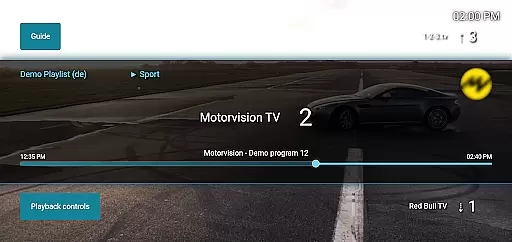
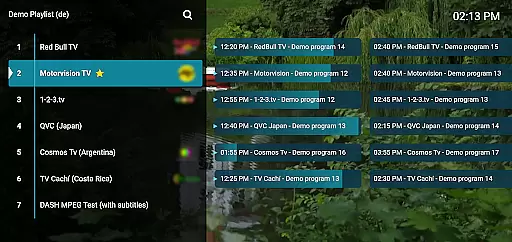
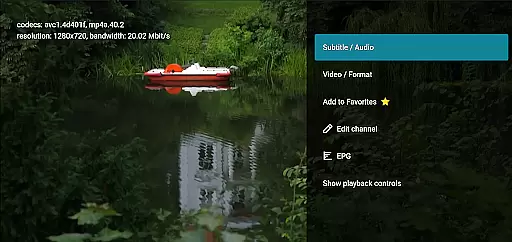
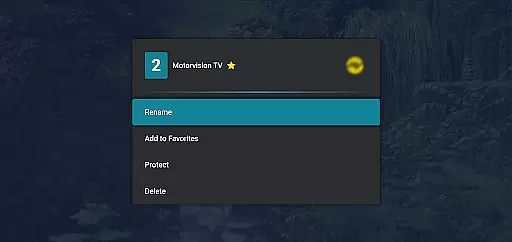
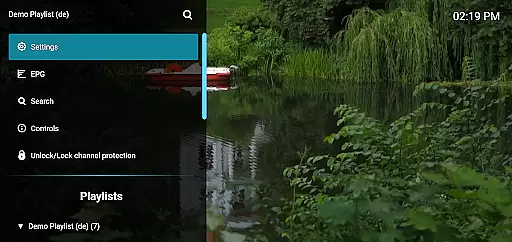
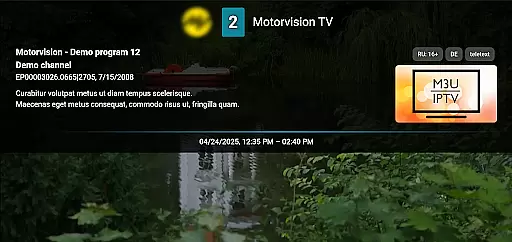
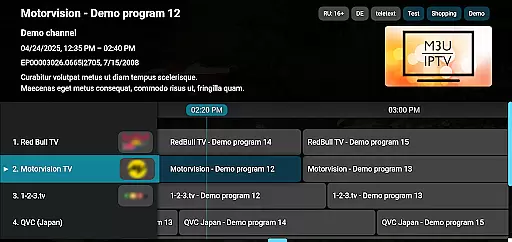
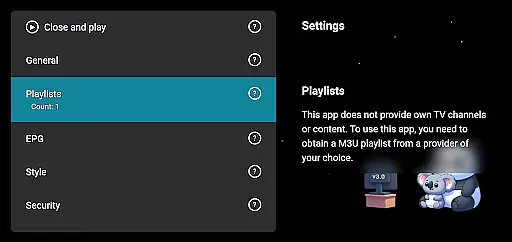
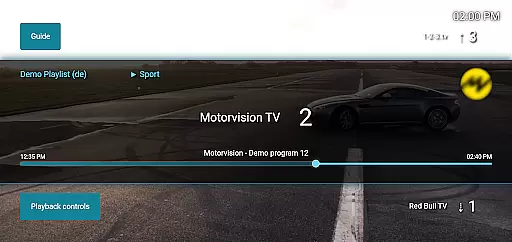
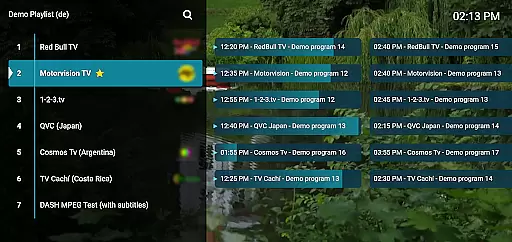
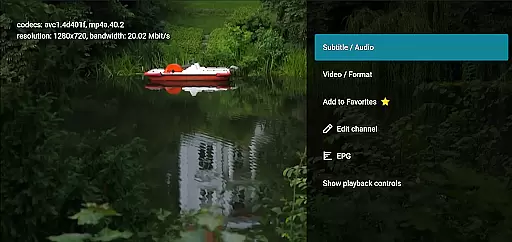
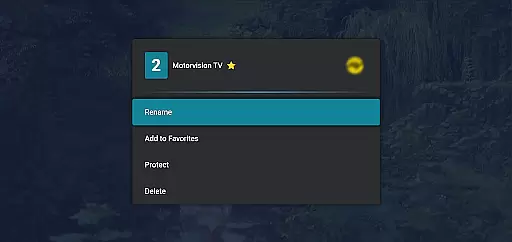
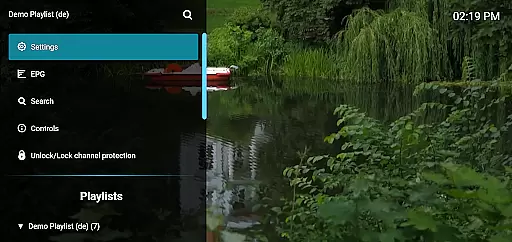
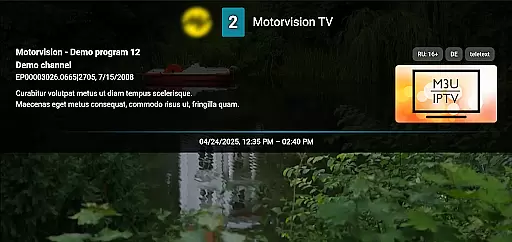
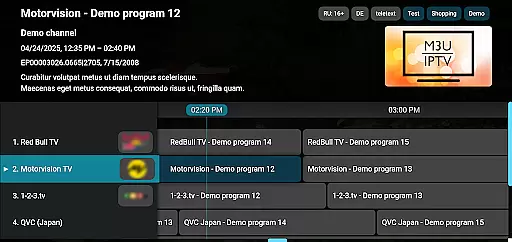
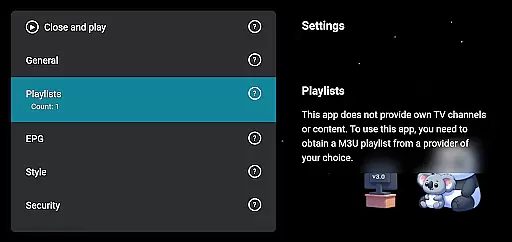
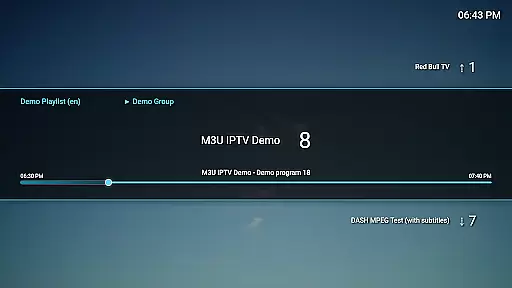
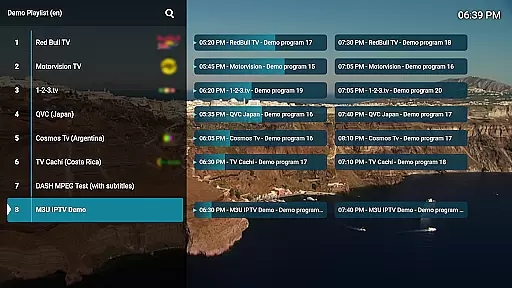
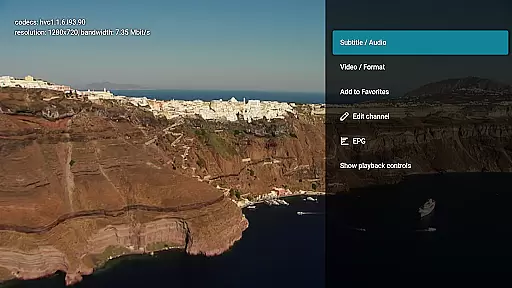
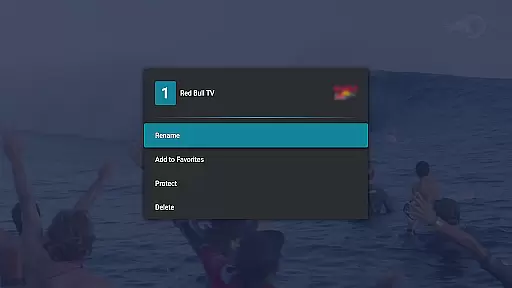
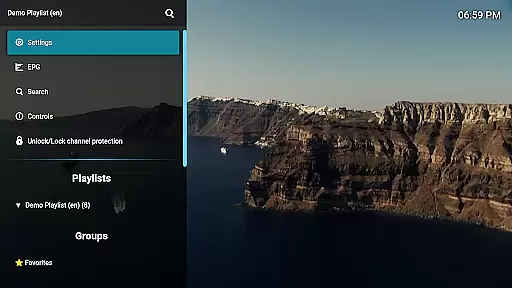
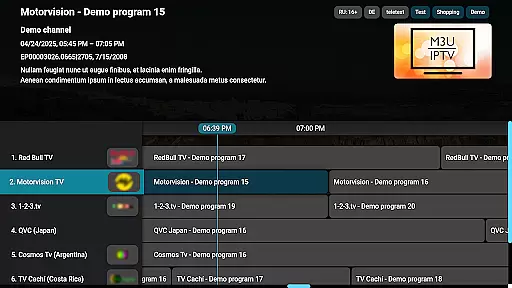
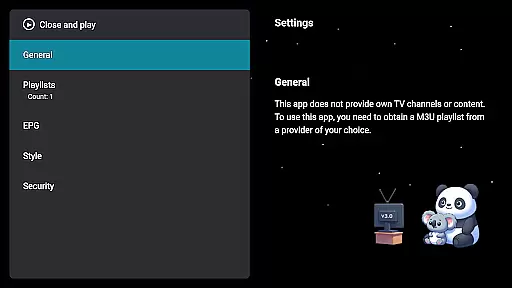
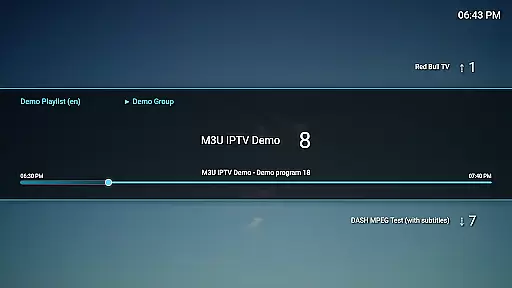
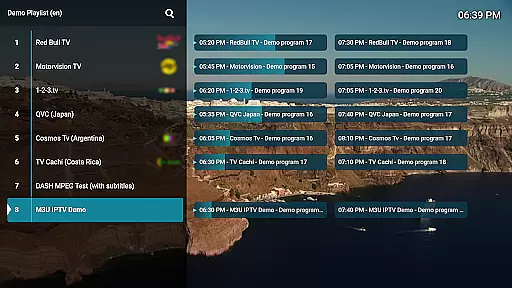
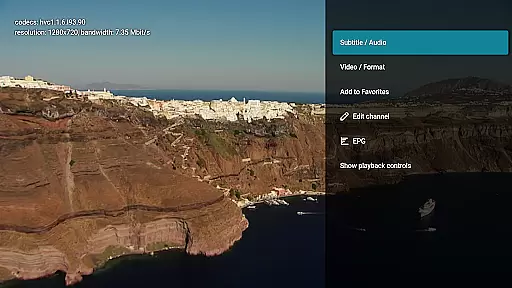
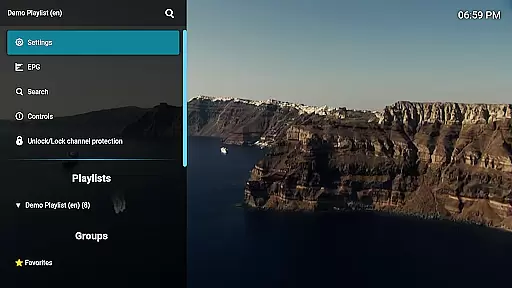
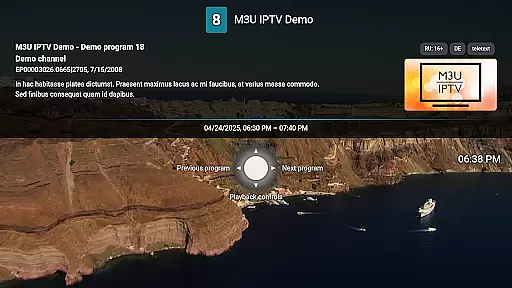
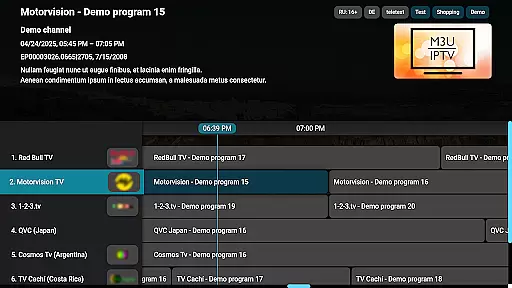
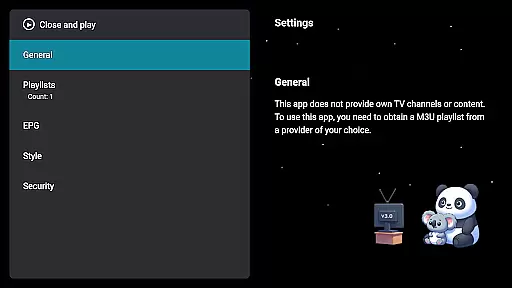
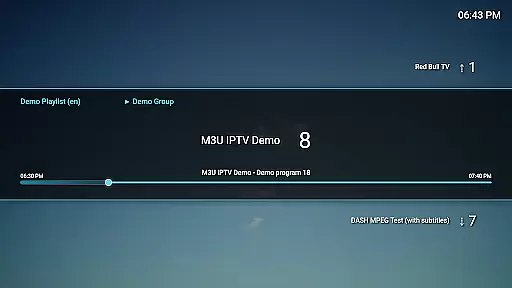
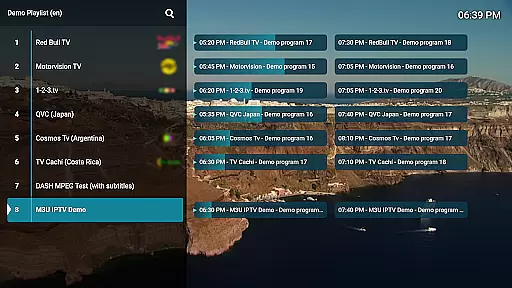
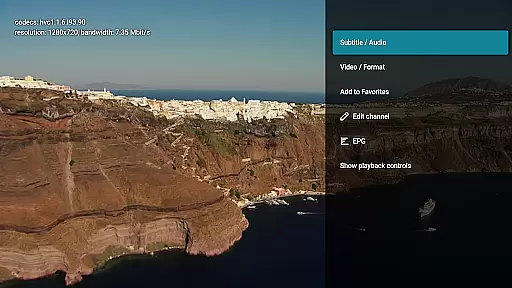
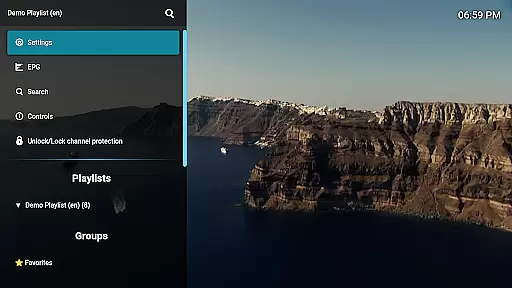
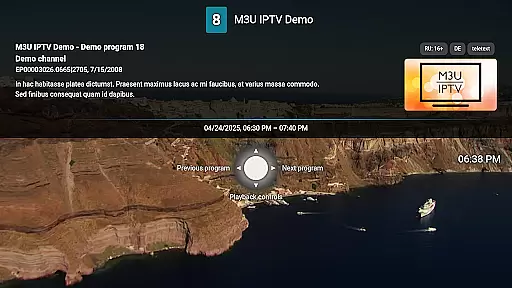
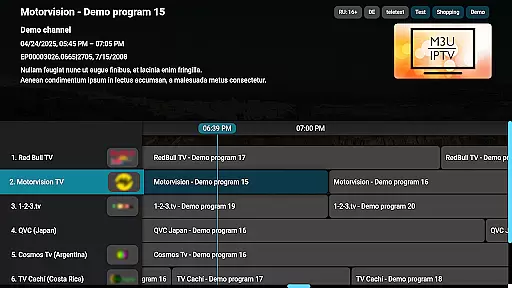
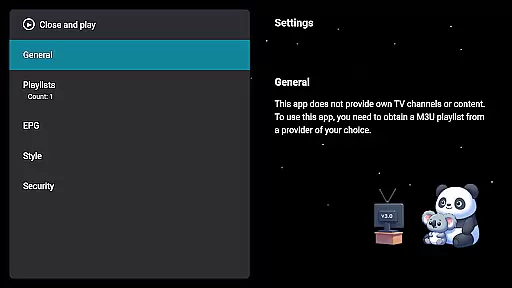
M3U IPTV Premium is a top-tier IPTV player designed for users seeking an ad-free, customizable streaming experience. It supports M3U playlists and EPG integration, offering advanced playback controls, catch-up functionality, and channel management tools.
With unlimited playlists, customizable UI, and parental controls, it's perfect for IPTV enthusiasts who want full control over their viewing experience. The app does not provide content but allows users to stream their own IPTV sources seamlessly.
This premium IPTV player stands out with its comprehensive feature set tailored for power users. It includes everything from the free version, such as M3U playlist support and EPG integration, while adding unlimited playlists and enhanced customization options.
Advanced playback controls allow precise stream management, while the channel editor lets you organize your content efficiently. Privacy features like channel protection ensure secure viewing, making it ideal for users who prioritize control and performance in their streaming applications.
Video format compatibility is a crucial feature for any video player, ensuring that users can enjoy content in various formats without technical hindrances. M3U IPTV Premium excels in this area by supporting an extensive range of video formats, making it versatile for different types of IPTV streams.
The application's support for M3U playlists allows users to stream their own IPTV content seamlessly. This means whether your videos are in MP4, AVI, MKV, or other popular formats, the app handles them with ease, providing uninterrupted playback and a smooth viewing experience.
By enabling EPG integration and catch-up functionality, M3U IPTV Premium ensures that users not only view their content in desired formats but also have access to electronic program guides and the ability to rewatch missed programs. These features collectively enhance user engagement and satisfaction.
Ultimately, the comprehensive video format compatibility positions M3U IPTV Premium as a top choice for users seeking a reliable and versatile IPTV player. The lack of ads and advanced playback controls further enrich the viewing experience, setting a high standard in the Video Players & Editors category.
While M3U IPTV Premium focuses primarily on delivering an exceptional IPTV playback experience, its customizable UI and channel management features offer a form of AI-powered editing capabilities. These functionalities allow users to tailor their viewing experience with unprecedented control over their content.
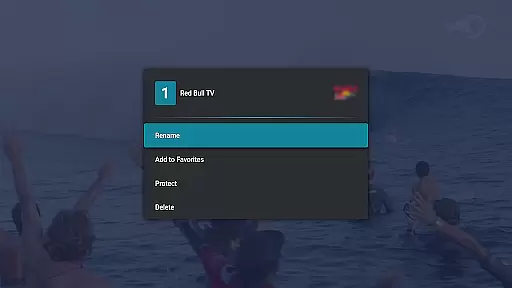
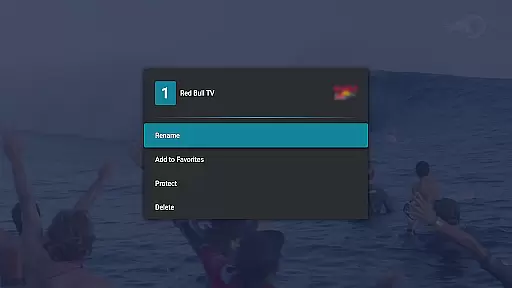
The Channel Editor feature lets users rename, reorder, or remove channels, effectively curating their content lineup. This level of personalization mimics AI-driven recommendations by enabling viewers to prioritize what matters most to them, thus enhancing their interaction with the app.
Additionally, the app's EPG Integration and Catch-Up & Archive Playback options provide smart tools for managing and accessing content. Users can effortlessly navigate through TV schedules and retrieve past broadcasts, creating a personalized and efficient content discovery process.
Although not a traditional video editor, M3U IPTV Premium's innovative features empower users to manage and edit their viewing preferences intelligently. This positions the app as a leader in the Video Players & Editors category, offering unique value through its advanced customization and control options.
Ad-free experience
Unlimited playlists
Customizable UI
Advanced playback
Parental controls
No included content
Requires technical knowledge
Premium cost
Limited beginner support
Third-party dependencies

Connect 2 UVC devices for recording and broadcast video/audio stream
 3.90
3.90
Cast to Chromecast, Xbox, Fire Stick, Roku, DLNA, Smart TV & No Feature Limited!
4.50
Create & edit videos with AI
4.30
Movie maker & video editing app with AI effects and green screen
4.30
All in one multi protocols stream receiver for AirPlay, Cast and DLNA.
3.60
Connect EasyCap or UVC devices for recording and broadcast video/audio stream
3.60
AI Video Editor with Music, Filter, Slideshow, Effect, Merge & Trim Video.
4.80
Create, Publish & Maximize
4.70
Make videos you’re proud to share with Edits, a video editor for creators.
4.70
A Simple app to download Video & Music from the Internet.
4.70
Seamlessly connect and control your smart devices, anytime, anywhere with ease.
4.60
Video Player - Unlimited features, 30 days money back guarantee.
4.60
HD video maker with no watermark, no ads & vlog maker with music, PIP, text
4.50
Add date and time watermark to photos and videos
4.50
Full HD Video mp3 Player, MP4 player play 1080p, File manager, Video Downloader
4.40
Browser for Samsung TV to stream webvideos, online movies and livestreams in HD
4.10
IPTV-Smarters Player Pro M3U - Watch Live Stream TV Channels with Chromecast
4.00
Download videos easily & play them all in one smart, powerful video manager.
3.40
A full editing room to accompany your Insta360 cameras and handheld gimbals.
3.30


User Reviews