



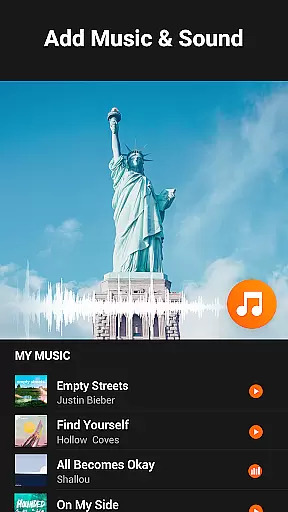
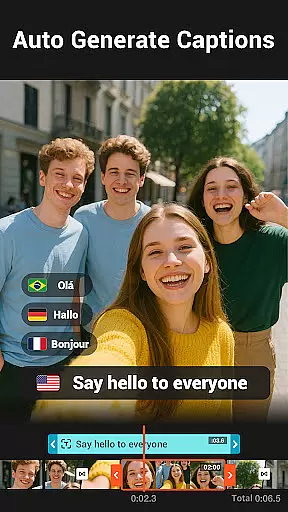
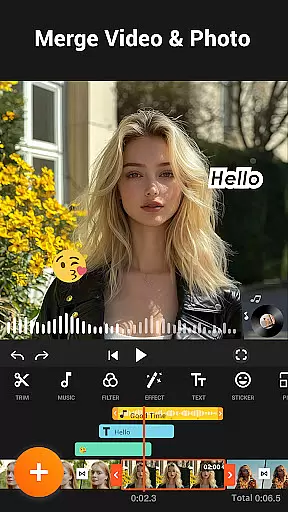
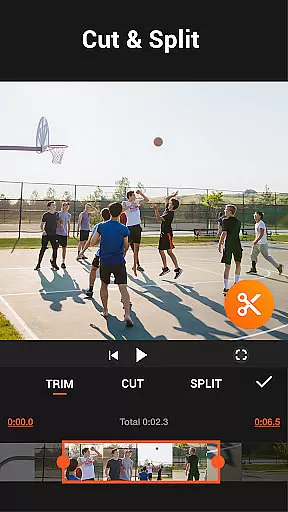
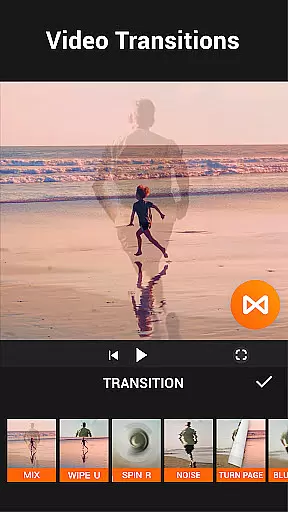

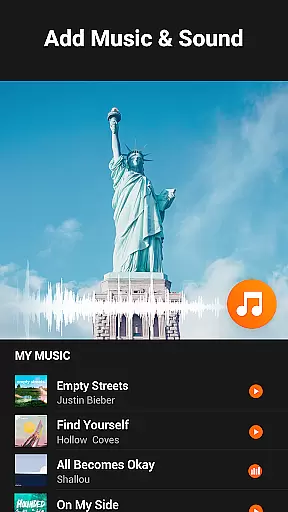
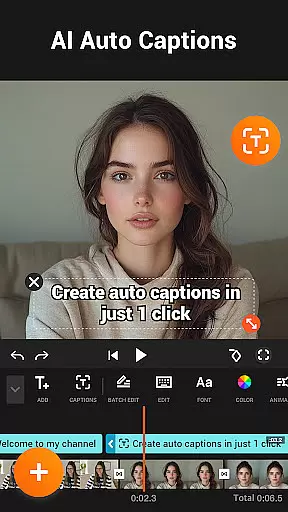
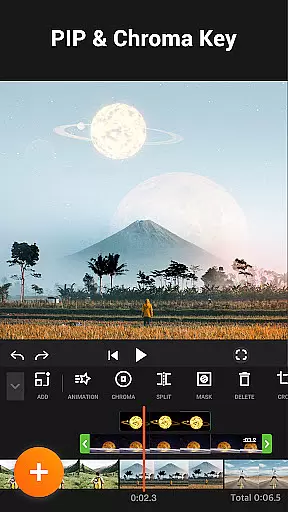

YouCut is a robust video editor and maker tailored for creating professional-quality edits enhanced with music specifically designed for social media sharing. It operates as a FREE application with no watermarks added to final outputs.
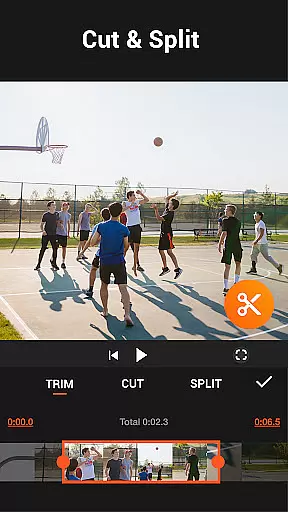
Core functionalities include AI Video Boost for automatic captions and background removal, a seamless Video Merger, Cutter, and Slicer, along with Speed Control and Photo Slideshow creation. These tools cater to diverse editing needs across platforms like YouTube and Instagram.
Whether producing stop-motion videos or blurring backgrounds, YouCut's user-friendly interface ensures high-quality results without compromising ease of use, making it an essential app for modern content creators.
YouCut stands out as a comprehensive video editing tool designed for both beginners and professionals. The app offers an array of advanced features including AI-powered Auto Captions that convert speech to text seamlessly.
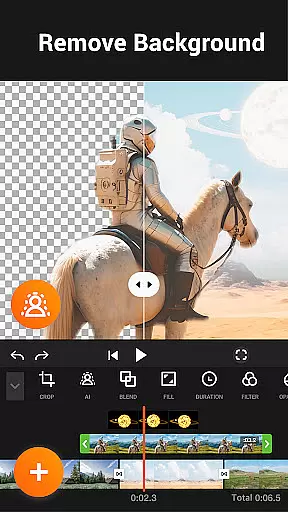
With its Background Removal tool, users can instantly erase video backgrounds while the Enhance feature optimizes video quality with just one tap. Additionally, Smooth Slow-Mo allows creators to produce buttery-smooth slow-motion sequences.
The inclusion of multi-layer timeline editing, chroma key effects, and speed controls from 0.2x to 100x makes it ideal for crafting cinematic content tailored for various social media platforms.
Video format compatibility is a crucial feature for any video editing application, ensuring that users can work with a wide range of video file types. YouCut supports multiple formats, allowing creators to import videos from various sources without worrying about conversion issues.
The app's ability to handle different resolutions and frame rates makes it versatile for both casual users and professional content creators. Whether you're working with 4K footage or older SD videos, YouCut maintains the original quality while providing editing flexibility.
Users benefit from the seamless integration of diverse video formats within a single platform. This eliminates the need for pre-editing conversions and saves valuable time during the production process.
By supporting high-resolution formats up to 4K, YouCut ensures that its users can future-proof their content for various platforms, from social media to professional presentations, maintaining crisp visuals and professional-grade output.
AI-powered editing features have revolutionized the way users approach video editing, making professional-quality results accessible to everyone. YouCut incorporates advanced AI tools that automate complex editing tasks, significantly reducing production time while maintaining creative control.
The application's AI capabilities include automatic caption generation through speech-to-text technology, intelligent background removal, and one-touch video enhancement functions. These features enable users to create polished content without requiring extensive technical knowledge or experience in video editing.
Through machine learning algorithms, YouCut's AI system continuously improves its performance, adapting to different video styles and user preferences. This ensures consistently high-quality results across various projects and skill levels.
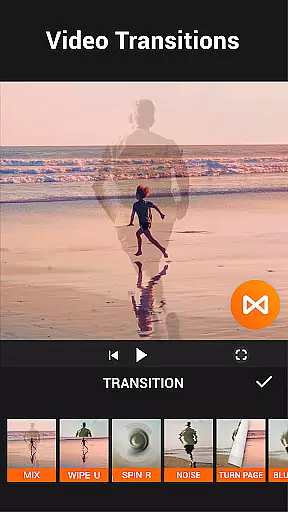
These smart features not only enhance productivity but also open new creative possibilities, allowing users to focus on storytelling while the software handles technical aspects such as color correction, transitions, and audio synchronization.
Intuitive UI
AI-powered tools
No watermark
Versatile editing
Free to use
Occasional bugs
Limited free features
Ads between edits
Heavy on storage
Complex UI

Kodi media center, a free and open source cross-platform entertainment hub
 3.60
3.60
Fast, private downloading, video saving, social media
4.50
Your media, on your terms.
4.10
All format media Player, no need video converter any more!
4.00
1)AirPlay/DLNA Mirroring/Streaming, up to 4 connections; 2)Samba/NAS/DMS Player.
4.00
An easy-to-use and all-round screen recorder with audio
4.80
Video Downloader, Multiple Resolution Options, Video Player
4.50
All in one multi protocols stream receiver for AirPlay, Cast and DLNA.
3.60
Livestream, news, & gaming content. Watch, chat, and upload. Join Rumble today!
3.80
Tik & Story Saver-Download ALL social media videos, photos & reels no watermark.
4.80
Find, download, and play torrents with the official BitTorrent® Pro app
4.70
Create photo video with music & template. AI video maker for stunning slideshow.
4.60
Cast movies, tv shows and live streams to Chromecast, Roku, DLNA, Fire TV & more
4.60
Cast to Chromecast, Xbox, Fire Stick, Roku, DLNA, Smart TV & No Feature Limited!
4.50
KineMaster, Your Ultimate Video Editor!
4.40
Download website videos fast&privacy
4.40
AI Video Editor:AI Music, Text to Video,Text to Speech,Auto Caption,Video Effect
4.00
IPTV Player - Watch live TV from m3m & m3u8 playlist, stream IPTV on mobile
3.30
Client application for NextPVR software
3.00


User Reviews