
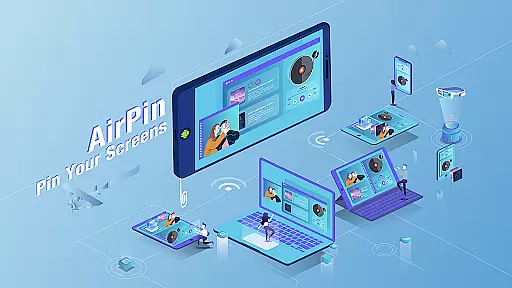

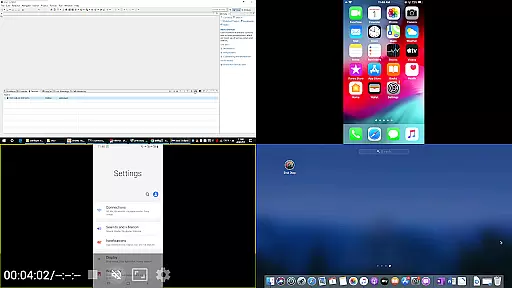

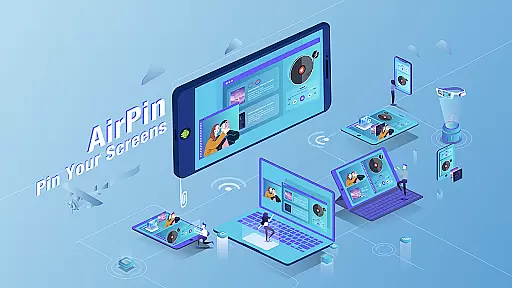

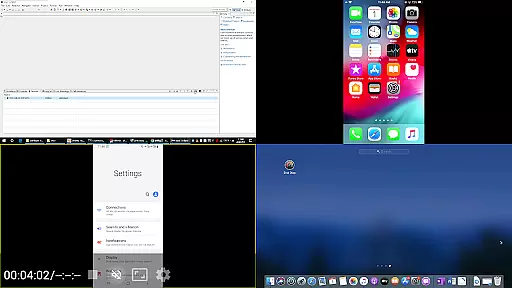


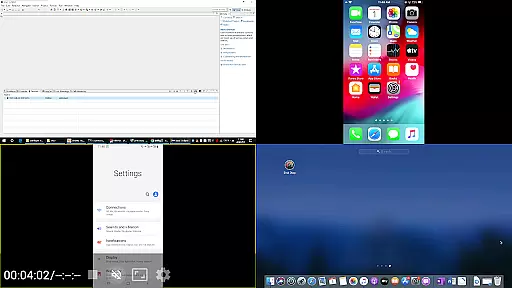
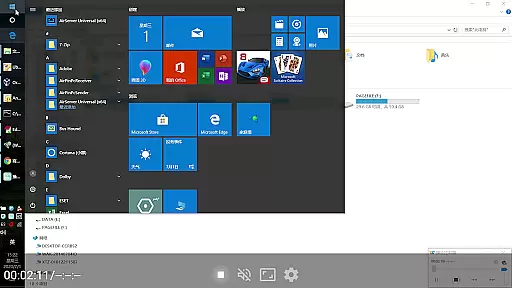


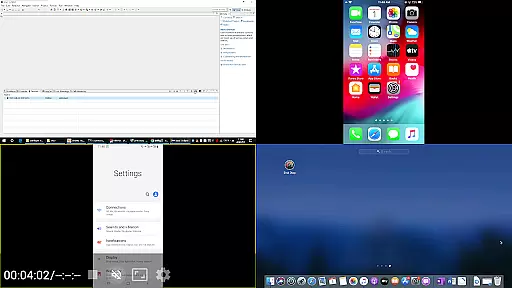
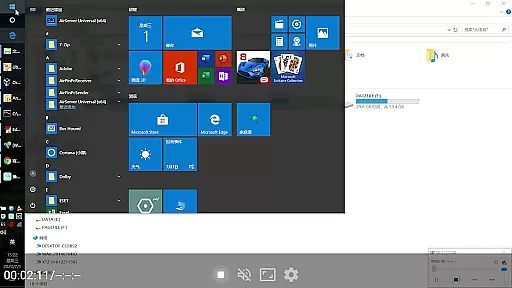

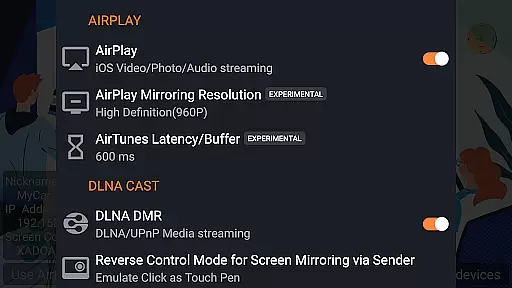
AirPin PRO is a cutting-edge screen mirroring and media streaming receiver app designed for Android phones, tablets, TVs, set-top boxes, and projectors. As the first Android application to support both AirPlay and DLNA since its initial release in July 2012, it enables users to share media and screens from Apple, Windows, and Android devices onto larger displays. The PRO version stands out by allowing simultaneous display of up to four device screens, enhancing collaborative and entertainment experiences.
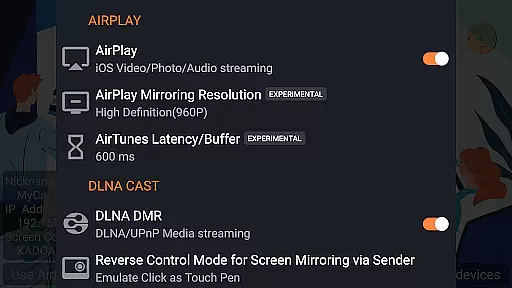
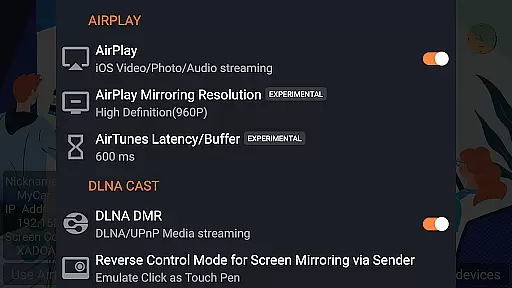
With features like AirPlay video/music streaming, screen mirroring across all iOS/MacOS versions, and support for the latest YouTube AirPlay streaming, AirPin PRO offers versatile connectivity options. It also supports DLNA, UPnP, and functions as the only app supporting both Renderer and Player for Android-based TVs. Whether you're sharing content from an iPhone, iPad, MacBook, PC, or Android device, AirPin PRO provides seamless integration and high-quality playback.
AirPin PRO boasts an array of advanced features that cater to diverse user needs. One standout capability is its support for displaying multiple device screens simultaneously, accommodating up to four devices at once. This makes it ideal for presentations, gaming, or collaborative work environments where multiple inputs are beneficial.
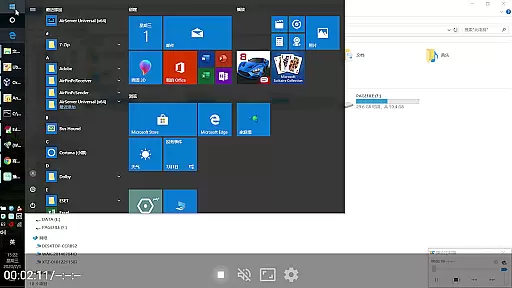
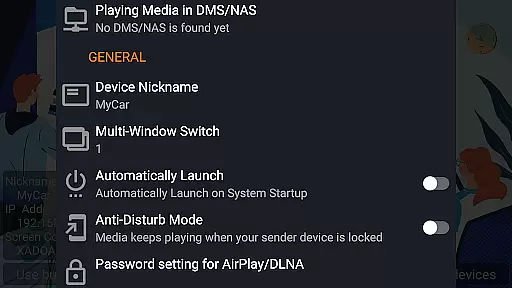
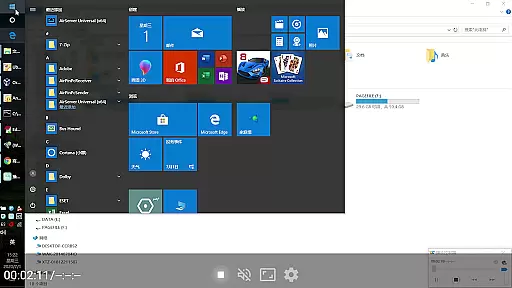
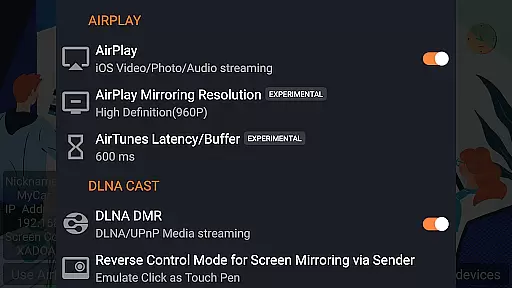
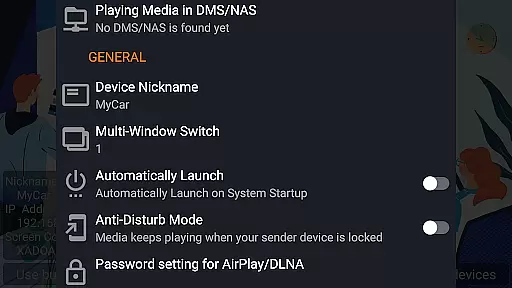
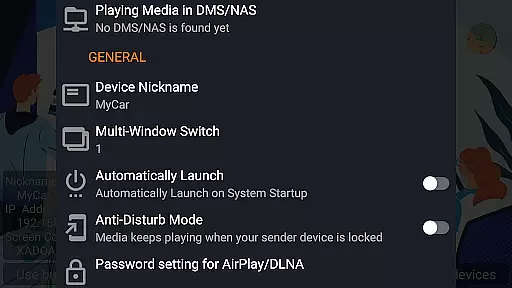
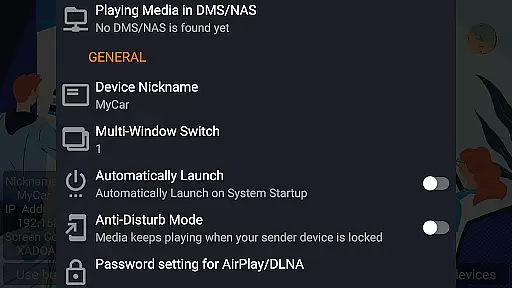
The app supports AirPlay video/music streaming and screen mirroring on all iOS/MacOS versions, including unique functionalities such as slideshow support for AirPlay photo streaming and password protection for added security. Additionally, it's the first app to support direct media pulling from DLNA/NAS/Samba servers for playback, ensuring smooth and uninterrupted streaming. With compatibility for Windows streaming via AirPinPcSender.exe and Android mirroring through AirPinCast, users can enjoy flexible and comprehensive media sharing options.
Video format compatibility is a crucial feature for any video player, ensuring that users can enjoy content in various formats without technical hindrances. AirPin PRO excels in this area by supporting an extensive range of video formats, making it versatile for different user needs.
This application supports AirPlay and DLNA protocols, allowing seamless streaming from iOS, MacOS, and Windows devices. Whether you're mirroring your screen or streaming specific media files, AirPin PRO handles multiple formats with ease, providing uninterrupted playback.
For users, this means freedom and flexibility. You can stream videos from different sources without worrying about format support. The app's ability to directly pull media from DLNA/NAS/Samba servers further enhances its compatibility, offering a comprehensive solution for all video playback needs.
While AirPin PRO focuses primarily on screen mirroring and media streaming, it incorporates AI-powered features that enhance the overall user experience. Although not a traditional video editor, the app uses intelligent algorithms to optimize streaming quality and ensure smooth playback.
The AI capabilities extend to adaptive streaming, where the app intelligently adjusts to network conditions to maintain optimal video quality. This feature is particularly beneficial when streaming high-definition content or when multiple devices are connected simultaneously.
Users benefit from these AI enhancements through improved reliability and performance. The app's intelligent management of resources ensures that videos play smoothly even under challenging network conditions, providing a superior viewing experience without manual adjustments.
Multi-screen display
AirPlay and DLNA support
Seamless device integration
Advanced security features
Versatile media handling
Premium pricing
Complex setup required
Limited free version
Occasional bugs
Device compatibility issues

Auto video maker with music & exclusive filters. Video editing made simple.
 4.50
4.50
A full editing room to accompany your Insta360 cameras and handheld gimbals.
3.30
Video Downloader is an utility that can save videos and music from web sites
4.20
Snaptubè Video Downloader app allows to download videos and music in Snaptube. .
4.60
Create & edit videos with AI
4.30
KMPlayer Plus (Divx Codec) officially support Divx codec.
4.30
IPTV Player - Watch live TV from m3m & m3u8 playlist, stream IPTV on mobile
3.30
Video Downloader, Multiple Resolution Options, Video Player
4.50
Mix with Virtual DJ directly from your phone or tablet !
3.10
High-Quality USB Camera Viewer & HDMI Display
4.70
A Simple app to download Video & Music from the Internet.
4.70
?100% FREE! Download & save videos? safely in this app. All formats supported.
4.60
Cast movies, tv shows and live streams to Chromecast, Roku, DLNA, Fire TV & more
4.60
Fast, private downloading, video saving, social media
4.50
Add date and time watermark to photos and videos
4.50
Full HD Video mp3 Player, MP4 player play 1080p, File manager, Video Downloader
4.40
Turn your phone into a wireless camera!
4.20
All in one multi protocols stream receiver for AirPlay, Cast and DLNA.
3.60
Connect EasyCap or UVC devices for recording and broadcast video/audio stream
3.60


User Reviews