
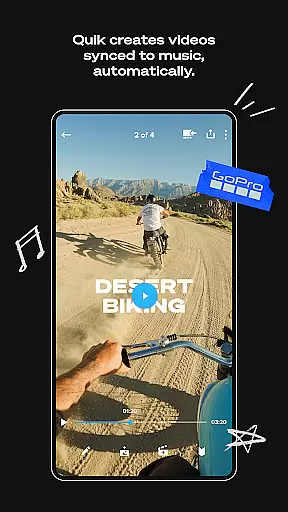
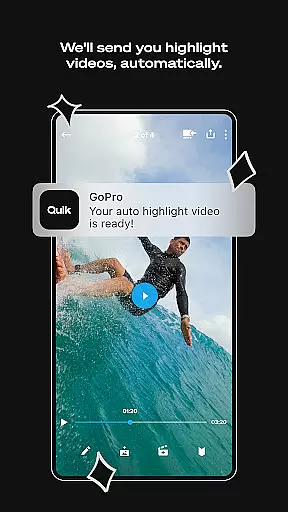
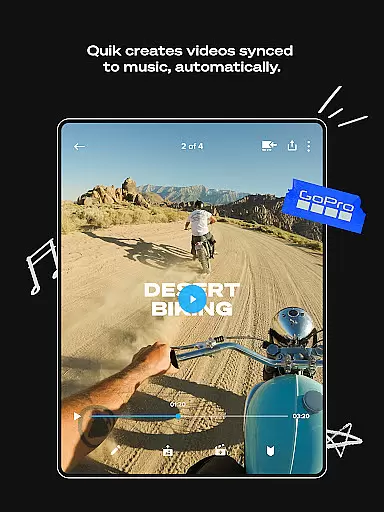
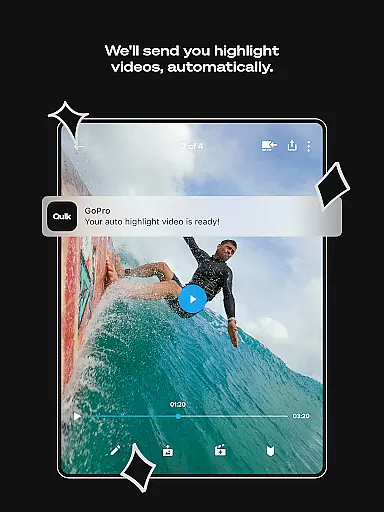
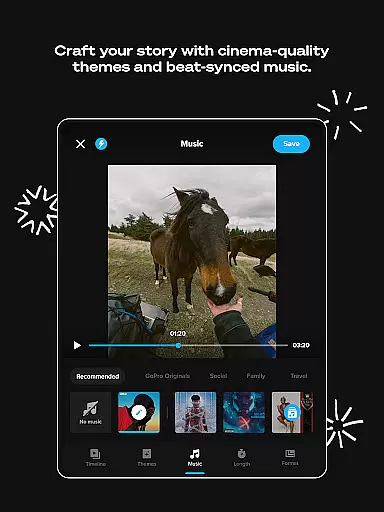
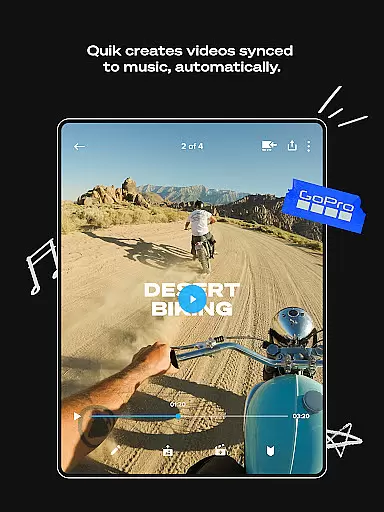
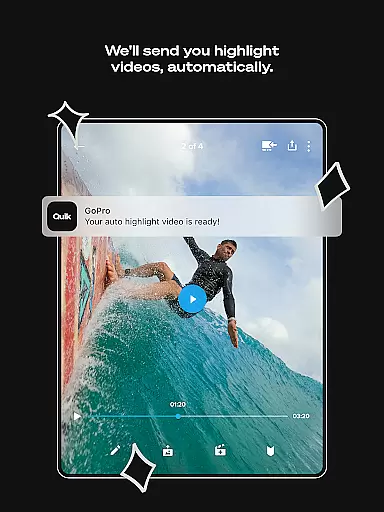
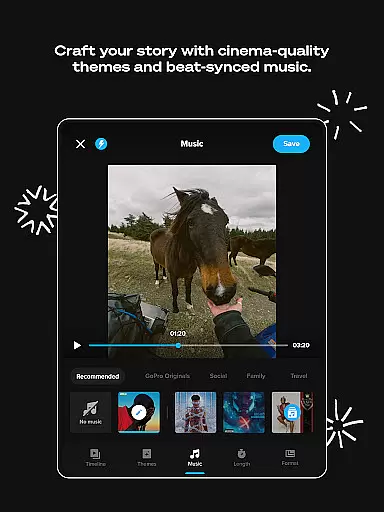
GoPro Quik is a powerful video editing application designed to simplify the editing process while delivering professional-quality results. The app's standout feature is its automatic highlight video creation, which intelligently selects your best shots, syncs them to music, and adds polished transitions. This makes it effortless for users to create engaging videos even without prior editing experience. With seamless cloud integration, all your footage is automatically backed up to the GoPro cloud, enabling you to access, edit, and manage content across multiple devices.
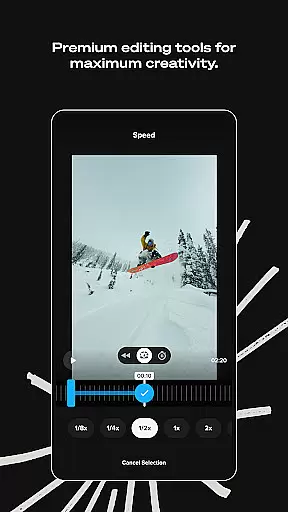
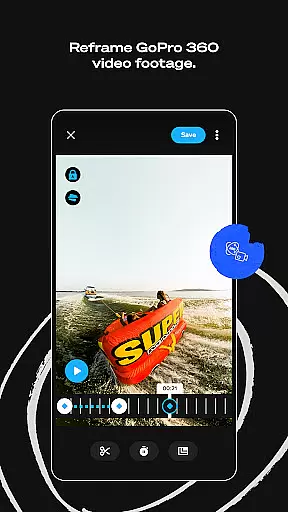
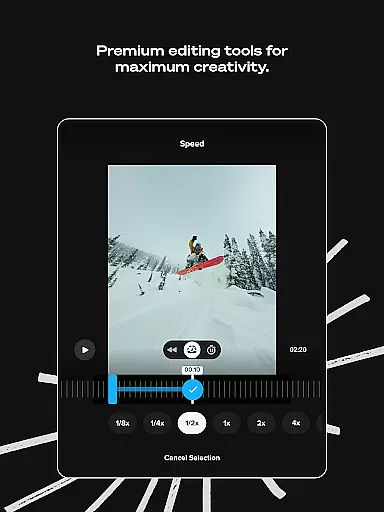
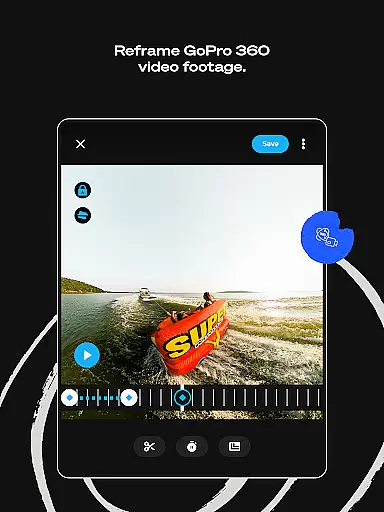
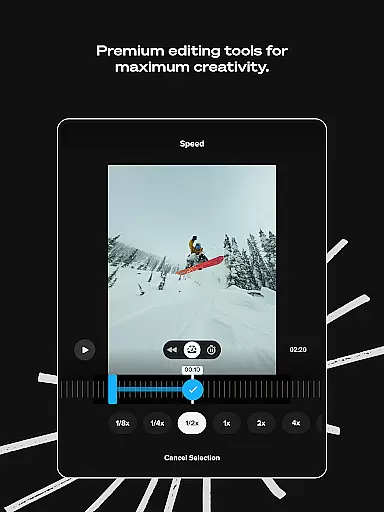
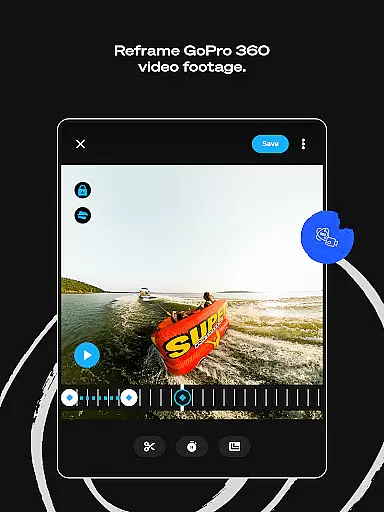
In addition to automated editing, GoPro Quik offers a robust suite of premium tools that allow for deeper customization. Users can experiment with color adjustments, trim clips, add text overlays, and apply cinematic themes and filters optimized for specific environments like snow and water. A unique feature called Reframe lets users transform 360-degree footage into traditional video formats with dynamic perspectives and smooth transitions. These capabilities make the app particularly valuable for action camera enthusiasts and content creators who need efficient yet versatile editing options on the go.
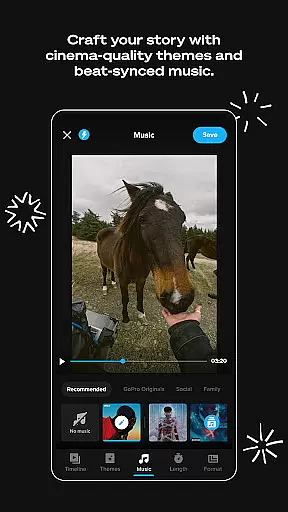
GoPro Quik stands out with its comprehensive set of features tailored for both novice editors and advanced users. One of its core functionalities is Automatic Edits, where the app analyzes your footage to identify key moments, syncing them with music beats and applying visually appealing transitions. For those seeking more control, the app provides Premium Editing Tools such as color correction, trimming, stickers, and text overlays, allowing users to enhance their videos creatively. Another innovative feature is Beat Sync, which ensures that every transition and effect aligns perfectly with the rhythm of the selected soundtrack.
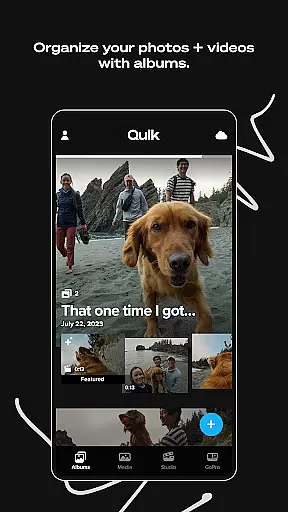
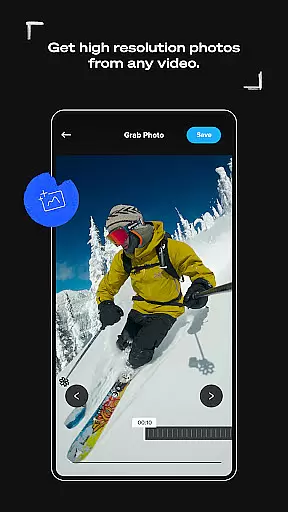
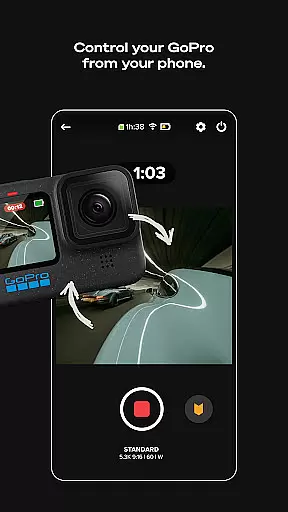
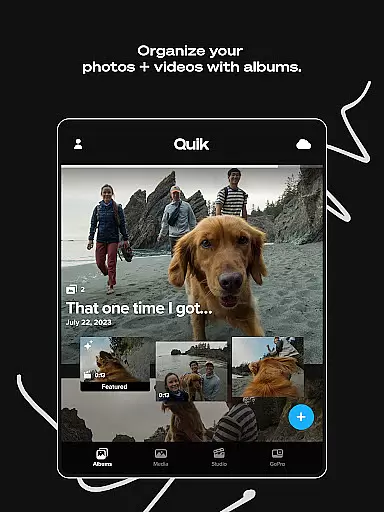
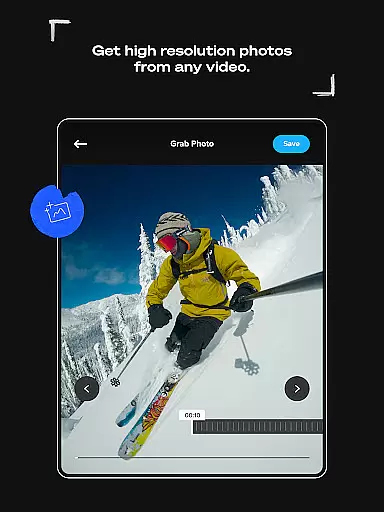
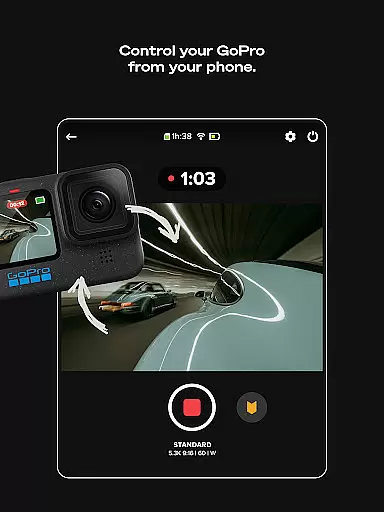
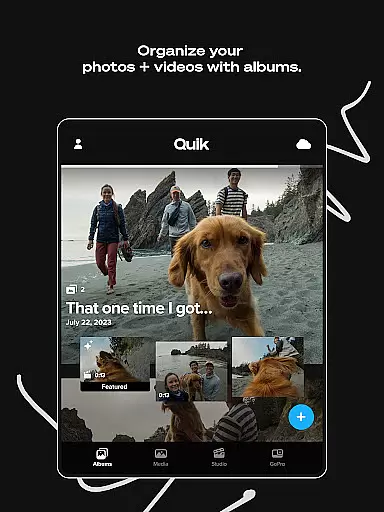
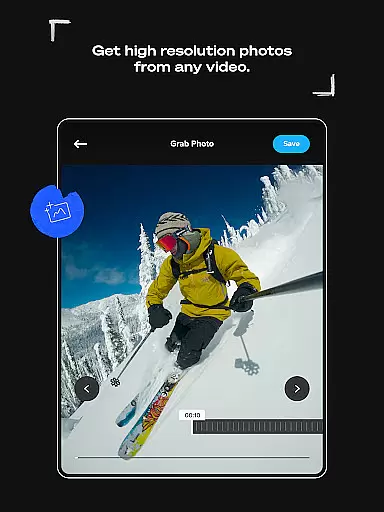
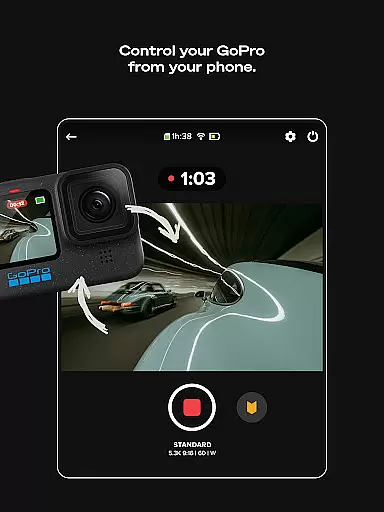
The app also excels in organization and accessibility through its Auto Upload and Cross-Device Sync capabilities. Once media is imported, it automatically uploads to the cloud, ensuring secure backups and enabling real-time synchronization across devices. Additionally, GoPro camera owners benefit from specialized features like Auto Detection + Transfer, which simplifies importing footage directly from connected cameras. With unlimited cloud storage available via subscription plans, along with advanced tools like Frame Grab for extracting high-resolution stills from videos, GoPro Quik delivers an all-in-one solution for managing and enhancing visual content efficiently.
GoPro Quik supports a wide range of video formats, ensuring that users can import and edit footage from various devices seamlessly. The app is optimized to handle high-resolution videos, including 4K content captured by GoPro cameras.
With its Automatic Highlight feature, the app intelligently identifies and processes key moments from your footage, regardless of the original format. This ensures that all your favorite shots are preserved in their best quality during the editing process.
The cross-device sync functionality allows users to access their media library across multiple devices without worrying about format compatibility issues. Whether you're editing on a smartphone or tablet, the app maintains consistent performance and quality.
For non-GoPro camera footage, the app supports up to 500GB of cloud storage for Premium+ subscribers, accommodating most common video formats used in mobile devices and action cameras. This comprehensive format support makes GoPro Quik a versatile tool for videographers who work with different equipment.
GoPro Quik incorporates advanced AI-powered editing tools that revolutionize the video creation process. The app's Automatic Highlight feature uses machine learning algorithms to analyze and select the most compelling moments from your footage, creating professional-quality videos with minimal effort.
The Beat Sync functionality demonstrates the app's AI capabilities by automatically synchronizing video clips, transitions, and effects to the rhythm of your chosen music track. This intelligent feature ensures that your videos maintain a dynamic and engaging pace throughout.
Through its Reframe tool, the app employs AI to help users transform 360-degree footage into traditional video formats. The system suggests optimal framing options and creates cinematic transitions, allowing creators to experiment with different perspectives while maintaining professional-grade results.
These AI-powered features are further enhanced by premium editing tools that provide manual control over color grading, trimming, and visual effects. This combination of automated intelligence and creative control makes GoPro Quik an exceptional video editing solution for both beginners and experienced content creators.
User-friendly interface
Automatic video creation
Premium editing tools
Unlimited cloud backup
Cross-device sync
Paid subscription required
Limited free storage
Advanced tools locked
Occasional bugs
High system requirements

HD Video player all format, HD Videos, Cast & Subtitle. No annoying ads.
 4.60
4.60
?100% FREE! Download & save videos? safely in this app. All formats supported.
4.60
Watch a large amount of high-definition short drama content
4.60
KineMaster, Your Ultimate Video Editor!
4.40
Full HD Video mp3 Player, MP4 player play 1080p, File manager, Video Downloader
4.40
Support 1000+ Video Format, Subtitle Download, mp3 & Background Play, Cast On TV
4.60
Download website videos fast&privacy
4.40
Flud is a simple and beautiful BitTorrent client for Android.
4.80
LumaFusion: The Ultimate Storytelling Experience for Video Editing
4.10
Play ALL formats in 4K & HD. Video downloader, MP3 player, Chromecast & more.
4.80
Download videos and play them offline
4.70
Cast Videos from Web Browser, IPTV to Roku, Chromecast, DLNA, Smart TV +more
4.60
HD video maker with no watermark, no ads & vlog maker with music, PIP, text
4.50
Video player, file manager for all formats, 4K/HD media player supports subtitle
4.30
Create & edit videos with AI
4.30
1)AirPlay/DLNA Mirroring/Streaming, up to 4 connections; 2)Samba/NAS/DMS Player.
4.00
AI Video Editor:AI Music, Text to Video,Text to Speech,Auto Caption,Video Effect
4.00
IPTV Player - Watch live TV from m3m & m3u8 playlist, stream IPTV on mobile
3.30
Powerful HD video player with support for all formats & subtitles.
4.3


User Reviews