
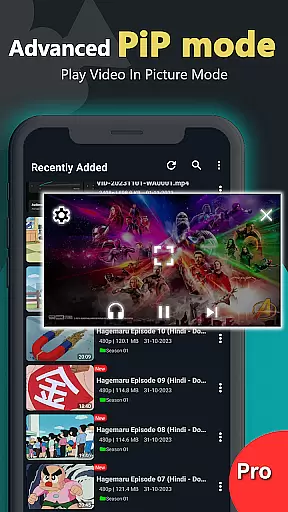
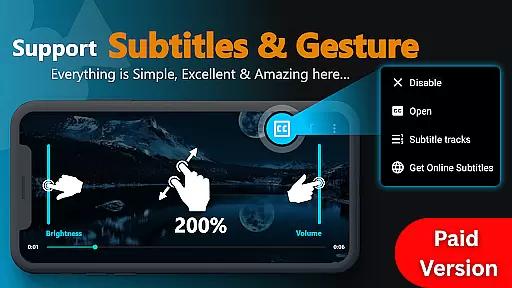
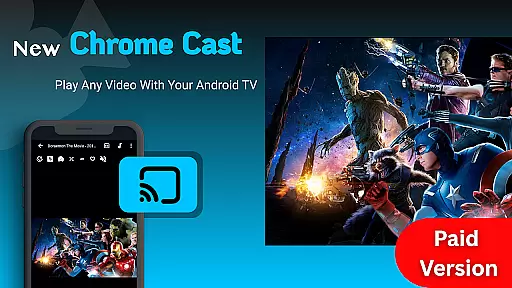
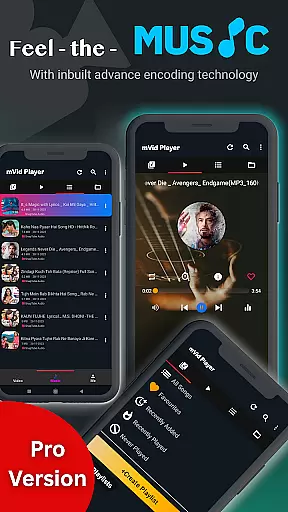
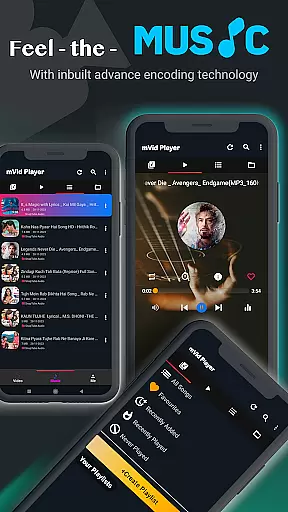
Zea Player Pro is a premium-grade video player designed for Android devices, offering an ad-free experience with support for all major video and audio formats. This includes high-resolution files up to 8K, making it ideal for movie enthusiasts and content creators who demand the best in video playback quality.
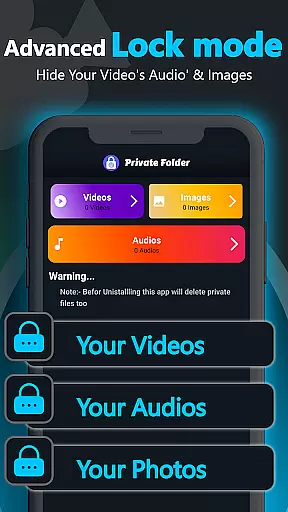
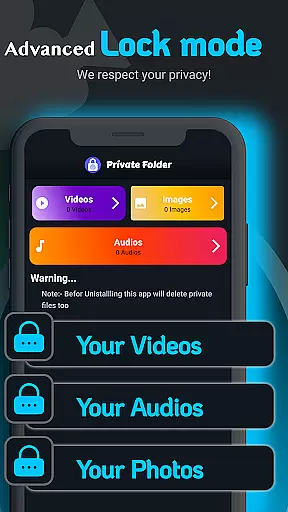
With advanced features such as dual audio tracks, online subtitle downloads, and background play, Zea Player Pro ensures a versatile and uninterrupted media experience. Its private folder functionality allows users to protect personal media, while volume, brightness, and zoom controls provide a customizable viewing experience.
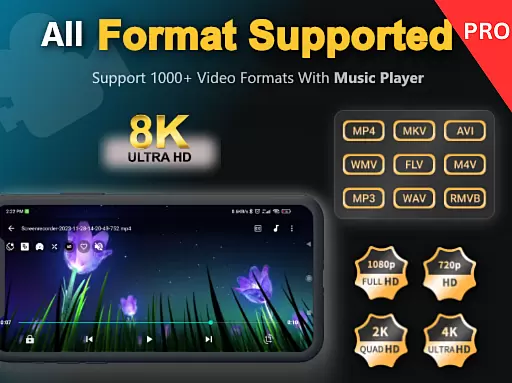
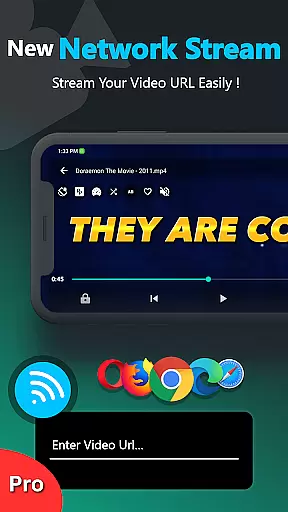
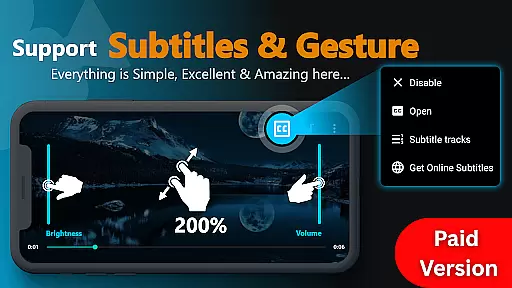
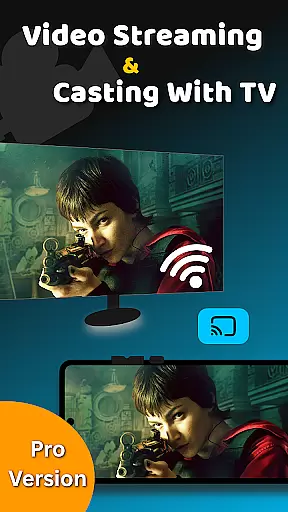
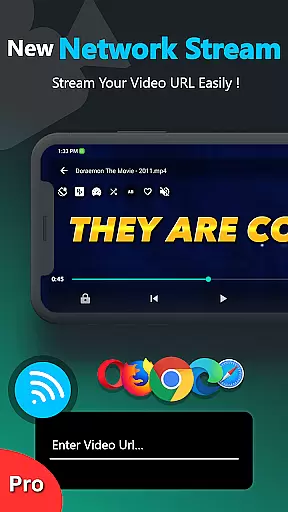
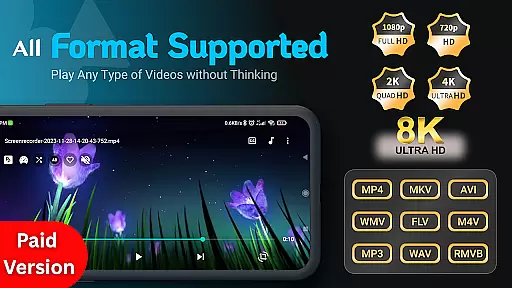
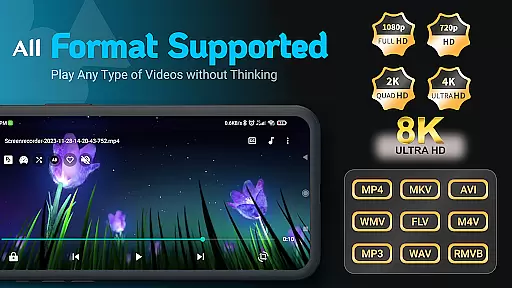
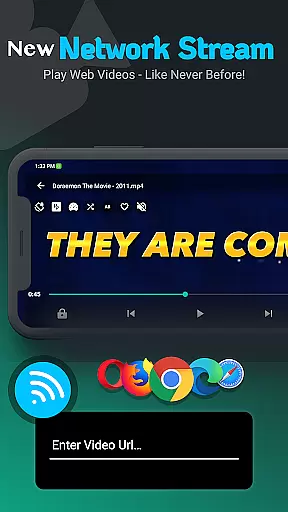
Zea Player Pro stands out with its comprehensive feature set tailored for media aficionados. The app supports all popular video formats including MKV, MP4, AVI, and FLV, alongside ultra HD resolutions up to 8K. Users can stream videos via URL, play content in the background, and control their experience with intuitive touch gestures.
Additional functionalities include dual audio track support, easy subtitle integration, and privacy settings for securing personal media. These robust features make Zea Player Pro not just a video player but a complete multimedia solution that caters to both casual viewers and professional users seeking high-quality playback without compromise.
Video Player Pro Version stands out for its exceptional video format compatibility, ensuring users can enjoy a seamless playback experience across all major file types. The application supports an extensive range of formats including MKV, MP4, AVI, MOV, and even ultra-high-definition 4K and 8K videos.
This comprehensive support is made possible through advanced decoding technologies integrated into the app. Whether you're watching locally stored files or streaming content via URLs, the player automatically detects and adjusts to the appropriate format, eliminating the need for external codecs or converters.
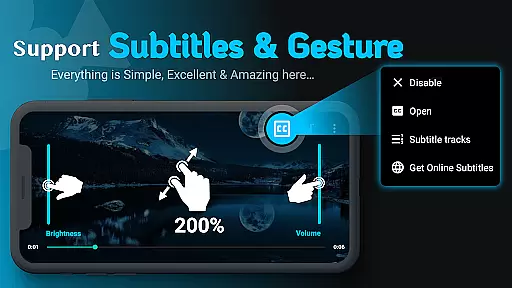
For users, this means unprecedented flexibility in media consumption. You can easily play movies, music videos, and personal collections without worrying about format restrictions. The inclusion of subtitle support further enhances accessibility, allowing viewers to watch content in their preferred language.
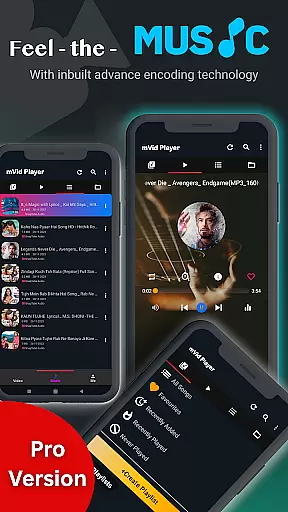
The app's robust compatibility extends to audio files too, supporting popular formats like MP3 while maintaining high sound quality. This versatility makes Video Player Pro Version an essential tool for both casual viewers and serious media enthusiasts who demand professional-grade playback capabilities.
While primarily a video player, Video Player Pro Version incorporates innovative AI-powered editing features that elevate the user experience beyond simple playback. The application utilizes artificial intelligence to optimize video quality, automatically adjusting parameters such as brightness, contrast, and color saturation for optimal viewing.
One notable feature is the smart zoom functionality, which employs AI algorithms to maintain image clarity when users zoom in on video content using two-finger gestures. This ensures that even magnified portions retain their sharpness and detail, providing a superior viewing experience.
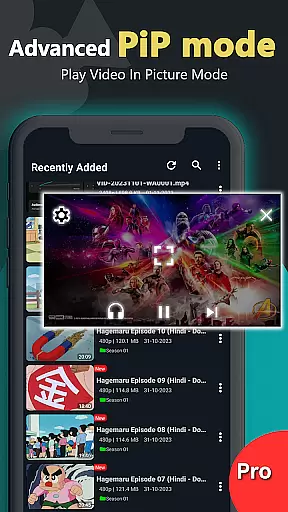
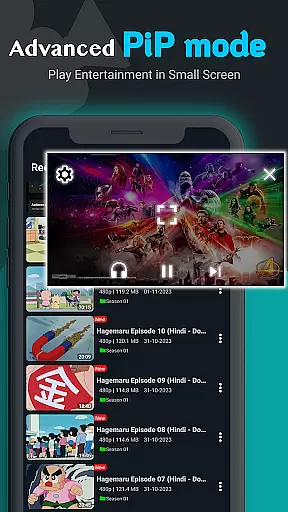
The player also includes intelligent audio enhancement capabilities. Through AI-driven volume boosting and equalization, users can enjoy richer sound quality without distortion. The background play feature intelligently manages system resources, allowing videos and music to continue playing while using other apps.
These AI-powered enhancements demonstrate the application's commitment to delivering premium-grade performance. By integrating machine learning technologies, Video Player Pro Version not only plays media but actively improves it, offering users a more refined and customizable entertainment experience without compromising on quality or performance.
Ad-Free Playback
All Format Support
Private Media Protection
Background Play Option
Subtitle Integration
Paid Application
No Free Version
Advanced Features Locked
Occasional Bugs
High System Requirements

Client application for NextPVR software
 3.00
3.00
HD video & music player - All format support with floating & PIP mode!
3.80
Watch full episodes of your favorite Cartoon Network and Cartoonito shows!
3.50
?100% FREE! Download & save videos? safely in this app. All formats supported.
4.60
KMPlayer Plus (Divx Codec) officially support Divx codec.
4.30
IPTV Player - Watch live TV from m3m & m3u8 playlist, stream IPTV on mobile
3.30
Fast & Private Video Downloader App. Save all videos easily from the Internet.
4.40
Download videos and play them offline
4.70
Manage your IPTV live channels and VOD playlists (no playlist included)
3.80
#1 Torrent App on Android ** No Ads Ever + Battery Saver **
4.80
Video Player - Unlimited features, 30 days money back guarantee.
4.60
Seamlessly connect and control your smart devices, anytime, anywhere with ease.
4.60
Viddo: Generate Action Figure, AI Anime, AI kiss, AI hug Video from image & text
4.40
Movie maker & video editing app with AI effects and green screen
4.30
All format media Player, no need video converter any more!
4.00
Fast private browser with secure, seamless access & supported video downloads!
4.00
Livestream, news, & gaming content. Watch, chat, and upload. Join Rumble today!
3.80
Connect EasyCap or UVC devices for recording and broadcast video/audio stream
3.60
Browser for Sony TV to stream web videos, online movies and live tv
3.20


User Reviews