
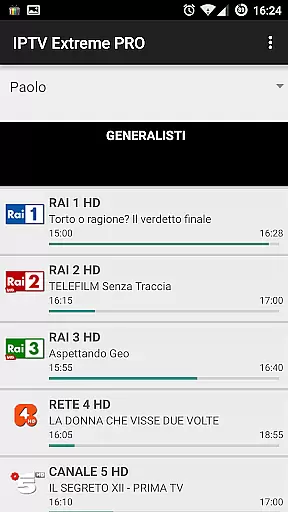
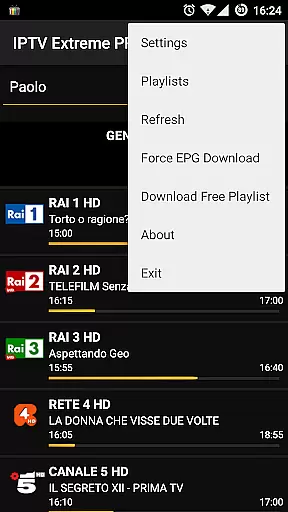

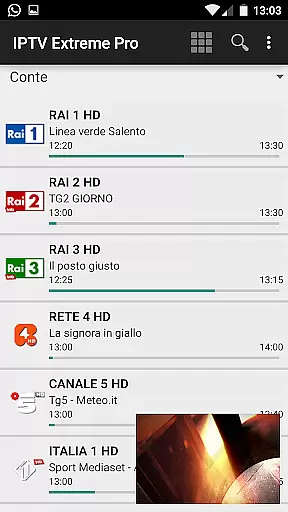



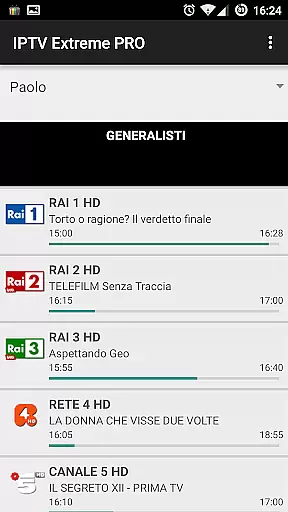
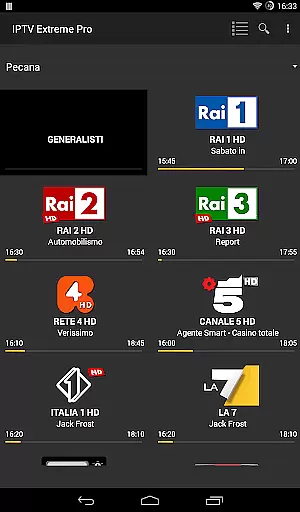
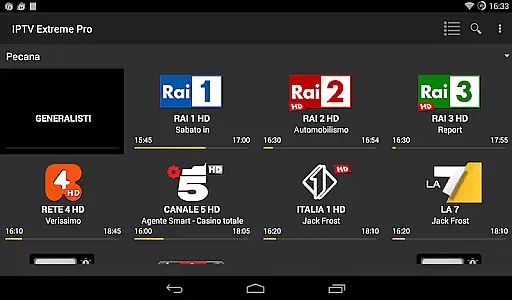


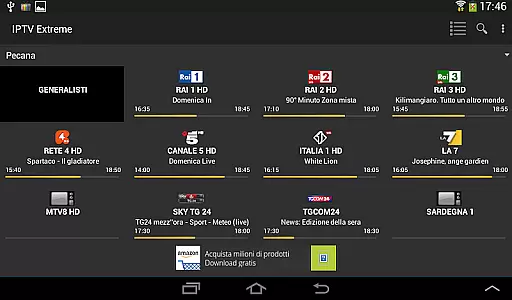


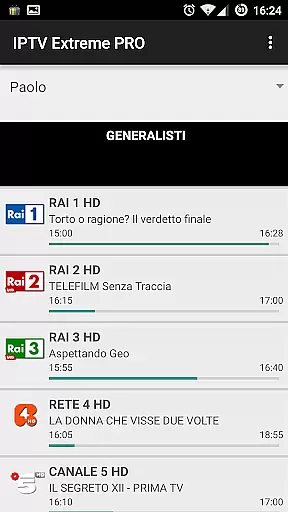
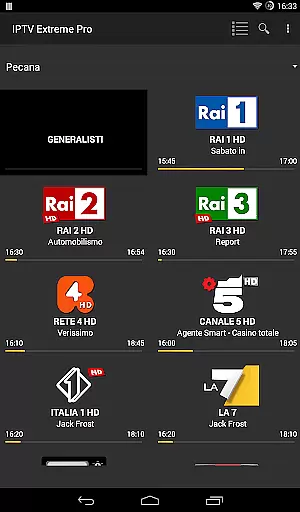
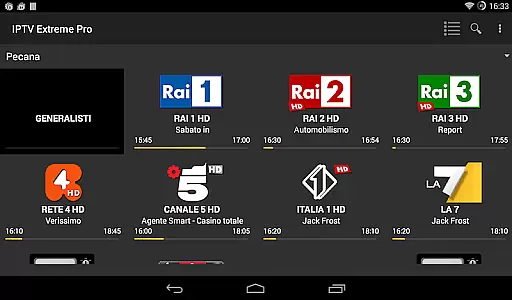

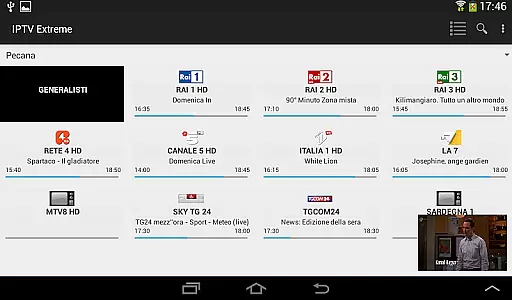



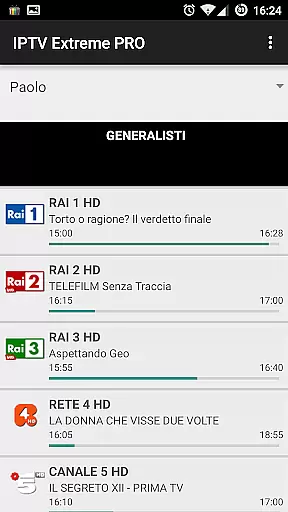
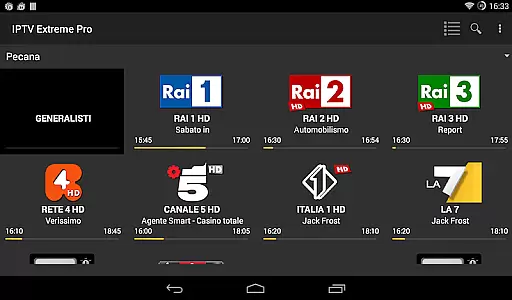

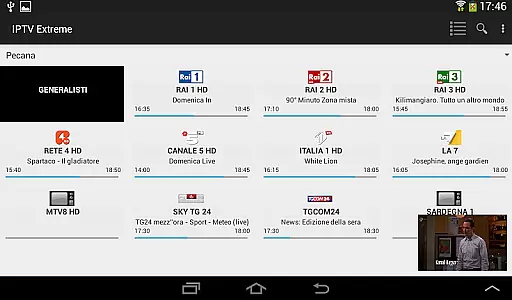



IPTV Extreme Pro is a feature-rich playlist manager designed for streaming enthusiasts who need an organized way to manage their IPTV content. The app provides advanced tools such as integrated players, Chromecast support, and parental controls, making it versatile for users of all ages. With support for M3U playlists, MAG devices, and multi-EPG functionality, it ensures seamless integration with various IPTV services. Its ability to record live streams and download on-demand programs adds significant value for users seeking flexibility in content consumption.
For power users, the Pro version offers an ad-free experience along with additional themes and exclusive features like time recording and timer management. Designed strictly for legal use, this app does not provide any channels or playlists but focuses on giving users complete control over how they manage their own content. Whether you're looking to customize your EPG settings or stream content across devices, IPTV Extreme Pro delivers a comprehensive solution tailored to enhance your IPTV experience.
IPTV Extreme Pro stands out with its extensive feature set tailored for both casual viewers and advanced users. The app includes two integrated player options (Advanced & Light), allowing users to choose based on their device capabilities or personal preferences. Chromecast support enables easy streaming to larger screens, while parental controls ensure safe viewing experiences for families. Additionally, the app supports remote controllers, offering a traditional TV-like experience that many users appreciate.
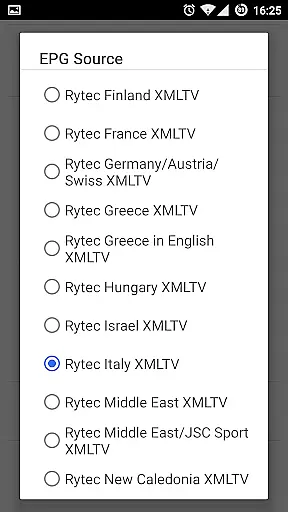
One of the key highlights is its robust playlist management system, supporting M3U playlists and MAG devices. Users can also take advantage of the multi-EPG support, which allows them to view program guides from different sources simultaneously. The auto EPG update and alias management features make maintaining these guides hassle-free. For those who prefer visual aids, picon support in various sizes helps identify channels quickly. Advanced functionalities like recording live streams and downloading on-demand programs further enhance user convenience, ensuring no favorite show is missed.
Video format compatibility is a crucial feature for any video player, ensuring that users can enjoy content in various formats without technical hindrances. IPTV Extreme Pro supports M3U playlists and provides an integrated advanced and light player to handle different types of video streams.
The application's ability to manage multi-EPG (Electronic Program Guide) and support MAG devices showcases its versatility in dealing with diverse video sources. This ensures that no matter the origin or format of your video content, IPTV Extreme Pro can deliver a seamless viewing experience.
For users, this means freedom and flexibility in choosing their preferred content. Whether it's live streaming or on-demand programs, the app's wide-ranging format support allows users to indulge in their favorite shows without worrying about compatibility issues.
While IPTV Extreme Pro focuses primarily on video playback, its AI-powered editing features enhance user interaction with content. The EPG alias management and auto EPG update streamline the process of organizing and accessing TV guides, making navigation intuitive and efficient.
Additionally, the app offers time recording and timers management, allowing users to effortlessly record live streams. These smart features ensure that viewers never miss important broadcasts and can manage their viewing schedules with ease.
By incorporating such intelligent tools, IPTV Extreme Pro not only plays videos but also empowers users to curate and manage their entertainment options effectively, enhancing overall user engagement and satisfaction.
User-friendly interface
Extensive customization options
Parental control features
Chromecast compatibility
Ad-free experience in Pro version
No built-in channels or playlists
Requires technical knowledge
Some features locked behind Pro version
Occasional bugs reported
Limited customer support

HD Video player all format, HD Videos, Cast & Subtitle. No annoying ads.
 4.60
4.60
IPTV-Smarters Player Pro M3U - Watch Live Stream TV Channels with Chromecast
4.00
Tik & Story Saver-Download ALL social media videos, photos & reels no watermark.
4.80
Capture images & record videos for USB Camera, Webcam, Microscopes, Endoscopes
3.80
AirMirror is Receiver for Screen Mirroring and Casting from Apple Devices.
3.60
Stream Web Videos to Chromecast, Samsung, LG, Sony, Roku, Fire TV, DLNA + more
4.00
AirMirror Receiver - Screen mirroring/cast web videos to Android TV by AirPlay.
4.40
The essential companion to your Blue Iris PC software
2.50
Watch IPTV on your Android device
4.60
GENRAL PRO - General Pro is the best video player that fully supports all formats.
4.70
VLC Remote lets you control your VLC Media Player on Mac, PC or Linux.
4.60
Fast & easy HD video downloader for all formats, support 4K playback & download.
4.60
IPTV Loader, loads your own Playlist. DOES NOT CONTAIN ANY LIST OR CHANNELS
4.60
Fast video downloader & private browser. Save HD clips to watch offline.
4.40
KMPlayer Plus (Divx Codec) officially support Divx codec.
4.30
Web Browser for LG TV to stream webvideos, online movies and livestreams in HD
4.20
Powerful, professional, versatile teleprompter. Developed by an active film crew
4.00
All format media Player, no need video converter any more!
4.00
Mix with Virtual DJ directly from your phone or tablet !
3.10


User Reviews