


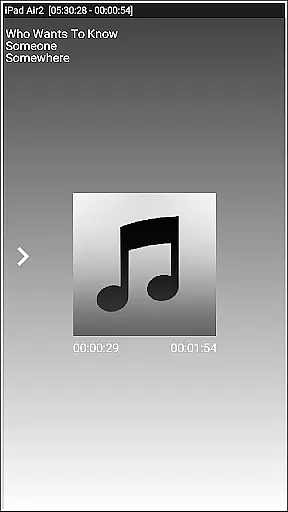
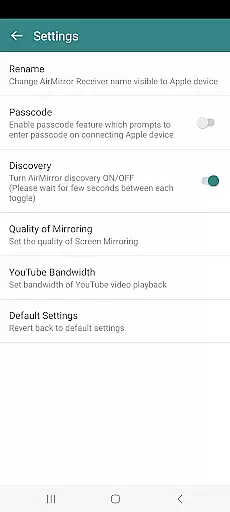
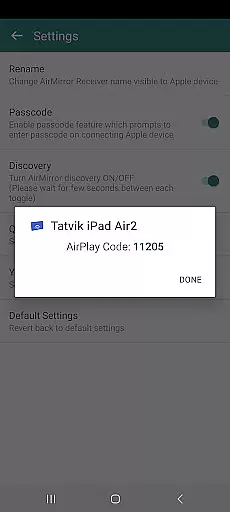
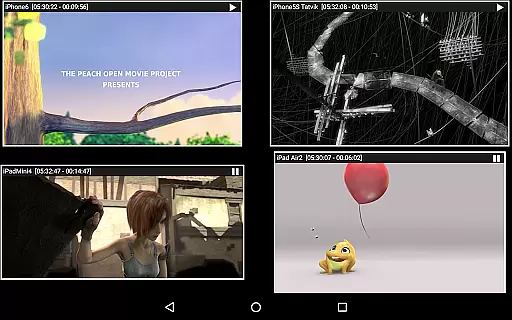


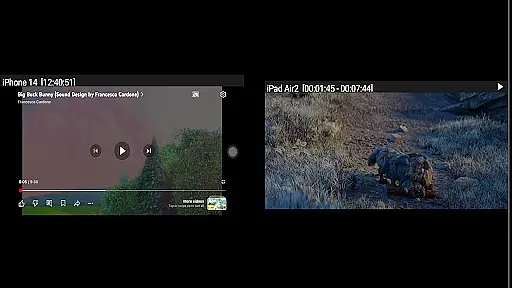
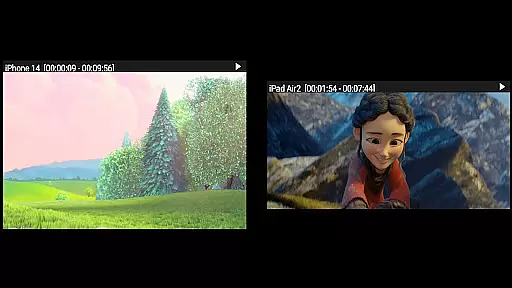

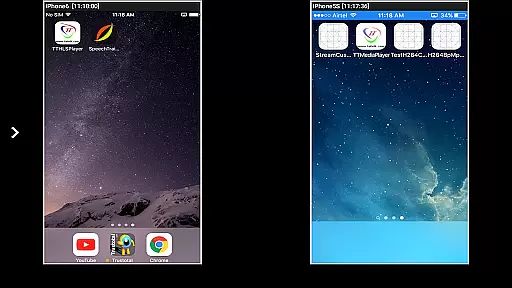

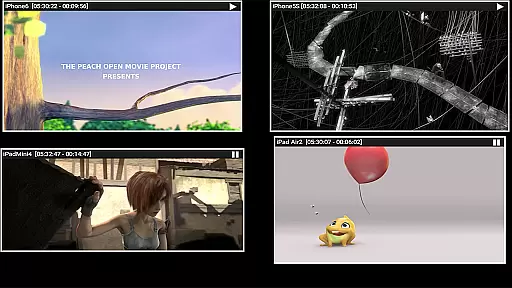
AirMirror is a specialized receiver application designed for Android devices, enabling seamless screen mirroring and casting from Apple devices such as iPhones, iPads, MacBooks, and iMacs. This app facilitates the sharing of screens and multimedia content over a local network, making it an ideal tool for presentations, entertainment, and collaborative sessions with family, friends, or business associates.
The application supports mirroring from multiple Apple devices simultaneously, while offering features like media playback, photo slideshows, and YouTube video streaming. With added functionalities such as passcode protection, adjustable window resizing, and Bluetooth Low Energy advertising, AirMirror ensures both convenience and security during usage. Its ability to mirror game screens in real-time further enhances its appeal for interactive experiences.
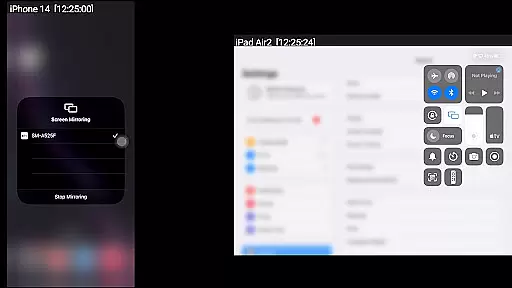
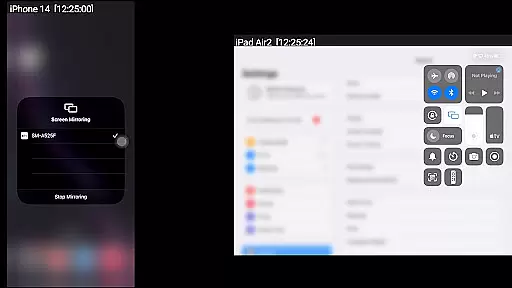
AirMirror stands out with its robust feature set tailored for efficient screen sharing and multimedia streaming. The app supports mirroring from Apple devices running iOS versions 9 to 15, allowing users to cast their screens to an Android device effortlessly. One of its key highlights is the capability to handle simultaneous connections from up to four Apple devices, ensuring smooth collaboration in group settings.
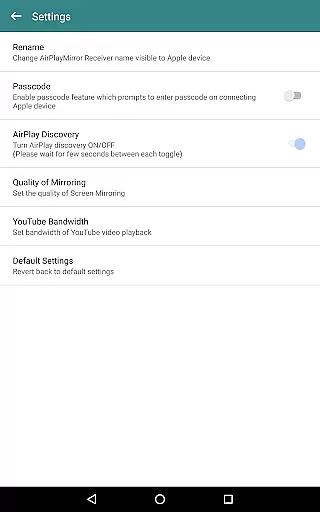
In addition to screen mirroring, AirMirror enables playback of audio, video, and photos stored on Apple devices. Users can also enjoy password-protected sessions, customizable receiver names, and adjustable mirroring quality settings. Advanced options include Bluetooth-based subnet bridging and YouTube link sharing, which enhance connectivity and flexibility. These features collectively make AirMirror a versatile solution for personal, professional, and educational use cases.
Video format compatibility is a crucial feature for any video player or editor, ensuring that users can access and work with a wide range of video files without hassle. AirMirror excels in this area by supporting screen mirroring and casting from Apple devices to Android, accommodating various media formats available on iOS platforms.
The application facilitates the playback of audio, video, and photos stored on Apple devices, making it versatile for both entertainment and professional settings. Whether you're looking to share a memorable family video or present a critical business presentation, AirMirror ensures seamless transitions between devices.
Moreover, AirMirror's ability to handle simultaneous connections from up to four Apple devices showcases its robust compatibility and performance. This feature is particularly beneficial in collaborative environments where multiple users need to share their screens or content without technical hindrances.
AI-powered editing features are revolutionizing how we interact with multimedia content, providing smarter and more efficient ways to edit videos. Although AirMirror primarily focuses on screen mirroring and casting, it incorporates intelligent functionalities that enhance user experience through smart management options.
One notable AI-driven aspect is the app's capability to resize and move the mirroring or casting window within the app view. This allows users to customize their viewing experience according to their preferences, optimizing screen real estate and focus. Additionally, the passcode feature restricts unauthorized sharing, adding a layer of security powered by intelligent recognition systems.
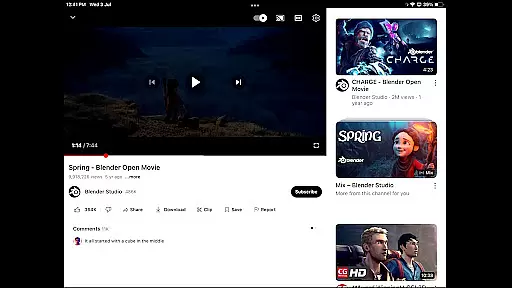
AirMirror also supports YouTube content playback, leveraging network intelligence to ensure smooth streaming experiences over local networks. While not traditional editing features, these smart capabilities contribute significantly to creating a flexible and secure environment for managing mirrored content.
User-friendly interface
Multi-device support
Secure passcode feature
High-quality mirroring
Versatile media playback
No DRM content support
Limited live TV capability
Network dependency
Occasional latency
Device compatibility issues

Auto video maker with music & exclusive filters. Video editing made simple.
 4.50
4.50
Cast Videos from Web Browser, IPTV to Roku, Chromecast, DLNA, Smart TV +more
4.60
High-Quality USB Camera Viewer & HDMI Display
4.70
Seamlessly connect and control your smart devices, anytime, anywhere with ease.
4.60
All in one HD video downloader & player for multiple formats with full privacy
4.70
IPTV Loader, loads your own Playlist. DOES NOT CONTAIN ANY LIST OR CHANNELS
4.60
Browser for Sony TV to stream web videos, online movies and live tv
3.20
Cast movies, tv shows and live streams to Chromecast, Roku, DLNA, Fire TV & more
4.60
Video player with 4K & 1080P support, popup play, background play and subtitle.
4.20
Tik & Story Saver-Download ALL social media videos, photos & reels no watermark.
4.80
Cast to Chromecast, Xbox, Fire Stick, Roku, DLNA, Smart TV & No Feature Limited!
4.50
Video Downloader, Multiple Resolution Options, Video Player
4.50
Photo and Music Video Creator into Stunning Videos—Effortlessly
4.40
KineMaster, Your Ultimate Video Editor!
4.40
Your media, on your terms.
4.10
LumaFusion: The Ultimate Storytelling Experience for Video Editing
4.10
VLC for Android is the best open source video and music player, fast and easy!
4.10
This app is an emulator of some specific IPTV boxes
3.50
Powerful HD video player with support for all formats & subtitles.
4.1


User Reviews