
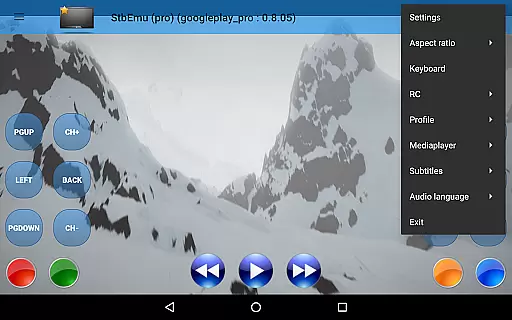
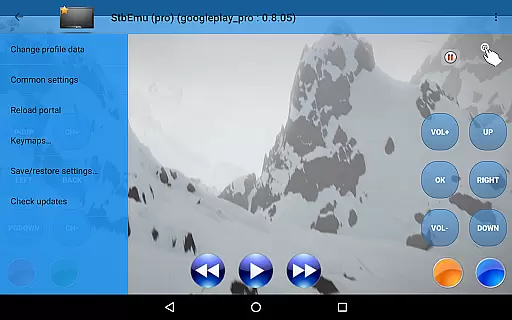
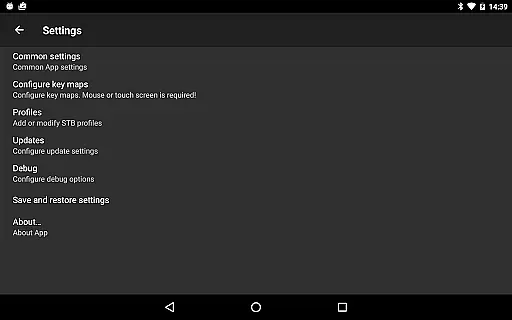
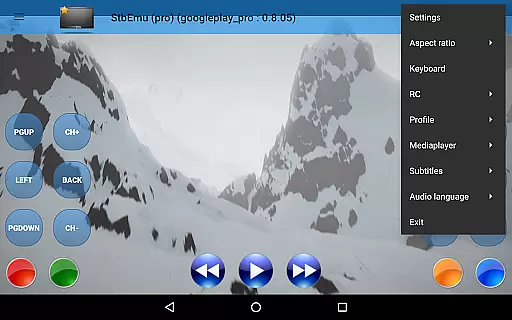
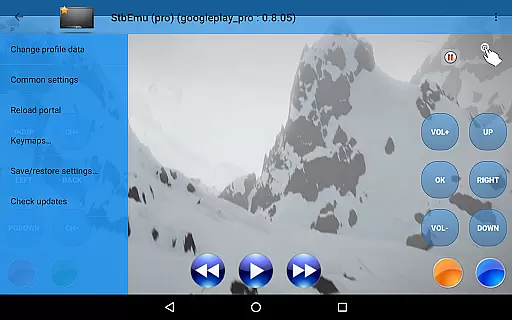
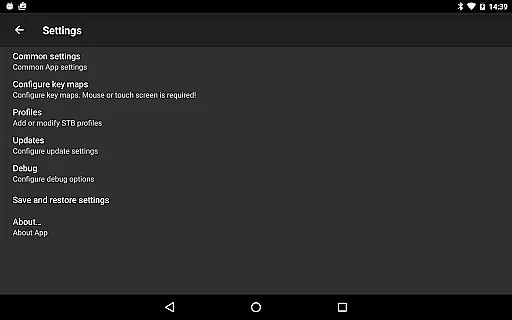
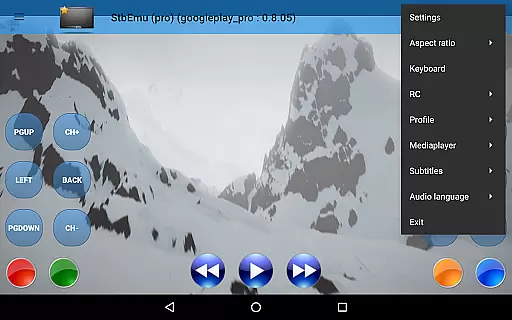
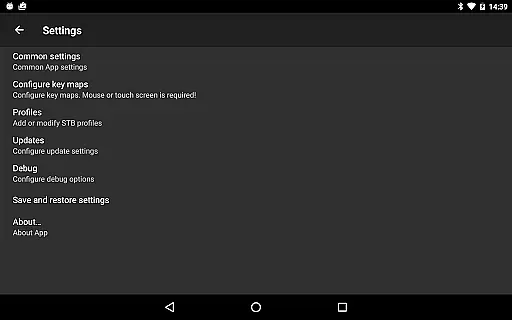
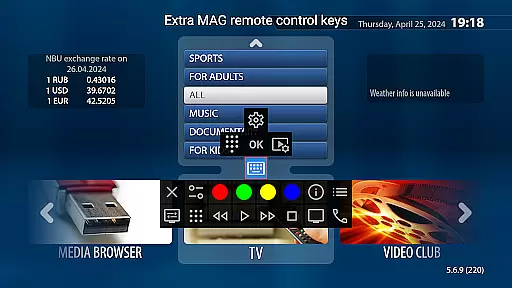
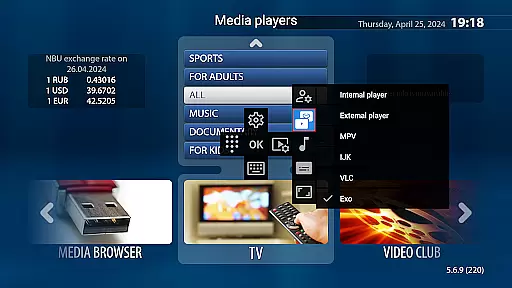
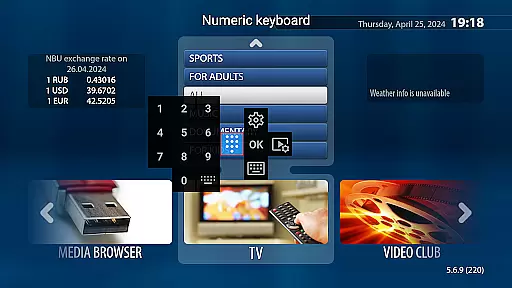
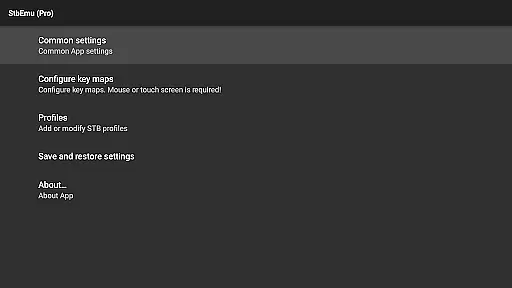
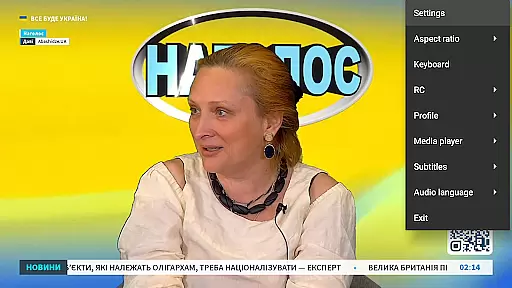
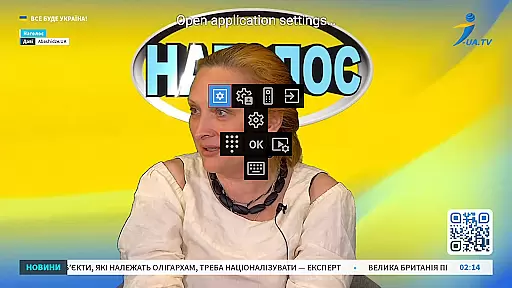

StbEmu (Pro) is a specialized video player app designed for IPTV services. It allows users to emulate set-top box functionalities on their mobile devices, providing access to live TV channels and video content. The app requires configuration to connect with your specific IPTV provider's portal, making it highly customizable for different service providers.
This application is particularly useful for advanced users who need to test or use IPTV services on the go. With its comprehensive settings options, StbEmu (Pro) offers a flexible solution for IPTV streaming, though it may present a learning curve for beginners due to its technical nature and configuration requirements.
StbEmu (Pro) stands out with its extensive configuration options that cater to various IPTV providers. Users can customize network settings, EPG sources, and playback parameters to optimize their viewing experience. The app supports most popular IPTV protocols and codecs, ensuring compatibility with different service providers' standards.
A key feature is its ability to work as a full-featured IPTV client without requiring m3u playlists. The application maintains a stable connection to IPTV portals and automatically reconnects when needed. Advanced users will appreciate the detailed logging system that helps in troubleshooting connection issues and fine-tuning performance parameters.
Video format compatibility is a crucial aspect of any video player application, ensuring that users can enjoy content in various formats without technical hindrances. StbEmu (Pro) is designed with this in mind, offering support for a wide range of video formats commonly used by IPTV providers.
The app's configuration allows it to adapt to different streaming protocols and codecs, making it versatile for an array of media sources. This flexibility ensures that whether you're accessing standard or high-definition content, the app can handle the stream with ease.
For users, this means a seamless viewing experience without worrying about format issues. By supporting industry-standard formats, StbEmu (Pro) enables users to focus on their content rather than compatibility settings.
However, it's important to note that proper configuration is necessary to unlock these capabilities fully. Once set up correctly, the app provides reliable playback across supported formats, enhancing the overall utility for experienced IPTV users.
While StbEmu (Pro) primarily focuses on IPTV streaming, its potential AI-powered editing features could enhance user interaction with video content. Although not explicitly detailed in the app description, such features might include smart trimming, scene detection, or automated quality adjustments tailored for streamed content.
If present, these AI-driven tools would allow users to customize their viewing experience beyond basic playback controls. For instance, automatic scene detection could enable easier navigation through long streams or recorded programs, while smart quality adjustments ensure optimal viewing conditions based on network performance.
These intelligent editing capabilities would represent a significant advancement over traditional video players, providing users with more control and personalization options. The integration of AI technologies demonstrates the app's commitment to innovation in video playback and management.
Despite these possibilities, users should remember that StbEmu (Pro) requires careful setup before utilizing any advanced features. Proper configuration remains essential to access and benefit from these sophisticated functionalities within the application.
User-friendly interface
Highly customizable settings
Wide protocol support
Automatic reconnection feature
Detailed logging system
Complex setup process
Limited beginner support
No m3u playlist support
Requires technical knowledge
Potential configuration errors

All format media Player, no need video converter any more!
 4.00
4.00
High-Quality USB Camera Viewer & HDMI Display
4.70
KMPlayer Plus (Divx Codec) officially support Divx codec.
4.30
Pro video editor app for Instagram, edit video with song, AI, effect & slowmo.
4.80
Mix with Virtual DJ directly from your phone or tablet !
3.10
#1 Torrent App on Android ** No Ads Ever + Battery Saver **
4.80
Powerful video player with advanced hardware acceleration and subtitle supports
4.20
Livestream, news, & gaming content. Watch, chat, and upload. Join Rumble today!
3.80
Manage your YouTube channel on the go
4.40
Play ALL formats in 4K & HD. Video downloader, MP3 player, Chromecast & more.
4.80
Watch a large amount of high-definition short drama content
4.60
Seamlessly connect and control your smart devices, anytime, anywhere with ease.
4.60
Video player, file manager for all formats, 4K/HD media player supports subtitle
4.30
LumaFusion: The Ultimate Storytelling Experience for Video Editing
4.10
IPTV-Smarters Player Pro M3U - Watch Live Stream TV Channels with Chromecast
4.00
Cast to Smart TV, Fire TV. Cast video, photo - Fast & Stable!
3.90
Capture images & record videos for USB Camera, Webcam, Microscopes, Endoscopes
3.80
Live TV, anywhere in your home
3.80
Video player with powerful streaming playback and various convenient features.
2.10


User Reviews