
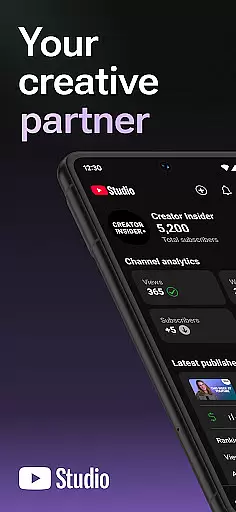
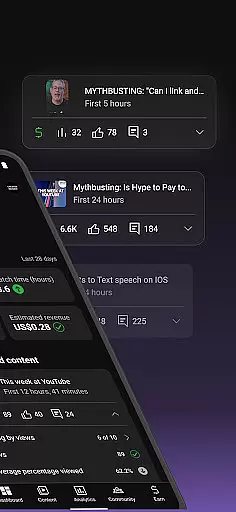
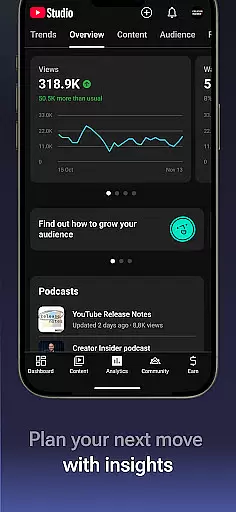
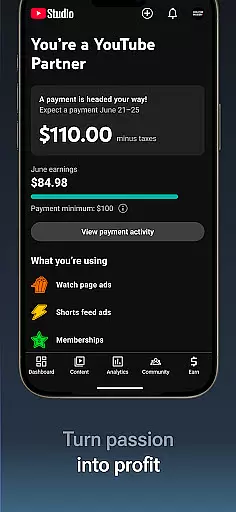

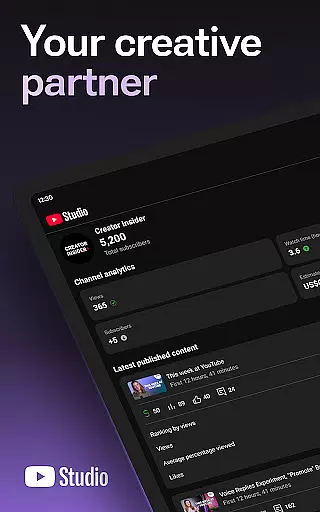
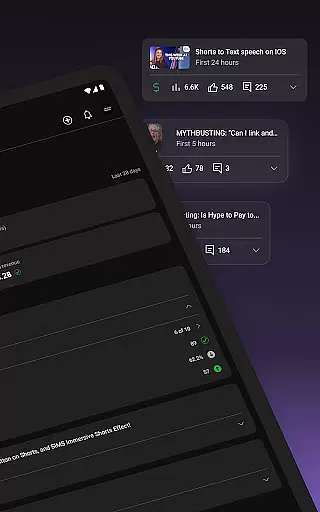
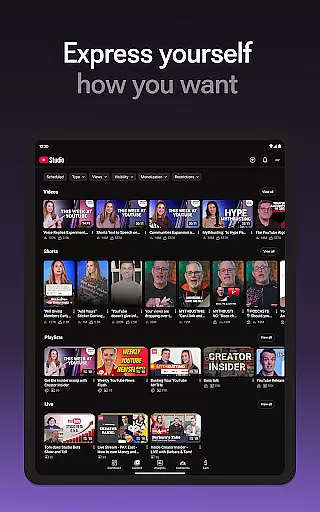

YouTube Studio is the official mobile app designed specifically for content creators to manage their YouTube channels effectively. The application provides a comprehensive suite of tools that empower creators to monitor channel performance, engage with their audience, and customize content directly from their mobile devices. With features like the Channel Dashboard, detailed Analytics, and comment management, it serves as an all-in-one solution for YouTubers looking to optimize their channel's growth and community engagement.
The app allows users to make real-time updates to their channel's appearance and video information, ensuring their content remains fresh and engaging. Whether you're tracking viewer demographics or applying for the YouTube Partner Program to monetize your channel, YouTube Studio offers the essential tools needed to cultivate a successful YouTube presence. This makes it especially valuable for creators who need to manage their channels on-the-go.
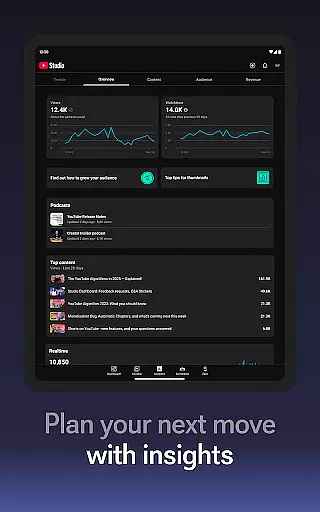
YouTube Studio stands out with its robust feature set tailored for content creators. The Channel Dashboard provides a quick snapshot of key performance metrics, giving users immediate insights into how their channel is performing. The app's detailed Analytics section goes deeper, offering breakdowns of viewer behavior, traffic sources, and engagement metrics across different content types such as videos, shorts, and livestreams.
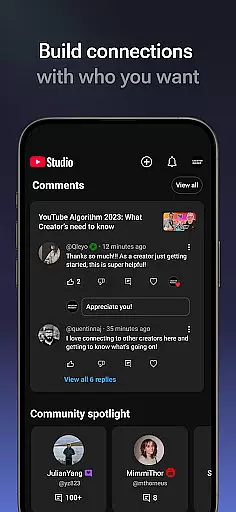
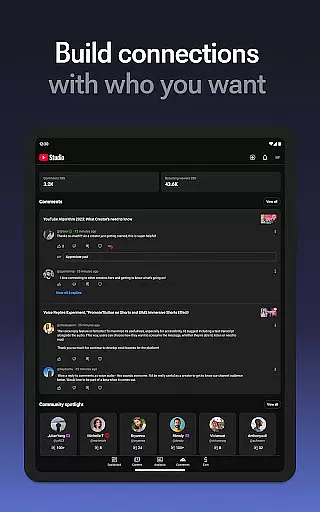
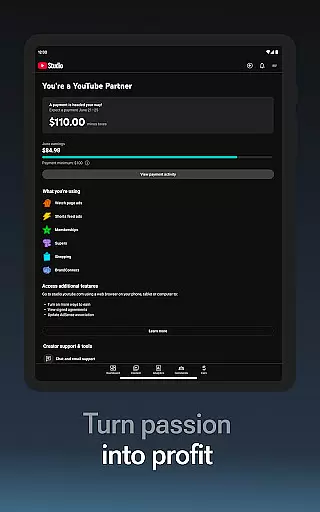
Another notable feature is the advanced comment management system, which allows creators to sort and filter comments to prioritize important conversations. Additionally, users can update video details, modify channel aesthetics, and even apply for monetization through the YouTube Partner Program directly within the app. These capabilities ensure that creators have complete control over both the creative and business aspects of their channels, making YouTube Studio an indispensable tool for modern content creators.
Video format compatibility is a crucial feature for any video player and editor, including YouTube Studio. This app supports a wide range of video formats, ensuring that creators can upload and manage content without worrying about format restrictions.
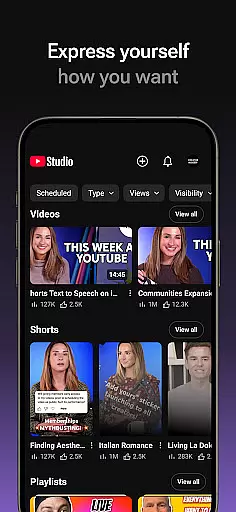
YouTube Studio allows users to update information for individual videos, shorts, and livestreams, meaning you can manage various types of video content efficiently. The flexibility in handling different formats enhances the user experience by providing seamless integration with the creator's existing video library.
By supporting multiple formats, YouTube Studio ensures that creators can focus on producing high-quality content rather than being constrained by technical limitations. This broad compatibility empowers creators to experiment with different types of content, from standard videos to shorts and live streams.
The benefit to users is clear: a versatile platform that adapts to their needs, allowing them to fully leverage YouTubeu2019s ecosystem. Whether it's through detailed analytics or customizable video settings, YouTube Studio's format compatibility stands out as a key advantage.
AI-powered editing features represent a significant advancement in video editing technology, and YouTube Studio incorporates these innovations to enhance the creator's workflow. With AI-driven tools, creators can automate tedious tasks, such as tagging, captioning, and even suggesting content improvements based on audience engagement data.
YouTube Studio provides detailed analytics and performance data, which are bolstered by AI capabilities. These insights allow creators to understand how different types of content perform, thus guiding their editing choices. AI helps identify trends and patterns that might not be immediately apparent, offering a strategic edge in content creation.
In addition to analytics, YouTube Studio uses AI to help cultivate deeper audience relationships. Sorting and filtering comments to highlight important conversations is an example of how AI can prioritize meaningful interactions, saving creators time and enhancing community engagement.
Ultimately, AI-powered editing features in YouTube Studio enable creators to produce more polished and engaging content. By streamlining the editing process and offering intelligent suggestions, the platform empowers creators to focus on creativity and community building, setting a new standard in video content management.
User-friendly interface
Comprehensive analytics
Real-time updates
Advanced comment sorting
Monetization options
Limited desktop features
Occasional bugs
Ads in the interface
Complex navigation
Restricted customization

Video player, file manager for all formats, 4K/HD media player supports subtitle
 4.30
4.30
Kodi media center, a free and open source cross-platform entertainment hub
3.60
?100% FREE! Download & save videos? safely in this app. All formats supported.
4.60
Tik & Story Saver-Download ALL social media videos, photos & reels no watermark.
4.80
HD video maker with no watermark, no ads & vlog maker with music, PIP, text
4.50
Support 1000+ Video Format, Subtitle Download, mp3 & Background Play, Cast On TV
4.60
Play and download HD videos from all sources — fast, simple, and all-in-one.
4.3
IPTV Loader, loads your own Playlist. DOES NOT CONTAIN ANY LIST OR CHANNELS
4.60
Find, download, and play torrents with the official BitTorrent® Pro app
4.70
Video Trimmer, Video to MP3 Converter. Extract music from video, Easy & Fast.
4.80
An easy-to-use and all-round screen recorder with audio
4.80
HD Video player all format, HD Videos, Cast & Subtitle. No annoying ads.
4.60
Watch IPTV on your Android device
4.60
Fast, private downloading, video saving, social media
4.50
Video Downloader is an utility that can save videos and music from web sites
4.20
Your media, on your terms.
4.10
Browser for Samsung TV to stream webvideos, online movies and livestreams in HD
4.10
All format media Player, no need video converter any more!
4.00
Watch full episodes of your favorite Cartoon Network and Cartoonito shows!
3.50


User Reviews