
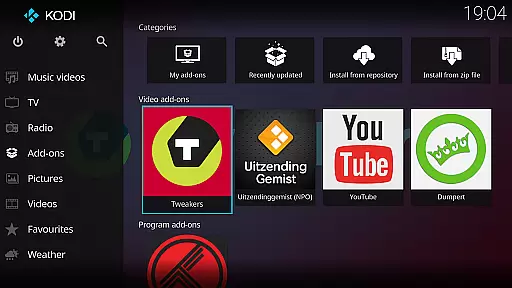
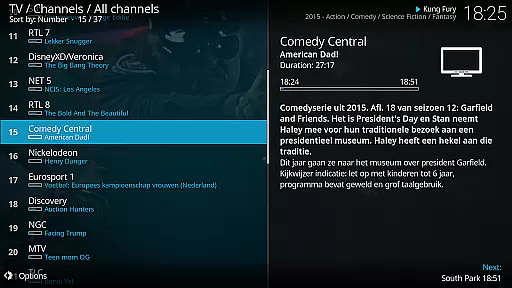
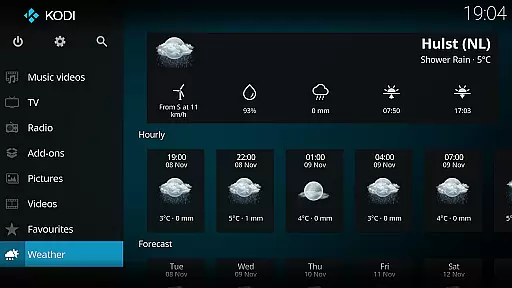
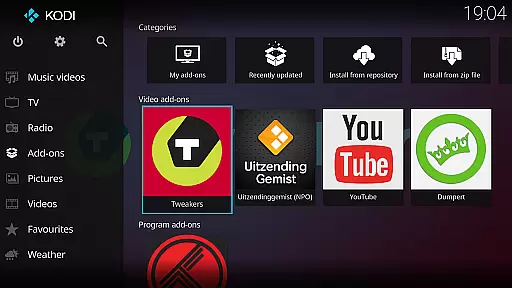
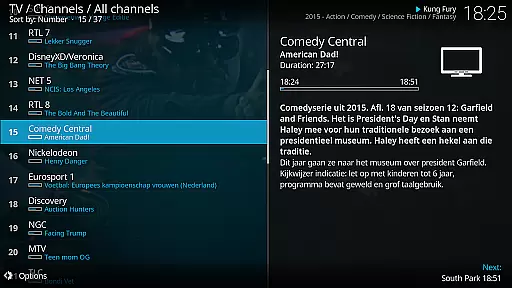
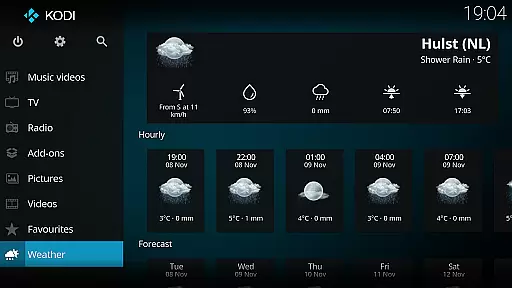
Kodi is an award-winning media player and entertainment hub designed for home theater setups. It offers a 10-foot user interface, making it perfect for living-room entertainment with remote control navigation. The software supports various media formats and allows users to access content from multiple sources including hard drives, optical discs, local networks, and the internet.
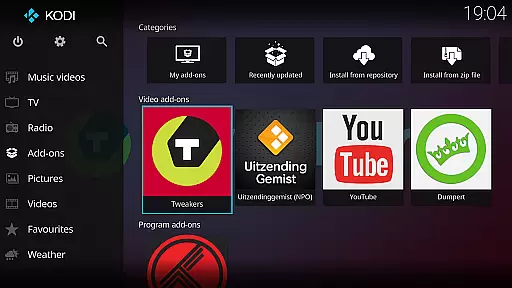
With its powerful graphical user interface, Kodi enables easy browsing and viewing of videos, photos, podcasts, and music. It is highly customizable through third-party plugins, though it does not include any pre-loaded content. Kodi's versatility makes it ideal for managing extensive digital media libraries in a home entertainment setting.
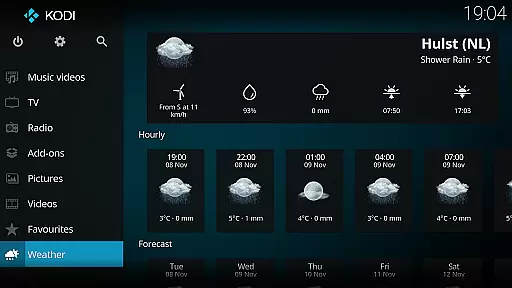
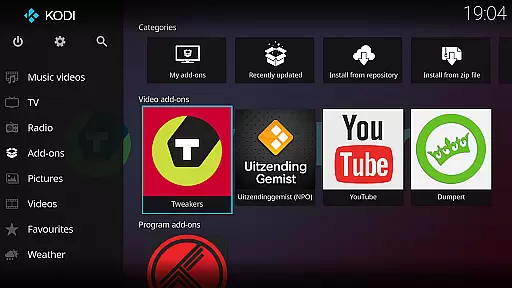
Kodi stands out with its cross-platform compatibility and robust feature set. The application uses the Estuary skin as its default interface, which is optimized for speed and ease of use. For mobile devices, the Estouchy skin enhances usability on larger phones and tablets, though it is not recommended for smaller screens.
The media player supports a wide range of audio and video formats, providing seamless playback without the need for additional codecs. Kodi also allows users to customize their experience by installing third-party plugins, offering access to online content. Its open-source nature encourages community contributions, ensuring regular updates and improvements.
One of the core strengths of Kodi lies in its exceptional video format compatibility. This media player supports an extensive range of video formats, ensuring that users can play virtually any file type without the need for additional codecs or conversion software. Whether you're dealing with common formats like MP4 and AVI or more specialized ones such as MKV and FLV, Kodi handles them all seamlessly.
The importance of this feature cannot be overstated, especially for users with diverse media libraries. By eliminating the frustration of incompatible files, Kodi provides a smooth and uninterrupted viewing experience. The application achieves this through its integration of advanced open-source codec libraries, which are continuously updated to support emerging formats.
For users, this means unprecedented flexibility in managing their digital content. You can easily stream local files from your hard drive, access network-attached storage devices, or even play content directly from optical discs. The player's versatility extends to online sources as well, allowing seamless playback of internet-based media.
This comprehensive format support significantly enhances user convenience. Rather than worrying about technical limitations, you can focus on enjoying your favorite movies and shows. Kodi's commitment to universal compatibility makes it an ideal choice for both casual viewers and home theater enthusiasts who demand maximum flexibility from their media player.
While primarily known as a media player, Kodi incorporates AI-powered editing features that enhance the overall user experience. These intelligent tools go beyond basic playback functionality, offering smart organization and optimization capabilities for your media library. Through machine learning algorithms, Kodi can automatically categorize and tag your video content, making it easier to navigate large collections.
The significance of these AI features becomes apparent when managing extensive media libraries. The system intelligently analyzes video metadata, including titles, genres, and cast information, creating comprehensive databases that improve searchability and organization. This automated process saves users countless hours that would otherwise be spent manually cataloging their collections.
Kodi's AI capabilities extend to playback optimization as well. The software can analyze your viewing habits and preferences, suggesting optimal playback settings and even recommending similar content. These features work behind the scenes to deliver a more personalized and efficient entertainment experience.
For users, these intelligent features translate into significant time savings and improved accessibility. The AI-powered tools help maintain a well-organized media library while providing valuable insights and recommendations. Although not a traditional video editor, Kodi's smart features effectively streamline media management, making it an invaluable tool for anyone seeking to optimize their digital entertainment experience.
User-friendly interface
Highly customizable
Wide format support
Active community support
Cross-platform compatibility
No built-in content
Requires technical knowledge
Third-party plugins vary in quality
Not ideal for small screens
Potential legal concerns with plugins

Cast Videos from Web Browser, IPTV to Roku, Chromecast, DLNA, Smart TV +more
 4.60
4.60
A Quick and Pro Video Editor
4.70
Seamlessly connect and control your smart devices, anytime, anywhere with ease.
4.60
Download videos and play them offline
4.70
Add date and time watermark to photos and videos
4.50
Browser for Sony TV to stream web videos, online movies and live tv
3.20
Web Browser for LG TV to stream webvideos, online movies and livestreams in HD
4.20
A Simple app to download Video & Music from the Internet.
4.70
Make videos you’re proud to share with Edits, a video editor for creators.
4.70
Tik & Story Saver-Download ALL social media videos, photos & reels no watermark.
4.80
Play ALL formats in 4K & HD. Video downloader, MP3 player, Chromecast & more.
4.80
An easy-to-use and all-round screen recorder with audio
4.80
Download website videos fast&privacy
4.40
Fast & Private Video Downloader App. Save all videos easily from the Internet.
4.40
Create & edit videos with AI
4.30
This app was created to edit the metadata of music files.
4.20
Powerful, professional, versatile teleprompter. Developed by an active film crew
4.00
HD video & music player - All format support with floating & PIP mode!
3.80
Watch full episodes of your favorite Cartoon Network and Cartoonito shows!
3.50


User Reviews