
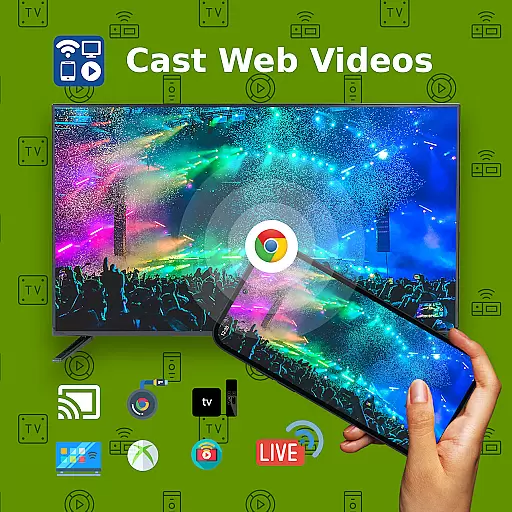
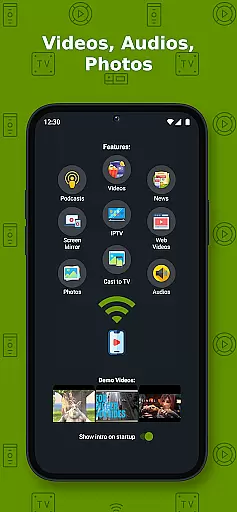
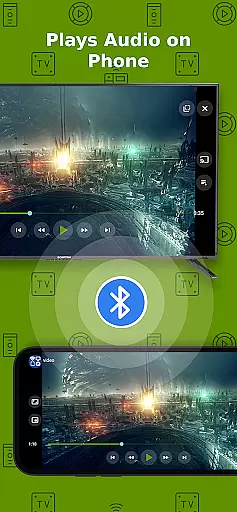
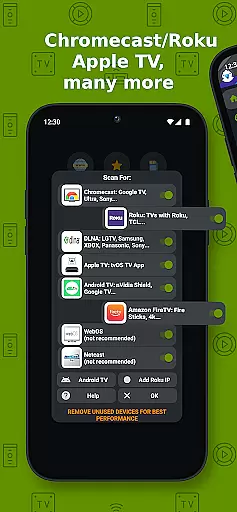
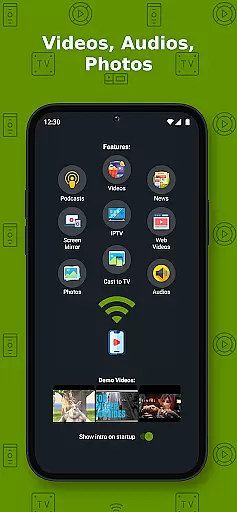
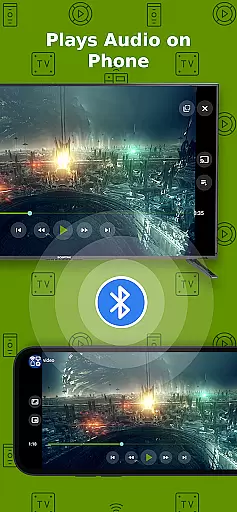
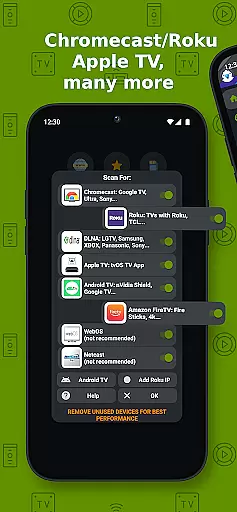
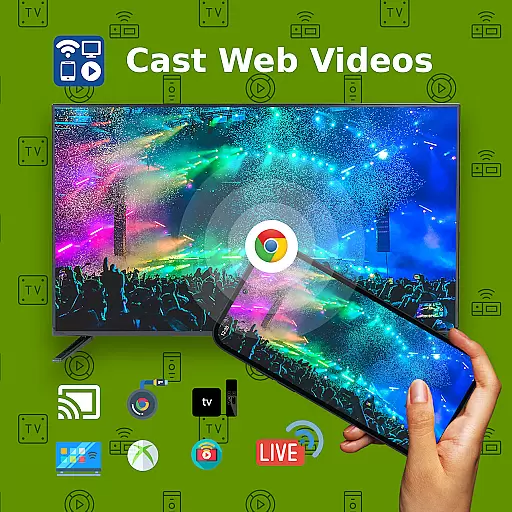
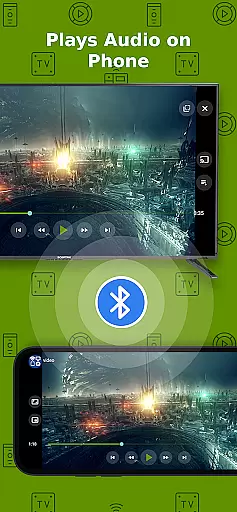
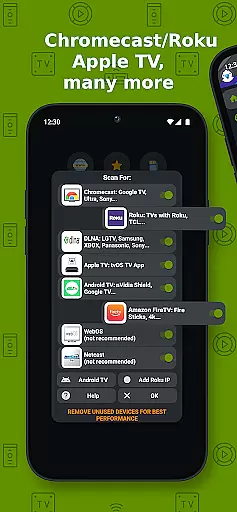
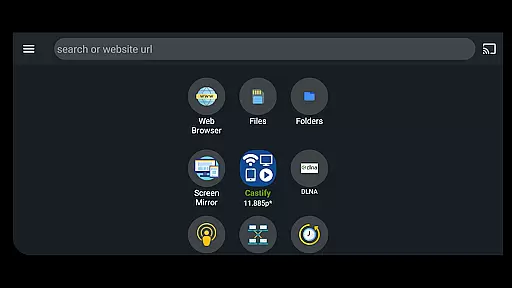
Cast to TV+ Chromecast Roku TV is a versatile streaming application that allows users to cast videos, music, photos, and other media content from their mobile devices to various streaming devices. The app supports a wide range of streaming platforms including Chromecast, Roku, Fire TV, DLNA receivers, Xbox consoles, and smart TVs from brands like LG, TCL, Phillips, Sony Bravia, Samsung, Sharp, Panasonic, and more.
In addition to its casting capabilities, the app offers advanced features such as AI Subtitle Generation and Translation, Universal Remote Controls for different devices, Screen Mirroring, IPTV support, and Picture in Picture (PiP). These features make it an ideal choice for users who want to enjoy a seamless multimedia experience on their TVs or other compatible devices.
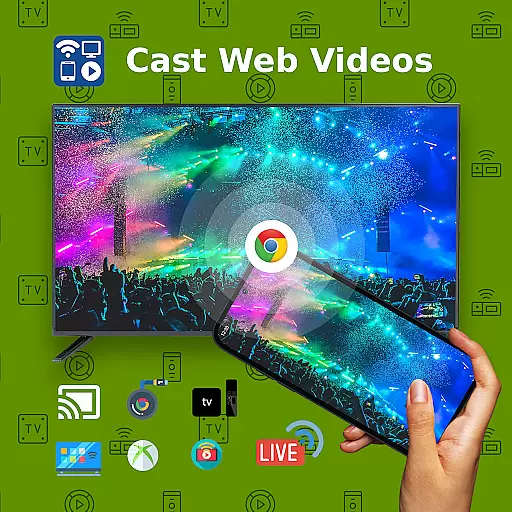
The app works best with Roku and Google Chromecast, providing optimal functionality and user experience. Whether you want to stream local files from your phone or cast web videos found online, this app provides a comprehensive solution for all your casting needs.
One of the standout features of Cast to TV+ Chromecast Roku TV is its extensive compatibility with various streaming devices. It supports Chromecast 1, 2, and Ultra HD 4K, Roku Premiere, Express, Streaming Stick, or Roku TV, Fire TV or Fire Stick, DLNA receivers, Xbox One, Xbox 360, Google Cast receivers, and many smart TVs with DLNA built-in.
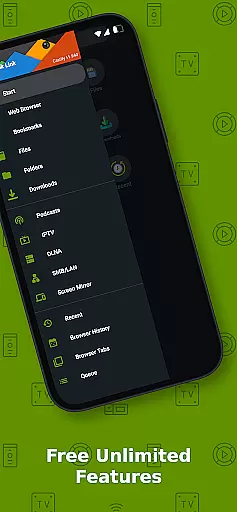
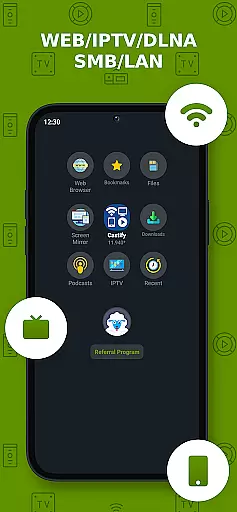
The app also boasts several innovative features designed to enhance the user experience. These include AI Subtitle Generation, which creates subtitles for any given video, and AI Subtitle Translation, which translates SRT subtitles. Additionally, users can take advantage of Universal Remote Controls for Roku, Android TV, Samsung, LGTV, FireTV, and enjoy functionalities like Screen Mirroring, IPTV supporting m3u playlists, Website Bookmarks, Searching of videos on any websites, Picture in Picture (PiP), and Subtitles for Chromecast & Roku.
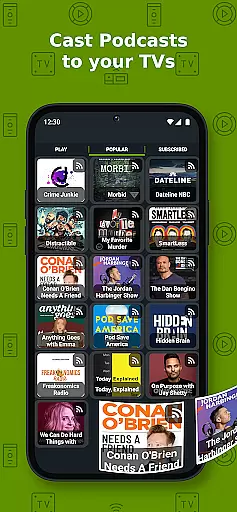
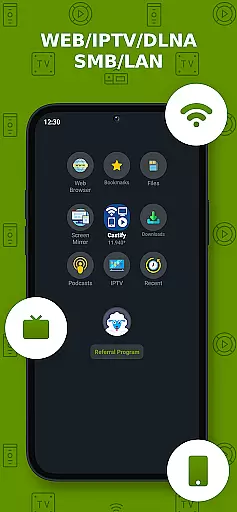
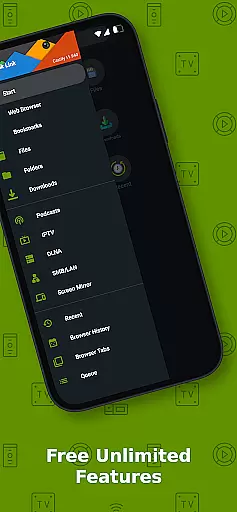
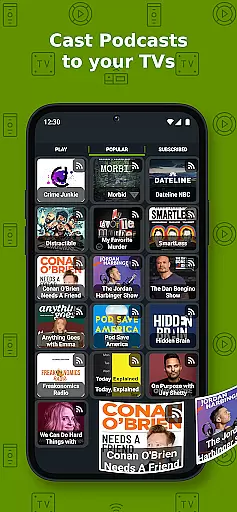
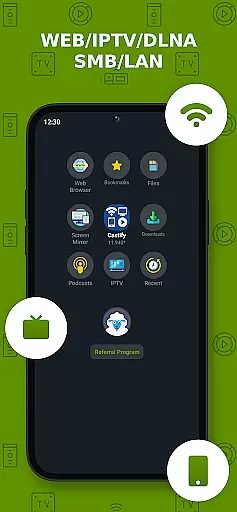
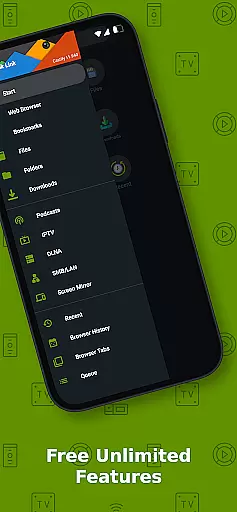
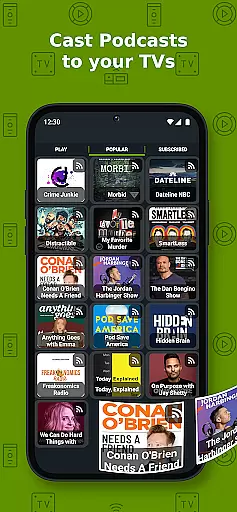
Another notable feature is the ability to cast from multiple sources including Phone Files, Browser Websites, IPTV, Podcasts, DLNA Servers, SMB, Samba, NAS, LAN. This versatility ensures that users can access and stream their favorite content from virtually any source, making it a powerful tool for multimedia enthusiasts.
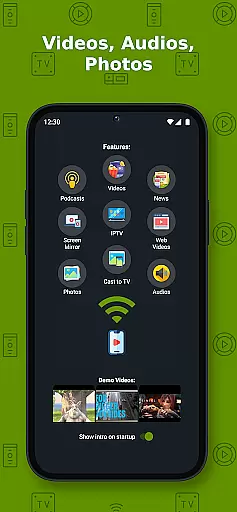
Video format compatibility is a crucial feature for any video player and editor, ensuring that users can enjoy a wide range of content without technical barriers. Cast to TV+ Chromecast Roku TV supports an extensive array of formats including MP4, MKV, MP3, JPG, PNG, HTML5 video, HLS Live Streaming, and IPTV m3u files or URLs. This versatility allows users to stream videos, music, and photos from their phone or tablet directly to their TV using compatible streaming devices like Chromecast, Roku, Xbox, DLNA, and more.
The app's ability to handle 4K and HD content where available enhances the viewing experience, offering crisp and clear visuals. However, it's important to note that some proprietary video and movie formats may not be supported due to restrictions imposed by the source websites themselves. The app does not modify video sources but sends the original content to streaming receivers, which means the playback quality heavily relies on the source material.
Users with newer Android devices can also take advantage of the screen mirroring feature, allowing them to share their entire device screen on a larger display. While this function provides flexibility in sharing various types of content, certain limitations exist depending on the specific streaming receiver being used. For instance, Apple TV AirPlay requires AirPlay to be enabled in settings, while Xbox One & Xbox 360 need DLMA activated.
Overall, Cast to TV+ Chromecast Roku TV ensures broad video format compatibility, catering to diverse user needs and preferences. Whether you're looking to cast web videos found online, stream local files, or even mirror your phoneu2019s screen, this app delivers a seamless experience across multiple platforms and devices.
AI-powered editing features represent a significant advancement in video players and editors, providing users with tools that enhance both efficiency and creativity. Cast to TV+ Chromecast Roku TV incorporates cutting-edge AI technologies such as AI Subtitle Generate and AI Subtitle Translation. These features allow users to create subtitles for any given video automatically and translate SRT subtitles into different languages, making content more accessible to global audiences.
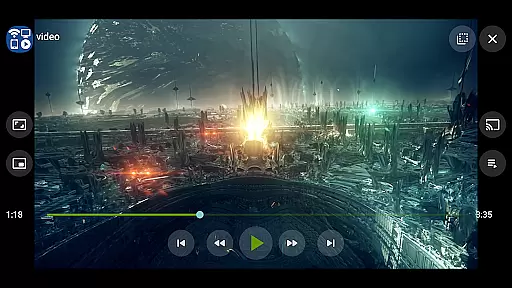
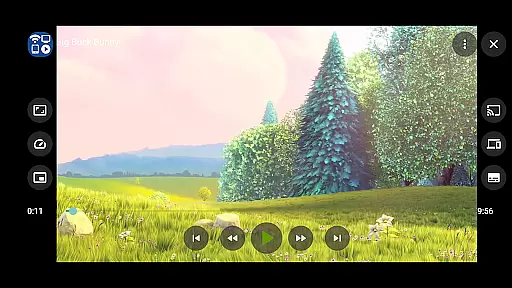
In addition to subtitle functionalities, the app offers Picture in Picture (PiP), enabling multitasking while watching videos. Users can continue browsing other websites or performing tasks on their device without interrupting the video playback. This feature is particularly useful when following along with tutorials or keeping track of live events while engaging in other activities.
Another notable AI-driven capability is the universal remote controls for various smart TVs and streaming devices, including Roku, Android TV, Samsung, LGTV, and FireTV. By integrating these controls within the app, users gain convenient access to manage their entertainment systems without needing separate physical remotes. Furthermore, the popup blocker ensures uninterrupted viewing sessions by preventing unwanted ads from disrupting the experience.
While enjoying these advanced editing features, it's essential to recognize that the app's performance depends on stable internet connectivity and sufficient WIFI signal strength. Most connection issues can be resolved by restarting the casting receivers or phone. With its robust AI-powered editing tools, Cast to TV+ Chromecast Roku TV empowers users to customize and optimize their multimedia experiences effortlessly.
Wide device compatibility
Advanced AI features
User-friendly interface
Comprehensive streaming options
Regular updates and improvements
Limited functionality on older devices
Some features require Pro version
Occasional connectivity issues
Dependent on stable internet connection
Not all video formats supported

Live TV, anywhere in your home
 3.80
3.80
GENRAL PRO - General Pro is the best video player that fully supports all formats.
4.70
Fast & Private Video Downloader App. Save all videos easily from the Internet.
4.40
Cast to Smart TV, Fire TV. Cast video, photo - Fast & Stable!
3.90
This app is an emulator of some specific IPTV boxes
3.50
AI Video Editor with Music, Filter, Slideshow, Effect, Merge & Trim Video.
4.80
Livestream, news, & gaming content. Watch, chat, and upload. Join Rumble today!
3.80
Download Hub, easy and private way to download and enjoy your videos offline
4.80
Make videos you’re proud to share with Edits, a video editor for creators.
4.70
Play ALL formats in 4K & HD. Video downloader, MP3 player, Chromecast & more.
4.80
Pro video editor app for Instagram, edit video with song, AI, effect & slowmo.
4.80
Video player, file manager for all formats, 4K/HD media player supports subtitle
4.30
Movie maker & video editing app with AI effects and green screen
4.30
Turn your phone into a wireless camera!
4.20
Video player with 4K & 1080P support, popup play, background play and subtitle.
4.20
Browser for Samsung TV to stream webvideos, online movies and livestreams in HD
4.10
Manage your IPTV live channels and VOD playlists (no playlist included)
3.80
Download videos easily & play them all in one smart, powerful video manager.
3.40
The smartest M3U IPTV Player your playlists have ever seen.
4.2


User Reviews