
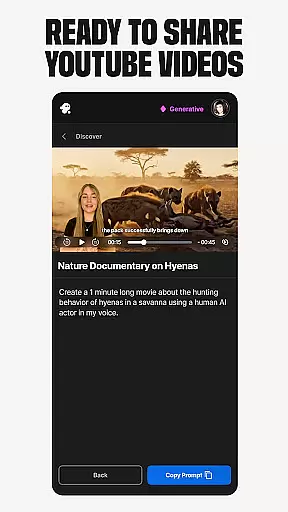
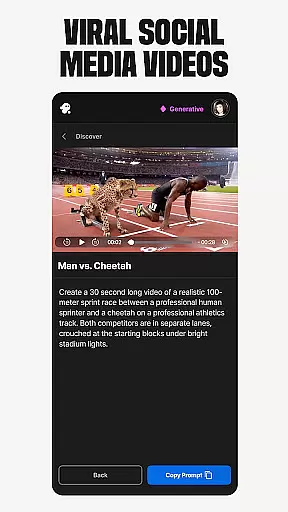
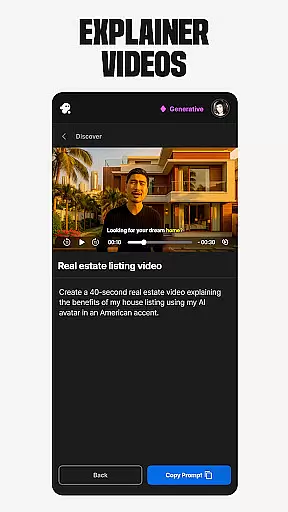
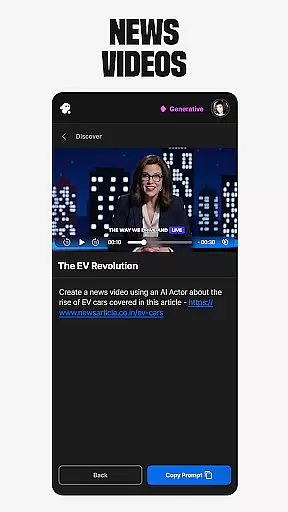
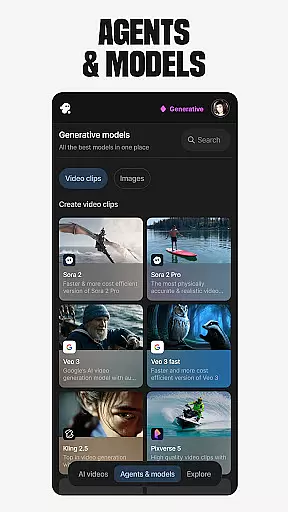
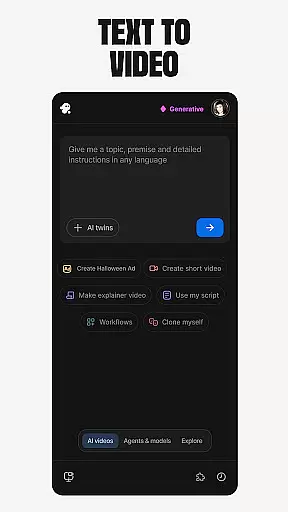
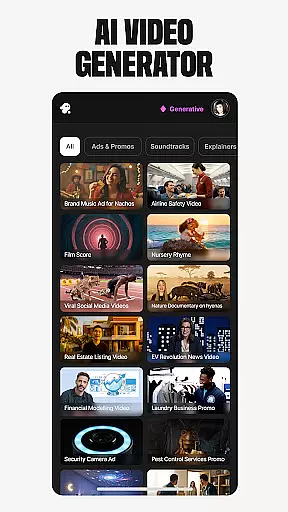
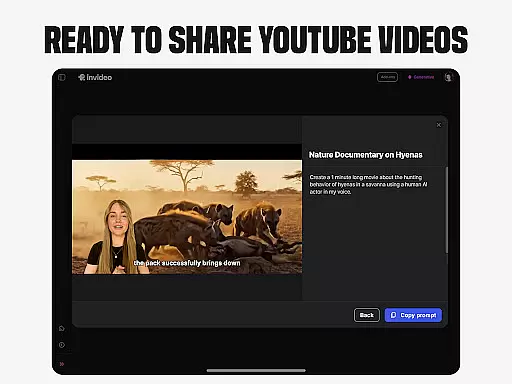
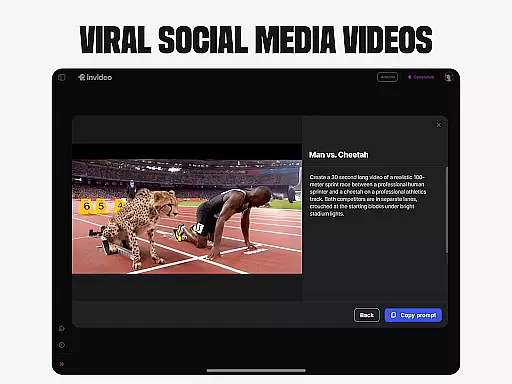
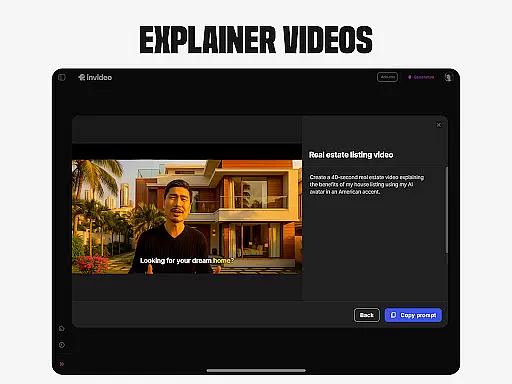
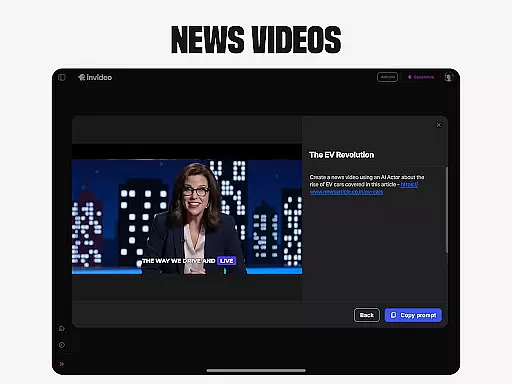
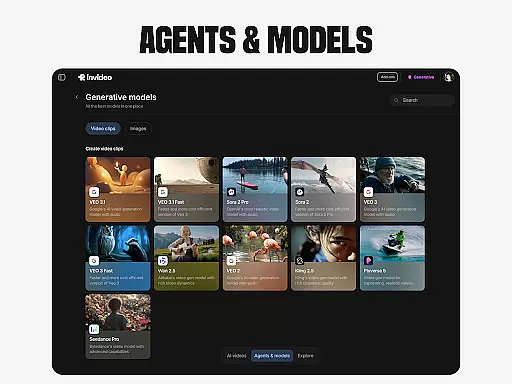
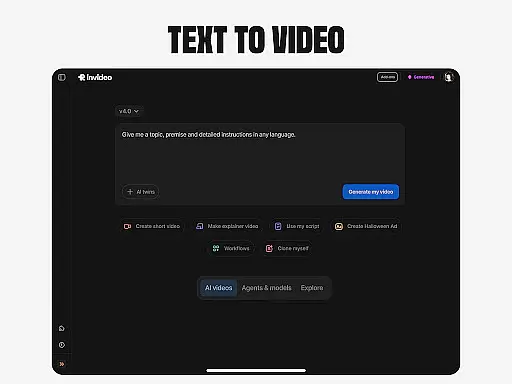
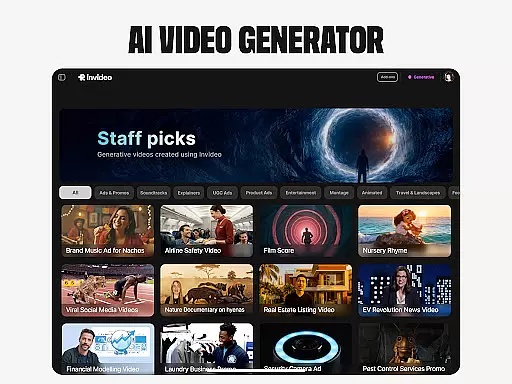
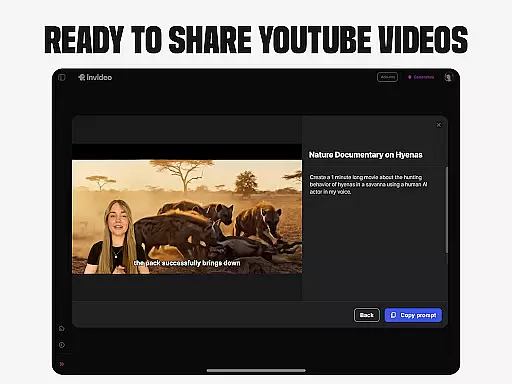
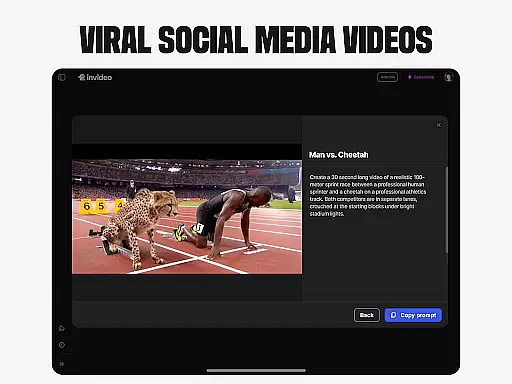
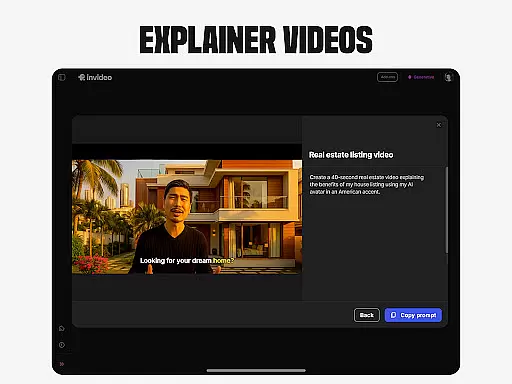
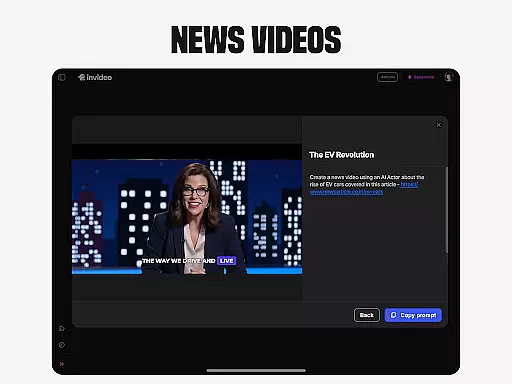
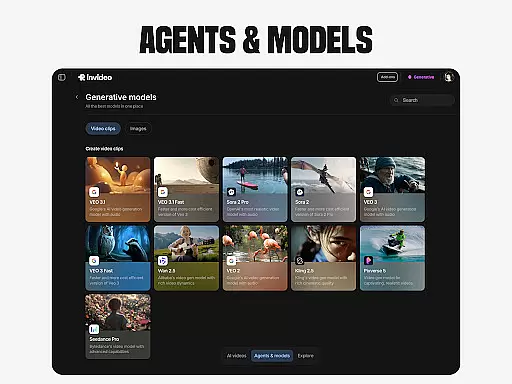
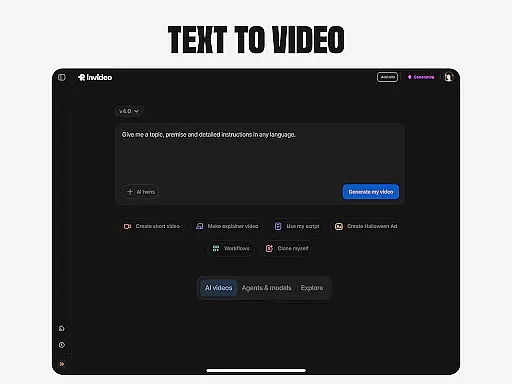
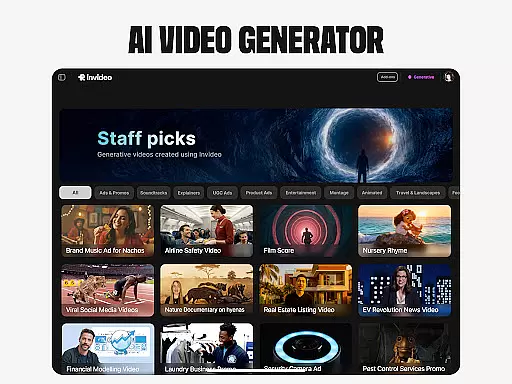
Invideo AI is a revolutionary video creation platform that empowers users to produce professional-quality videos using artificial intelligence. The app offers an extensive suite of tools for creating various types of AI-generated videos, including explainers, promotional content, advertisements, and even full-length films.
One of the standout features is its ability to generate complete video packages with scripts, generative media elements, captions, voiceovers, music, and effects in over 50 languages. This makes it particularly valuable for global content creators and businesses looking to expand their reach across different regions. Whether you're a beginner or a seasoned professional, Invideo AI provides intuitive tools that simplify the video production process while maintaining high-quality standards.
The application's versatility extends to creating virtual avatars, cloning voices, converting text to video, transforming images into dynamic video content, and enabling virtual product try-ons. These capabilities make it an ideal solution for e-commerce businesses, educators, and social media marketers who need to produce engaging visual content quickly and efficiently.
Invideo AI distinguishes itself through its comprehensive feature set designed to streamline video creation. The platform's AI video generator enables users to create multiple video formats, from short promotional clips to full-length documentaries, all within a single interface. Its AI Text-to-Video functionality allows seamless conversion of written scripts into visually compelling scenes.
The application's AI Avatar technology revolutionizes personal branding by creating digital twins of users, perfect for generating training materials and product demonstrations without the need for physical presence or traditional studio setups. Additionally, the AI voice cloning feature provides creators with the ability to generate multilingual voiceovers using their own voice characteristics.
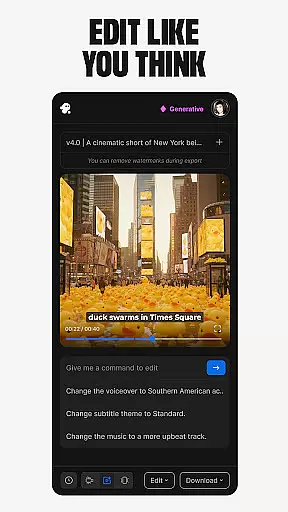
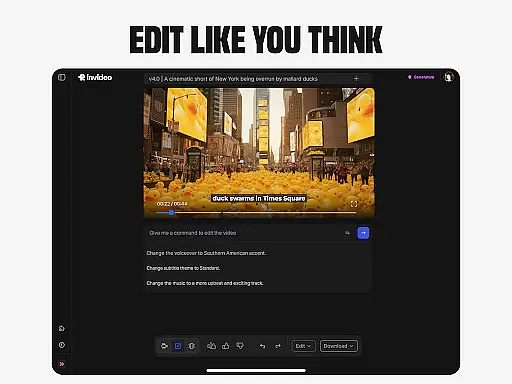
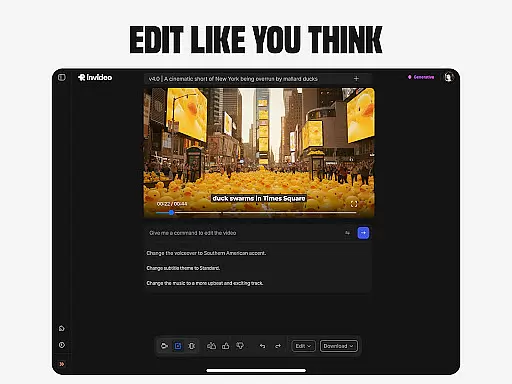
For e-commerce businesses, the virtual product try-on feature offers a game-changing solution by generating realistic human models showcasing products. The platform also includes powerful editing tools that allow users to modify existing videos through simple text commands, eliminating the need for complex video editing software. These features collectively position Invideo AI as a complete solution for modern video content creation needs.
In the realm of video creation and editing, the compatibility with various video formats stands as a cornerstone feature. Invideo AI champions this aspect by supporting over 50 languages and enabling the creation of full-length videos complete with scripts, generative media, captions, voiceovers, music, and effects. This extensive support ensures that creators are not limited by format constraints and can produce content that is globally accessible.
The application's infrastructure is designed to handle diverse video elements seamlessly. Whether it's incorporating AI-generated avatars, cloning voices for faceless videos, or converting images into dynamic video scenes, Invideo AI maintains high-quality output across different formats. This versatility empowers users to experiment with creative styles without worrying about technical limitations.
For content creators focused on e-commerce or social media, the ability to generate virtual try-ons and ultra-realistic testimonial videos in multiple formats means reaching wider audiences. Invideo AI's robust format compatibility facilitates this expansion, allowing seamless integration and presentation across platforms.
Editing videos traditionally requires mastering complex software and investing significant time in learning curve navigation. Invideo AI disrupts this norm by offering AI-powered editing features that simplify the process through intuitive text commands. Users can change scenes, adjust music, refine tone, and swap voiceovers effortlessly, making video editing more accessible to novices and professionals alike.
This innovative approach leverages artificial intelligence to understand and execute editing tasks based on simple instructions. For instance, creators can prompt changes or use their scripts to guide the AI in modifying video elements. Such functionality not only expedites the editing process but also enhances creative freedom by removing technical barriers.
Moreover, Invideo AI's editing capabilities extend beyond basic adjustments. The platform allows for sophisticated edits such as refining the tone of AI-generated avatars or customizing virtual product demonstrations. These advanced features ensure that final outputs align closely with the creator's vision while maintaining professional standards.
User-friendly interface
Multi-language support
Comprehensive feature set
High-quality output
Time-saving automation
Subscription costs
Learning curve
Internet dependency
Occasional glitches
Limited free options

HD video & music player - All format support with floating & PIP mode!
 3.80
3.80
Powerful HD video player with support for all formats & subtitles.
4.5
Video player with powerful streaming playback and various convenient features.
2.10
AirMirror Receiver - Screen mirroring/cast web videos to Android TV by AirPlay.
4.40
Download videos easily & play them all in one smart, powerful video manager.
3.40
Download website videos fast&privacy
4.40
Play and download HD videos from all sources — fast, simple, and all-in-one.
4.1
Connect EasyCap or UVC devices for recording and broadcast video/audio stream
3.60
A Simple app to download Video & Music from the Internet.
4.70
Screen recorder with audio to take live videos & Screenshot in high quality!
4.70
Cast Videos from Web Browser, IPTV to Roku, Chromecast, DLNA, Smart TV +more
4.60
Seamlessly connect and control your smart devices, anytime, anywhere with ease.
4.60
Watch IPTV on your Android device
4.60
Browser + Remote for Roku to stream webvideos, online movies and livestreams
4.60
Full HD Video mp3 Player, MP4 player play 1080p, File manager, Video Downloader
4.40
All format media Player, no need video converter any more!
4.00
AI Video Editor:AI Music, Text to Video,Text to Speech,Auto Caption,Video Effect
4.00
All in one multi protocols stream receiver for AirPlay, Cast and DLNA.
3.60
The smartest M3U IPTV Player your playlists have ever seen.
4.2


User Reviews