
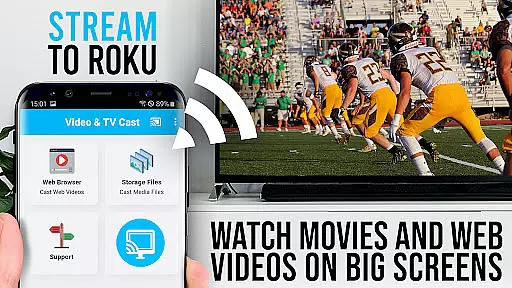
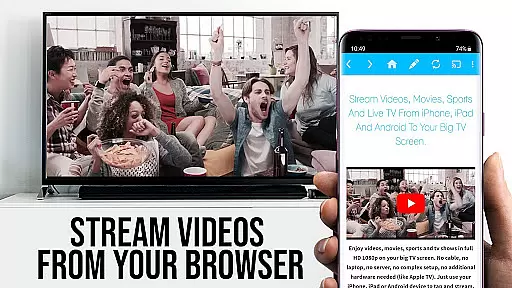
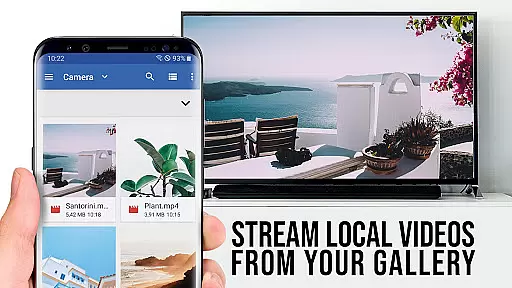

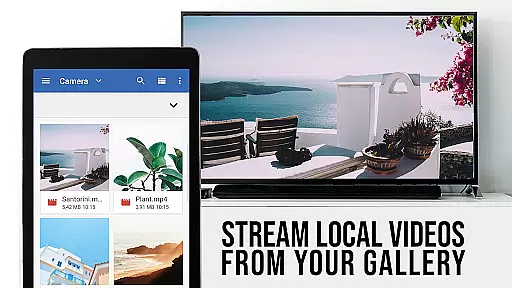

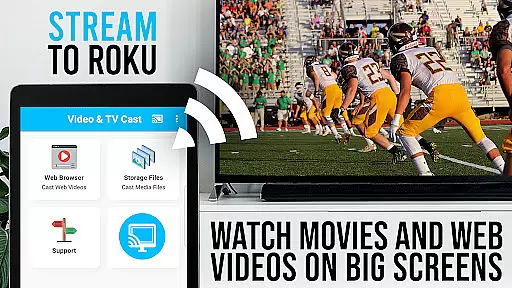
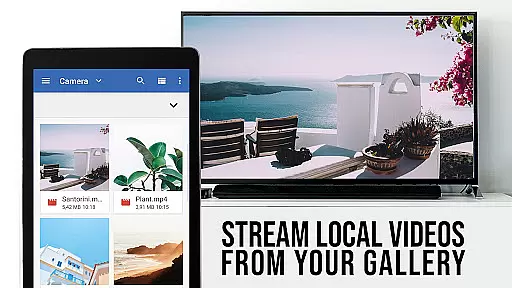

TV Cast Pro for Roku is the ultimate solution for streaming web videos, online movies, livestreams, and live TV shows directly to your Roku device. This application supports a wide range of video formats including mp4, m3u8, hls livestreams, and Full HD content delivered over https. Designed exclusively for Roku streaming devices, it transforms your viewing experience by enabling direct video casting from websites with a single tap.
The integrated Roku Remote feature allows users to control their Roku effortlessly. With all premium features unlocked, this PRO edition offers advanced functionalities such as an Ad-Blocker, Bookmarks, Desktop Mode, and more. Whether you're looking to enjoy high-quality video streams or seeking enhanced control over your viewing options, TV Cast Pro for Roku delivers a seamless and enriched entertainment experience on the biggest screen in your home.
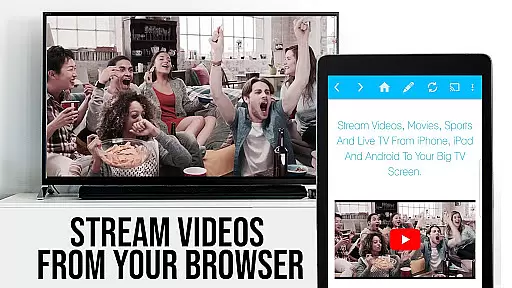
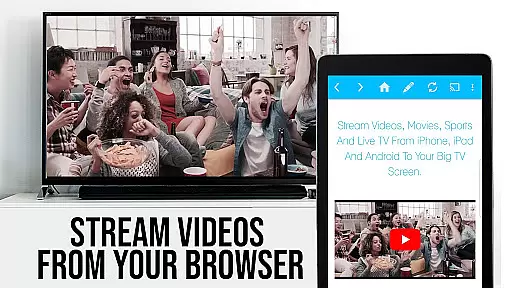
TV Cast Pro for Roku stands out with its comprehensive set of features tailored for an optimal streaming experience. The app's standout capability is its video casting functionality, which allows users to browse the web and cast any video they find directly to their Roku device. Videos are detected automatically and can be sent to your TV with just one tap, making it incredibly user-friendly.
In addition to its primary casting feature, the app includes several PRO functionalities that enhance usability. These include a built-in Roku Remote for controlling video playback, an Ad-Blocker that removes ads and popups from most websites, and a Bookmarks feature for saving favorite sites. The Desktop Mode allows users to view desktop versions of websites, while the ability to change the homepage adds personalization. Together, these features ensure a versatile and uninterrupted streaming experience, elevating your home entertainment system to new heights.
TV Cast Pro for Roku stands out with its extensive video format compatibility, ensuring users can stream a wide variety of content without technical hindrances. The app supports popular formats such as Mp4, m3u8, and HLS livestreams, making it versatile for different types of media.
This compatibility is crucial for users who want to enjoy web videos, online movies, livestreams, and live TV shows directly on their biggest screen. By supporting video over https and Full HD, the app guarantees high-quality streaming that meets modern standards.
The ability to enter or paste full video URLs in the browser address bar adds another layer of convenience. This feature allows direct playback of mp4, m3u8, or other video files on Roku, enhancing user experience by simplifying the streaming process.
While TV Cast Pro for Roku does not focus on AI-powered editing features in the traditional sense, it incorporates advanced functionalities that enhance user interaction and content management. One standout feature is the integrated Roku Remote, which allows users to control video playback seamlessly within the app.
This remote functionality includes options to forward, rewind, pause/play videos, and switch between Roku channels. Such capabilities ensure users have complete control over their viewing experience, mimicking the convenience of AI-driven interfaces by predicting and fulfilling user needs efficiently.
Additionally, the Ad-Blocker feature enhances the viewing experience by blocking ads and popups on most websites. Users can enable or disable this feature at any time in the settings, providing flexibility and personalization akin to sophisticated AI-powered editing tools found in other applications.
User-friendly interface
Wide format support
Integrated Roku remote
Ad-free experience
Advanced customization
Roku Classic models unsupported
No DRM video casting
Limited device mirroring
Requires compatible firmware
Premium version costly

Connect 2 UVC devices for recording and broadcast video/audio stream
 3.90
3.90
HD video & music player - All format support with floating & PIP mode!
3.80
Photo and Music Video Creator into Stunning Videos—Effortlessly
4.40
A Quick and Pro Video Editor
4.70
Tik & Story Saver-Download ALL social media videos, photos & reels no watermark.
4.80
KineMaster, Your Ultimate Video Editor!
4.40
KMPlayer Plus (Divx Codec) officially support Divx codec.
4.30
The essential companion to your Blue Iris PC software
2.50
Video player with 4K & 1080P support, popup play, background play and subtitle.
4.20
#1 Torrent App on Android ** No Ads Ever + Battery Saver **
4.80
Video Trimmer, Video to MP3 Converter. Extract music from video, Easy & Fast.
4.80
Download videos and play them offline
4.70
Find, download, and play torrents with the official BitTorrent® Pro app
4.70
A Simple app to download Video & Music from the Internet.
4.70
HD Video player all format, HD Videos, Cast & Subtitle. No annoying ads.
4.60
Cast Videos from Web Browser, IPTV to Roku, Chromecast, DLNA, Smart TV +more
4.60
Video Downloader, Multiple Resolution Options, Video Player
4.50
Movie maker & video editing app with AI effects and green screen
4.30
A full editing room to accompany your Insta360 cameras and handheld gimbals.
3.30


User Reviews