
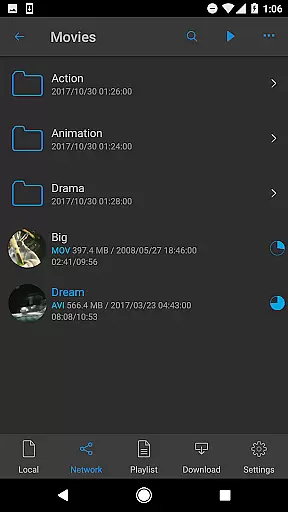
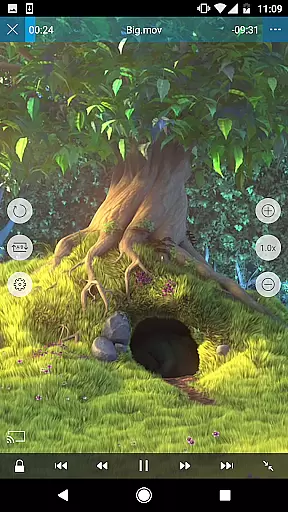
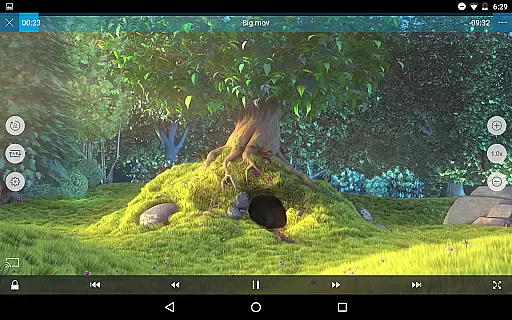
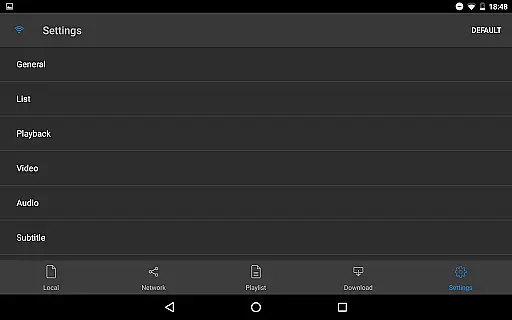
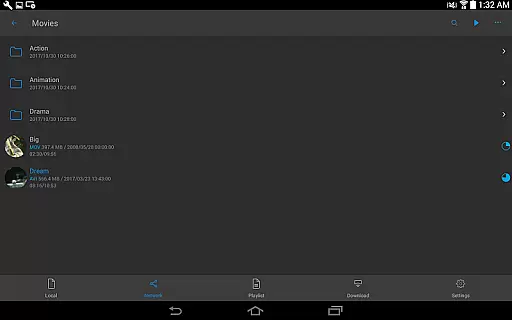
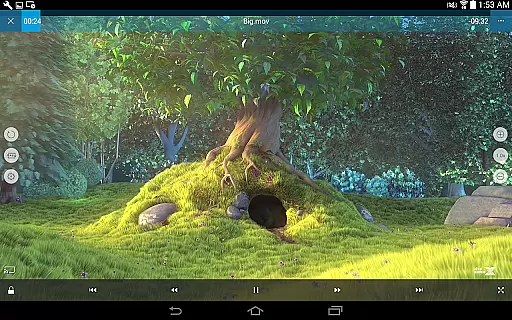
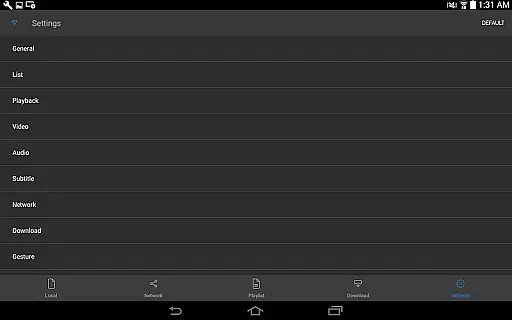
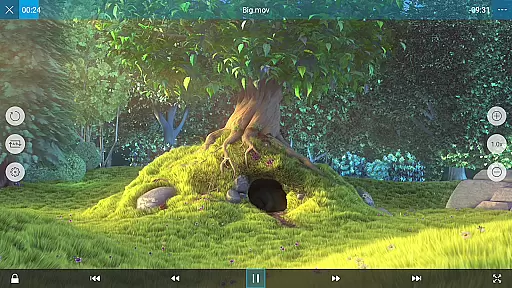
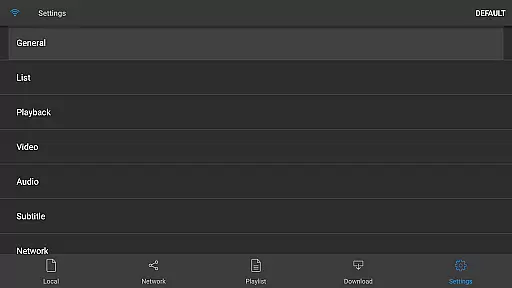
nPlayer is a versatile video player app that enables users to play almost all video formats and codecs without the need for file conversion. With its intuitive touch controls, users can easily adjust playback position, subtitle settings, volume, and brightness.
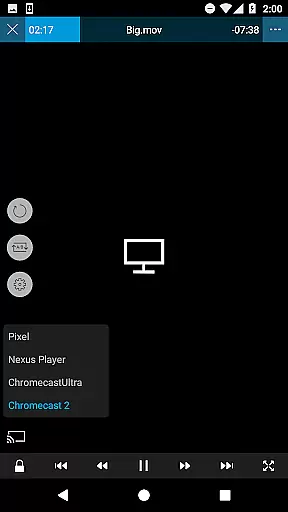
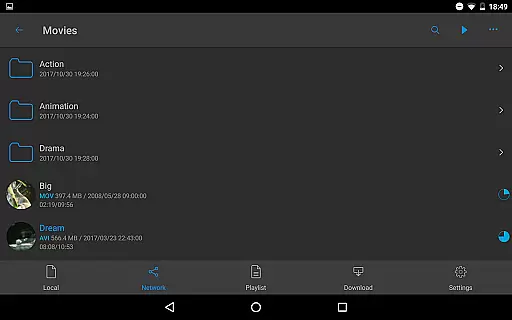
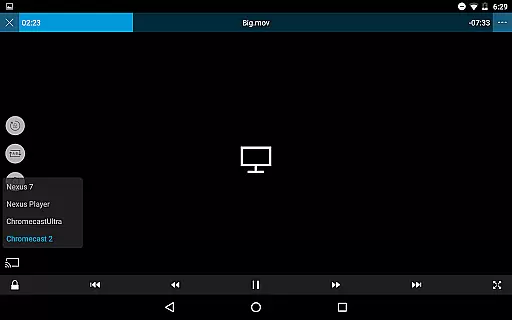
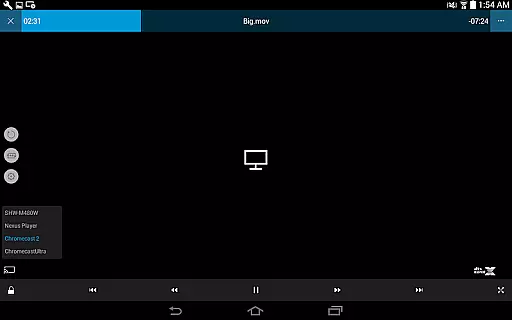
The app supports device file playback and management, download functionality, and officially supports DTS audio codec (DTS HD). It also offers features like pop-up play, video casting for Smart TVs, and HDMI output. nPlayer is an ideal solution for users who want a seamless multimedia experience on their mobile devices.
nPlayer stands out with its comprehensive format support, including video files like MP4, MOV, MKV, AVI, and audio files such as MP3, WAV, FLAC. It also handles various subtitle formats like SMI, SRT, SSA, and image files like JPG, PNG, BMP.
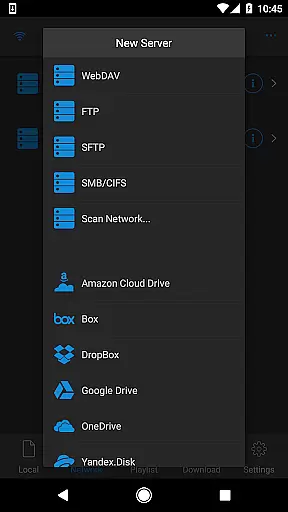
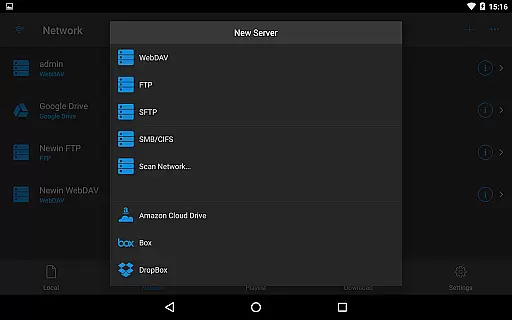
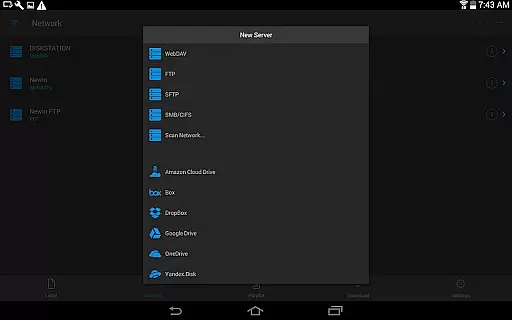
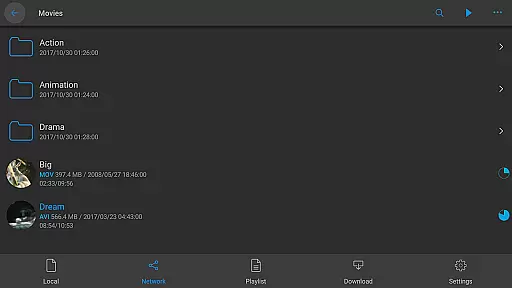
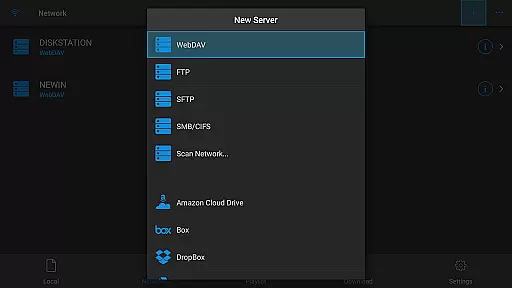
The app provides advanced playback options such as multi-track audio, audio boost, embedded subtitles, and external subtitle fonts. Additionally, it supports network protocols like WebDAV, FTP, SFTP, HTTP, SMB/CIFS, UPnP/DLNA, and integrates with cloud services including Google Drive, Dropbox, and OneDrive.
One of the standout features of nPlayer is its extensive video format compatibility, eliminating the need for users to convert files to MP4 for mobile playback. This Video Players & Editors app supports a wide array of formats including MP4, MOV, MKV, AVI, WMV, and many more, ensuring that users can play almost any video file type without additional conversion efforts.
The application's support extends beyond just basic video playback; it also includes advanced codecs like DTS audio codec (DTS HD), making it a comprehensive tool for media enthusiasts who require high-quality audio alongside their video content. With this level of compatibility, users are empowered to enjoy an uninterrupted multimedia experience across different file types and sources.
Furthermore, nPlayer's ability to handle various subtitle formats such as SMI, SRT, SSA, IDX, SUB, LRC, SUP, MLP2 enhances the viewing experience by allowing precise control over subtitle display. Users can adjust location and font size with ease using simple touch gestures, providing a personalized and accessible entertainment option.
While nPlayer focuses primarily on video playback, it incorporates AI-powered features that enhance user interaction and streamline the viewing process. The smart gesture controls allow users to effortlessly adjust playback position, navigate between subtitles, and modify volume and brightness levels simply by swiping or tapping on their device screen.
In addition to gesture-based controls, nPlayer offers innovative functionalities such as Pop-up play and video casting for Smart TVs, which utilize intelligent algorithms to ensure smooth transmission of media content across devices. These features not only improve convenience but also expand the ways in which users can consume media, adapting seamlessly to modern multi-device lifestyles.
Moreover, the player's support for cloud services like Amazon Cloud Drive, Box, Dropbox, Google Drive, OneDrive, and Yandex.Disk demonstrates its commitment to integrating cutting-edge technology into traditional media consumption. By leveraging these platforms, nPlayer provides a centralized hub for accessing and managing digital content from various sources, showcasing how artificial intelligence can be effectively employed in enhancing both functionality and accessibility within video player applications.
Wide format compatibility
Advanced subtitle support
Cloud service integration
Multi-track audio playback
Intuitive touch controls
No free version available
Occasional playback issues
Limited customer support
High system requirements
Complex interface for beginners

Auto video maker with music & exclusive filters. Video editing made simple.
 4.50
4.50
Connect 2 UVC devices for recording and broadcast video/audio stream
3.90
Live TV, anywhere in your home
3.80
1)AirPlay/DLNA Mirroring/Streaming, up to 4 connections; 2)Samba/NAS/DMS Player.
4.00
Turn your phone into a wireless camera!
4.20
Explore the largest library of free GIFs, Stickers & Memes - or create your own!
3.90
An easy-to-use and all-round screen recorder with audio
4.80
Watch IPTV on your Android device
4.60
Browser + Remote for Roku to stream webvideos, online movies and livestreams
4.60
#1 Torrent App on Android ** No Ads Ever + Battery Saver **
4.80
A Quick and Pro Video Editor
4.70
Find, download, and play torrents with the official BitTorrent® Pro app
4.70
Watch a large amount of high-definition short drama content
4.60
Seamlessly connect and control your smart devices, anytime, anywhere with ease.
4.60
Video player, file manager for all formats, 4K/HD media player supports subtitle
4.30
This app was created to edit the metadata of music files.
4.20
VLC for Android is the best open source video and music player, fast and easy!
4.10
All format media Player, no need video converter any more!
4.00
Browser for Sony TV to stream web videos, online movies and live tv
3.20


User Reviews