
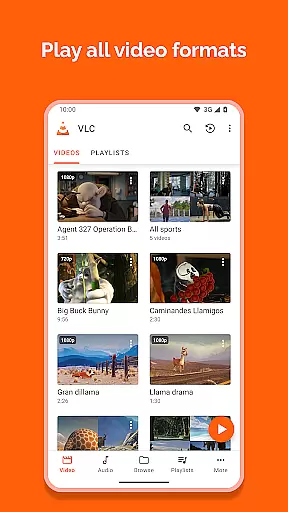
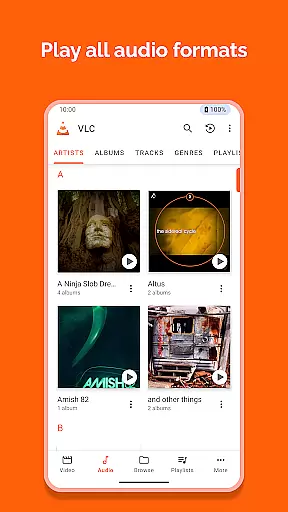
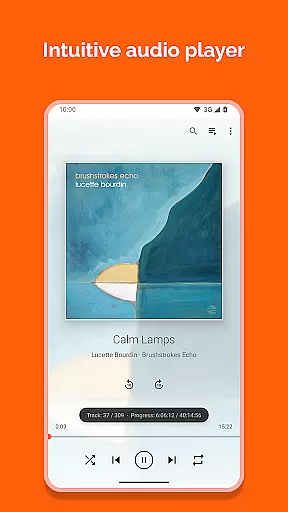
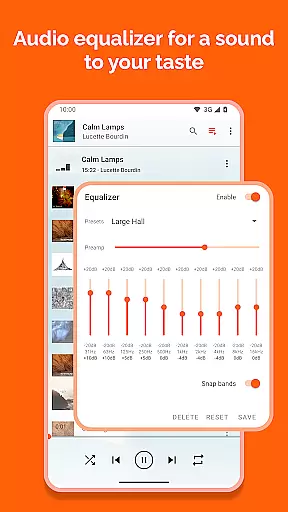
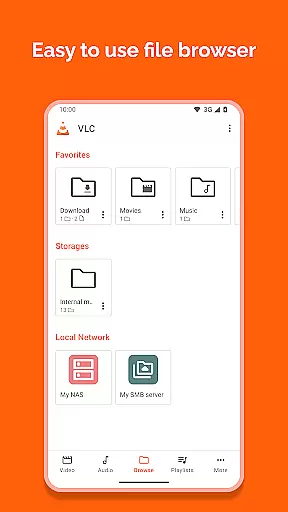
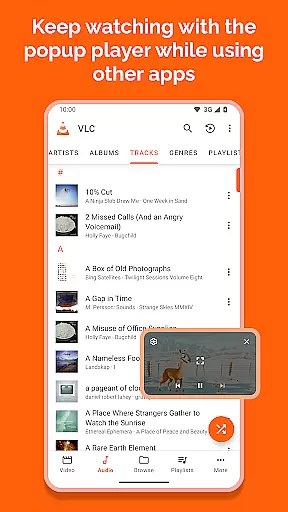
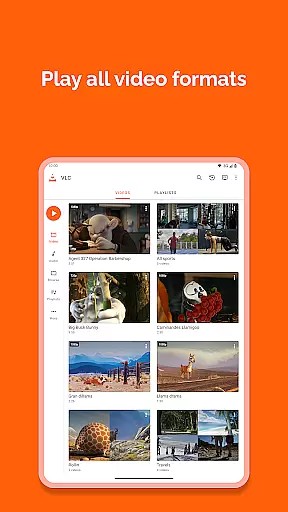
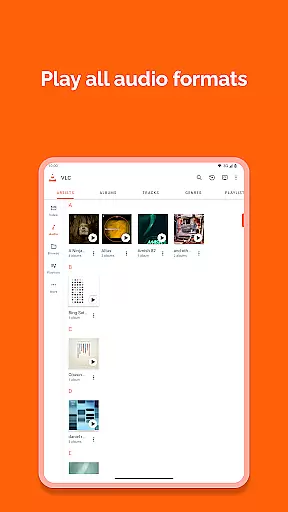
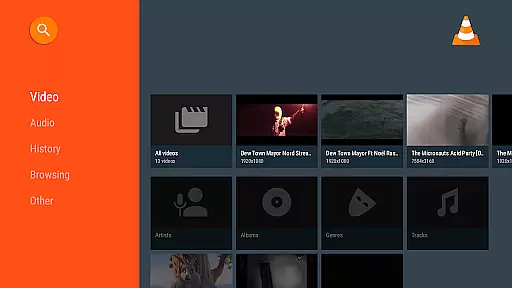
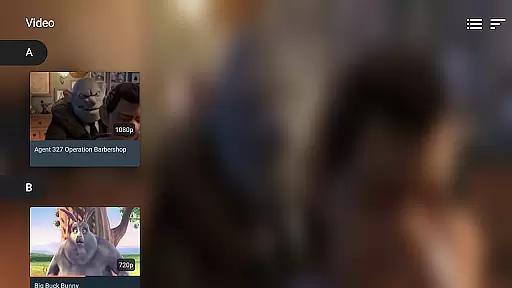

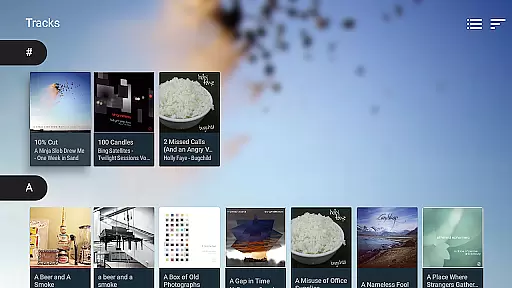
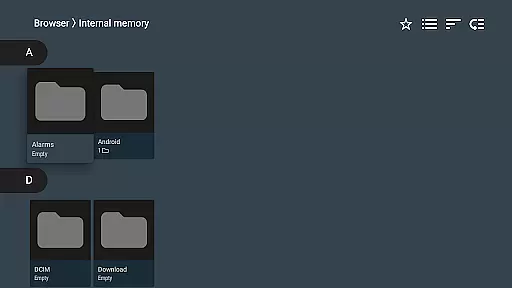
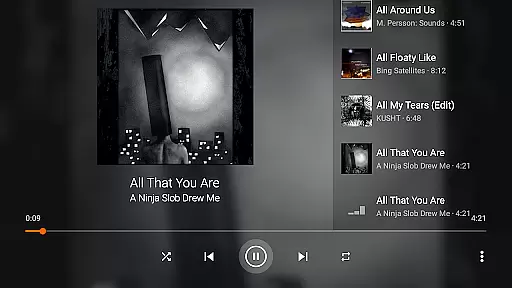
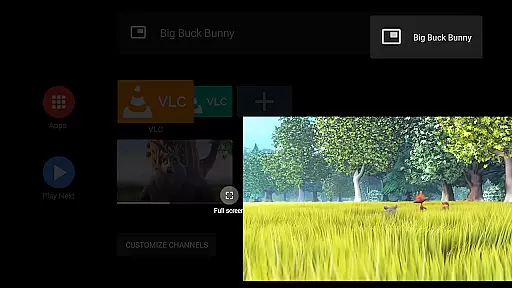
VLC for Android is a versatile, free, and open-source media player that brings the renowned VLC experience to mobile devices. This application supports an extensive range of video and audio formats, including network streams, DVD ISOs, and disk shares, making it a comprehensive solution for multimedia playback.
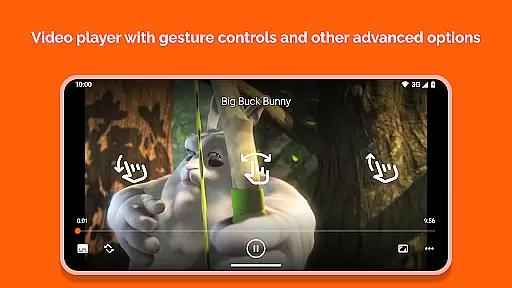
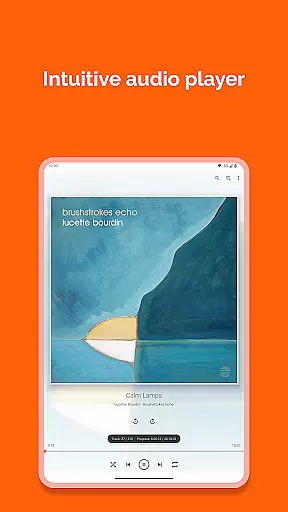
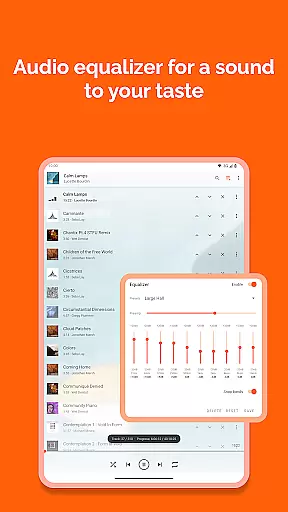
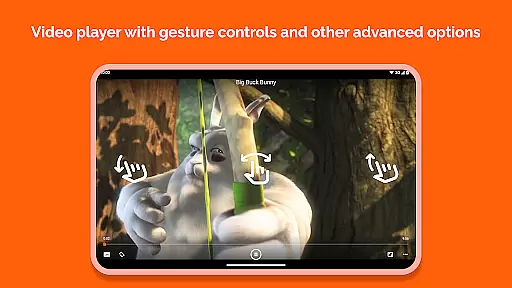
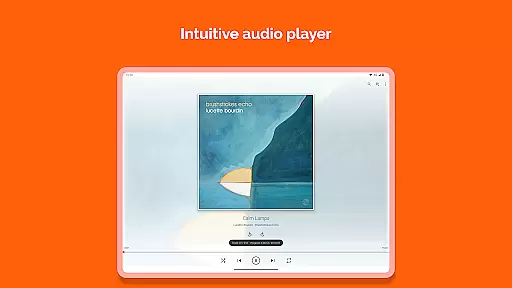
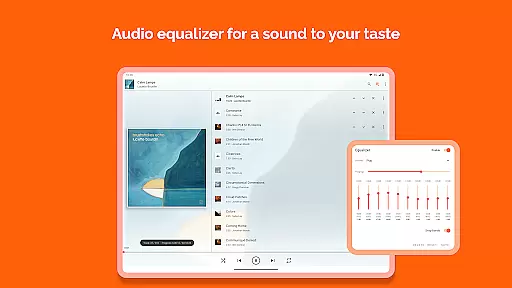
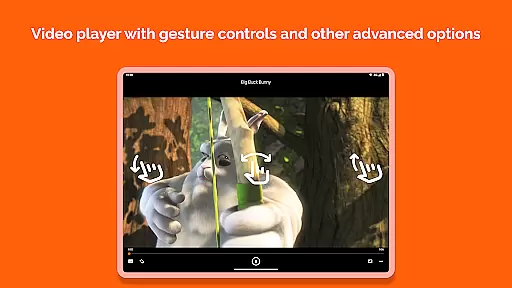
Designed with user convenience in mind, VLC for Android offers advanced features such as auto-rotation, aspect-ratio adjustments, and gesture controls for volume and brightness. Its full audio player capabilities include a complete database, equalizer settings, and filters, ensuring high-quality sound output across all formats.
Whether you're commuting or relaxing at home, VLC for Android provides a seamless media experience without ads or in-app purchases. The app's commitment to privacy and freedom is evident through its no-spying policy and freely available source code, developed by passionate volunteers.
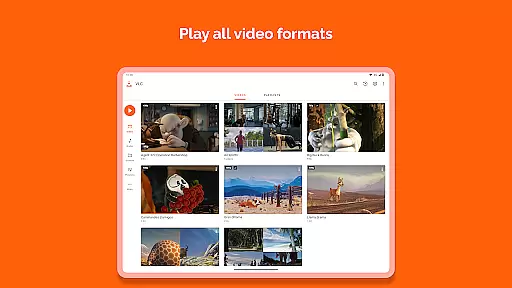
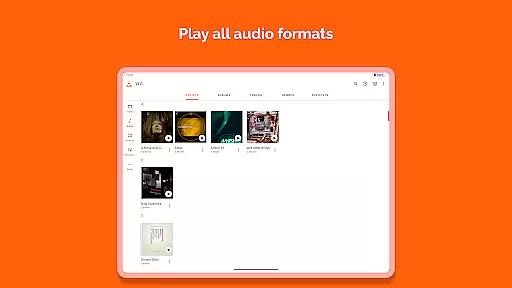
VLC for Android stands out with its ability to play most local video and audio files, adaptive network streams, and various disk shares. It supports all popular formats like MKV, MP4, AVI, and FLAC, with all necessary codecs included, eliminating the need for additional downloads.
The app incorporates multi-track audio and subtitle support, enhancing the viewing experience. Users can enjoy practical features such as a media library for organizing files, a widget for audio control, and support for audio headsets with cover art display.
Advanced functionalities include gesture controls for volume and brightness adjustment, auto-rotation, and aspect-ratio customization. These features ensure users have complete control over their media playback environment while maintaining exceptional quality standards.
VLC for Android stands out in its exceptional video format compatibility, ensuring users can play virtually any multimedia file without the need for additional codecs or plugins. This universal support includes popular formats such as MKV, MP4, AVI, and more specialized ones like Ogg and FLAC.
The application's comprehensive codec integration eliminates the hassle of searching for and installing separate components to play specific files. Whether you're dealing with high-definition videos or lesser-known audio formats, VLC has it covered.
For users, this means unparalleled convenience and flexibility. You can seamlessly switch between different types of media without encountering playback issues. The player also supports advanced features like subtitles, Closed Captions, and multi-track audio, enhancing the overall viewing experience.
This extensive format support makes VLC an indispensable tool for anyone who regularly consumes diverse digital content on their Android device. It ensures that all your media files, regardless of source or type, are accessible in one reliable application.
While VLC for Android focuses primarily on media playback, it incorporates some intelligent features that enhance user interaction with video and audio files. Although not a traditional video editor, VLC offers functionalities that allow for basic adjustments and improvements to your media.
The player provides options for aspect-ratio adjustments, volume control through simple gestures, and brightness modification during playback. These features give users some control over their viewing experience without needing separate editing software.
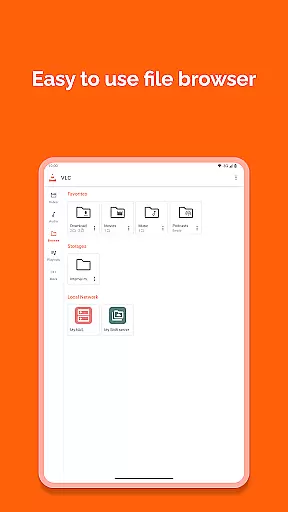
Additionally, VLC includes practical tools like a media library for organizing audio and video files, a widget for audio control, and support for audio headsets. These elements work together to create a more personalized and efficient media consumption environment.
For those seeking a versatile media player that combines broad format support with useful enhancement features, VLC delivers a comprehensive solution that simplifies media management while maintaining professional-grade playback capabilities.
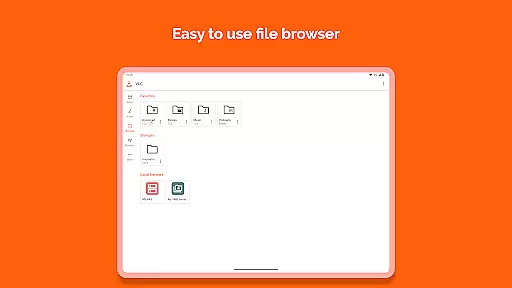
User-friendly interface
Wide format compatibility
No ads or in-app purchases
Regular updates
Free and open-source
Occasional bugs
Complex settings
Limited customer support
Heavy on battery
Requires storage access

Online Videos Player
 3.90
3.90
Your media, on your terms.
4.10
Search & download videos from net with all video downloader, auto-detect & safe.
4.60
1)AirPlay/DLNA Mirroring/Streaming, up to 4 connections; 2)Samba/NAS/DMS Player.
4.00
Pro video editor app for Instagram, edit video with song, AI, effect & slowmo.
4.80
IPTV Loader, loads your own Playlist. DOES NOT CONTAIN ANY LIST OR CHANNELS
4.60
Connect EasyCap or UVC devices for recording and broadcast video/audio stream
3.60
Video&Drama Player All Format is a HD video player, music player
3.00
convenient, safe and fast at Video Downloader & Player
4.60
Play ALL formats in 4K & HD. Video downloader, MP3 player, Chromecast & more.
4.80
Find, download, and play torrents with the official BitTorrent® Pro app
4.70
Watch IPTV on your Android device
4.60
Auto video maker with music & exclusive filters. Video editing made simple.
4.50
Add date and time watermark to photos and videos
4.50
Full HD Video mp3 Player, MP4 player play 1080p, File manager, Video Downloader
4.40
Video player with 4K & 1080P support, popup play, background play and subtitle.
4.20
Powerful, professional, versatile teleprompter. Developed by an active film crew
4.00
Save photos and videos from social apps in one tap.
3.60
Download videos easily & play them all in one smart, powerful video manager.
3.40


User Reviews