
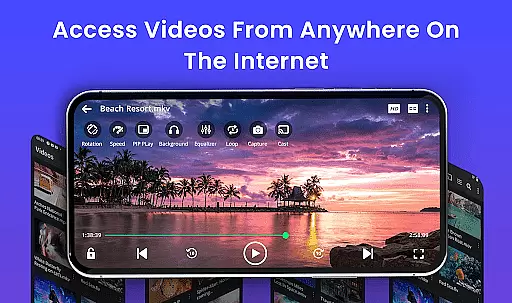
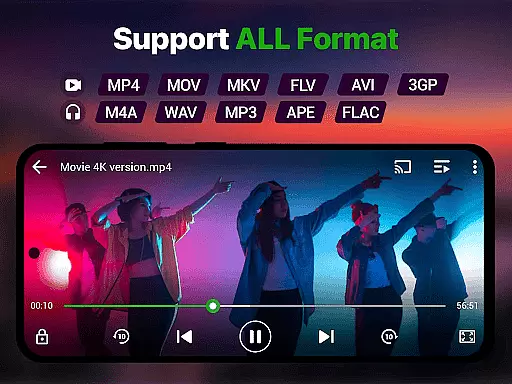
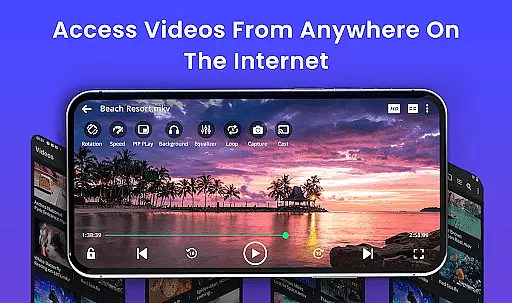
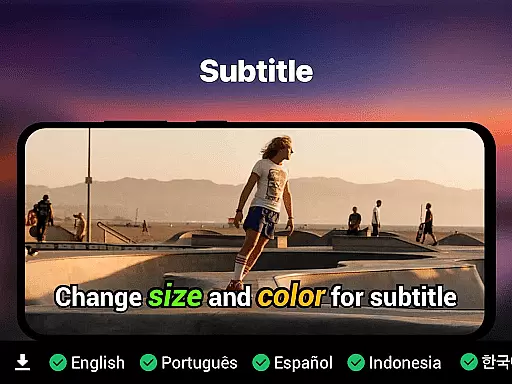
Video Player is a feature-rich application designed for seamless video playback on Android devices. Supporting all major video formats including MP4, MKV, AVI, and more, it ensures smooth performance even with high-resolution 4K content. The app's advanced decoding technology optimizes video clarity while offering practical features like subtitle support, speed control, and background play.
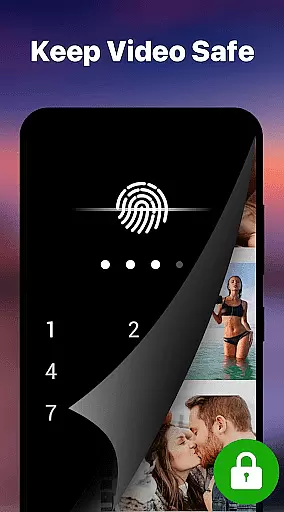
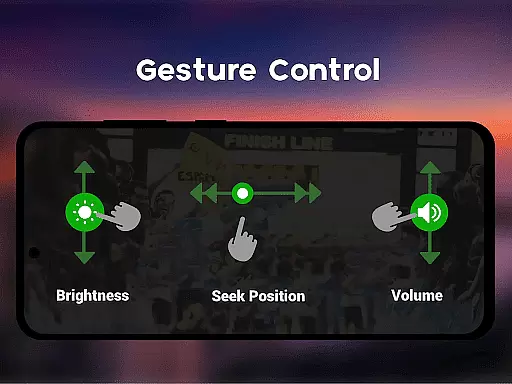
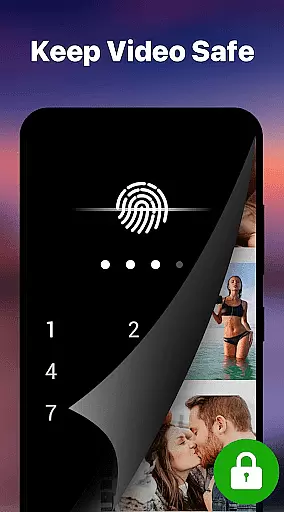
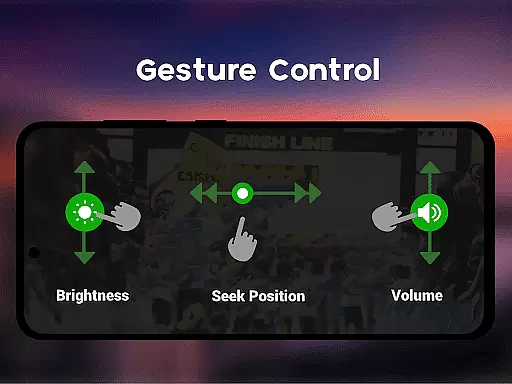
One standout capability is its smart gesture controls, allowing users to easily adjust volume, brightness, and seeking. With added functionalities such as Chromecast support, resume playback, and a private folder secured by PIN lock, this app caters to both casual viewers and those needing enhanced privacy. Whether you're managing media collections or enjoying downloaded movies, Video Player delivers an exceptional viewing experience.
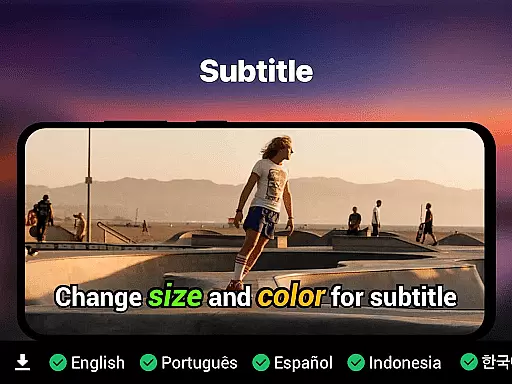
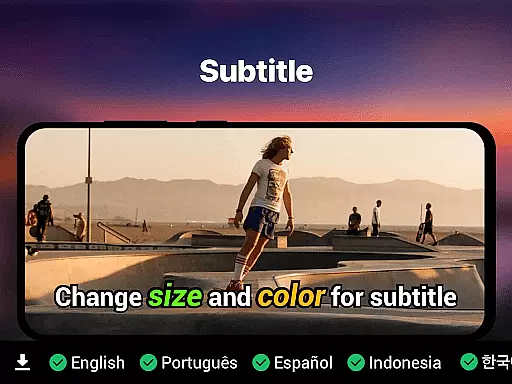
Video Player stands out with its comprehensive set of features tailored for diverse user needs. It supports Ultra HD and 4K playback, ensuring premium-quality visuals across all compatible formats. Subtitle handling is robust, supporting SRT, SSA, ASS, and VTT files, with automatic track detection for convenience.
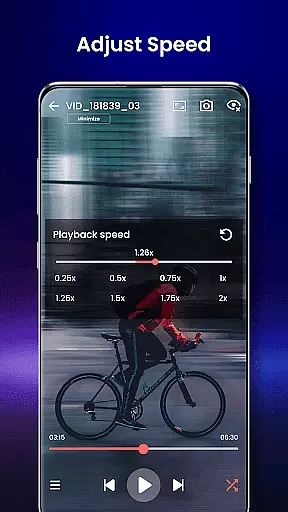
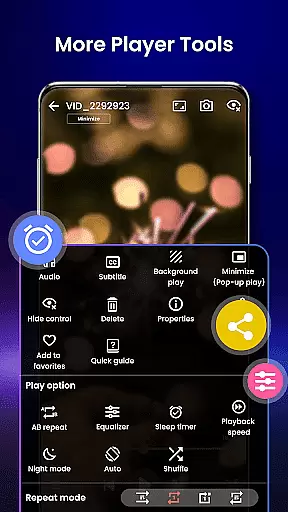
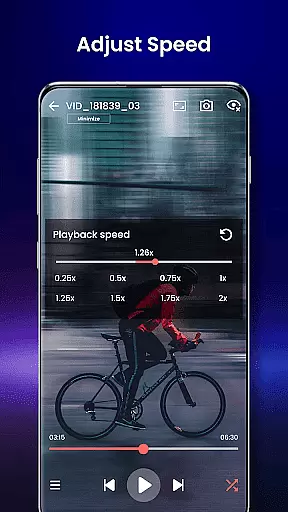
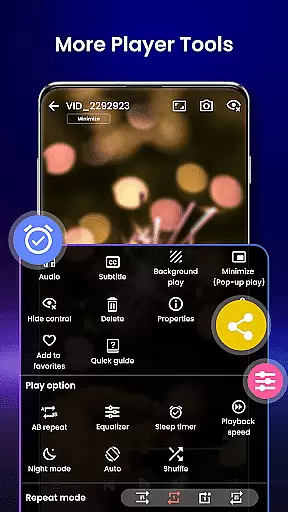
The app also includes practical tools like speed control (ranging from 0.25x to 4x), night mode for eye protection, and pop-up window mode for multitasking. Its AI-enhanced rendering boosts video clarity, while the integrated file manager simplifies organization by auto-detecting video files. These innovations make the app a top choice for anyone seeking reliable and versatile video playback.
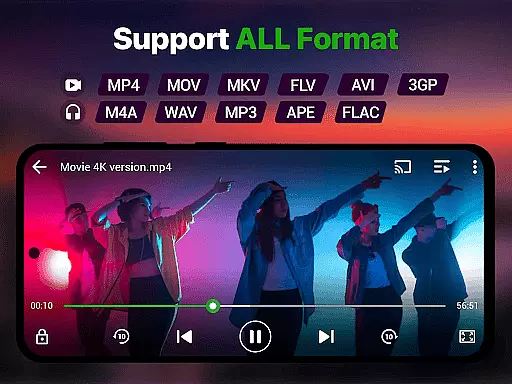
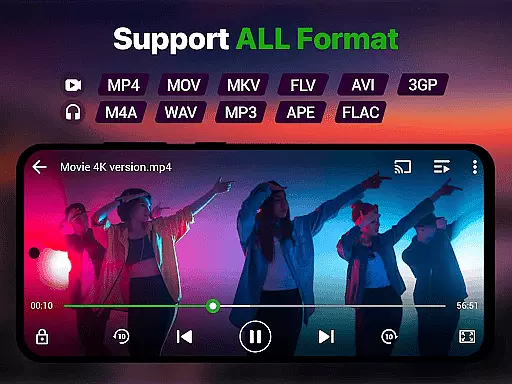
Video format compatibility is a crucial feature for any video player, ensuring that users can enjoy their media files regardless of the format. The Video Player app supports an extensive range of formats including MP4, MKV, AVI, MOV, FLV, 3GP, WMV, and more. This wide compatibility ensures that users won't face the frustration of encountering unsupported files.
The app employs advanced decoding technology to handle high-resolution videos smoothly, from standard HD to stunning 4K quality. With AI-enhanced rendering, it optimizes each frame for clarity and seamless playback. Whether you're watching movies, recorded clips, or downloaded content, this app delivers premium video quality without lag.
Moreover, the Video Player app integrates with your device's file manager to automatically detect and organize video files, streamlining your media management experience. You can easily browse through your collection and play any video without worrying about format issues. This level of convenience and reliability makes the app a versatile tool for all your video playback needs.
AI-powered editing features are transforming how we interact with video content by providing smart tools that enhance the viewing experience. The Video Player app includes several AI-driven functionalities such as speed control, which allows playback at various speeds from 0.25x to 4x, catering to different preferences and needs. These intelligent controls offer flexibility in how you consume content.
In addition to speed adjustments, the app offers smart gesture controls for volume, brightness, and seeking, making navigation intuitive and user-friendly. Subtitle support is another standout feature, with the app detecting and synchronizing SRT, SSA, ASS, and VTT tracks automatically. This ensures an uninterrupted viewing experience, even with multilingual content.
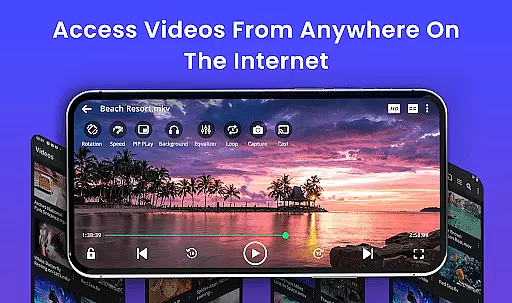
Furthermore, the app provides background play and pop-up window modes, allowing multitasking without losing your place in the video. Night mode and eye-protection settings reduce strain during late-night viewing sessions. With these innovative AI-powered features, the Video Player app not only meets but exceeds modern expectations for video playback and editing on Android devices.
Supports all video formats
Advanced 4K playback
Smart gesture controls
Private folder security
No ads included
Limited iOS availability
Complex for beginners
Occasional bugs
Heavy on storage
Frequent updates needed

A full editing room to accompany your Insta360 cameras and handheld gimbals.
 3.30
3.30
HD video & music player - All format support with floating & PIP mode!
3.80
Snaptubè Video Downloader app allows to download videos and music in Snaptube. .
4.60
KineMaster, Your Ultimate Video Editor!
4.40
Video player with powerful streaming playback and various convenient features.
2.10
Flud is a simple and beautiful BitTorrent client for Android.
4.80
AI Video Editor with Music, Filter, Slideshow, Effect, Merge & Trim Video.
4.80
Video player with 4K & 1080P support, popup play, background play and subtitle.
4.20
Manage your YouTube channel on the go
4.40
Tik & Story Saver-Download ALL social media videos, photos & reels no watermark.
4.80
Pro video editor app for Instagram, edit video with song, AI, effect & slowmo.
4.80
Screen recorder with audio to take live videos & Screenshot in high quality!
4.70
Cast Videos from Web Browser, IPTV to Roku, Chromecast, DLNA, Smart TV +more
4.60
Search & download videos from net with all video downloader, auto-detect & safe.
4.60
Fast & Private HD Video Downloader with Built-in Proxy Browser and Video Player.
4.50
Stream Web Videos to Chromecast, Samsung, LG, Sony, Roku, Fire TV, DLNA + more
4.00
AI Video Editor:AI Music, Text to Video,Text to Speech,Auto Caption,Video Effect
4.00
Make your own Animations, Video and Photo Edits, Visual Effects, and more!
4.00
Watch full episodes of your favorite Cartoon Network and Cartoonito shows!
3.50


User Reviews