
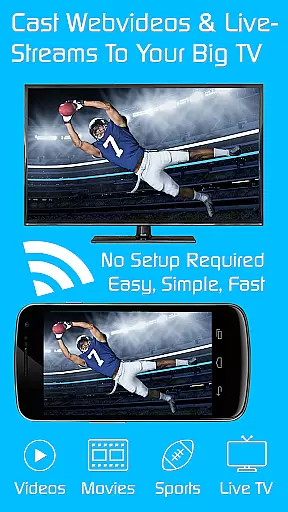
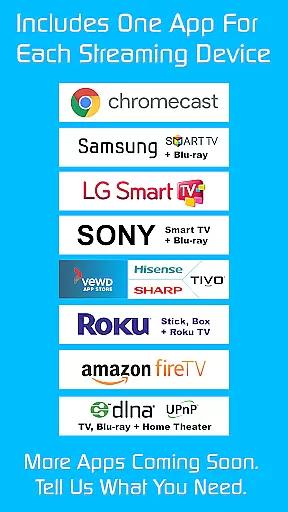
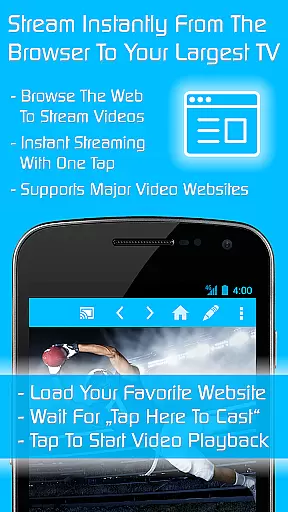
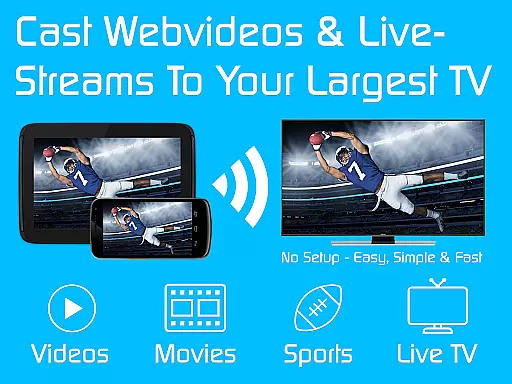
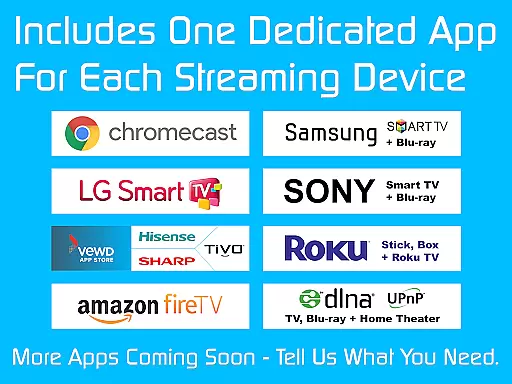
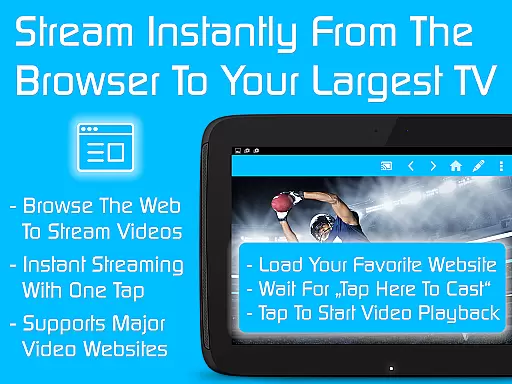
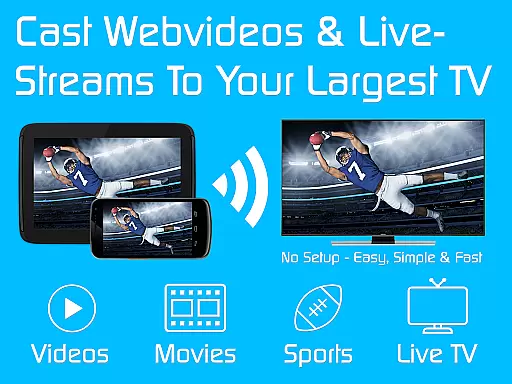
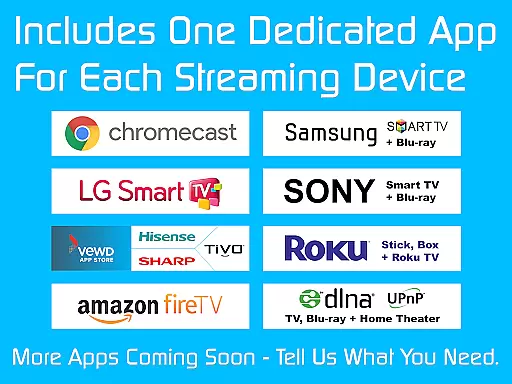
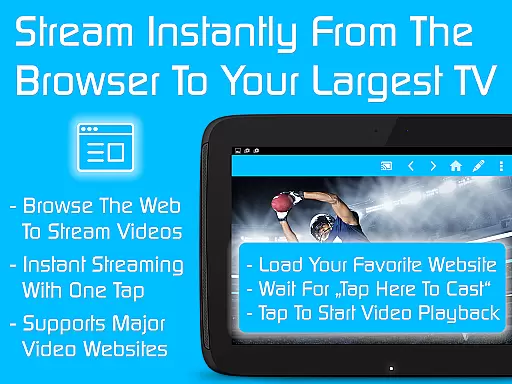
TV Cast is a versatile streaming browser app that allows users to stream and watch web videos, online movies, livestreams, and live TV shows on various devices. Compatible with Chromecast, Samsung TV, LG TV, Sony TV, Hisense TV, Sharp TV, TiVo, Roku, Fire TV, DLNA, and Google Cast-powered devices, it offers an all-in-one solution for media streaming needs.
This Ultimate app serves as a LICENSE KEY, unlocking premium features in all FREE Video & TV Cast app editions on your Android device. With more than 70% discount, users can access nine apps for the price of two, enhancing their streaming experience across different platforms.
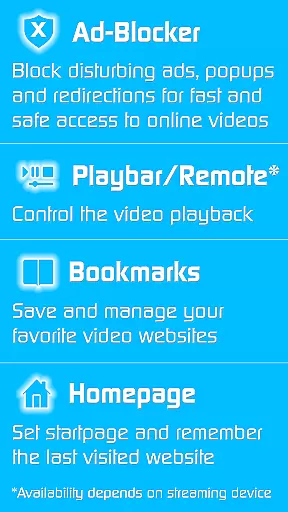
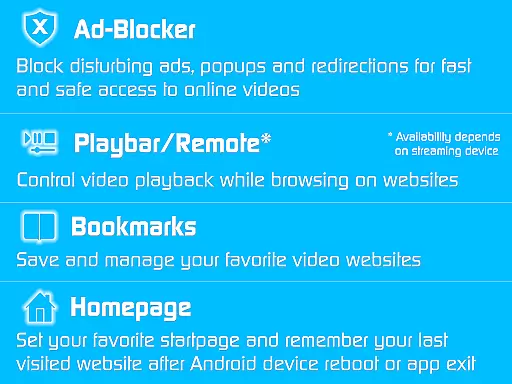
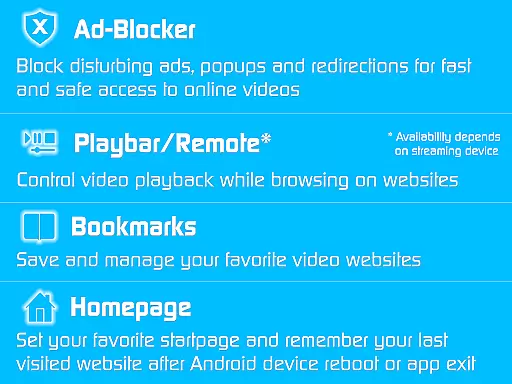
TV Cast stands out with its comprehensive set of premium features designed to enhance user experience. The app includes an Ad-Blocker for websites, effectively blocking all advertisements, popups, and redirections caused by visited sites. This ensures uninterrupted streaming sessions without annoying interruptions.
Additionally, the Playbar/Remote feature enables fast forward, rewind, and video scrubbing while browsing, depending on the capability of the streaming device. Users can also change the homepage, set personal preferences, and enable desktop mode, cloaking their device as a desktop PC to detect video links on some websites. Unlimited bookmarks allow saving and managing favorite websites and videos effortlessly.
Video format compatibility is a crucial feature for any video player or editor, ensuring that users can access and play their desired content without technical barriers. TV Cast excels in this area by supporting a wide range of streaming devices including Chromecast, Samsung TV, LG TV, Sony TV, Hisense TV, Sharp TV, TiVo, Roku, Fire TV, DLNA, and Google Cast-powered devices.
The app's extensive device support allows users to stream web videos, online movies, livestreams, and live TV shows seamlessly across different platforms. This versatility ensures that no matter what type of device you own, you will be able to enjoy your favorite content without worrying about format restrictions.
By unlocking premium features through the Ultimate app, users gain access to an ad-blocker, remote control functionalities, personalized homepage settings, desktop mode, unlimited bookmarks, and more. These enhancements further enrich the user experience by providing additional customization options tailored to individual preferences.
Overall, TV Cast's commitment to broad video format compatibility empowers users with unparalleled flexibility and convenience when it comes to consuming digital media on various devices.
AI-powered editing features represent the cutting edge of video player and editor technology, offering users advanced tools to enhance their viewing experience. TV Cast incorporates such innovations by providing capabilities like fast forward, rewind, and video scrubbing directly within its browsing interface.
These intelligent features are designed to work seamlessly with compatible streaming devices, allowing users to manipulate playback effortlessly while navigating web content. The inclusion of these tools not only improves usability but also provides greater control over how viewers engage with multimedia material.
In addition to core editing functions, TV Cast offers supplementary benefits such as setting personal homepages, enabling desktop modes for better link detection, managing unlimited bookmarks, and eliminating annoying advertisements. Such comprehensive functionality ensures a smooth and enjoyable interaction with online videos and streams.
By integrating sophisticated AI-driven editing tools, TV Cast sets itself apart from conventional players, delivering a modernized approach to digital entertainment consumption that prioritizes user empowerment and satisfaction.
User-friendly interface
Wide device compatibility
Ad-free streaming experience
Fast forward and rewind capabilities
Unlimited bookmarks for videos
Premium features require separate app installations
Limited functionality on older devices
Occasional connectivity issues reported
Some features depend on specific device capabilities
Unlock process may be confusing for new users

A full editing room to accompany your Insta360 cameras and handheld gimbals.
 3.30
3.30
Powerful, professional, versatile teleprompter. Developed by an active film crew
4.00
Play ALL formats in 4K & HD. Video downloader, MP3 player, Chromecast & more.
4.80
Turn your phone into a wireless camera!
4.20
Download website videos fast&privacy
4.40
Movie maker & video editing app with AI effects and green screen
4.30
Mix with Virtual DJ directly from your phone or tablet !
3.10
#1 Torrent App on Android ** No Ads Ever + Battery Saver **
4.80
Capture the moment and Cut
3.40
An easy-to-use and all-round screen recorder with audio
4.80
Fast & Private HD Video Downloader with Built-in Proxy Browser and Video Player.
4.50
KMPlayer Plus (Divx Codec) officially support Divx codec.
4.30
Powerful Video Editor & Photo Editing App —— Quick Edits & Stunning Effects!
4.30
Powerful video player with advanced hardware acceleration and subtitle supports
4.20
IPTV-Smarters Player Pro M3U - Watch Live Stream TV Channels with Chromecast
4.00
1)AirPlay/DLNA Mirroring/Streaming, up to 4 connections; 2)Samba/NAS/DMS Player.
4.00
AirMirror is Receiver for Screen Mirroring and Casting from Apple Devices.
3.60
Client application for NextPVR software
3.00
Stream high quality video from your camera over NDI protocol
4.2


User Reviews