

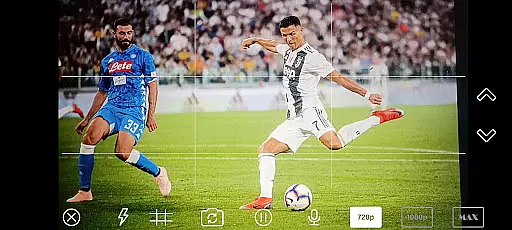
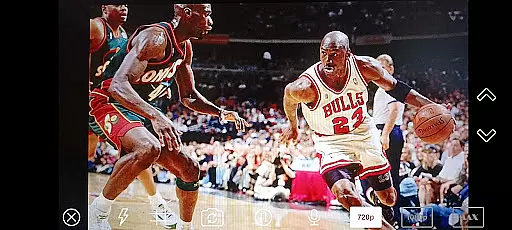
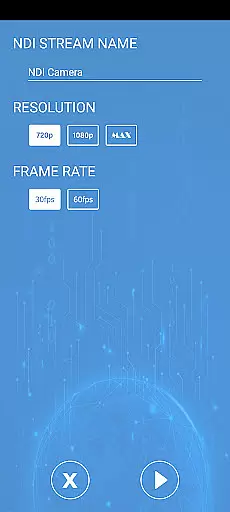

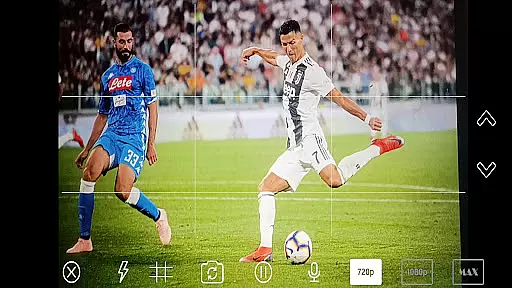
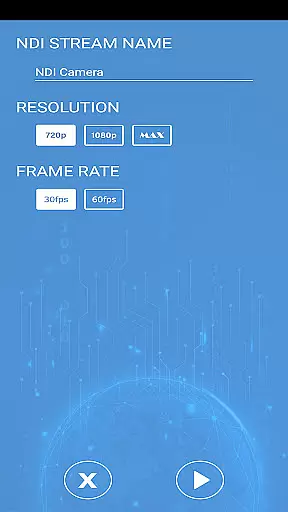
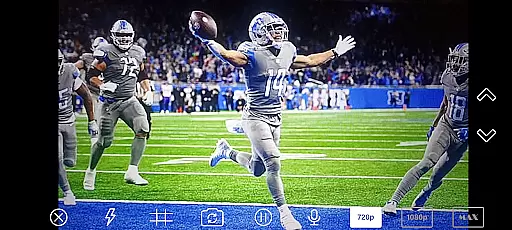
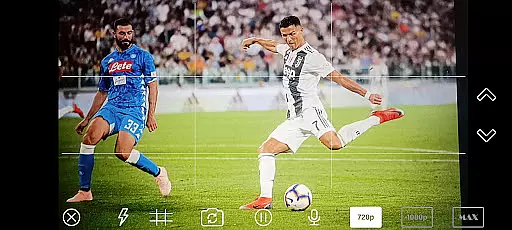
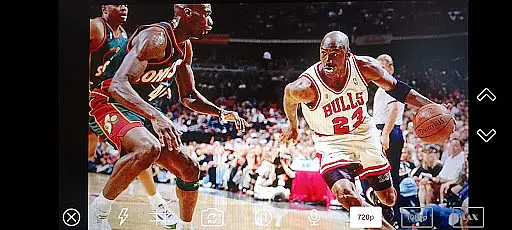
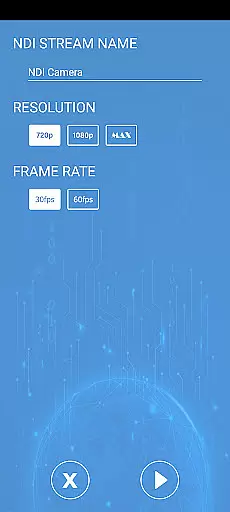

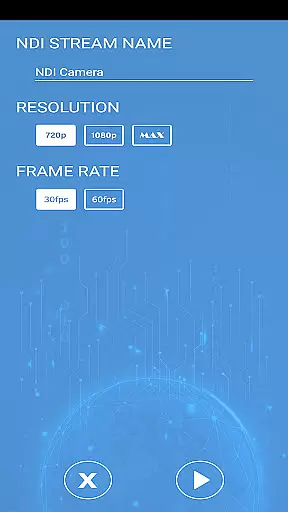
NDI Camera PRO is a powerful video streaming application designed for professional broadcasting needs. The app allows users to send high-quality NDI video streams directly from their device's camera over the NDI protocol. This makes it an ideal tool for live video production, especially when integrated with broadcasting software like OBS Studio. With its low-latency transmission capabilities, NDI Camera PRO ensures real-time delivery of video content, making it suitable for both studio and on-location productions.
The app supports Network Device Interface (NDI), a specialized IP video protocol developed by NewTek for seamless integration into existing video production workflows. Whether you're streaming live events, conducting virtual meetings, or producing multimedia content, NDI Camera PRO provides a reliable solution that enhances your production quality while maintaining professional standards.
NDI Camera PRO offers several advanced features tailored for professional video producers. One of its standout capabilities is the ability to transmit low-latency video streams using the NDI protocol, ensuring minimal delay between capture and broadcast. This feature is particularly beneficial in fast-paced environments where timing is crucial. Additionally, the app seamlessly integrates with popular broadcasting tools such as OBS Studio, allowing users to incorporate mobile footage into their larger production setups without hassle.
Another key feature is the app's compatibility with a wide range of transmission systems from various manufacturers. This flexibility enables broadcasters to use NDI Camera PRO within diverse technical ecosystems, enhancing workflow efficiency. Moreover, the app maintains high video quality throughout the streaming process, preserving the integrity of the original footage. These robust features make NDI Camera PRO an indispensable tool for anyone involved in professional-grade video production.
NDI Camera PRO excels in video format compatibility, ensuring seamless integration with a wide range of broadcasting applications.
The app supports the NDI protocol, allowing users to send high-quality video streams from their camera over a network with minimal latency.
This compatibility is crucial for professional live video production, as it enables smooth collaboration with various transmission systems and software like OBS Studio.
By supporting an extensive list of formats and devices, NDI Camera PRO ensures that content creators can focus on their production without worrying about technical limitations.
While NDI Camera PRO focuses primarily on streaming, its AI-powered editing features enhance the overall video production process.
The app leverages advanced algorithms to optimize video quality and streamline workflows, making it easier for users to produce professional-grade content.
These intelligent tools assist in real-time adjustments, ensuring that the streamed video maintains high standards of clarity and consistency.
By integrating AI capabilities, NDI Camera PRO not only simplifies the technical aspects of video production but also empowers creators to deliver exceptional results efficiently.
User-friendly interface
High-quality video streaming
Low-latency transmission
Wide system compatibility
Seamless OBS Studio integration
Requires stable internet connection
Premium features may be costly
Limited free version functionality
Advanced settings can be complex
Not suitable for casual users

Video Downloader is an utility that can save videos and music from web sites
 4.20
4.20
Cast to Chromecast, Xbox, Fire Stick, Roku, DLNA, Smart TV & No Feature Limited!
4.50
All format media Player, no need video converter any more!
4.00
Video player with powerful streaming playback and various convenient features.
2.10
KMPlayer Plus (Divx Codec) officially support Divx codec.
4.30
Seamlessly connect and control your smart devices, anytime, anywhere with ease.
4.60
Video Downloader, Multiple Resolution Options, Video Player
4.50
LumaFusion: The Ultimate Storytelling Experience for Video Editing
4.10
#1 Torrent App on Android ** No Ads Ever + Battery Saver **
4.80
All in one HD video downloader & player for multiple formats with full privacy
4.70
Find, download, and play torrents with the official BitTorrent® Pro app
4.70
Screen recorder with audio to take live videos & Screenshot in high quality!
4.70
Create photo video with music & template. AI video maker for stunning slideshow.
4.60
Fast & easy HD video downloader for all formats, support 4K playback & download.
4.60
Add date and time watermark to photos and videos
4.50
Your media, on your terms.
4.10
Live TV, anywhere in your home
3.80
Client application for NextPVR software
3.00
The essential companion to your Blue Iris PC software
2.50


User Reviews