
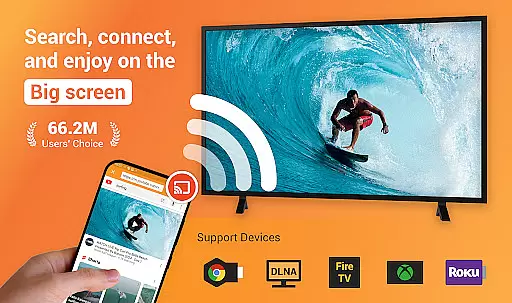
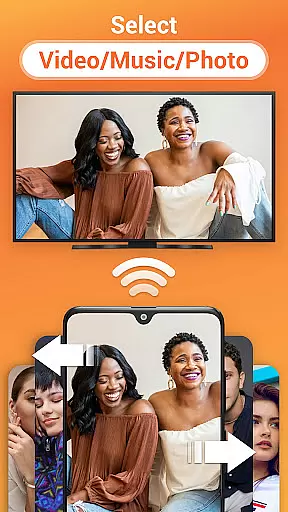
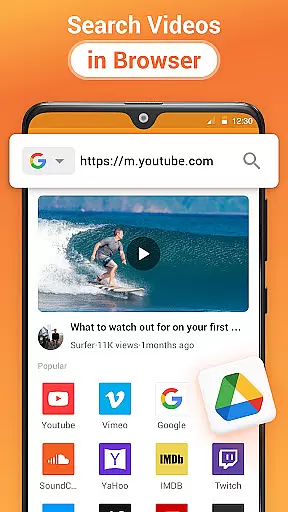
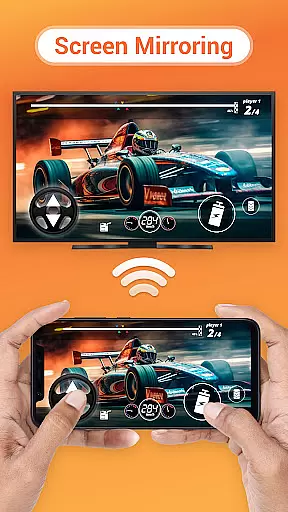
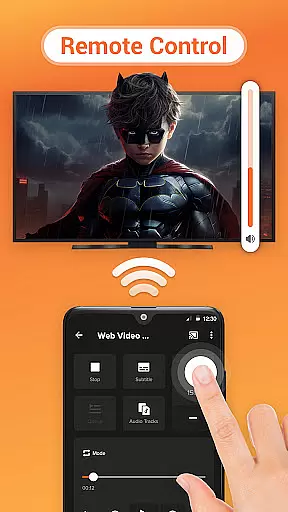
Cast to TV is a versatile media streaming application that allows users to cast online videos, live streams, local videos, music, and images to various devices including TVs, Chromecast, Roku, Amazon Fire Stick, Xbox, Apple TV, and other DLNA-enabled devices. The app provides an easy-to-use interface for controlling playback on the TV directly from your phone, offering functions such as pause, volume control, forward/rewind, and track navigation.
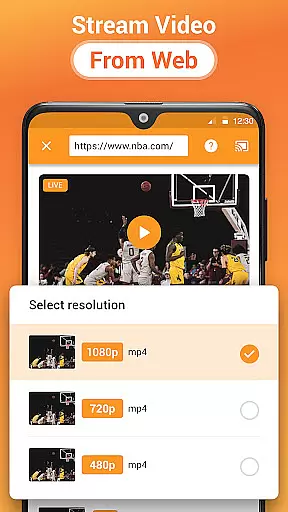
In addition to casting capabilities, Cast to TV features a built-in browser for web video casting, supports local playback with shuffle, loop, and repeat modes, and automatically identifies media files on your device and SD Card. It also includes a Play Queue function for organizing local video and audio files. Whether you're looking to stream content from popular websites or share personal media on a larger screen, Cast to TV offers a comprehensive solution for all your casting needs.
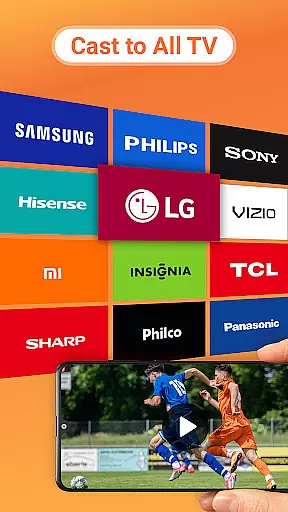
Cast to TV stands out with its extensive compatibility across multiple streaming platforms, including Chromecast, Roku, Apple TV, and various smart TVs from brands like Samsung, LG, Sony, and more. This broad support ensures that users can enjoy their favorite content on virtually any modern television or streaming device without limitations.
The app's intuitive design simplifies the process of streaming media. With features like automatic device detection, users can effortlessly connect to available cast devices and start streaming in moments. Advanced functionalities such as fast forward and backward during movie playback enhance user experience, while the ability to create a Play Queue allows for seamless organization and playback of media files. Additionally, the app's reliance on Wi-Fi networks ensures stable streaming, provided that both the mobile device and streaming device are connected to the same network.
Cast to TV, Chromecast & Roku stands out with its extensive video format compatibility, ensuring that users can cast virtually any local video file to their preferred streaming devices without limitations. The app supports a wide range of formats including MP4, AVI, MKV, and more, making it versatile for different user needs.
The application automatically identifies video files on your device and SD Card, streamlining the casting process. This automatic detection feature saves users time and effort, as they don't have to manually search for files compatible with their streaming device.
Moreover, the app's ability to cast both local and online videos to a variety of devices such as Chromecast, Roku, and smart TVs enhances the viewing experience. Users can enjoy their personal media collections or explore web content directly from the built-in browser, all in stunning quality tailored to their TV's capabilities.
While primarily a casting app, Cast to TV, Chromecast & Roku incorporates AI-powered features that enhance the media playback experience. Although it doesn't offer traditional video editing tools, its intelligent algorithms work behind the scenes to optimize video playback for different devices and formats.
The app's AI capabilities include automatic format conversion and quality adjustment, ensuring smooth playback across various devices. These features work seamlessly to provide an uninterrupted viewing experience, regardless of the original video format or the receiving device's specifications.
Additionally, the app's smart queue management system uses AI to organize and prioritize media playback. Users can add local videos and audio to the Play Queue, which intelligently manages playback order and mode options like shuffle, loop, and repeat. This AI-driven approach to media management creates a personalized and efficient entertainment experience tailored to each user's preferences.
User-friendly interface
Wide device compatibility
Comprehensive media support
Efficient streaming performance
Regular feature updates
Wi-Fi dependent functionality
Limited offline capabilities
Occasional connectivity issues
Device-specific format restrictions
Premium features require subscription

The smartest M3U IPTV Player your playlists have ever seen.
 4.2
4.2
IPTV-Smarters Player Pro M3U - Watch Live Stream TV Channels with Chromecast
4.00
VLC Remote lets you control your VLC Media Player on Mac, PC or Linux.
4.60
All format media Player, no need video converter any more!
4.00
KMPlayer Plus (Divx Codec) officially support Divx codec.
4.30
Pro video editor app for Instagram, edit video with song, AI, effect & slowmo.
4.80
Fast & easy HD video downloader for all formats, support 4K playback & download.
4.60
Manage your IPTV live channels and VOD playlists (no playlist included)
3.80
Watch IPTV on your Android device
4.60
#1 Torrent App on Android ** No Ads Ever + Battery Saver **
4.80
Download Hub, easy and private way to download and enjoy your videos offline
4.80
Download videos and play them offline
4.70
HD video maker with no watermark, no ads & vlog maker with music, PIP, text
4.50
Create & edit videos with AI
4.30
Powerful Video Editor & Photo Editing App —— Quick Edits & Stunning Effects!
4.30
Web Browser for LG TV to stream webvideos, online movies and livestreams in HD
4.20
Browser for Samsung TV to stream webvideos, online movies and livestreams in HD
4.10
HD video & music player - All format support with floating & PIP mode!
3.80
Watch full episodes of your favorite Cartoon Network and Cartoonito shows!
3.50


User Reviews