
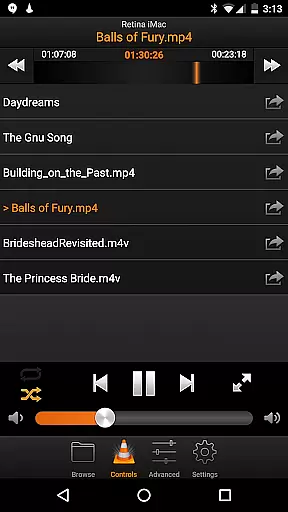
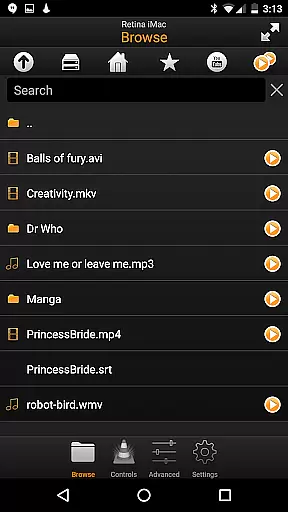
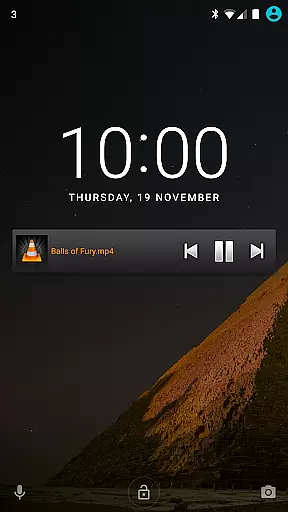
VLC Remote is a powerful and user-friendly remote control application designed specifically for VLC media player. This app allows users to effortlessly manage their media playback directly from their Android device, offering seamless control over movies, music, and more. With its intuitive interface and automatic setup helper, users can configure and connect to VLC in just a few clicks.
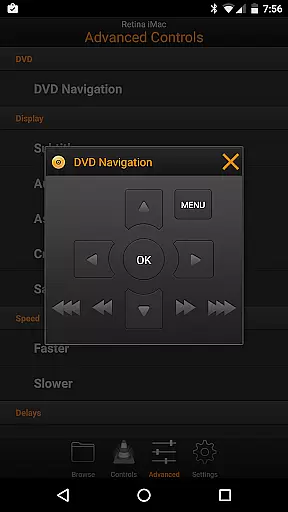
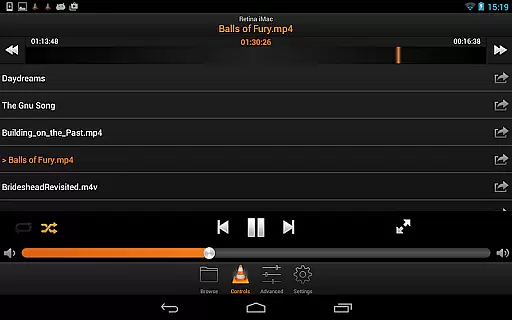
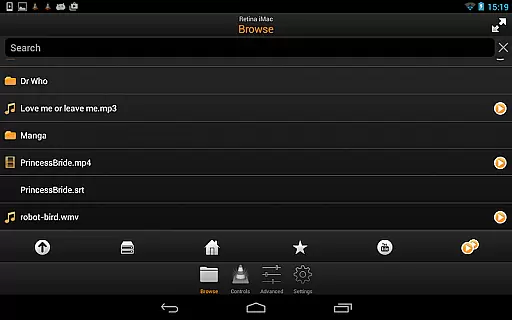
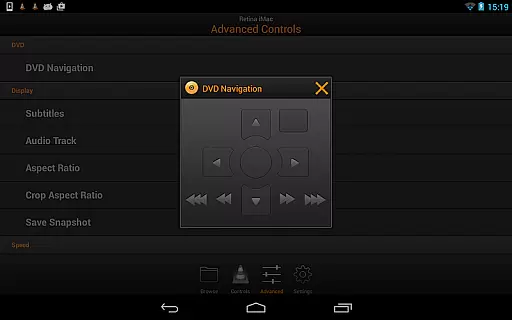
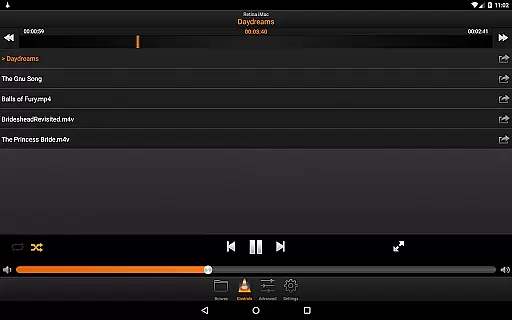
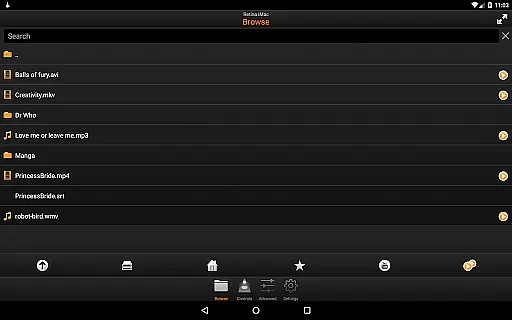
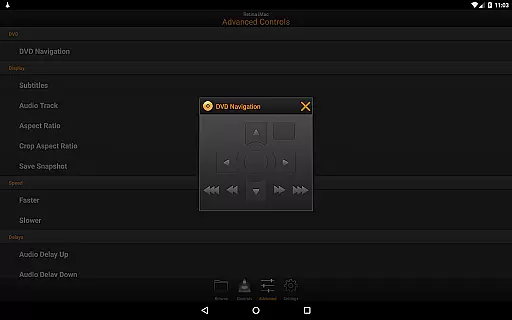
The application provides comprehensive control features including full browsing capabilities, DVD controls, volume adjustment, position tracking, and subtitle management. Whether you're relaxing on the couch or need to manage media playback from a distance, VLC Remote ensures a smooth and enjoyable experience.
VLC Remote stands out with its extensive feature set tailored for media enthusiasts. The app's automatic setup helper simplifies the initial configuration process, enabling users to connect their Android device to VLC quickly. Once connected, users gain complete control over their media library, allowing them to play files directly from their computer, adjust playback settings, and manage DVD playback.
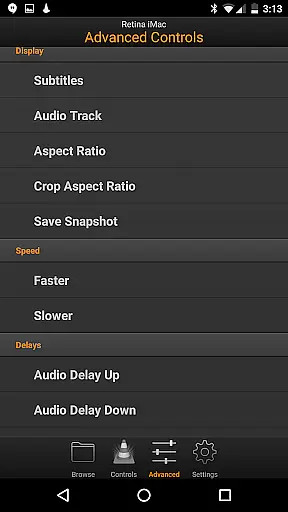
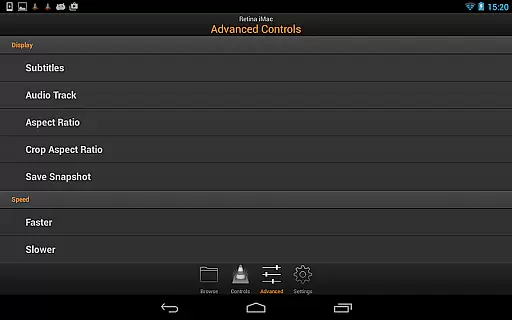
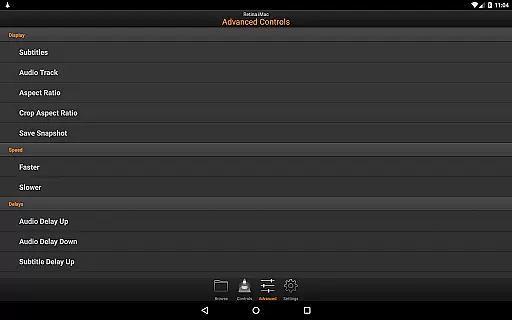
In addition to basic playback controls, VLC Remote offers advanced functionalities such as subtitle adjustments, aspect ratio modifications, audio track selection, and delay settings. These features ensure that users can customize their viewing experience to suit their preferences. The ability to access external drives further enhances the app's versatility, making it an indispensable tool for managing media across different devices.
One of the standout features of VLC Remote is its extensive video format compatibility. This ensures that users can play virtually any video file stored on their computer without worrying about codec issues or format incompatibilities.
The application supports a wide range of formats including but not limited to MP4, AVI, MKV, MOV, and many more. This versatility makes it an ideal choice for users who work with multiple video formats and need a reliable solution for playback.
With this level of compatibility, users can enjoy seamless playback experiences without the need for file conversion or additional software installations. The remote functionality further enhances user convenience by allowing control directly from their Android device.
This comprehensive support for various video formats underscores VLC Remote's commitment to delivering a hassle-free multimedia experience, ensuring that users can focus on enjoying their content rather than troubleshooting playback issues.
VLC Remote incorporates AI-powered editing features that elevate the user experience beyond simple playback control. These intelligent tools allow users to manipulate and enhance their video content effortlessly through automated processes.
Among these features are smart trimming options that use AI algorithms to suggest optimal cut points based on scene changes and audio cues. Additionally, the application offers automatic color correction and enhancement capabilities, improving visual quality without requiring manual adjustments.
The integration of AI technology extends to organizing media libraries as well. Users benefit from intelligent categorization and tagging systems that make finding specific files quicker and easier than ever before.
These advanced editing capabilities demonstrate how VLC Remote goes beyond basic remote control functions, positioning itself as a comprehensive solution for managing and enhancing multimedia content through cutting-edge technology.
User-friendly interface
Automatic setup helper
Comprehensive control options
Supports external drives
Highly customizable
Limited to VLC player
Requires initial setup
No voice control
Occasional connectivity issues
Interface could be outdated

The smartest M3U IPTV Player your playlists have ever seen.
 4.1
4.1
Online Videos Player
3.90
A full editing room to accompany your Insta360 cameras and handheld gimbals.
3.30
Explore the largest library of free GIFs, Stickers & Memes - or create your own!
3.90
#1 Torrent App on Android ** No Ads Ever + Battery Saver **
4.80
Web Browser for LG TV to stream webvideos, online movies and livestreams in HD
4.20
Screen recorder with audio to take live videos & Screenshot in high quality!
4.70
Fast private browser with secure, seamless access & supported video downloads!
4.00
convenient, safe and fast at Video Downloader & Player
4.60
Flud is a simple and beautiful BitTorrent client for Android.
4.80
High-Quality USB Camera Viewer & HDMI Display
4.70
Cast Videos from Web Browser, IPTV to Roku, Chromecast, DLNA, Smart TV +more
4.60
?100% FREE! Download & save videos? safely in this app. All formats supported.
4.60
Cast to Chromecast, Xbox, Fire Stick, Roku, DLNA, Smart TV & No Feature Limited!
4.50
Photo and Music Video Creator into Stunning Videos—Effortlessly
4.40
Save photos and videos from social apps in one tap.
3.60
AirMirror is Receiver for Screen Mirroring and Casting from Apple Devices.
3.60
This app is an emulator of some specific IPTV boxes
3.50
IPTV Player - Watch live TV from m3m & m3u8 playlist, stream IPTV on mobile
3.30


User Reviews