
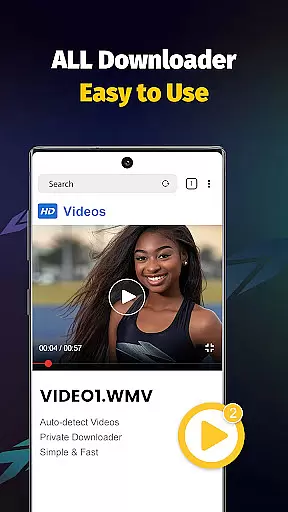
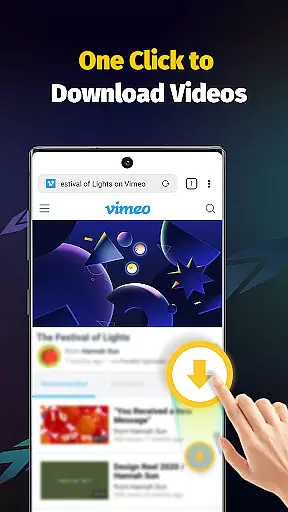
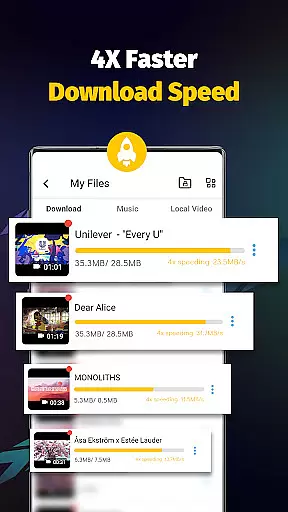
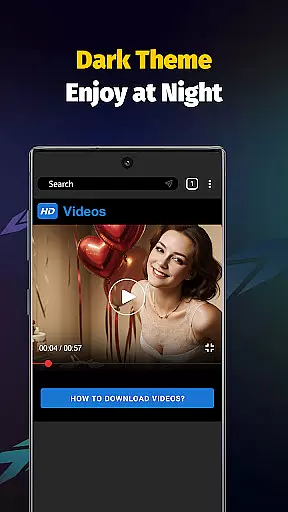
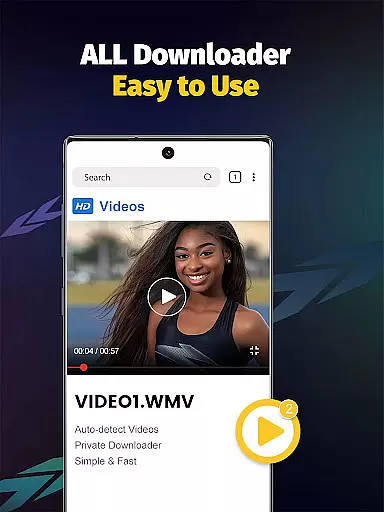
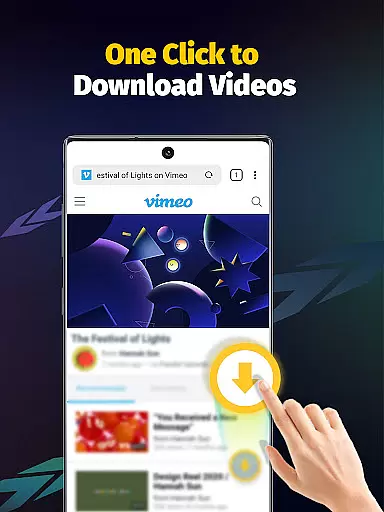
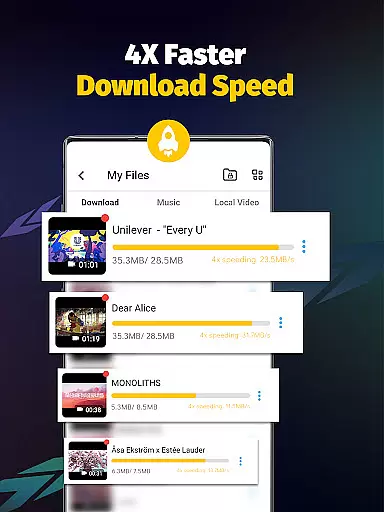
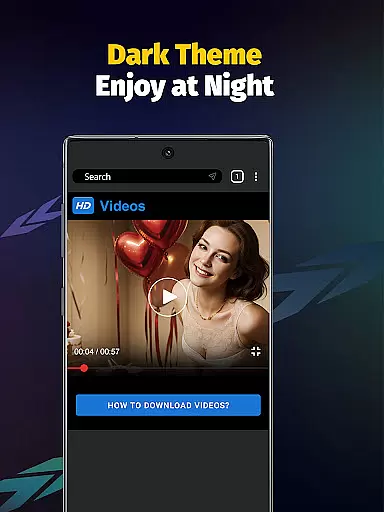
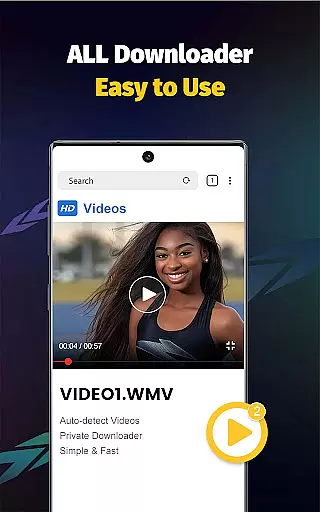
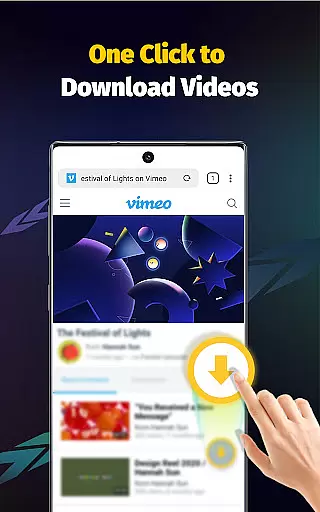
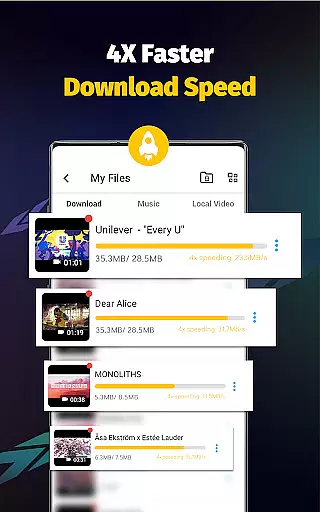
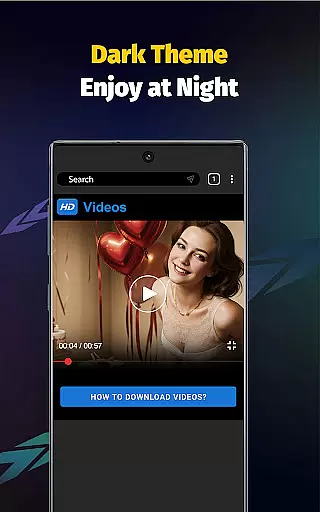
Video Downloader - Save Videos is a versatile and efficient tool designed for users who need to download, save, and manage video content across multiple platforms. This app stands out with its ability to support fast downloads at 4x the normal speed, making it ideal for acquiring high-definition videos from social media networks. With an intuitive built-in browser, users can seamlessly search and download content without switching between apps.
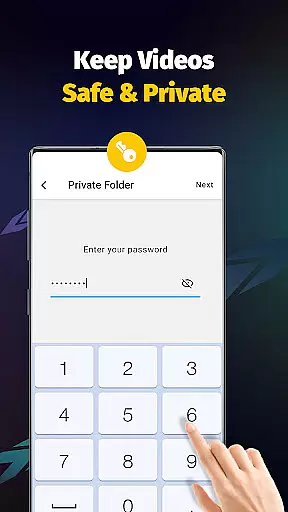
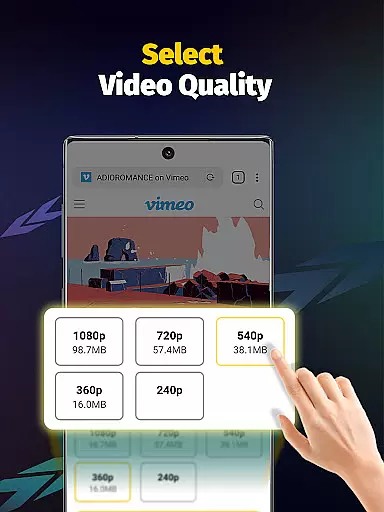
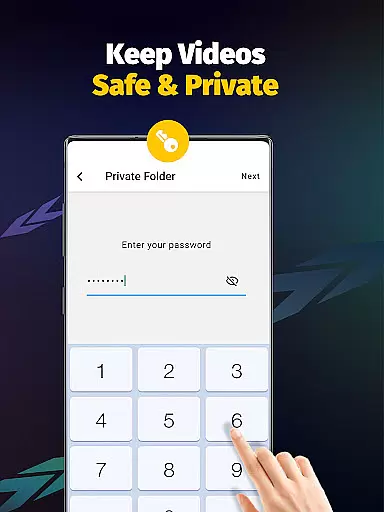
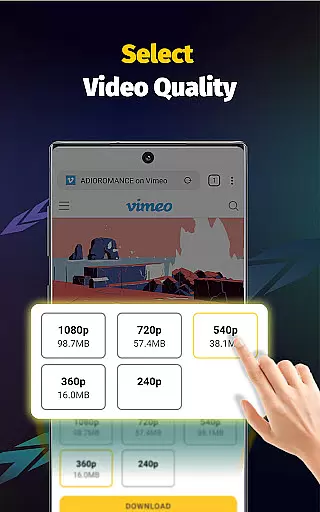
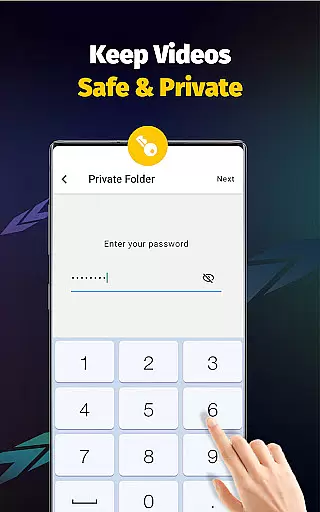
The application also offers advanced features such as multi-threading downloads, resolution selection, and automatic file format detection, accommodating formats like MP4, AVI, and PNG. Additionally, its privacy-focused design allows users to password-protect folders, ensuring that downloaded files remain secure. Whether you're looking to save personal videos or organize media libraries, Video Downloader provides a comprehensive solution for all your downloading needs.
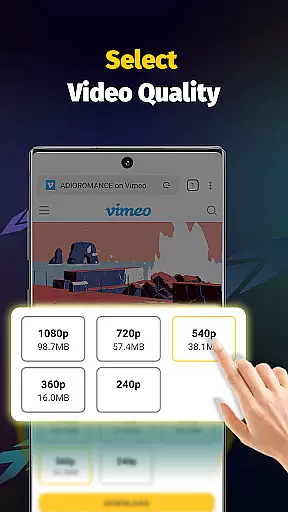
Video Downloader - Save Videos boasts a wide array of features that cater to both casual and power users. One of its core strengths lies in the multi-threading capability, which significantly accelerates download speeds by processing multiple parts of a file simultaneously. This ensures that even large video files are downloaded quickly and efficiently. The app also supports various resolutions and file formats, including MP4, AVI, and MOV, giving users flexibility in how they store and view their content.
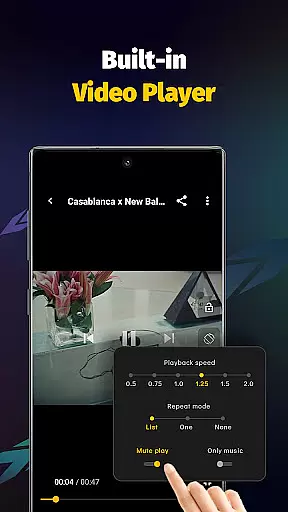
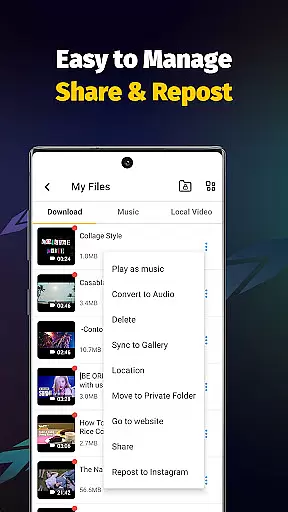
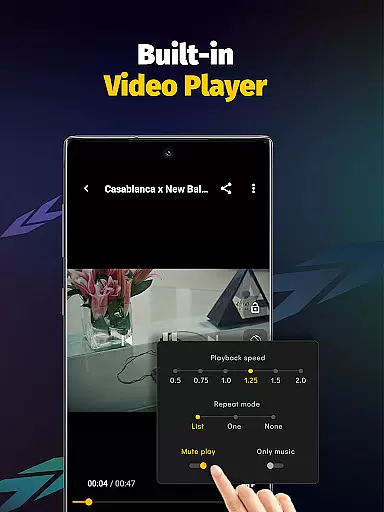
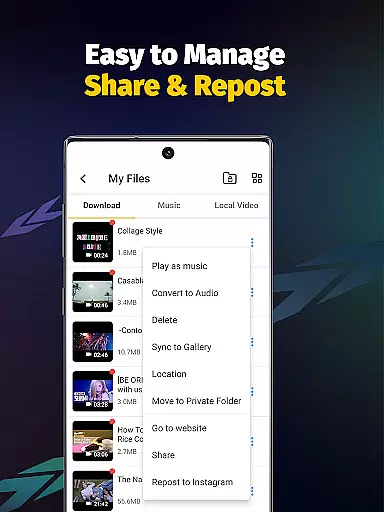
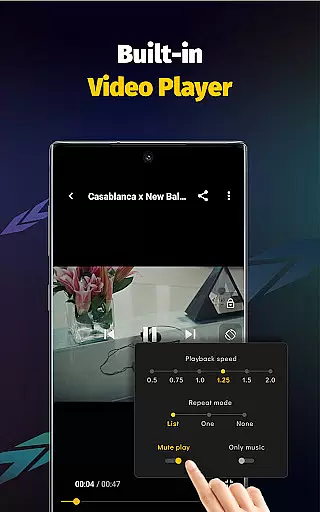
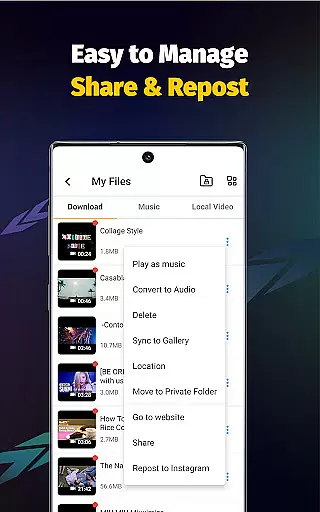
Another standout feature is the integrated media player, which allows users to watch downloaded videos offline without needing additional software. The app's clean user interface enhances ease of use, while functionalities like bookmarking and sharing make it simple to organize and distribute content. Moreover, the app includes privacy controls, enabling users to lock sensitive files behind a password-protected folder. These robust features collectively create a seamless experience for downloading and managing multimedia files.
Video Downloader - Save Videos stands out for its exceptional video format compatibility, ensuring users can download and save media in various formats without hassle. The app supports an extensive range of file types including MP4, M4A, M4V, AVI, WMV, MOV, JPG, JPEG, and PNG, making it a versatile tool for all your media downloading needs.
This broad compatibility is crucial for users who source content from diverse platforms, each potentially using different formats. By accommodating such a wide array of options, the app ensures that no matter the source, you can save videos and images in the highest possible quality.
Moreover, the inclusion of built-in players for offline playback enhances the user experience by eliminating the need for external applications to view downloaded content. This seamless integration of download and playback features underscores the app's commitment to providing a comprehensive solution for managing digital media files.
While Video Downloader - Save Videos primarily focuses on downloading capabilities, it also incorporates AI-powered editing features that add significant value to the user experience. These features allow users not only to download videos but also to modify them according to personal preferences or requirements.
One notable function is the ability to adjust video playback speed and extract audio from videos effortlessly. Such tools are invaluable for users looking to customize their viewing experience or repurpose content creatively. The simplicity of executing these edits with just one tap exemplifies the app's dedication to user-friendly design.
In addition to basic editing functions, privacy considerations are addressed through options like setting passwords for private folders and organizing storage locations within the app. This dual focus on creative freedom and security highlights how Video Downloader - Save Videos goes beyond mere downloading to offer a holistic media management solution.
User-friendly interface
Fast download speeds
Multi-format support
Secure private folders
Offline playback
No YouTube support
Limited platform integration
Requires account login
Privacy concerns
Ads may appear

Video Trimmer, Video to MP3 Converter. Extract music from video, Easy & Fast.
 4.80
4.80
Watch a large amount of high-definition short drama content
4.60
Download website videos fast&privacy
4.40
Flud is a simple and beautiful BitTorrent client for Android.
4.80
#1 Torrent App on Android ** No Ads Ever + Battery Saver **
4.80
A Simple app to download Video & Music from the Internet.
4.70
Fast & Private HD Video Downloader with Built-in Proxy Browser and Video Player.
4.50
Download Hub, easy and private way to download and enjoy your videos offline
4.80
Enjoy your favorite videos and channels with the official YouTube app.
3.90
Screen recorder with audio to take live videos & Screenshot in high quality!
4.70
Support 1000+ Video Format, Subtitle Download, mp3 & Background Play, Cast On TV
4.60
Watch IPTV on your Android device
4.60
HD video maker with no watermark, no ads & vlog maker with music, PIP, text
4.50
Full HD Video mp3 Player, MP4 player play 1080p, File manager, Video Downloader
4.40
Browser for Fire TV to stream webvideos, online movies, livestreams in HD
4.40
Download videos easily & play them all in one smart, powerful video manager.
3.40
Mix with Virtual DJ directly from your phone or tablet !
3.10
Client application for NextPVR software
3.00
The essential companion to your Blue Iris PC software
2.50


User Reviews