
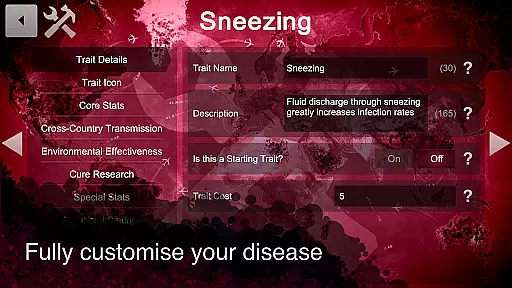
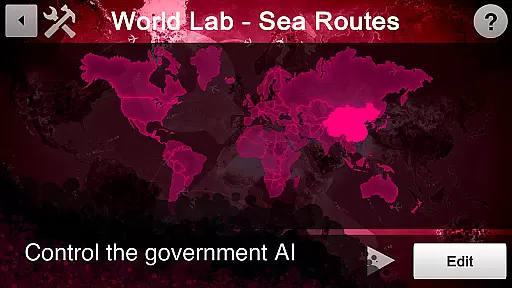
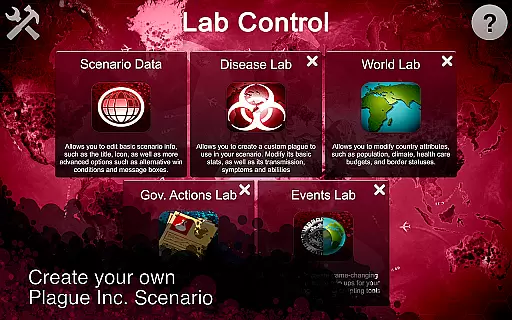
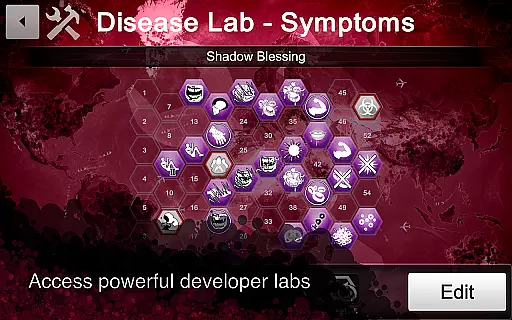
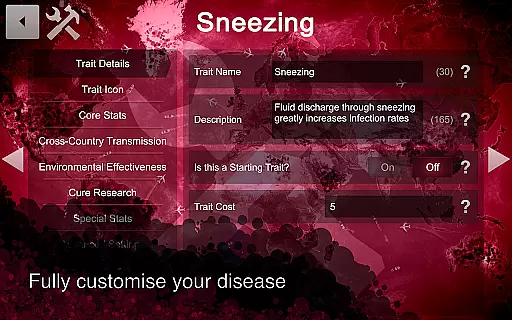
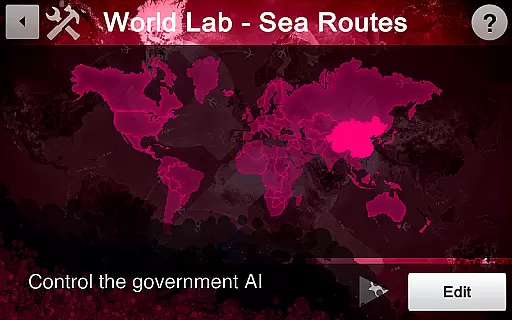
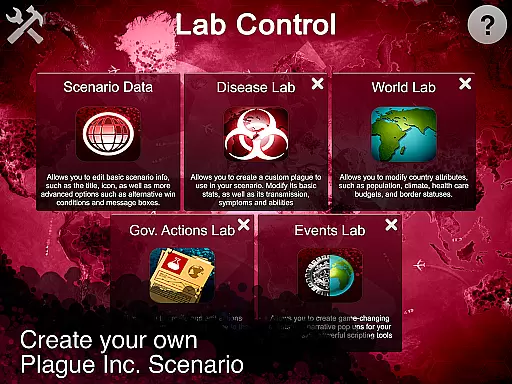
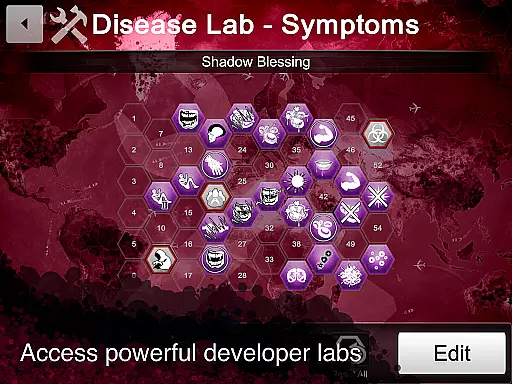
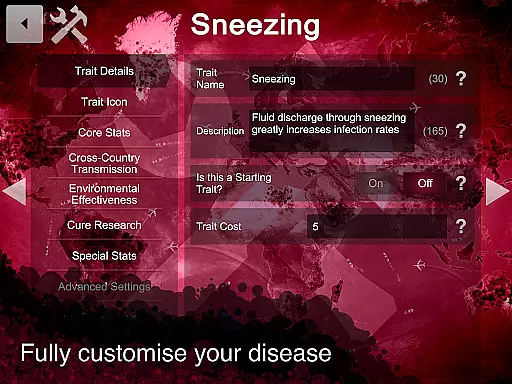
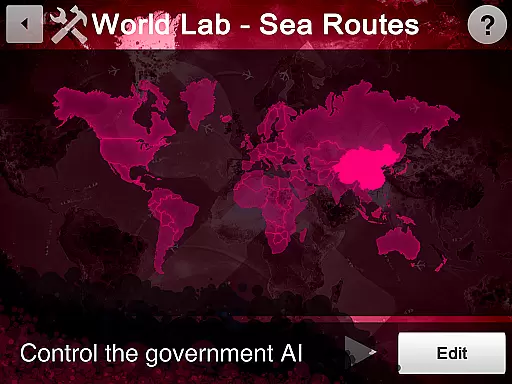
Plague Inc is an innovative productivity app designed specifically for creative users who want to expand their experience with the popular strategy game. This app allows you to design custom scenarios by creating unique plague types, modifying worlds, and developing special events. With five specialized labs at your disposal, you can fully customize every aspect of your scenario, from disease attributes to government responses.
The true power of Plague Inc lies in its sharing capabilities. Once you've crafted your perfect scenario, you can easily distribute it to friends via email or social media links. For broader reach, publish your creation to the global community of over 85 million players with just one click. The app provides detailed statistics on how your scenario performs, making it an excellent tool for those interested in game development and community engagement.
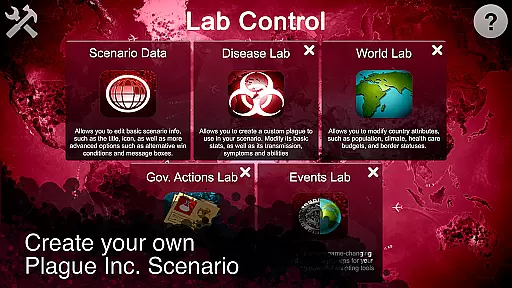
Plague Inc offers an impressive array of features that cater to both casual creators and advanced developers. The app includes five distinct labs: Core lab for basic scenario information, Disease lab for creating customized pathogens, World lab for modifying country attributes, Government lab for defining authority responses, and Events lab for scripting complex narrative elements. Each lab provides intuitive controls and detailed options for maximum customization.
Advanced users will appreciate the powerful scripting tools available in the Events lab, while beginners can start with simpler modifications using the other labs. The app maintains an excellent balance between depth and accessibility, ensuring that users of all skill levels can create compelling content. Additionally, the built-in sharing and publishing system streamlines the distribution process, allowing creators to focus on what matters most - bringing their ideas to life.
In the realm of productivity, core task management is pivotal for organizing and executing tasks efficiently. Plague Inc's Scenario Creator app excels in this area by providing structured environments called labs, each dedicated to managing different aspects of scenario creation.
Users can leverage the Core lab to edit fundamental scenario details, set objectives, and manage translations, ensuring that every element of their custom scenarios is meticulously planned and executed. This systematic approach allows creators to focus on bringing their unique ideas to life without losing sight of the bigger picture.
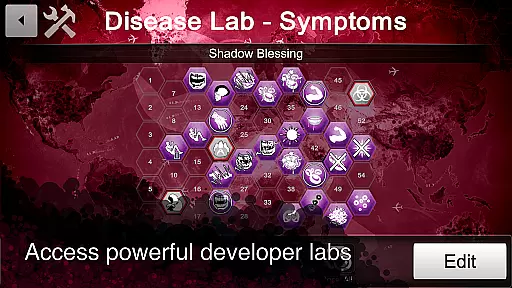
The app further enhances task management through specialized labs such as the Disease lab, World lab, Government lab, and Events lab. These sections enable users to develop detailed components like bespoke plagues, country attributes, government responses, and game-changing events, respectively.
By compartmentalizing these tasks, Plague Inc's Scenario Creator not only streamlines the creative process but also empowers users to craft complex and engaging scenarios with precision and ease, ultimately boosting productivity and creativity.
Cross-device synchronization is essential for maintaining consistency and accessibility across multiple devices. For an app like Plague Inc's Scenario Creator, reliable synchronization ensures that users can seamlessly continue their work from various locations and devices without any disruptions.
Although specific details about the synchronization features of Plague Inc's Scenario Creator are not provided, we can infer its significance based on common practices in productivity apps. Reliable cross-device sync typically involves cloud storage solutions, automatic updates, and real-time data mirroring, which collectively ensure that all changes are promptly reflected across devices.
This reliability is crucial for collaborative projects or when users need to share their scenarios with others. By having a dependable synchronization system, Plague Inc's Scenario Creator facilitates effortless collaboration and sharing, allowing users to distribute their creations via email, social media, or direct publishing within the app.
Ultimately, robust cross-device synchronization enhances user experience by providing flexibility and peace of mind, knowing that their work is always up-to-date and accessible wherever they go.
User-friendly interface
Extensive customization options
Powerful scripting capabilities
Large active community
Seamless sharing functionality
Requires original game
Steep learning curve
Limited standalone value
Occasional stability issues
Advanced features need time

Unlock AutoNotification
 4.00
4.00
Professional calendar app for Google Calendar, MS Outlook & Exchange
4.20
Smart PDF reader & editor to view, organize and manage PDF documents easily.
3.70
We're working to become the best machining app on the market! www.cncdirt.com
4.80
All document reader, all in one file viewer read PDF, DOCX, XLS, PPT, TXT files.
4.60
Docker, Kubernetes management over Portainer Mobile
4.40
The ultimate file manager for rooted devices. The original and still the best.
4.00
Access your phone's notifications, calls, apps, photos & texts on your PC
3.90
Ultimate Virtual AI Character for immersive Roleplay Chat. Perfect Companion
3.90
Protect and view your important info on your phone and tablet with eWallet®
4.80
Secure, fast, open-source, VNC and SSH Remote Desktop for Windows, Linux and Mac
4.70
A beautiful digital clock with autostart and many other functions
4.70
A lightweight JSON & XML files creator, editor and viewer (Premium Version)
4.40
Automates browsing any website and notifies you of important changes or events
4.30
Enjoy classic gameplay with customizable features and retro-style graphics.
4.30
Todo reminder
4.10
* block pre-roll ads, pop-up and forced redirect ads * Samsung certification app
4.00
All in one sketching tool. Technical and General drawing. Online Maps support.
3.70
A simple, portable logger for POTA, SOTA, Field Day, and more
4.3


User Reviews