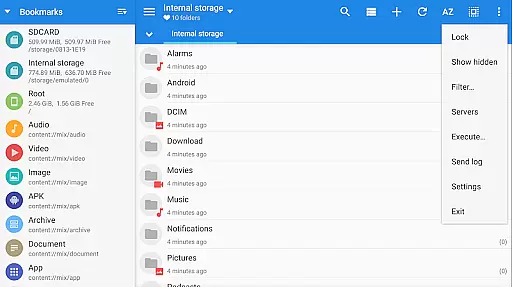
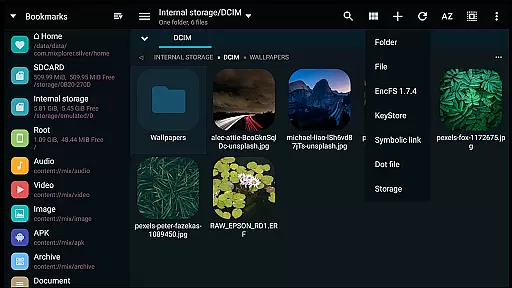
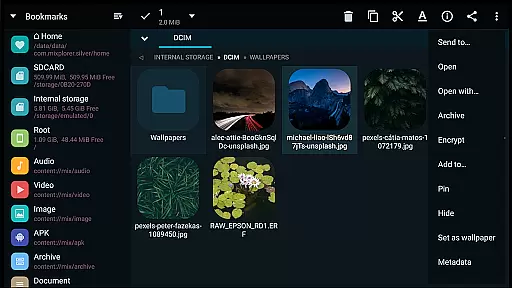
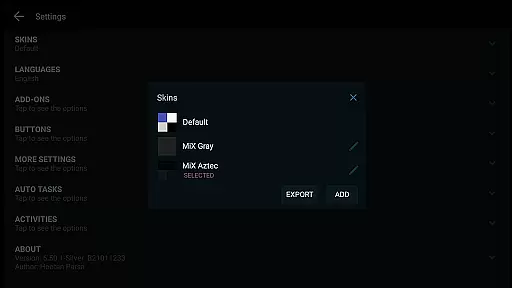
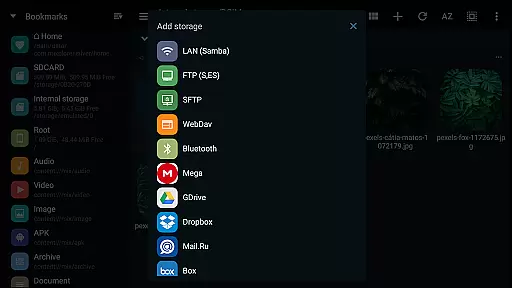
MiXplorer Silver File Manager is a comprehensive productivity tool designed for efficient file management on Android devices. This paid app combines the core MiXplorer file manager with essential add-ons including Archiver, Image viewer, Tagger, and PDF reader, offering users an all-in-one solution for organizing and accessing their digital content. With its themable interface, users can customize colors and layout options to suit their preferences.
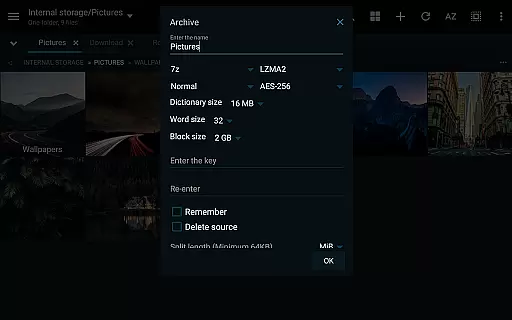
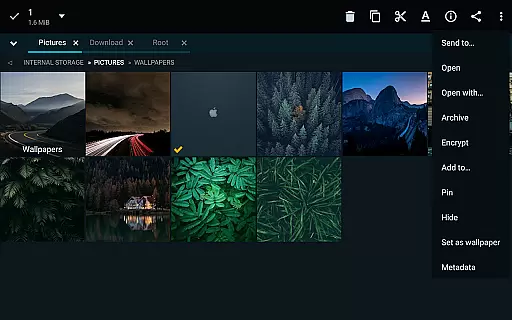
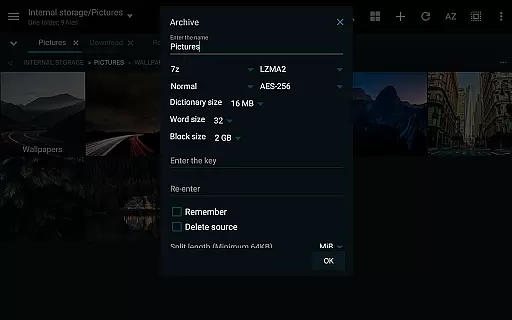
The app supports advanced file operations such as packing/unpacking multiple archive formats, cloud storage integration from providers like Google Drive and Dropbox, and root access for system-level modifications. Its dual-panel browsing in landscape mode and multitasking capabilities make it especially suitable for power users who need to manage large volumes of files across different locations. Whether you're a professional needing robust file handling or a casual user wanting better organization, MiXplorer Silver provides the tools to streamline your workflow.
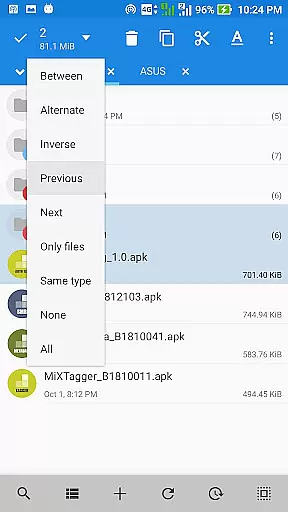
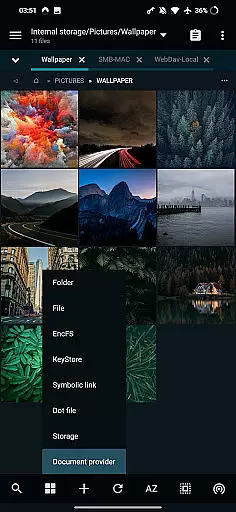
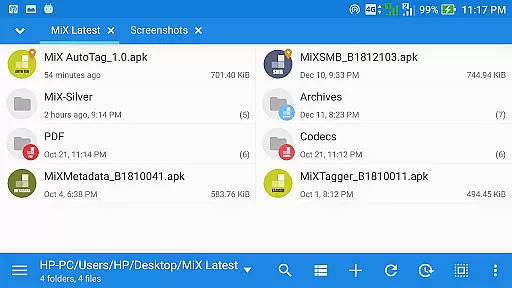
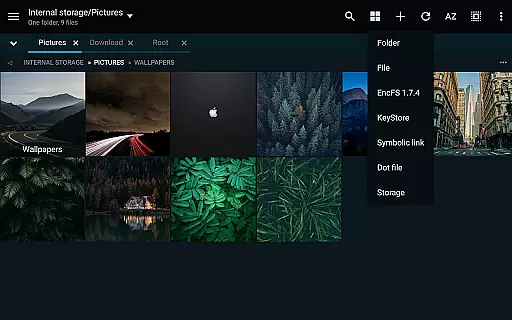
MiXplorer Silver stands out with its extensive feature set tailored for productivity enthusiasts. The app offers unlimited tabbed browsing, allowing users to work with multiple folders simultaneously. Its dual-panel interface in landscape mode enables seamless drag-and-drop operations between locations. Users can create custom tasks to handle complex file operations like copy, move, and archive management efficiently.
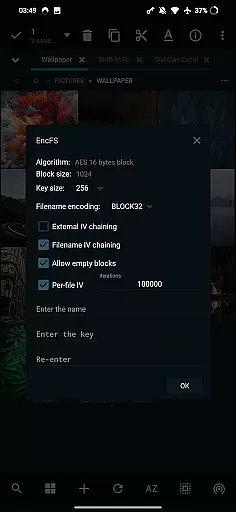
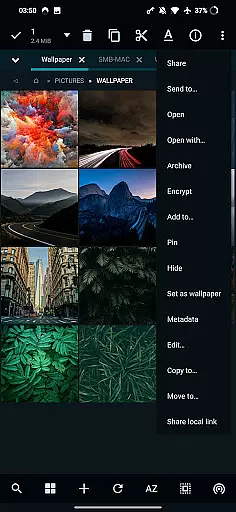
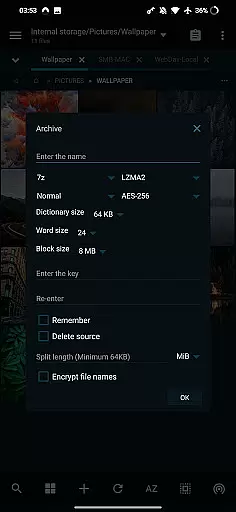
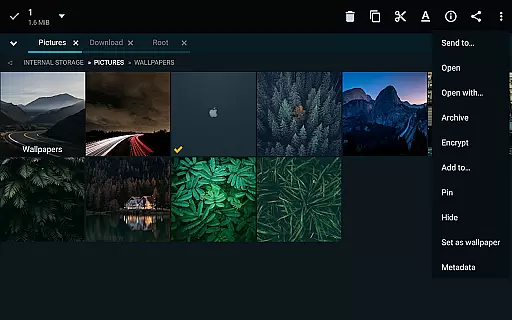
Advanced functionality includes support for over 20 archive formats, EncFS volume handling, and AEScrypt file encryption. The app integrates with various cloud services, providing unified access to online storage accounts. Additional features like SAMBA, FTP, and WebDAV clients/servers extend its capabilities for network file management. With built-in viewers for PDF, EPUB, media files, and code editor functionality, MiXplorer Silver delivers a complete package for managing diverse file types across local and cloud storage environments.
In the realm of file management, MiXplorer Silver excels with its robust core task management capabilities. This feature allows users to handle multiple operations such as copying, moving, and other file manipulations simultaneously through an intuitive task creation system.
Users can easily create and manage tasks, ensuring that complex file operations are executed smoothly and efficiently. The ability to multitask various operations not only saves time but also enhances productivity by allowing users to queue up several actions without waiting for each to complete before starting the next.
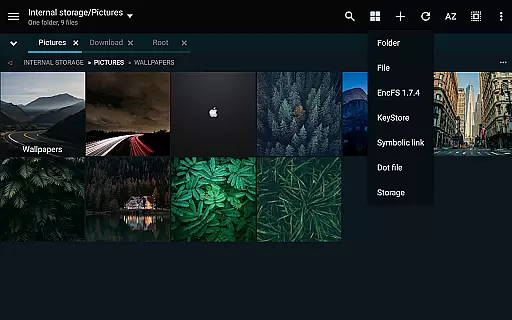
The app's design emphasizes user control, providing options to sort, enable, or disable menu items and action buttons according to personal workflow preferences. This customization ensures that every user can tailor the application to fit their unique task management needs.
Furthermore, the unlimited tabbed browsing and dual panel support in landscape mode facilitate seamless navigation and drag-and-drop functionality between panels, making file organization more dynamic and interactive than ever before.
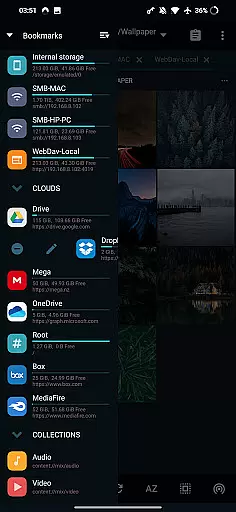
MiXplorer Silver addresses the growing need for reliable cross-device synchronization in today's interconnected world. The application supports a wide array of cloud storage providers including Google Drive, Dropbox, and OneDrive, ensuring that your files are consistently synchronized across all your devices.
This synchronization capability is not limited to just cloud services; it extends to various network protocols such as FTP, WebDAV, and SAMBA clients. Such extensive support guarantees that whether you're working from a local network or accessing files remotely, your data remains up-to-date and accessible wherever you are.
The app's implementation of EncFS volumes for all storages adds an extra layer of security to your synchronized files, protecting your data while it moves between devices. Additionally, real-time updates ensure that changes made on one device are immediately reflected on others, maintaining consistency across your digital ecosystem.
With these features, MiXplorer Silver provides peace of mind, knowing that your files are securely and reliably synchronized, allowing you to focus on your work without worrying about data discrepancies or loss.
Highly customizable interface
Extensive format support
Powerful multitasking
Advanced security features
Comprehensive cloud integration
Paid application only
Steep learning curve
Feature overload for beginners
No iOS version available
Requires technical knowledge

Take control of your clipboard with Clipper!
 3.90
3.90
The Pro Version of Android's tiniest Notepad app. Just 0.3MB but feature-packed!
4.60
App lock - lock apps with fingerprint, password, pin or pattern, protect privacy
4.70
Make apps & sites with natural language prompts
4.10
Activate Two Factor Authentication (2FA or Multi OTP), Password manager and more
4.10
Subscribe to Webcal & .ics calendars and keep them up-to-date!
4.50
* block pre-roll ads, pop-up and forced redirect ads * Samsung certification app
4.00
Understand anything with a personalized AI research assistant
4.80
Set up, print, and get support—in one place
4.20
Native client for Forgejo and Gitea
5.00
Android Wallet Password Manager
4.80
Protect and view your important info on your phone and tablet with eWallet®
4.80
Calendar 2023 widget for Android. Appointment scheduler, planner, and reminder
4.60
A lightweight JSON & XML files creator, editor and viewer (Premium Version)
4.40
This small app MUST BE INSTALLED after purchase, else license won't work
4.40
Enjoy classic gameplay with customizable features and retro-style graphics.
4.30
⏰ Finally a timer app which can run multiple timers simultaneously on your watch
3.90
Auto-shutoff Alarm with Sunrise, Sunset & Fixed Options.
3.50
Code on-the-go with VScode for Android. Edit,debug and collaborate from mobile!!
3.10


User Reviews