
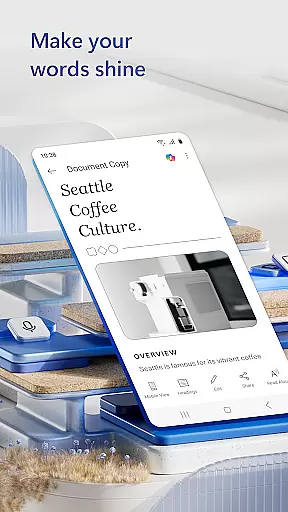
Microsoft Word is a leading productivity application designed for creating, editing, and collaborating on professional documents across devices. As part of the Microsoft Office suite, this app brings desktop-level functionality to mobile users, enabling seamless document management anytime, anywhere.
The app supports essential features such as rich text formatting, PDF conversion, and cloud integration. Whether drafting resumes, letters, or reports, users benefit from intuitive tools and pre-designed templates that streamline workflows. Its compatibility with various file formats ensures smooth sharing and collaboration.
Ideal for students, professionals, and businesses, Microsoft Word enhances productivity by combining powerful editing capabilities with user-friendly accessibility. The app's real-time collaboration feature allows teams to work together efficiently, making it indispensable for modern document processing needs.
Microsoft Word offers an extensive range of features tailored for productive document creation. One standout capability is its advanced template library, which includes ready-to-use designs for resumes, cover letters, and brochures. These templates help users quickly produce polished documents without starting from scratch.
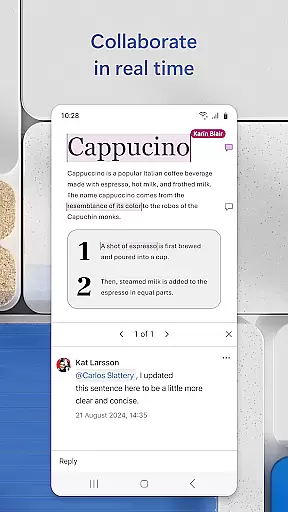
The app excels in collaborative functionality, allowing multiple users to edit documents simultaneously. Integrated commenting tools facilitate team discussions directly within the document. Additionally, the built-in PDF converter enables seamless transitions between Word and PDF formats, while maintaining original formatting.
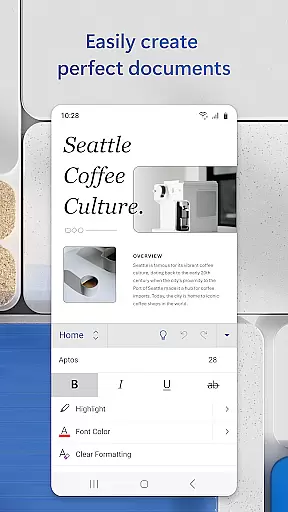
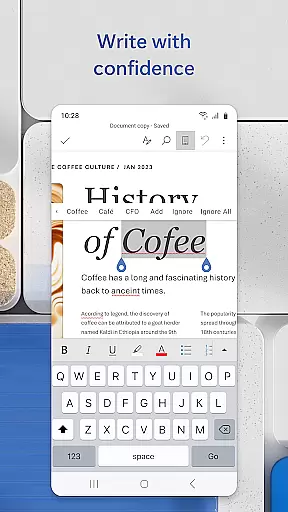
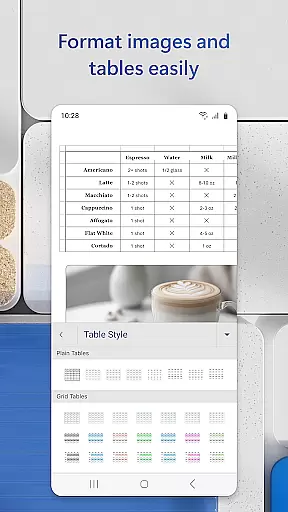
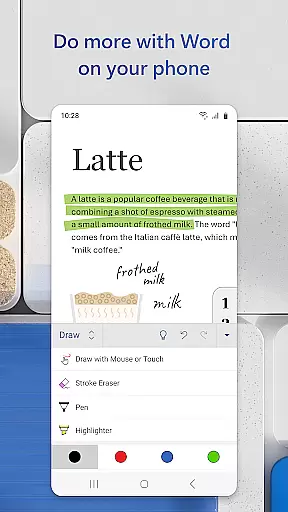
Advanced editing tools provide precise control over document elements, including tables, images, and charts. The app also incorporates AI-powered assistance for grammar checking and style suggestions, ensuring professional-quality results. With automatic saving and version history, users can confidently manage their document revisions.
Microsoft Word's core task management capabilities redefine how users handle productivity on the go. The app allows seamless creation, editing, and collaboration on documents, ensuring that tasks like drafting letters, designing resumes, or preparing newsletters are executed efficiently.
With features such as real-time document collaboration, users can work together in teams, leave contextual comments, and track changes to text, layout, and formatting. This ensures that every team member stays aligned with project goals while maintaining version control.
The app also supports advanced task-specific tools, including a PDF converter for converting files to and from Word format, rich formatting options for professional layouts, and an intuitive reading view for reviewing documents. These features collectively enhance productivity by streamlining workflows.
By integrating proofreading tools, revision history, and customizable templates, Microsoft Word empowers users to manage their writing projects effectively, whether they're crafting simple notes or complex reports.
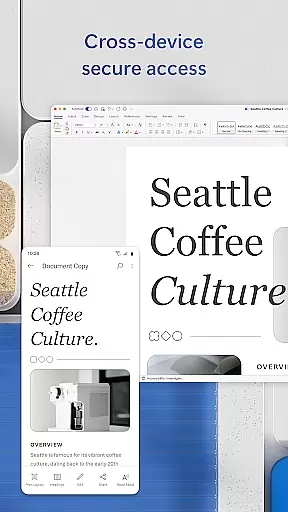
Cross-device synchronization is a cornerstone of Microsoft Word's productivity suite, enabling users to access their documents anytime, anywhere, across multiple devices. This reliable sync functionality ensures that files remain up-to-date regardless of where they were last edited.
Through cloud integration, users can start a document on their mobile device during a commute and continue working on it from a PC at home without missing a beat. This continuity is vital for professionals who rely on consistent access to their files, whether offline or online.
Additionally, Microsoft Word provides robust permission management, allowing users to share documents securely while controlling who can edit or view them. This feature enhances collaboration without compromising data integrity.
With support for various file formats and automatic saving, users can trust that their work is preserved accurately across devices, eliminating concerns about version conflicts or lost progress.
User-friendly interface
Extensive template library
Real-time collaboration
Cross-platform compatibility
Powerful editing tools
Requires Microsoft account
Limited free features
Occasional sync issues
Large app size
Internet connection needed

When you Focus, so will your Bean in this cozy focus timer
 4.30
4.30
⏰ Finally a timer app which can run multiple timers simultaneously on your watch
3.90
CalenGoo is a very flexible and feature-rich calendar app
4.40
Todo reminder
4.10
Stay on top of your to-dos with Google Tasks, part of Google Workspace.
4.60
Activate Two Factor Authentication (2FA or Multi OTP), Password manager and more
4.10
Enjoy classic gameplay with customizable features and retro-style graphics.
4.30
Scientific calculator for Android - looks and operates like the real thing!
4.90
AI Chatbot and AI writing assistant powered by ChatGPT.
4.60
The long-awaited modern gallery app for your Nextcloud server
4.70
App lock - lock apps with fingerprint, password, pin or pattern, protect privacy
4.70
App Lock with fingerprint, password: Lock apps & hide photos with lock screens
4.60
Tally and goal counter for Wear OS & mobile
4.50
Send files, sync SMS, notifications & clipboard across devices via local network
4.40
A customizable calendar for your Wear OS watch
4.20
Cloud storage, automatic phone backup, and more.
4.10
Customizable calendar widget for seamless event sync, planning & scheduling.
4.00
Easiest event planning, volunteer signups & parent teacher conference scheduling
2.20
A comprehensive suite of tools designed specifically for Lactation Consultants
4.2


User Reviews