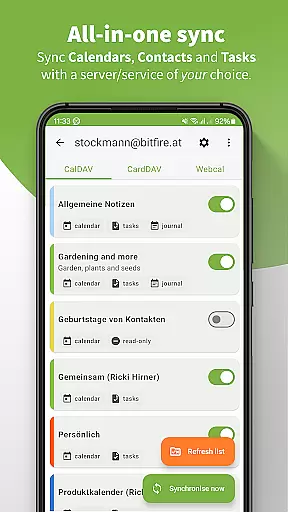
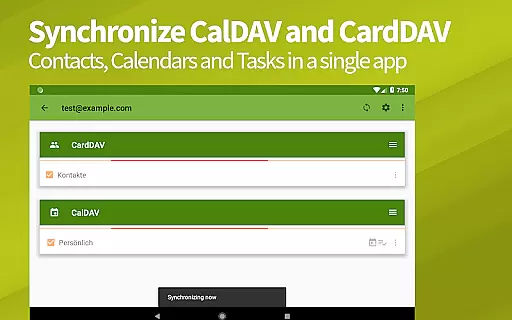
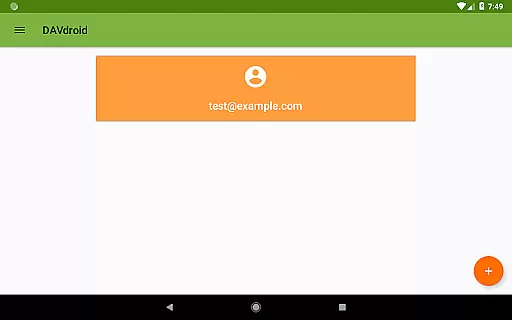
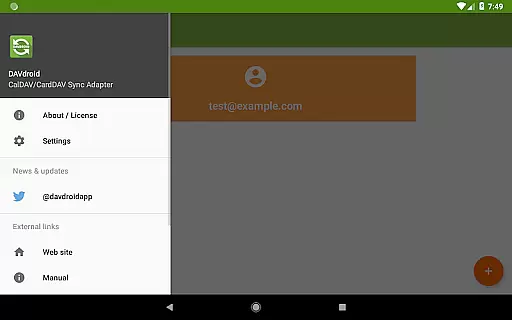
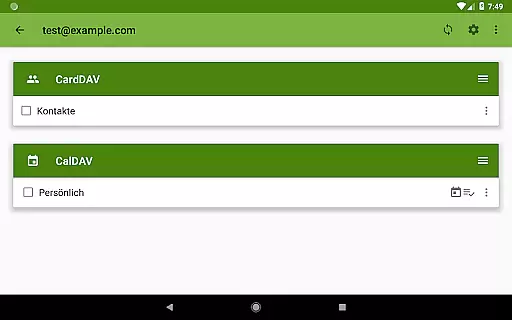
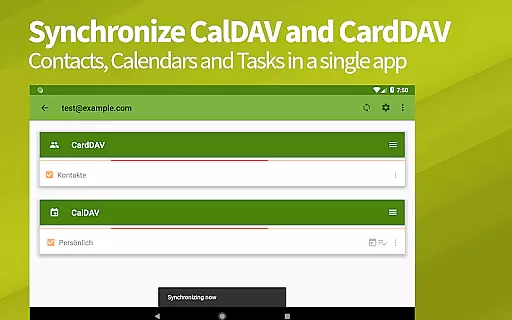
DAVx⁵ is a comprehensive productivity tool designed to streamline synchronization across your devices. This application specializes in managing contacts, calendars, and tasks through its support for CalDAV, CardDAV, and WebDAV protocols. With DAVx⁵, users can effortlessly keep their information up-to-date across multiple platforms, ensuring that whether you're at your desk or on the go, your data remains consistent and accessible.
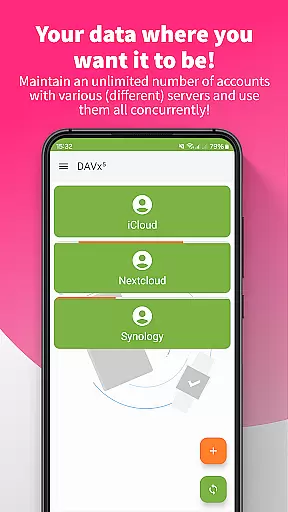
The app's compatibility with major services like Nextcloud, iCloud, and Synology makes it an indispensable tool for individuals seeking seamless integration between their personal and professional digital environments. Its ability to synchronize tasks, notes, and journals adds another layer of utility, making it ideal for those who prioritize organization and efficiency in their daily routines.
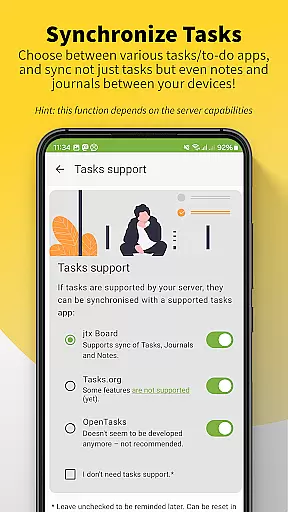
DAVx⁵ stands out with its robust feature set tailored for productivity enthusiasts. One of its key features is the two-way synchronization capability, which ensures that any changes made on one device are immediately reflected across all others. This function supports not only calendars and address books but also task lists, providing a unified platform for managing your schedule and responsibilities.
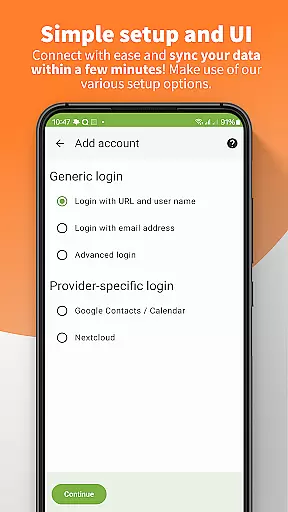
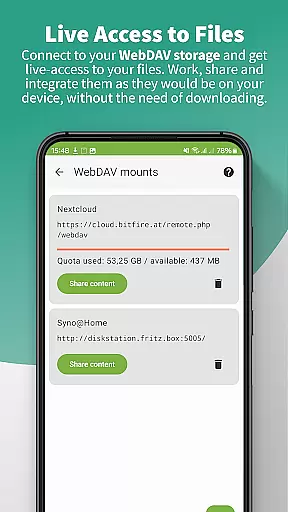
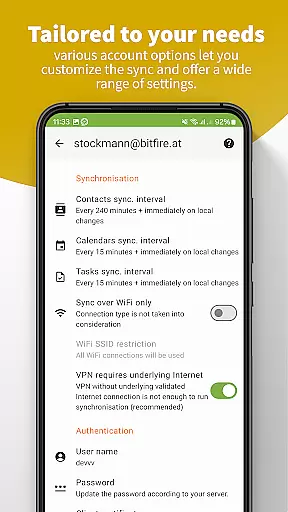
Another notable feature is its seamless integration with remote WebDAV files, allowing users to access and manage their documents as if they were stored locally on their device. Additionally, DAVx⁵ offers advanced setup options such as auto-detection of resources and support for self-signed certificates, catering to both novice users and tech-savvy individuals. These features collectively enhance the user experience by offering flexibility, security, and ease of use.
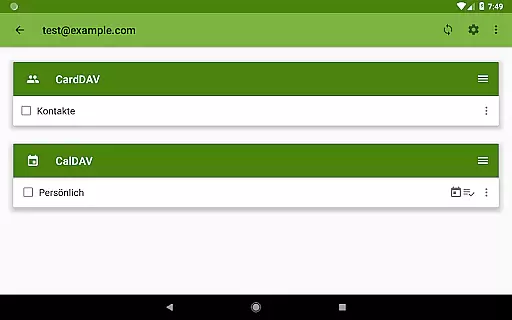
DAVxu2075 offers a comprehensive solution for managing core tasks such as synchronizing calendars, contacts, and to-do lists. This app supports CalDAV for calendar events, CardDAV for contact information, and VTODO for task management, ensuring that all your productivity needs are covered in one place.
The two-way synchronization feature allows seamless updates between the server and client devices, ensuring that any changes made on one end are immediately reflected on the other. This means users can trust that their data is always up-to-date, regardless of where they make changes.
Additionally, DAVxu2075 provides management options within the app, allowing users to create and delete calendars, address books, and to-do lists directly from their device. This flexibility ensures that users can customize their productivity tools according to their specific needs.
One of the standout features of DAVxu2075 is its reliable cross-device synchronization capabilities. The app ensures that all your important data, including calendars, contacts, and tasks, are consistently synchronized across multiple devices. This reliability is crucial for users who need access to their information whether they're on their phone, tablet, or computer.
DAVxu2075 employs fast algorithms and multi-threaded sync processes to enhance performance. These technical aspects ensure high-speed synchronization without compromising data integrity, making it an ideal choice for professionals who require efficiency and accuracy.
Furthermore, the app's compatibility with various servers and services like Nextcloud, iCloud, and Synology guarantees that users can integrate DAVxu2075 into their existing workflows effortlessly. This broad compatibility underscores the app's commitment to providing a dependable and versatile synchronization experience.
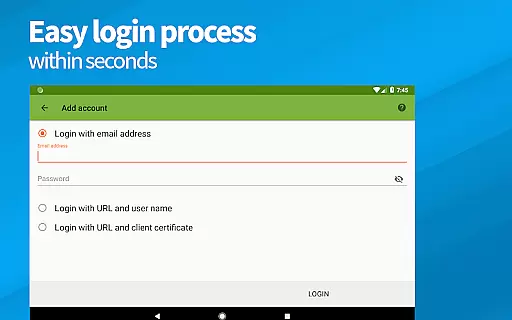
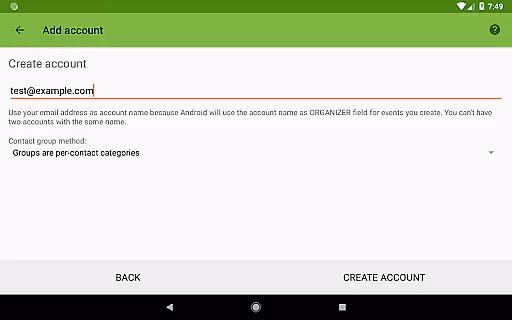
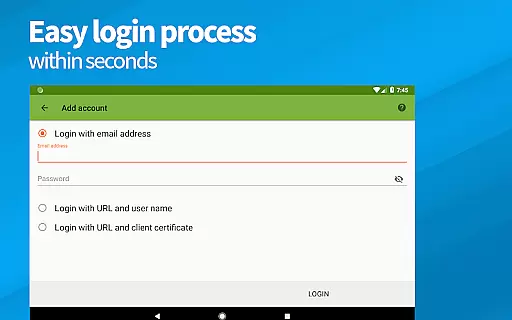
Easy setup process
Two-way sync functionality
Wide server compatibility
Robust security measures
No ads or tracking
Limited server support for some features
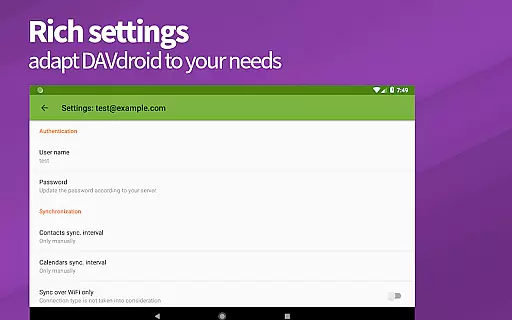
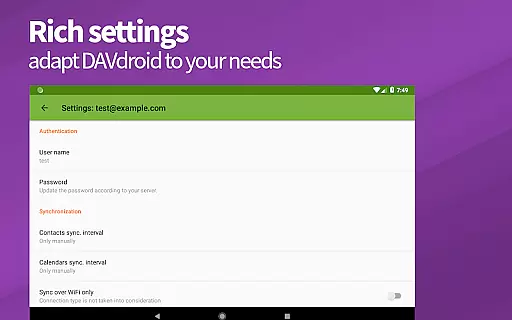
Advanced settings may overwhelm beginners
Requires manual troubleshooting for errors
No built-in calendar or contacts app
Premium version comes at a cost

When you Focus, so will your Bean in this cozy focus timer
 4.30
4.30
Auto-shutoff Alarm with Sunrise, Sunset & Fixed Options.
3.50
Mega cloud explorer plugin for Solid Explorer
3.80
Wake up & get tasks done! Add alarms & reminders on the Clock Launcher.
4.00
Direct Chat without saving contacts & Dual WA Account on Single Device
4.70
Mind Map and brainstorm, note taking and idea collection
4.80
Calendar 2023 widget for Android. Appointment scheduler, planner, and reminder
4.60
Okta MFA
4.70
AI Chatbot and AI writing assistant powered by ChatGPT.
4.60
Best Tool for the professionals Electrician, Electrical contractors, etc.
4.90
Understand anything with a personalized AI research assistant
4.80
aCalendar+ makes your day, week and month
4.70
The Pro Version of Android's tiniest Notepad app. Just 0.3MB but feature-packed!
4.60
Stay on top of your to-dos with Google Tasks, part of Google Workspace.
4.60
Send files, sync SMS, notifications & clipboard across devices via local network
4.40
A lightweight JSON & XML files creator, editor and viewer (Premium Version)
4.40
All in One PDF Reader: Manage, Read and Edit your Documents
4.20
Access your phone's notifications, calls, apps, photos & texts on your PC
3.90
AI Video AI Image Private LLM AI Browser Llama Gemma Ollama Connect LLM Studio
4.0


User Reviews