
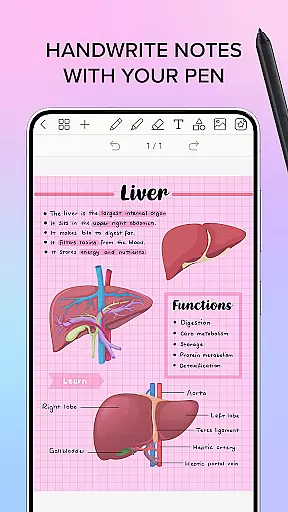
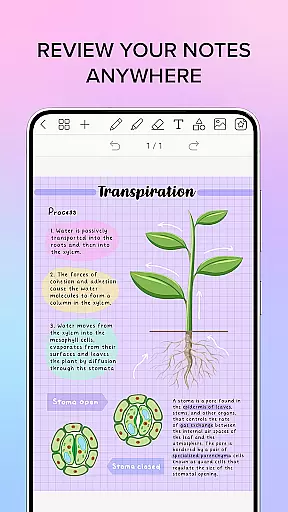
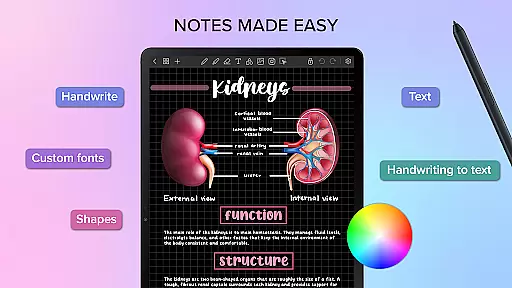
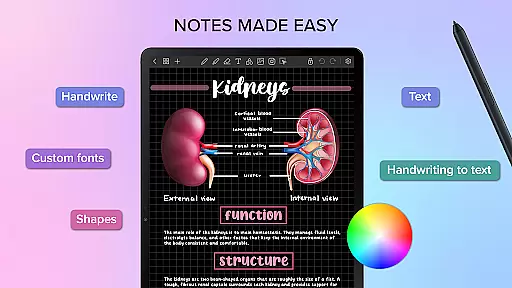
Penly is a comprehensive digital planner, journal, and note-taking application designed to enhance productivity and creativity. The app features an intuitive interface with smooth handwriting recognition and smart eraser functionality, alongside tools for text, image, and shape manipulation.
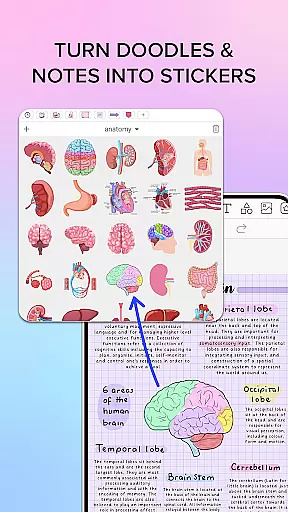
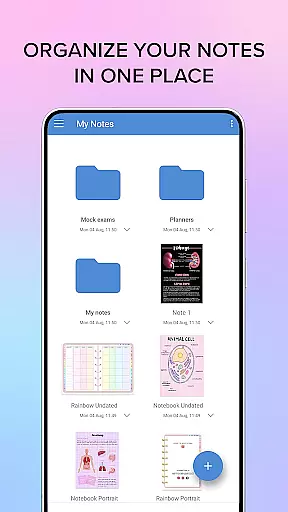
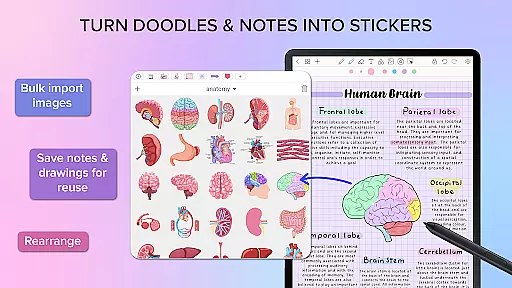
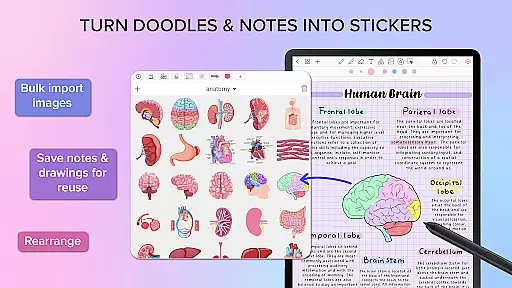
Users can create sticker collections, import custom fonts, and benefit from automatic handwriting-to-text conversion. Penly includes four digital planners with hyperlinked pages, undated and reusable templates, and various styles. It supports PDF file import and export, hyperlink creation, and offers extensive organizational capabilities through folders and sub-folders.
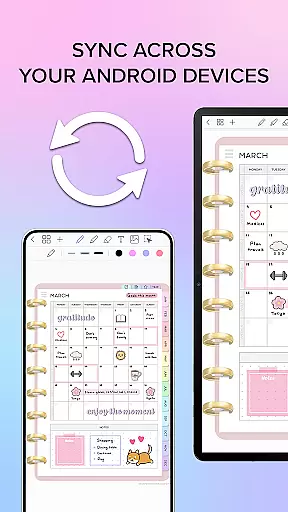
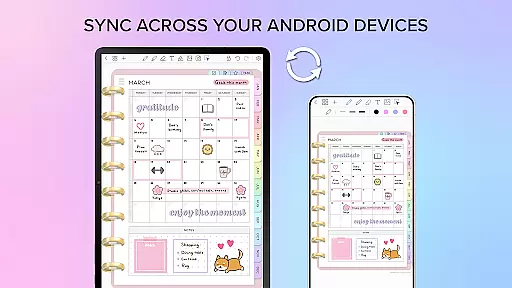
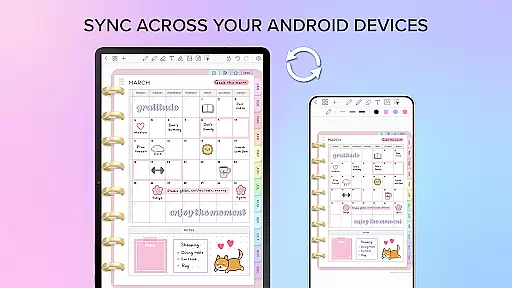
The app syncs between Android devices via Google Drive and provides English language support. With one-time payment access and a 7-day refund policy, Penly aims to cater to users seeking an all-in-one digital planning solution.
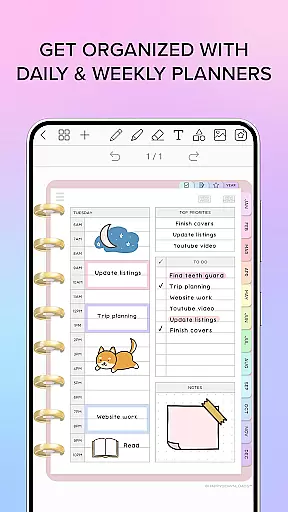
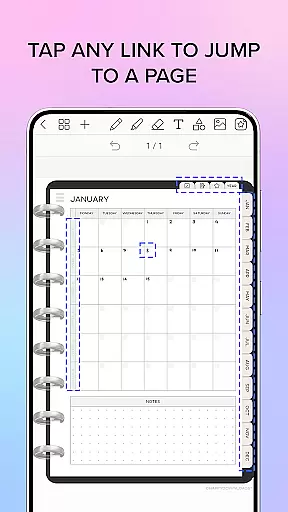
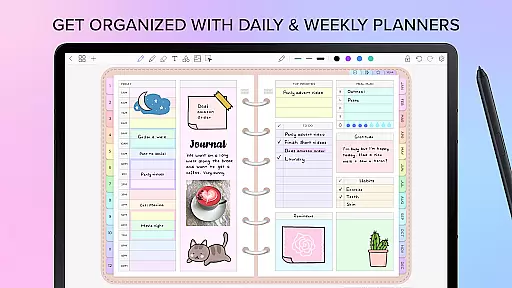
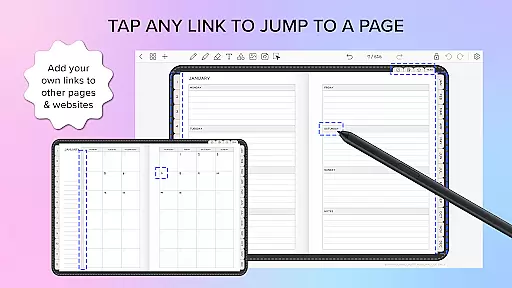
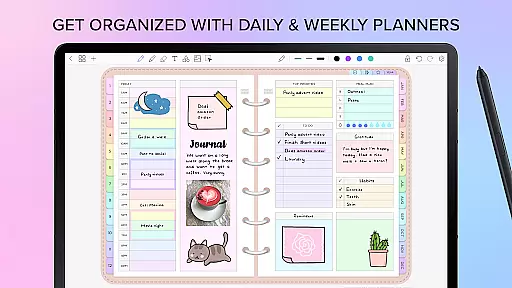
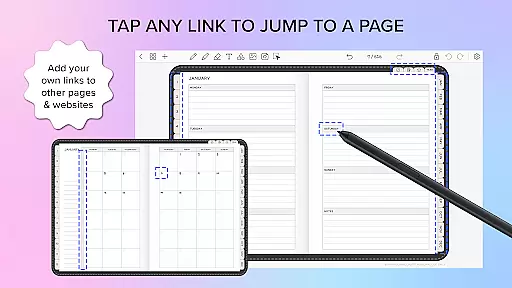
Penly stands out with its robust feature set tailored for productivity enthusiasts. The app's digital planners include monthly, weekly, and daily pages with hyperlinks, available in both landscape and portrait orientations. Its automatic handwriting-to-text feature streamlines note-taking.
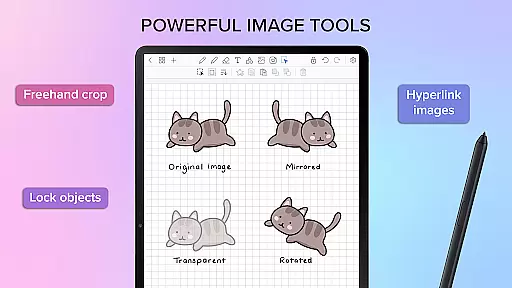
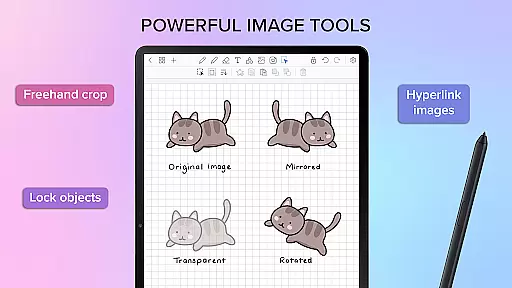
Advanced sticker and image tools allow users to organize, edit, and reuse content efficiently. The hyperlink creation tool enables linking objects to specific pages or external websites. With bulk import options and customizable opacity settings, managing visual elements becomes seamless.
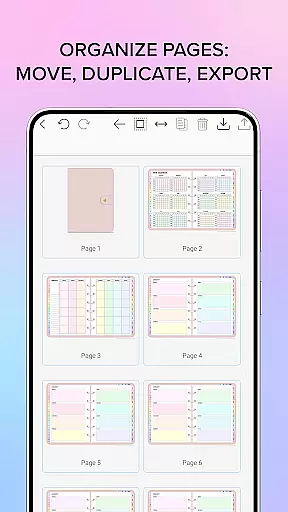
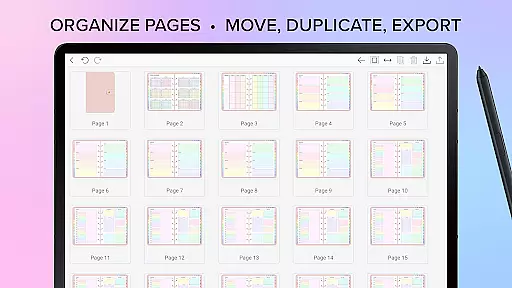
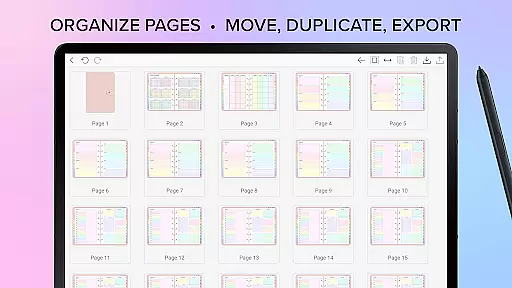
Syncing across Android devices ensures consistent access to documents. Penly's folder management system and page organization tools provide a structured approach to digital note-keeping, making it an ideal choice for users who require a versatile planning tool.
Penly offers a comprehensive suite of tools for managing tasks and organizing your digital life. The app includes features such as hyperlinked pages, to-do lists, and note templates that help streamline your planning process.
With Penly, users can create and navigate through monthly, weekly, and daily planners with ease. The hyperlinked pages allow quick access to different sections of your planner, ensuring you never miss an important date or task.
The app's intuitive interface supports automatic handwriting-to-text conversion, making it simple to jot down notes and transform them into organized text. This feature is particularly useful for those who prefer the natural feel of writing but need the efficiency of digital organization.
Additionally, Penly enables users to import any PDF file, turning it into an editable document within the app. This functionality is perfect for those who want to customize existing planners or work with specific document formats while maintaining productivity.
One of Penly's standout features is its reliable cross-device synchronization, which ensures that your data is consistently up-to-date across all your Android devices. By linking Google Drive to Penly, users can enable seamless syncing of their planners and notes.
This synchronization can be performed manually or set to occur automatically whenever the app is opened or closed. Such flexibility allows users to choose the method that best fits their workflow and ensures they have access to their most recent documents at all times.
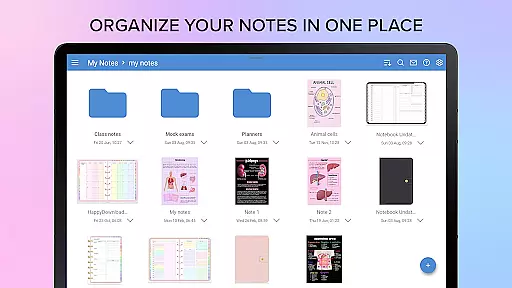
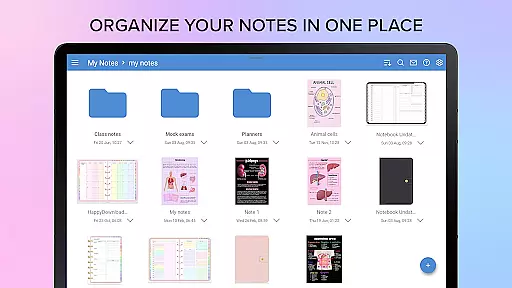
Moreover, Penly's organizational tools extend beyond basic note-taking. Users can manage their documents using folders and sub-folders, keeping everything neatly arranged and easily accessible. This structured approach enhances productivity by reducing the time spent searching for specific notes or planners.
Whether you're working on multiple devices or sharing information between team members, Penly's robust syncing capabilities provide peace of mind, knowing your data is secure and always available where you need it.
User-friendly interface
Handwriting recognition
Customizable templates
Efficient syncing
Comprehensive tools
Single language support
No free version
Limited refund period
Premium price
Device-specific

Professional calendar app for Google Calendar, MS Outlook & Exchange
 4.20
4.20
The Pro Version of Android's tiniest Notepad app. Just 0.3MB but feature-packed!
4.60
Absolutely the best CNC machinist speed and feed calculator around. fswizard.com
4.60
aCalendar+ makes your day, week and month
4.70
Simple and reliable communication between inmates, friends and family
3.20
Enjoy classic gameplay with customizable features and retro-style graphics.
4.30
Create and edit presentations with Google Slides, part of Google Workspace.
4.00
Access your phone's notifications, calls, apps, photos & texts on your PC
3.90
Okta MFA
4.70
Protect and view your important info on your phone and tablet with eWallet®
4.80
Scan paperwork into PDF/JPG, generate your own e-signature and send fax or email
4.70
Client for Nextcloud Deck
4.60
All document reader, all in one file viewer read PDF, DOCX, XLS, PPT, TXT files.
4.60
Tally and goal counter for Wear OS & mobile
4.50
A Pixel Art watchface inspired by other iconic 90s designs for Wear OS devices!
4.40
Pwnagotchi companion app
4.20
Remotely view listen control and record cameras.
3.70
ID.me Authenticator is a simple and free Two Factor Authentication solution
3.50
Ads Free App! Editor, Hide File, Copy, Move, Delete and Rename.. all facility av
1.70


User Reviews