
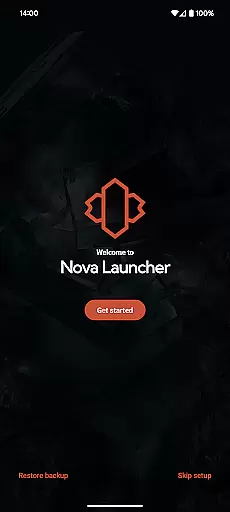
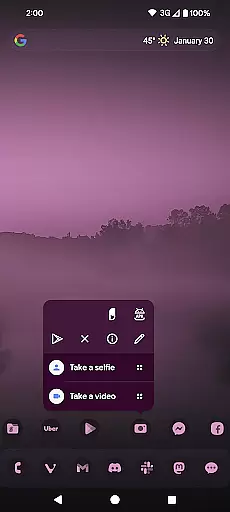
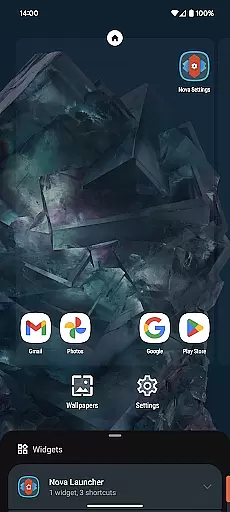
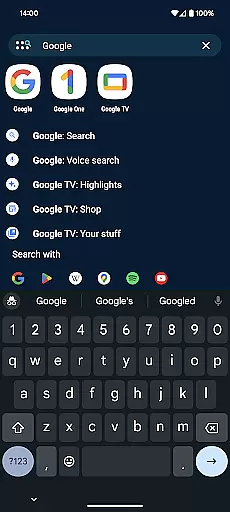
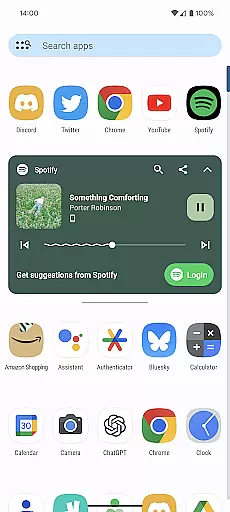
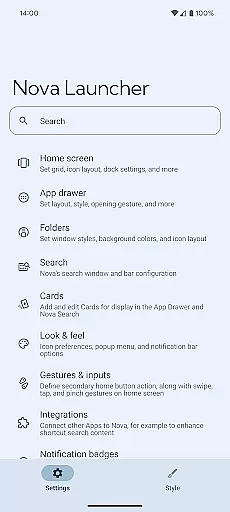
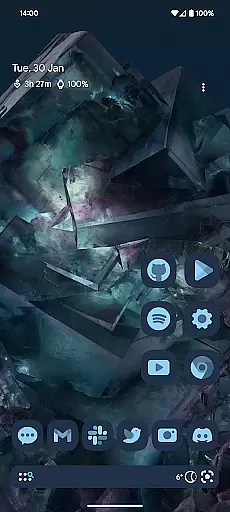
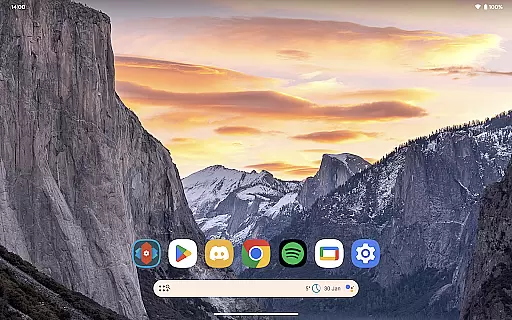
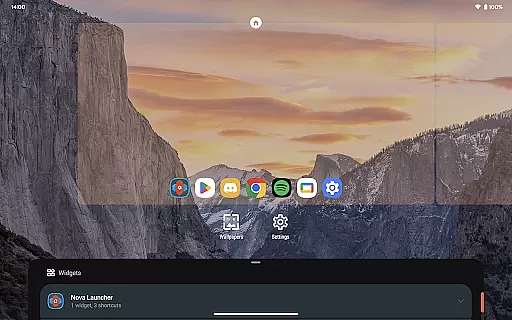
Nova Launcher is a highly customizable home screen replacement for Android devices, offering advanced features while maintaining user-friendliness. It allows users to personalize their home screens with custom icons, extensive color options, and light/dark themes. The app supports subgrid positioning for precise layout control and provides backup/restore functionality for easy migration between devices.
With its powerful search system, Nova enables users to quickly find app content, contacts, and even perform instant calculations or unit conversions. The Prime version unlocks additional features like gestures, app drawer groups, and notification badges, making it a complete solution for those seeking both aesthetics and functionality in a launcher.
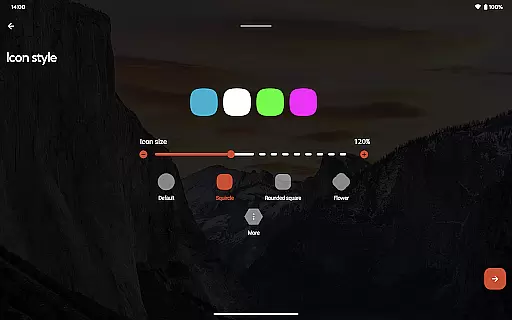
Nova Launcher stands out with its comprehensive customization options. Users can personalize icon shapes, colors, and sizes, as well as adjust the app drawer's layout and search bar positioning. The introduction of Material You colors allows for a personalized interface that matches individual preferences or system settings.
The app's subgrid positioning feature offers unparalleled precision when placing icons and widgets. Its backup and restore functionality ensures that users can easily transfer their home screen setup across devices. Additionally, Nova Launcher Prime adds advanced features such as custom gestures and app hiding, providing power users with even more control over their Android experience.
Nova Launcher stands out in the realm of personalisation by offering an extensive array of customization options that cater to both novice users and tech enthusiasts. The app allows for meticulous adjustments ranging from icon size, label colors, to the positioning of the search bar, providing a personalized home screen experience.
One of the key features is its support for thousands of icon themes available on the Play Store, enabling users to reshape all icons to a uniform shape of their choice. This level of customization extends to creating custom light and dark themes, allowing users to sync with system settings or choose their own colors for a unique feel.
The app drawer in Nova Launcher also introduces innovative customizable cards, delivering necessary information instantly. With subgrid positioning, users can snap icons and widgets between grid cells, achieving a precise layout that's typically unattainable with other launchers.
This vast selection of customization choices empowers users to tailor their smartphone experience exactly to their liking, making daily interactions more enjoyable and efficient. Whether it's aesthetic preferences or functional enhancements, Nova Launcher ensures every user finds value in personalizing their device.
Theme compatibility is a crucial aspect of any launcher, and Nova Launcher excels by ensuring seamless integration with various themes. Users can select from thousands of icon themes available in the Play Store, reshaping all icons to maintain a consistent appearance throughout their device.
Beyond icon themes, Nova supports an extensive color system that utilizes Material You colors from your system or lets you choose your own palette. This flexibility extends to custom light and dark themes, which can be synchronized with system settings, timed to sunrise and sunset, or set permanently based on user preference.
The ability to customize home screens, app drawers, and folders further enhances theme compatibility. Users can adjust everything from icon sizes to label colors, ensuring that every element aligns perfectly with their chosen theme.
By prioritizing theme compatibility, Nova Launcher not only enhances visual appeal but also provides a cohesive and immersive user experience. This dedication to compatibility ensures that users can fully express their personal style while maintaining optimal functionality across their devices.
Highly customizable
User-friendly interface
Regular updates
Backup and restore feature
Active community support
Prime version is paid
Some features are complex
Occasional bugs
Requires setup time
Limited iOS compatibility

Themes - Widget & Wallpaper: Customize home screen, icon changer w unique themes
 4.30
4.30
AI-powered Copilot. Personalized keyboard with gifs, stickers & themes
4.40
Want to make your phone more special than ever?
4.60
Vibrant Adaptive Icons with Material You and Enhanced Monet Colors.
4.50
200+ Material Inspired Widgets
4.50
350+ widgets with a premium glass-style finish, perfect for home & lock screens.
4.70
Amazing letter fonts in your messages and social statuses
4.70
Create stunning widgets with Widget 2026: Aesthetic Widgets for Android!
4.60
Install amazing sticker packs: endless styles, always cool.
4.70
Gun Chase - Let the chase begin.
4.80
A retro cartoon style watch face and a punch right in the face of the copyright
4.60
Bring adorable pets to life on your screen. Playful, interactive and full of fun
4.60
Embrace the Night. Unleash the power of darkness with Raven Dark Icon Pack
4.60
Stylish Pink Cute Hippo keyboard with 10000+ customized keyboard themes!
4.60
Try creating your own keyboard with "Keyboard theme for android" app now!
4.50
A light in the dark, a unique style and an andless cutomization!
4.30
Realistic animated snow on your wrist, with 10 images landscapes to choose from
4.00
Your go to Weather App & Home Screen. Get your weather at a swipe of a finger!
3.80
Transform your phone with stunning video wallpapers and a unique, personal touch
3.80


User Reviews