
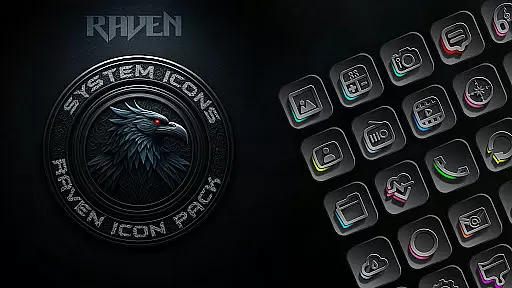
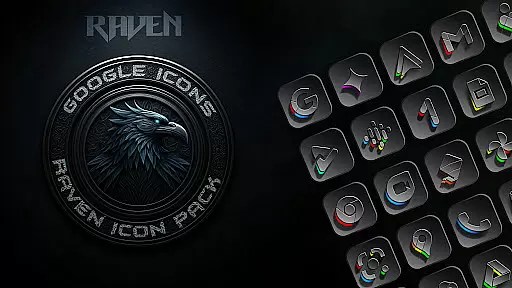
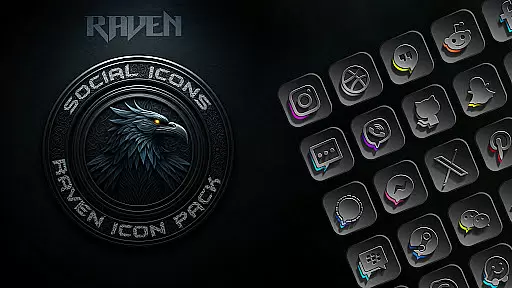
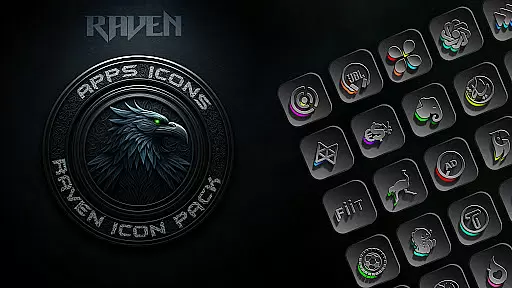
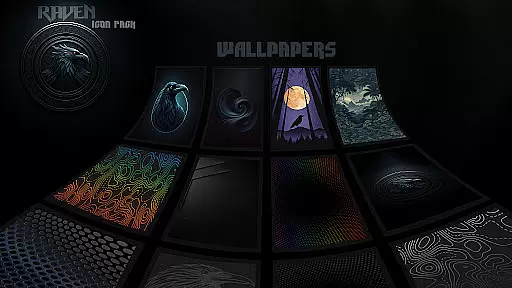
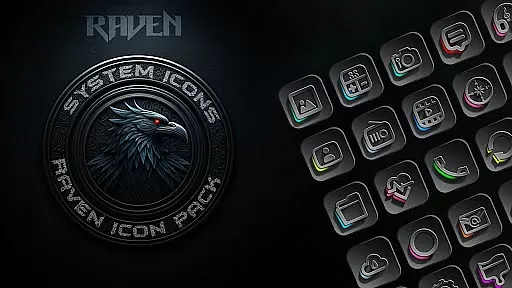
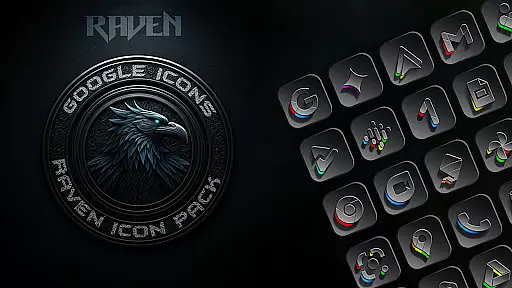
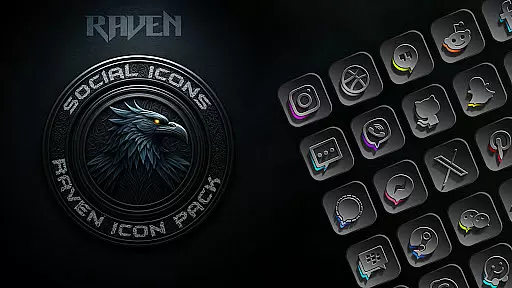
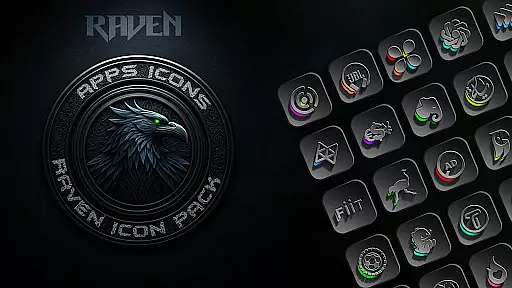
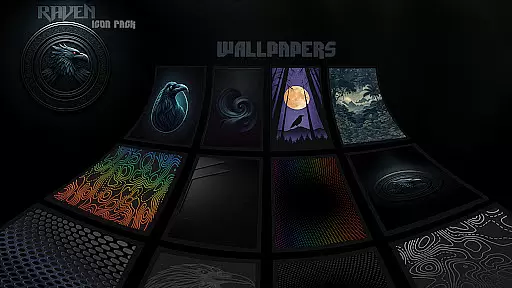
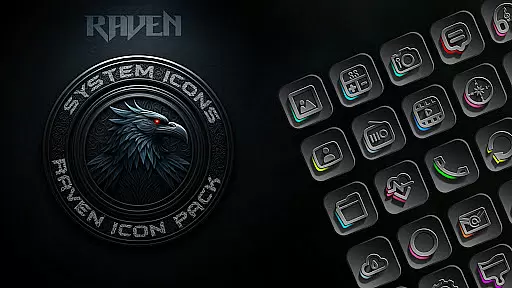
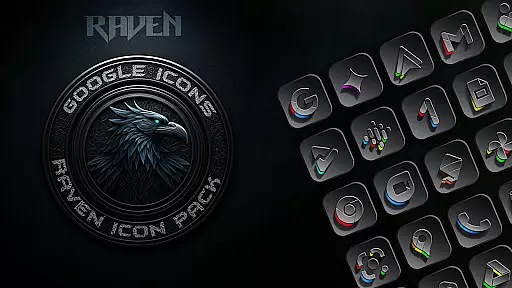
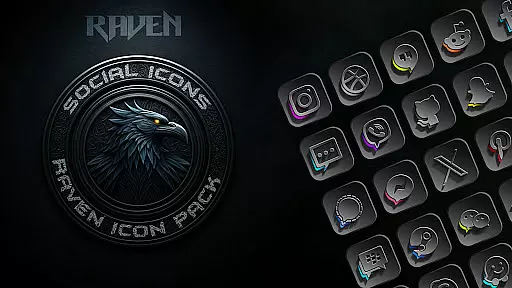
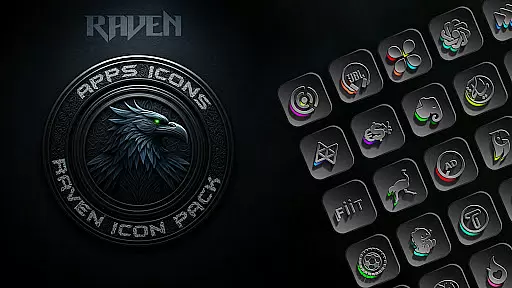
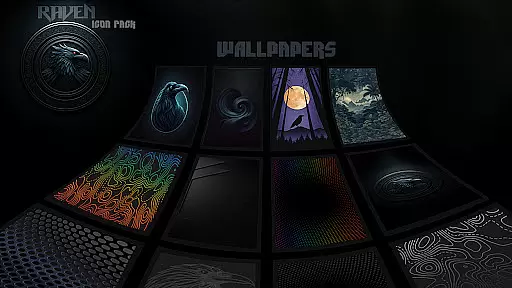
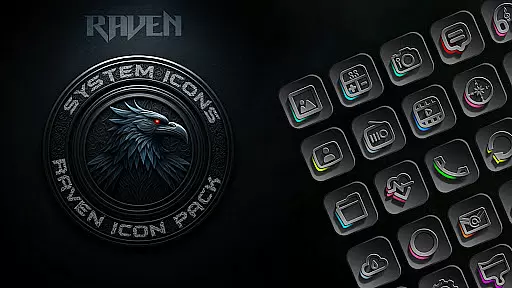
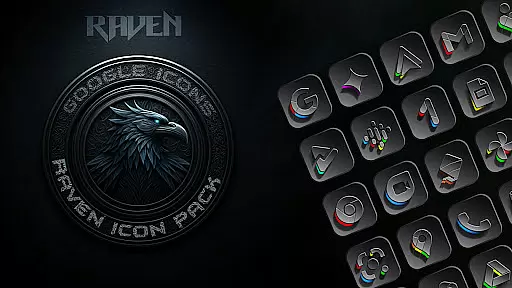
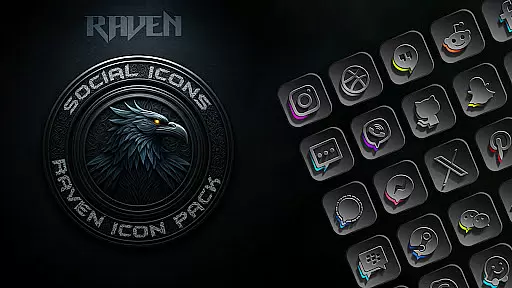
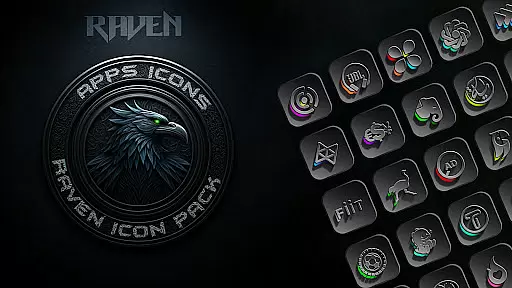
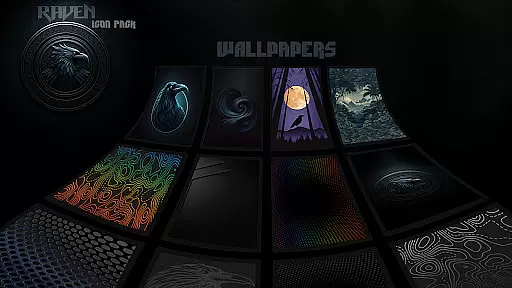
Raven Dark Icon Pack offers a sleek and mysterious collection of dark-themed icons, perfect for users who appreciate minimalist and elegant aesthetics. With over 4500 unique icons, this pack provides a vast library of exquisitely designed options that complement popular launchers. The pack features a dark and moody aesthetic with deep blacks, greys, and subtle color accents, ensuring a clean and uncluttered look.
Compatible with most Android launchers, Raven Dark Icon Pack allows easy customization of home screens and app icons. It includes regular updates based on user requests, an icon request tool, and cloud-based wallpapers to enhance the overall experience. Whether you're looking to personalize your device or embrace a dark mode aesthetic, this icon pack delivers both style and functionality.
The Raven Dark Icon Pack stands out with its extensive range of features tailored for personalization enthusiasts. One of the key highlights is the vast library of over 4500 icons, meticulously crafted to suit various tastes and preferences. These icons are not only visually appealing but also functional, ensuring seamless integration with numerous launchers such as Nova Launcher, Apex Launcher, and more.
In addition to the extensive icon library, the pack offers regular updates driven by user feedback, ensuring that your favorite apps are always covered. The inclusion of alternate icons for popular apps and an easy-to-use icon request tool further enhances user convenience. Moreover, the pack provides access to stunning cloud-based wallpapers, adding another layer of customization to create a cohesive and stylish home screen setup.
Raven Dark Icon Pack offers an extensive range of customization options, ensuring that users can tailor their Android device's interface to their unique preferences. With over 4500 meticulously designed icons, this pack caters to a wide array of tastes and complements numerous popular launchers.
The pack includes alternate icons for popular apps, allowing for even more personalization. Users can enjoy a sleek and mysterious dark-themed aesthetic that embraces deep blacks, greys, and subtle vibrant color accents, creating a visually harmonious home screen environment.
Additionally, the icon request tool empowers users to ask for specific app icons not yet included in the pack, making sure that their customization desires are met. This level of personalization ensures that every user can craft an interface that is truly their own.
Compatibility is a cornerstone of the Raven Dark Icon Pack, supporting a vast list of Android launchers which makes it versatile for various devices and user preferences. Whether you're using Action Launcher, Nova Launcher, or any other from the extensive compatibility list, you can seamlessly apply this icon pack.
For Samsung users, the pack requires Android 12 with Samsung One UI 4.0 or newer, alongside the Theme Park app from GOOD LOCK on the Samsung store, to fully integrate with their devices. This ensures that Samsung users aren't left out and can also indulge in the dark elegance of Raven Dark.
It's important to note that while Google Now Launcher does not support icon packs, the vast majority of other launchers do. Thus, with clear instructions provided for application, users can confidently transform their deviceu2019s appearance regardless of their chosen launcher.
Extensive icon library
Regular updates
Cloud-based wallpapers
Icon request tool
Wide launcher compatibility
Requires compatible launcher
No Google Now support
Premium price
Limited Samsung support
Design preference may vary

A Colorful and Minimal icon pack in an Outline Style - Over 13,600 icons!
 4.70
4.70
Only for Wear OS devices!
4.90
Ninja Turtles Cowabunga SE watch face for Wear OS
4.50
Fingerprint Lock Screen & Live Animations with 4K Wallpapers as Live Wallpaper
4.40
⭐ OneUI inspired Fluffy Icon Pack – Soft. Stylish. Standout. ⭐
4.2
Launcher OS™ Pro without ads help make your phone simple and pretty
4.30
Create unique, fun emojis with Funny Emoji Maker! Unlimited creativity!
4.00
Transform your phone with stunning video wallpapers and a unique, personal touch
3.80
Amazing letter fonts in your messages and social statuses
4.70
100+ Stylish Fonts, Emojis, Symbols keyboard for Instagram & TikTok!
4.80
One 8 icons glass color version
4.80
Personalize your phone with stunning HD and 4K wallpapers!
4.70
Classic analogue watch face. For wear os devices.
4.60
Ultra realistic high quality analog watch face for Wear OS.
4.60
Choose your keyboard with RGB colors effect, themes, fonts, emojis.
4.60
Ultra realistic gold analog watch face with lots of customization options.
4.50
Unleash Your Creativity and Connect with Loved Ones with Lockscreen Drawing!
4.20
Design your screen with unique, vibrant clocks
3.80
Adaptive Dot Style IconPack with Light & Dark Theme.
3.70


User Reviews