
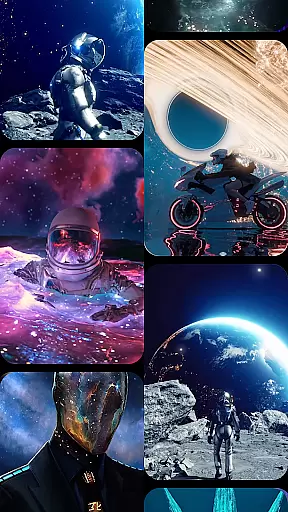
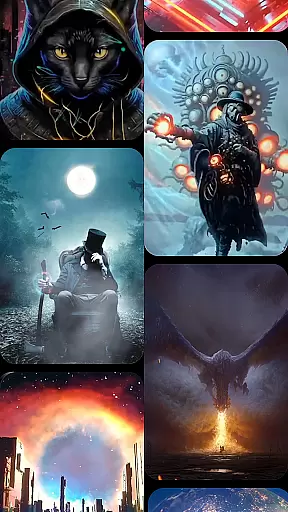
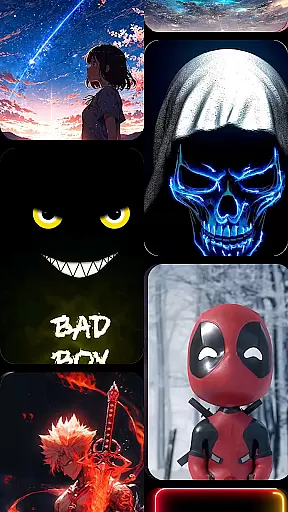

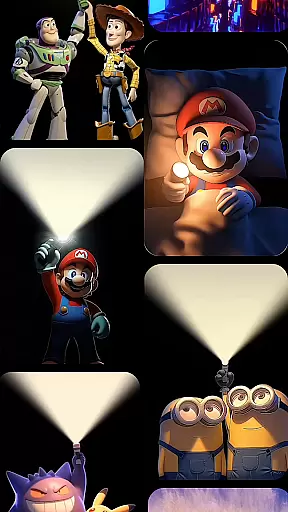

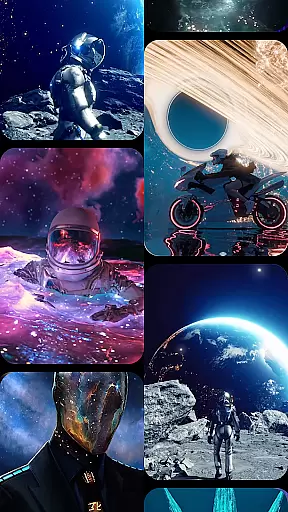
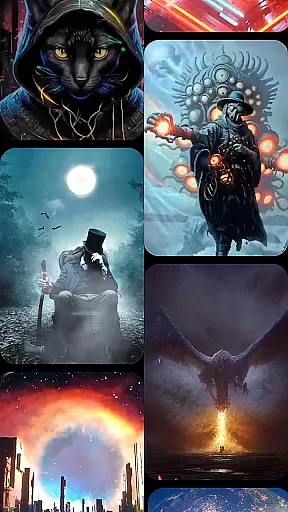
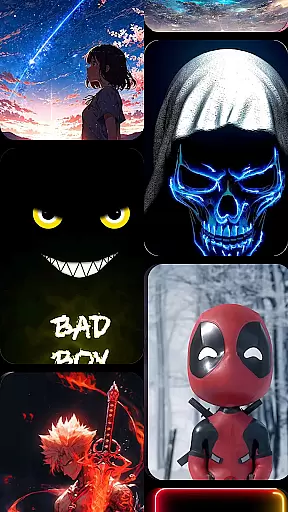

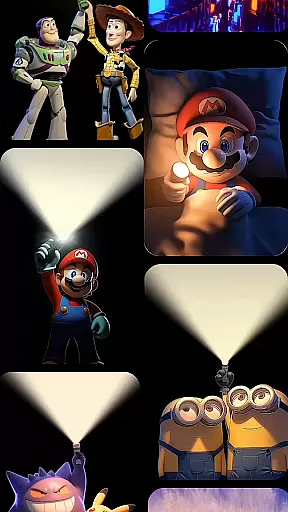

CoolLauncher Pro is a premium home screen replacement app designed to elevate your Android experience through stunning 3D themes, smooth performance, and complete customization. This launcher offers a sleek, modern interface that combines aesthetics with functionality, making it perfect for users seeking both style and efficiency.
With advanced features like live video wallpapers, automatic app organization, and an extensive theme library, CoolLauncher Pro caters to diverse personalization needs. Whether you're looking for minimalistic designs or vibrant animations, this app delivers a polished and intuitive user experience that transforms your device into a personalized masterpiece.
CoolLauncher Pro stands out with its powerful customization options and performance optimization tools. The app provides an extensive collection of free themes, icon packs, custom fonts, and wallpapers, allowing users to tailor every aspect of their home screen. Its advanced animation engine powers breathtaking 3D effects and live video wallpapers, creating dynamic transitions that bring your device to life.
Beyond visuals, the app includes practical tools such as smart app management, which automatically organizes apps into folders for a clutter-free desktop. Built-in widgets enhance productivity with real-time weather updates, Bible access, and more. These features ensure CoolLauncher Pro isn't just about looks—it's also a functional upgrade for everyday use.
Customization is at the heart of CoolLauncher Pro, offering users a vast array of options to tailor their Android experience. With an extensive collection of themes, icon packs, custom fonts, and wallpapers, personalizing every detail of your home screen has never been easier.
The app allows you to choose from pre-designed themes that cater to all tastes, whether you prefer sleek minimalism or vibrant, eye-catching visuals. For those seeking a unique touch, adding personal images or creating custom designs ensures your device truly reflects your style.
CoolLauncher Pro stands out by providing not just aesthetic changes but functional ones too. Users can customize app categories, manage widgets, and adjust settings to optimize usability and accessibility. This level of customization empowers users to craft an interface that's not only visually appealing but also perfectly suited to their daily needs.
Theme compatibility in CoolLauncher Pro ensures that every chosen design element integrates seamlessly with your device. Whether you opt for futuristic tech themes or nature-inspired designs, each theme is crafted to maintain visual consistency across your home screen and apps.
This compatibility extends beyond mere aesthetics; it encompasses functionality as well. Themes are designed to work harmoniously with the appu2019s features, such as live video wallpapers and 3D effects, ensuring smooth performance without compromising on style.
Moreover, CoolLauncher Pro supports third-party themes, expanding the possibilities for personalization. This flexibility guarantees that users will always find a theme that matches their mood or preferences while enjoying a cohesive and polished look. The result is an engaging, dynamic user experience that remains stable and responsive.
Highly customizable
Smooth performance
Stunning 3D effects
Smart app management
Extensive theme library
Premium price tag
Heavy on resources
Complex for beginners
Limited free themes
Occasional bugs

Themes - Widget & Wallpaper: Customize home screen, icon changer w unique themes
 4.30
4.30
Shimeji adds cute animated characters to your screen, lively and fun.
4.70
Want to make your phone more special than ever?
4.60 4.50
4.50
Organize and manage your photos and videos effortlessly with Photo Gallery
4.20
Adorable pets roam and play right on your phone screen!
3.30
200+ Material Inspired Widgets
4.50
Struggling to find apps? Use this app to locate and open any app on your phone!
2.20
Your home screen, just the way you like it.
3.80
Only for Wear OS devices!
4.90
Wallpaper HD 4K Live - Thousands of high-quality Anime backgrounds for you.
4.80
Unique Android Launcher
4.60
Zip lock screen with magic wallpaper to decorate your phone with fun zipper lock
4.60
Embrace the Night. Unleash the power of darkness with Raven Dark Icon Pack
4.60
Turn text & photos into stunning AI videos, art, and creative visual stories.
4.50
Realistic animated snow on your wrist, with 10 images landscapes to choose from
4.00
Transfer your live wallpapers from Windows to Android using Wallpaper Engine!
4.00
Adaptive Dot Style IconPack with Light & Dark Theme.
3.70
Capture moments that pass like a storm, second by second.
4.4


User Reviews