
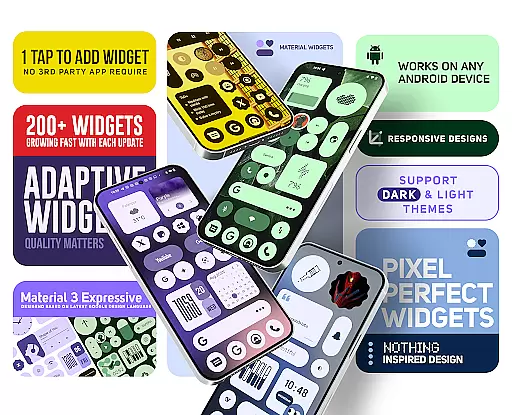
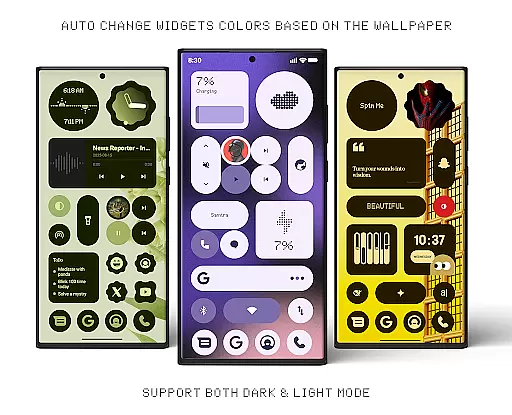
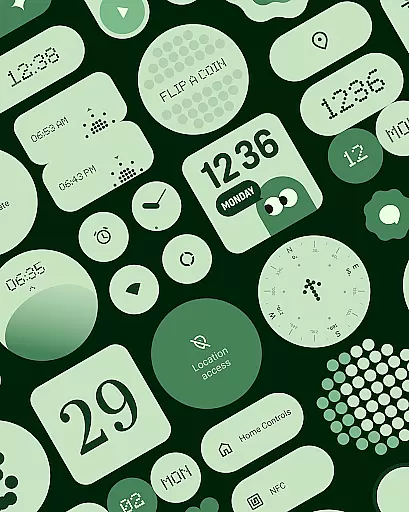
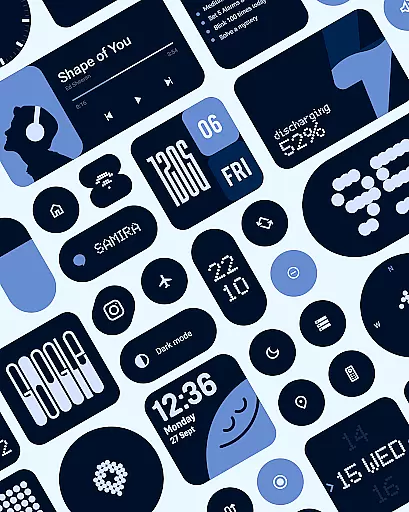
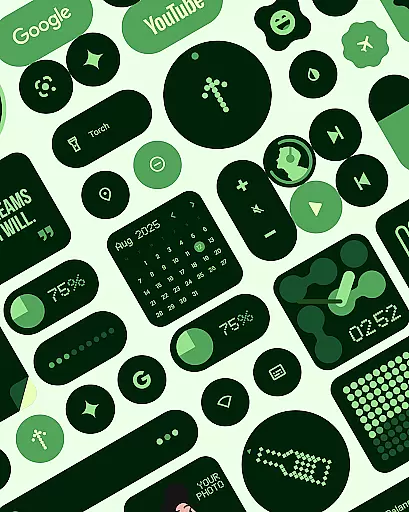
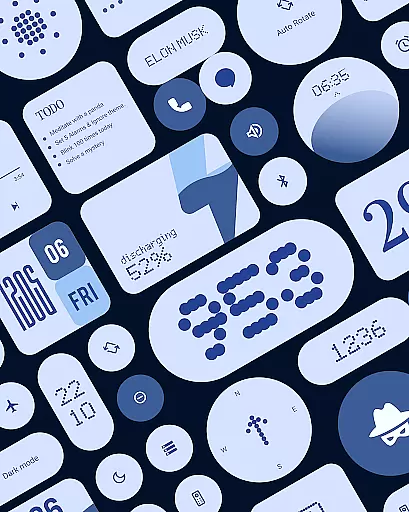
Material Widgets is a personalization app that brings Google's Material 3 design to your home screen. With over 200 widgets, it offers dynamic theming that adapts to your wallpaper and system colors, ensuring a fresh and personalized look. The app supports both dark and light modes, making it versatile for any user preference.
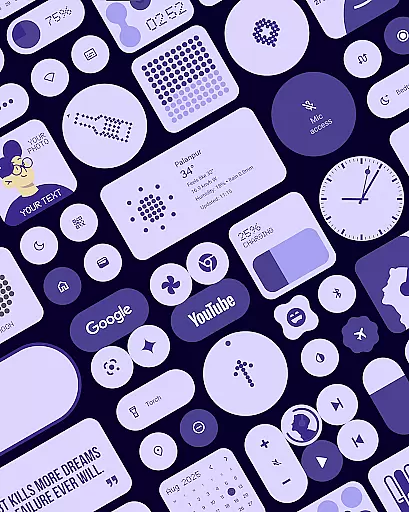
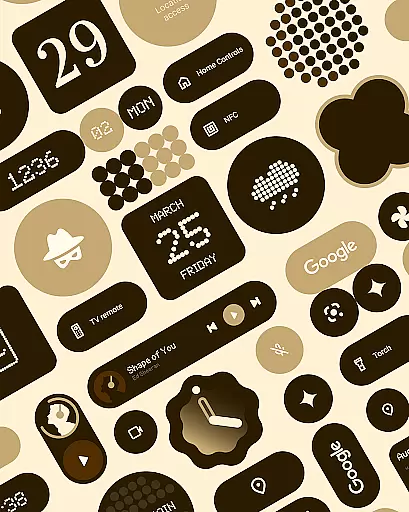
The widget collection includes clocks, calendars, weather indicators, and productivity tools, all designed with modern shapes and bold typography. These native widgets require no additional apps, providing an easy setup process. Users can resize and adjust widgets to fit their desired layout, offering complete customization of the home screen environment.
Material Widgets stands out through its deep integration with Android's native systems. Each widget dynamically adjusts its color scheme based on the device's wallpaper, creating a cohesive visual experience. The app provides a diverse range of widget categories, including battery indicators, quick settings controls, and even mini-games, ensuring there's something for every user need.
One of the key innovations is the full resizing capability, allowing widgets to scale from small icons to full-screen displays without losing quality. Additionally, the inclusion of 100+ Material You-inspired wallpapers ensures that users can create a unified aesthetic across their device. Regular updates and new widget additions reflect the developer's commitment to quality and user-driven improvements.
Material Widgets offers an extensive range of customization options that allow users to tailor their home screens with over 200 widgets. These widgets include clocks, calendars, weather indicators, and quick settings, all designed with Googleu2019s Material 3 expressive guidelines.
The app provides resizable widgets that adapt seamlessly to different screen sizes and formats. Users can scale them from compact sizes to full-screen layouts, ensuring a personalized fit for any device or preference.
Each widget dynamically adjusts its colors based on the user's wallpaper, providing a cohesive and unique look. This feature ensures that your home screen always feels fresh and aligned with your personal style without needing third-party applications.
Theme compatibility in Material Widgets ensures that every widget matches the systemu2019s dark and light modes effortlessly. This automatic adjustment enhances usability by maintaining visual consistency across different themes.
Built using modern shapes and bold typography inspired by Material You design principles, these widgets offer vibrant accents that align perfectly with various color schemes. The adaptive nature extends to battery indicators, weather forecasts, and even photo frames.
With native functionality, this app eliminates the need for additional apps like KWGT while delivering a polished experience. Users enjoy perfectly styled home screens within seconds, thanks to intuitive theming capabilities that follow Googleu2019s latest design standards.
Dynamic theming
Native functionality
Versatile resizing
Regular updates
Wide widget variety
Limited iOS support
Design inconsistency
High system requirements
Occasional bugs
Premium feel

Customizable Glass widgets. Over 360+ stunning widgets and more!
 4.70
4.70
Fingerprint Lock Screen & Live Animations with 4K Wallpapers as Live Wallpaper
4.40
Unique Android Launcher
4.60
Add cute Shimeji pets to screen, interact with them and relax with cute motions
4.60
Unique Fonts, typefaces and stylish text. Fonts for Instagram, Whatsapp & others
4.20
Unleash Your Creativity and Connect with Loved Ones with Lockscreen Drawing!
4.20
A minimalist productivity launcher. One-hand-friendly. Zero ads.
4.70
Transform your phone with stunning video wallpapers and a unique, personal touch
3.80
Emoji Maker app - Design custom emojis and effortlessly blend them with Mixer
3.80
A Colorful and Minimal icon pack in an Outline Style - Over 13,600 icons!
4.70
Over 28,000 high quality icons to bring color & homogeneity to your phone.
4.60 4.50
4.50
AI-powered Copilot. Personalized keyboard with gifs, stickers & themes
4.40
Themes - Widget & Wallpaper: Customize home screen, icon changer w unique themes
4.30
The definitive Icon pack maker and editor
4.30
Wear Os Watch Face - Seasonal - Animated Snow Effect - 9 Animals
4.20 4.10
4.10
Capture moments that pass like a storm, second by second.
4.2
Prank your friends with realistic broken screen and cracked HD effects!
4.3


User Reviews