
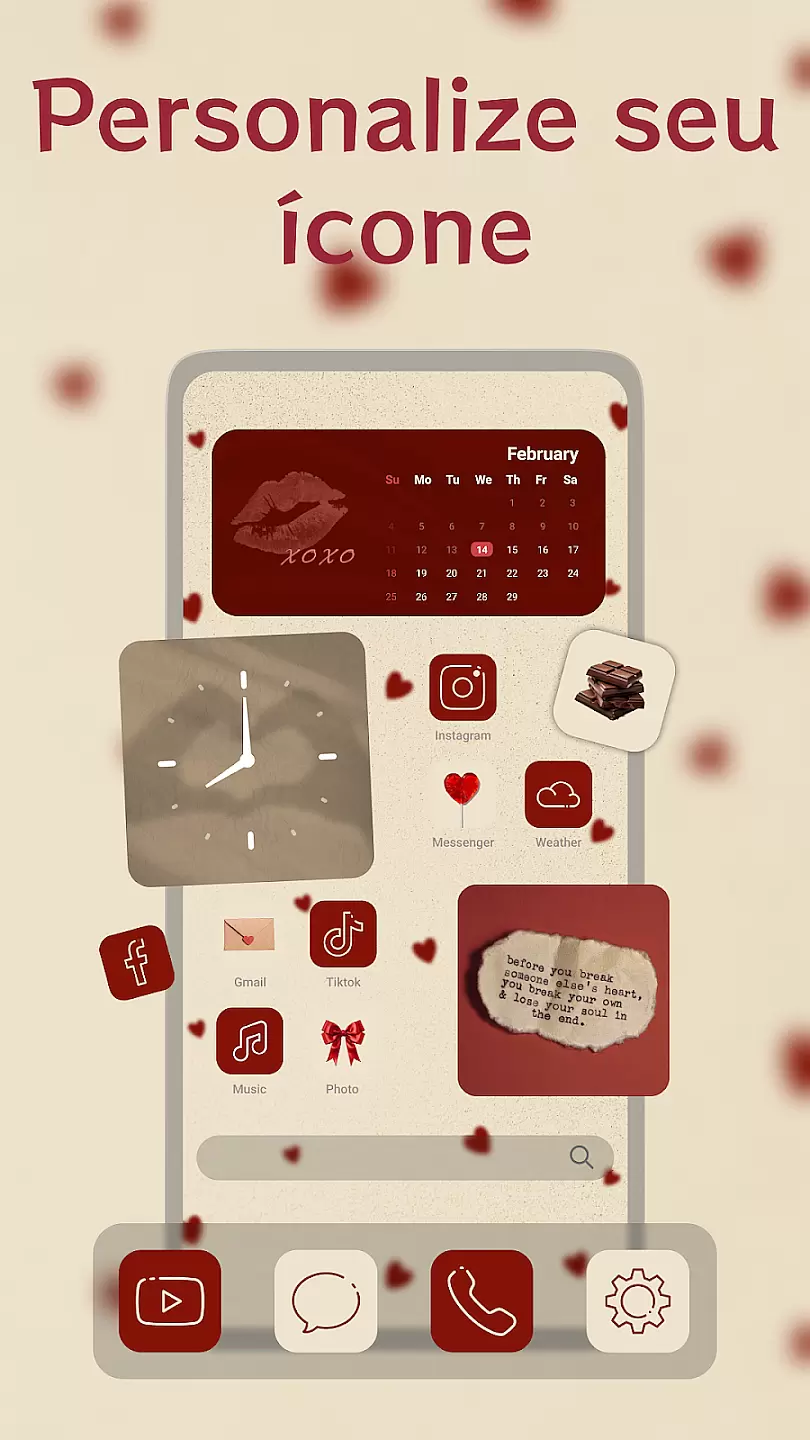
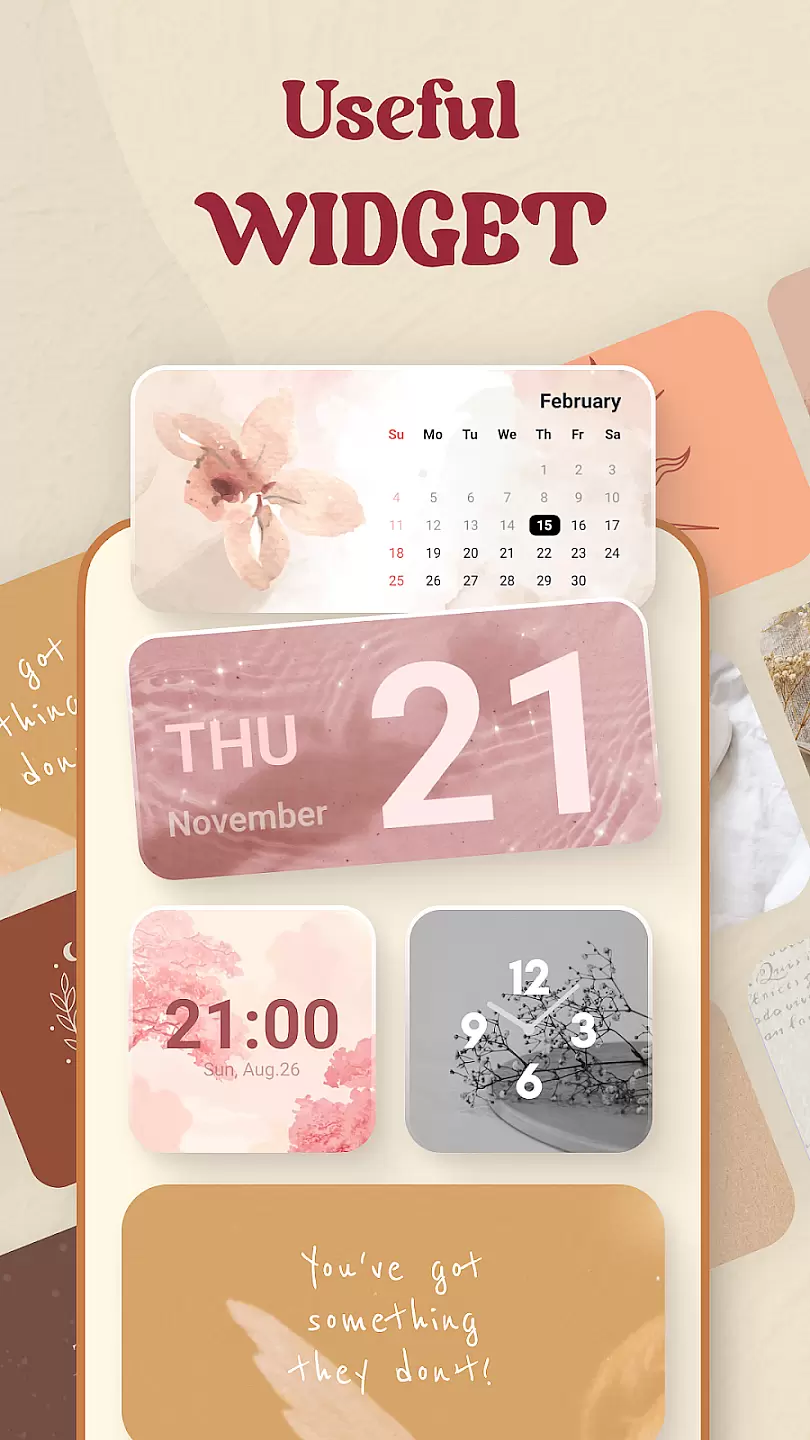
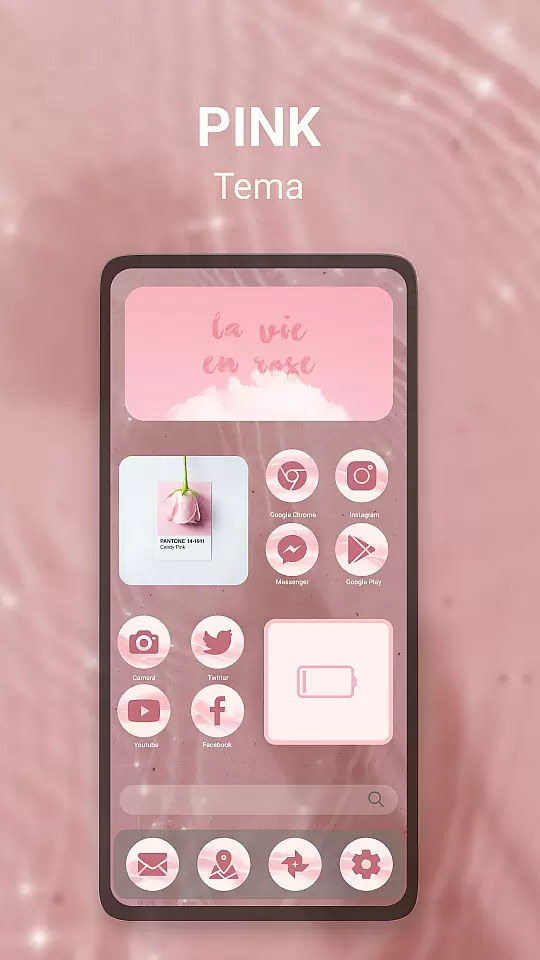
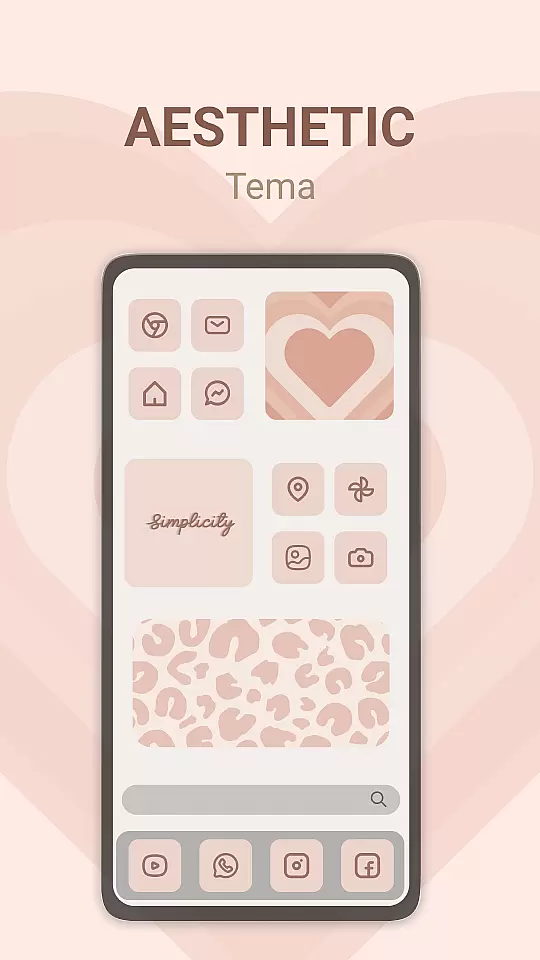
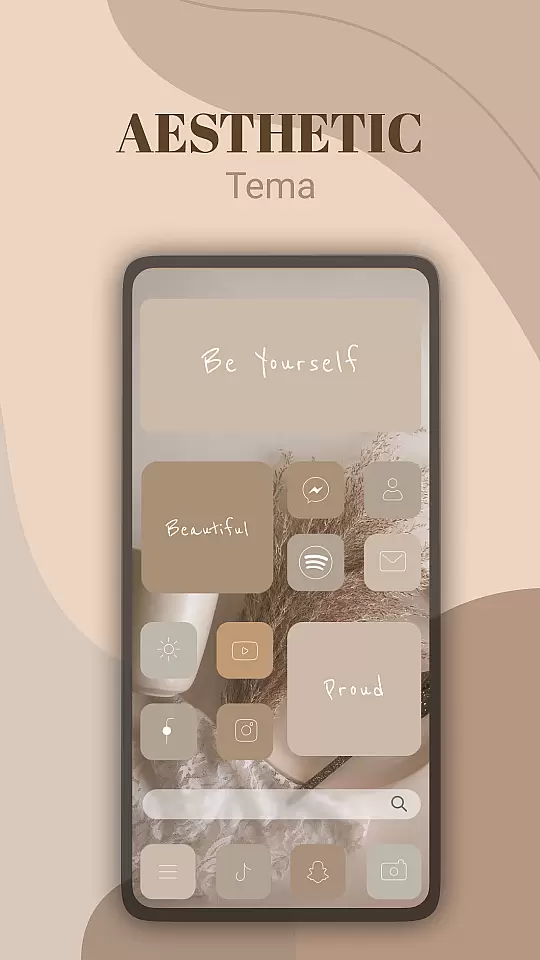
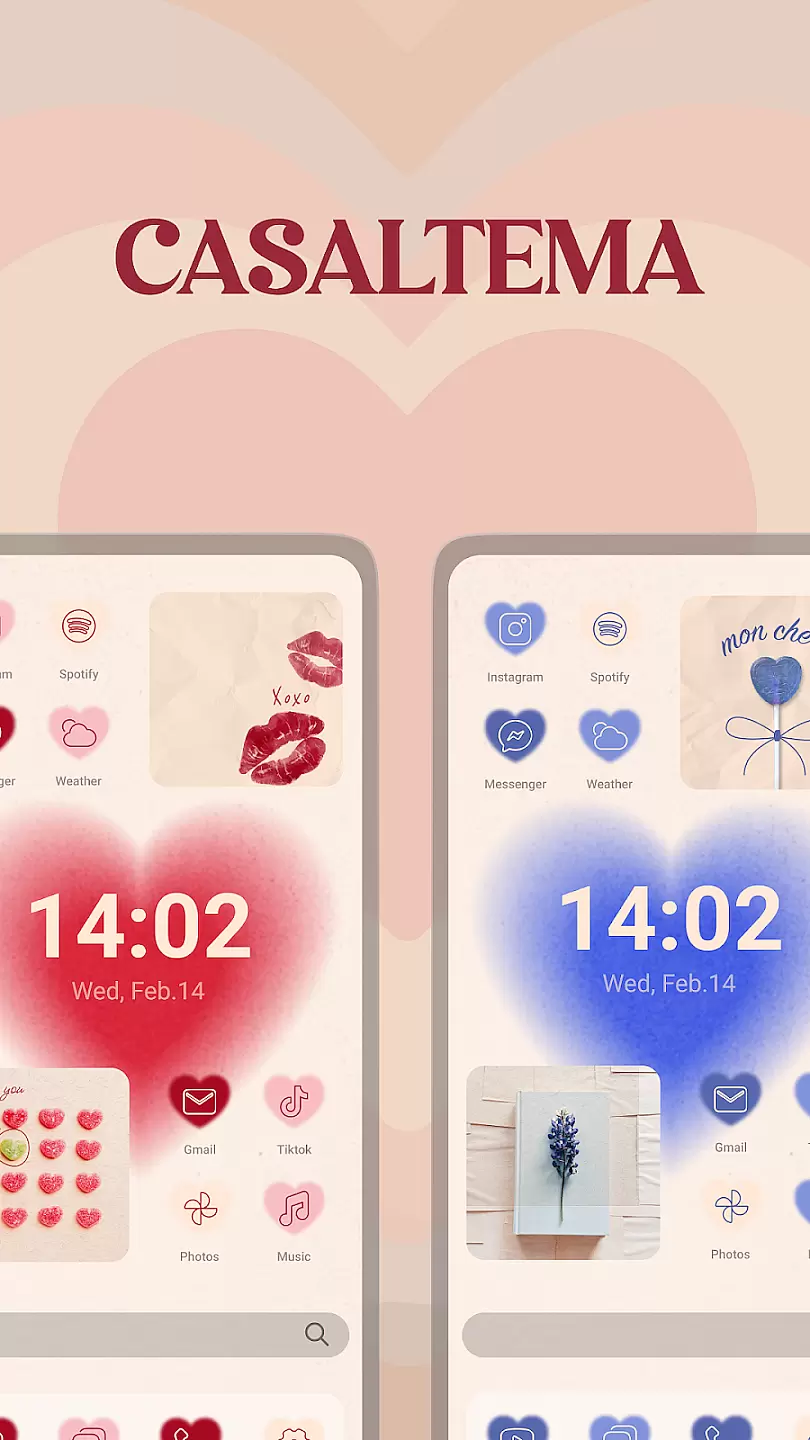
Theme, Widget & Icon Changer is a versatile personalization app that allows users to customize their smartphone experience. With an extensive library of themes, widgets, and icon packs, the app caters to those looking to break away from the monotony of default interfaces. Users can easily switch between different styles, giving their devices a fresh look while maintaining intuitive usability.
The app supports a wide range of customization options including seasonal themes, animated icons, and functional widgets that display real-time information. Whether you're aiming for a professional aesthetic or something more playful, this app provides tools to tailor your device's appearance to match your personality. Its intuitive interface ensures that even beginners can navigate and apply changes effortlessly.
Ideal for users who frequently refresh their device's appearance, Theme, Widget & Icon Changer offers both aesthetic and practical benefits. By enabling quick access to essential functions through customized widgets, it enhances both the visual appeal and functionality of your smartphone.
One of the standout features of Theme, Widget & Icon Changer is its vast collection of design assets. The app includes thousands of professionally designed themes that cover various aesthetics, from minimalist designs to vibrant, eye-catching styles. Each theme typically includes matching wallpapers, icons, and widgets, ensuring a cohesive look across all elements of the user interface.
In addition to pre-designed themes, the app also offers individual icon packs and standalone widgets. These allow users to mix and match different components to create a truly unique setup. The icon changer feature supports third-party icon packs, providing even more customization possibilities. Meanwhile, the widget library includes options for weather, clock, calendar, and battery status, keeping important information always visible on the home screen.
Another notable aspect is the app's customization engine, which allows users to fine-tune every element. From adjusting icon sizes to creating custom folder backgrounds, the level of control is impressive. Regular updates ensure that new content is continually added, keeping the app fresh and engaging for long-term users.
Customization options variety refers to the range and flexibility of personalization features available in an app. For Theme, Widget & Icon changer, this is a core aspect that allows users to tailor their device's appearance to their personal tastes.
This application provides a wide array of themes, widgets, and icons that can dramatically alter the look and feel of a user's device interface. Users can choose from different styles, colors, and designs to match their personality or mood.
The benefit to users is a highly personalized device experience that can be continually refreshed and updated. This keeps the device feeling new and exciting, potentially increasing user satisfaction and engagement with their device.
Ultimately, the value lies in empowering users to express individuality through their technology, making daily interactions more enjoyable and meaningful.
Theme compatibility ensures that the visual modifications applied by an app maintain functionality and aesthetic coherence across different devices and operating systems. In the case of Theme, Widget & Icon changer, maintaining this compatibility is crucial for a seamless user experience.
The app achieves theme compatibility by optimizing each design element to work with various screen resolutions, device types, and OS versions. This meticulous attention to detail ensures that icons and widgets not only look good but also function properly.
Users benefit from consistent performance and appearance, regardless of their device specifications. This universal approach means that whether on a phone or tablet, Android devices display themes as intended without loss of quality or functionality.
By prioritizing theme compatibility, the app enhances user trust and reliability, ensuring that every customization looks great and works well, thus enriching the overall digital experience.
User-friendly interface
Extensive theme library
Highly customizable options
Regular content updates
Supports third-party packs
Some features require payment
May slow older devices
Ads in free version
Occasional bugs reported
Limited iOS support

A light in the dark, a unique style and an andless cutomization!
 4.30
4.30
Customizable flower power digital watch face for Wear OS watches.
4.00
Transform your phone with Launcher iOS 26 - Smooth & elegant iOS experience
4.50
Unique Fonts, typefaces and stylish text. Fonts for Instagram, Whatsapp & others
4.20
⭐ OneUI inspired Fluffy Icon Pack – Soft. Stylish. Standout. ⭐
4.0
HappyLighting is a Bluetooth lamp control software.
3.40
350+ widgets with a premium glass-style finish, perfect for home & lock screens.
4.70
Transform your phone with stunning video wallpapers and a unique, personal touch
3.80
Cool custom fonts & keyboard themes! Symbols & font changer for Instagram
4.50
A launcher for Samsung Good Lock and Good Guardians modules without ads
4.70
Zip lock screen with magic wallpaper to decorate your phone with fun zipper lock
4.60
Stylish Pink Cute Hippo keyboard with 10000+ customized keyboard themes!
4.60
300+ widgets inspired by Material You and Material 3 expressive design.
4.60
Customizable screen pets that play, climb, and keep you company.
4.50
Vibrant Adaptive Icons with Material You and Enhanced Monet Colors.
4.50
200+ Material Inspired Widgets
4.50
Romantic Kiss Stickers App. Start romantic messaging now!
4.30
Customize glowing edges, wallpapers, and caller screen with EdgeAura.
3.50
Modern Glass Icon Pack with glossy icons, clean minimal theme & aesthetic style
4.4


User Reviews