
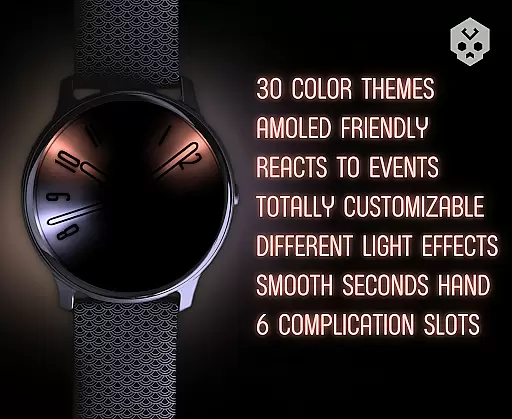
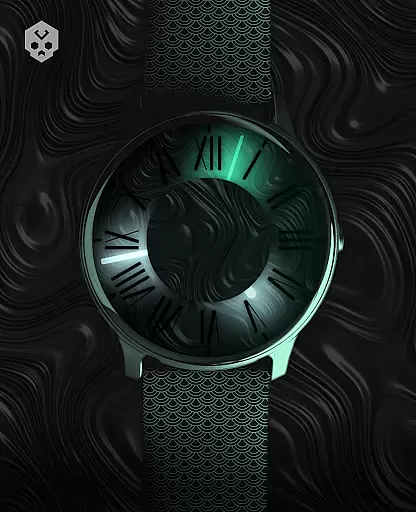
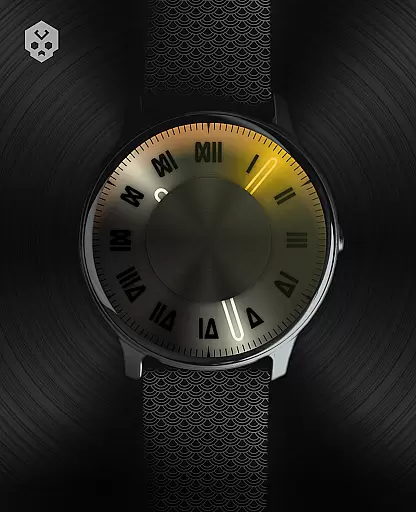

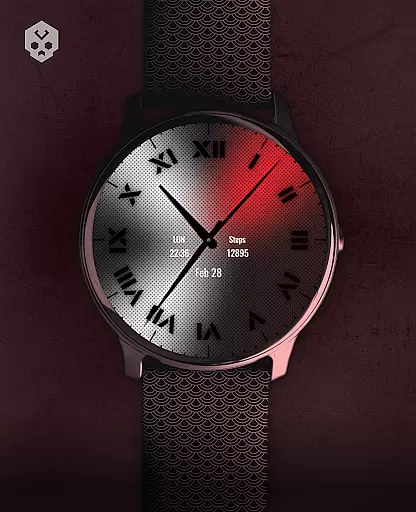
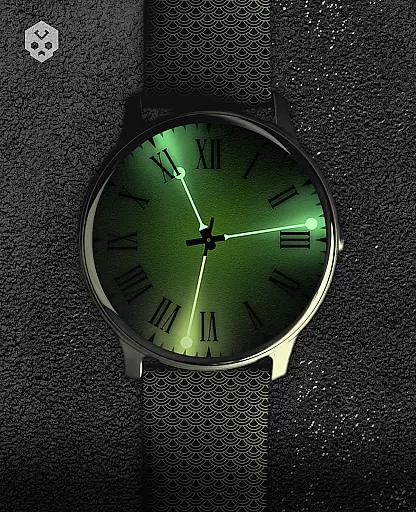
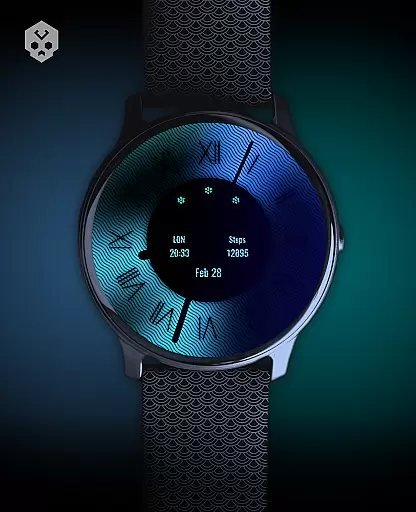
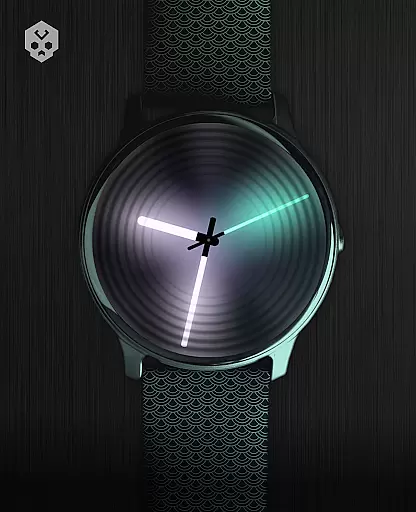
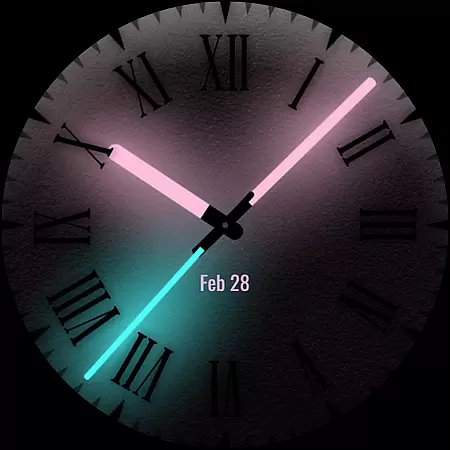
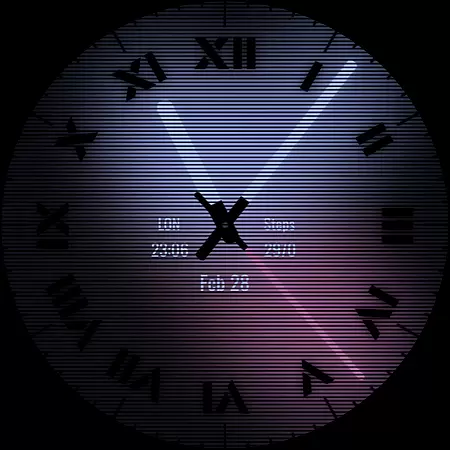
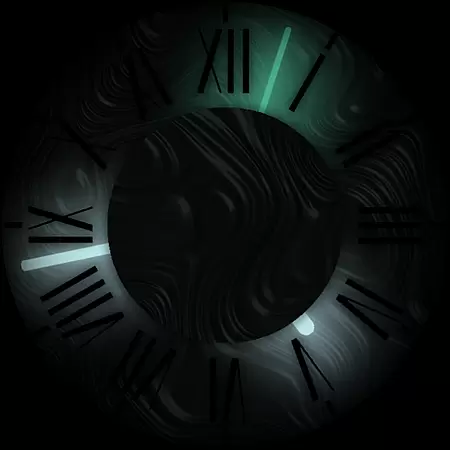

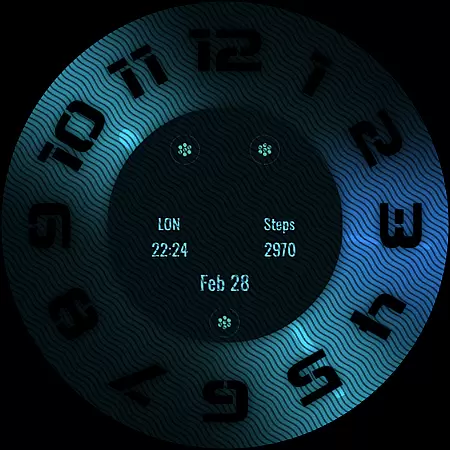
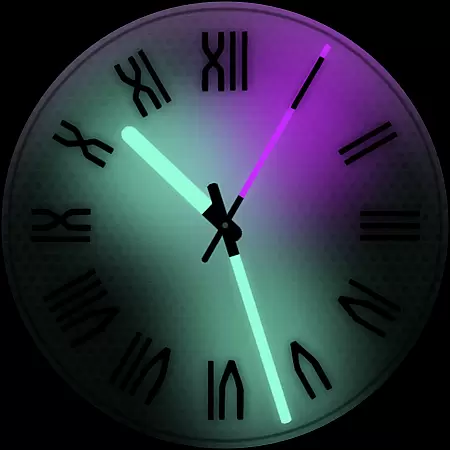
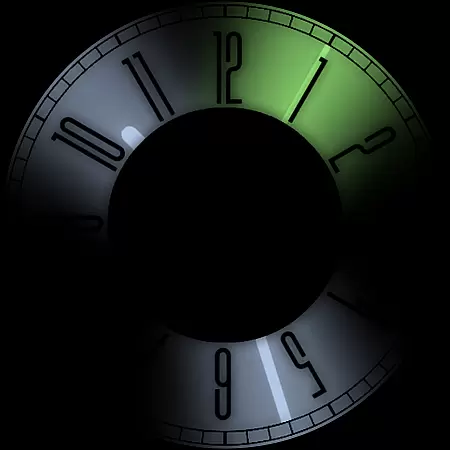
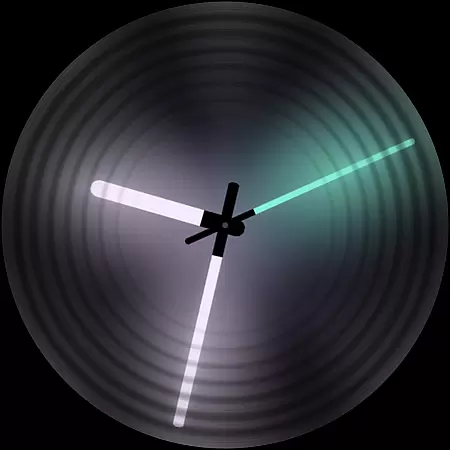
Dark Metal Saber Watch Face is a highly customizable Wear OS watch face designed for style-conscious users. It offers 30 color schemes and numerous customization options, including clock hands, index, decorator, and more. The watch face reacts to low battery, notifications, and charging, ensuring both functionality and aesthetics.
This standalone app works on various smartwatches like Samsung, Mobvoi Ticwatch, Fossil, Oppo, and Xiaomi. Its unique handcrafted design ensures a distinctive appearance while providing practical features such as five customizable complications in different sizes.
Ideal for those who want to express their personal style, this watch face combines beauty with utility, making it a perfect choice for everyday wear.
Dark Metal Saber Watch Face stands out with its extensive customization capabilities. Users can choose from 30 color schemes and adjust multiple elements such as clock hands, index, decorator, darkness, overlay, backlight, logo, and background. This level of personalization allows users to tailor the watch face to their exact preferences.
The app includes five customizable complications in various sizes, enhancing its functionality. It also reacts to real-time events like low battery, notifications, and charging, providing dynamic feedback. An easy-to-use companion app facilitates installation and management, which can be uninstalled afterward if desired.
Designed for compatibility with many Wear OS devices, this watch face ensures broad accessibility. Whether you own a Samsung, Mobvoi Ticwatch, Fossil, Oppo, or Xiaomi smartwatch, you can enjoy a seamless experience that blends style with practicality.
Customization is at the heart of Dark Metal Saber Watch Face, offering users an extensive range of personalization options to suit their unique style. With 30 color schemes available, wearers can choose a look that best matches their outfit or mood for the day.
Beyond just colors, the watch face provides numerous customizations including clock hands, index decorators, and even darkness settings. Users can adjust these elements to create a truly personalized timepiece that stands out on their wrist.
The ability to customize complications in different sizes adds another layer of individuality. This feature allows users to prioritize information display according to their daily needs while maintaining an aesthetically pleasing layout.
Ultimately, this level of customization empowers users with both functionality and fashion-forward design choices, ensuring that each glance at their wrist is not only informative but also reflective of their personal taste.
Dark Metal Saber Watch Face ensures seamless integration across various Wear OS devices, making it a versatile choice for smartwatch enthusiasts. As a standalone native application, it supports Samsung, Mobvoi Ticwatch, Fossil, Oppo, Xiaomi models among others without compromising performance or aesthetics.
This compatibility extends beyond mere installation; the theme reacts dynamically to low battery conditions, notifications, and charging states. Such responsiveness guarantees that regardless of device model or situation, users receive consistent visual feedback tailored specifically for them.
Moreover, its handcrafted design assures uniqueness while maintaining broad appeal within the Wear OS ecosystem. Whether you're using an older model or latest release from any supported brand, expect uniform quality in appearance and operation.
In essence, by prioritizing wide-ranging device support alongside adaptive functionality, Dark Metal Saber delivers a cohesive user experience that bridges technology with personal expression effortlessly.
Highly customizable
Stylish design
Wide device compatibility
Dynamic event reactions
User-friendly companion app
Paid app
Complex setup
Limited free options
Requires Wear OS
Occasional bugs

Vertically oriented rectangular icons
 4.70
4.70
Only for Wear OS devices!
4.90
Winter's Journey: digital watch face for Galaxy Watch & Wear OS
4.80
Sparkle your screen with Glitter Wallpapers For Girls and Cute Backgrounds!
4.80
Customizable screen pets that play, climb, and keep you company.
4.50 4.50
4.50
Your go to Weather App & Home Screen. Get your weather at a swipe of a finger!
3.80
One 8 icons glass color version
4.80
300+ Beautifully crafted widgets inspired by OneUI.
4.60
Dark icon pack based on One 8
4.80
Wallpaper HD 4K Live - Thousands of high-quality Anime backgrounds for you.
4.80
Icons made of colorful linear lines
4.60
3D, live, and moving wallpapers & themes in 4K and HD for your device.
4.50
Fingerprint Lock Screen & Live Animations with 4K Wallpapers as Live Wallpaper
4.40
AI-powered Copilot. Personalized keyboard with gifs, stickers & themes
4.40
Launcher OS™ Pro without ads help make your phone simple and pretty
4.30
Emoji Maker app - Design custom emojis and effortlessly blend them with Mixer
3.80
Prank your friends with realistic broken screen and cracked HD effects!
4.3
⭐ OneUI inspired Fluffy Icon Pack – Soft. Stylish. Standout. ⭐
4.2


User Reviews