
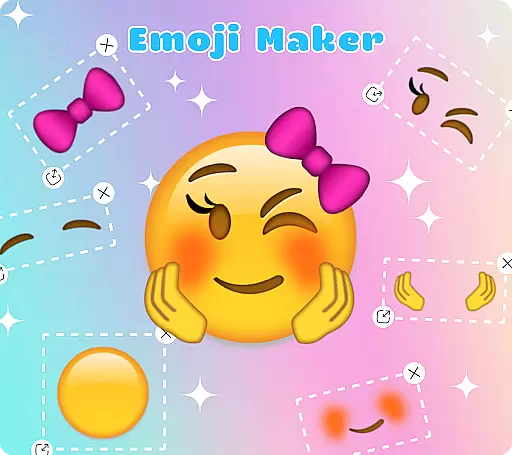
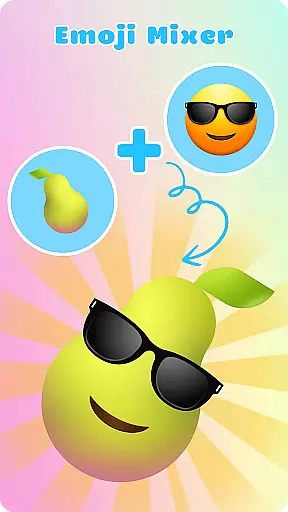
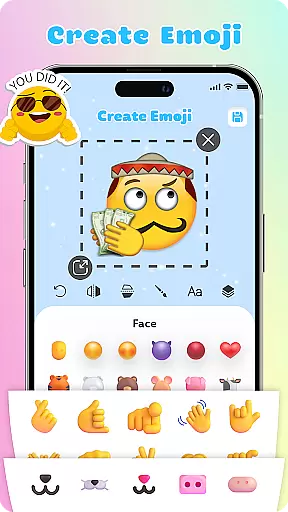
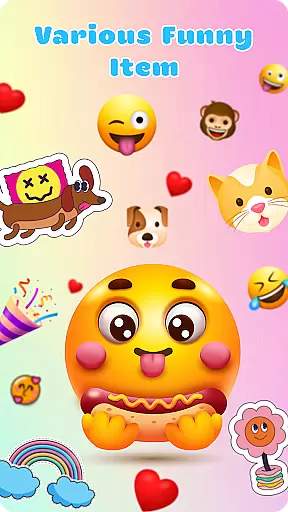
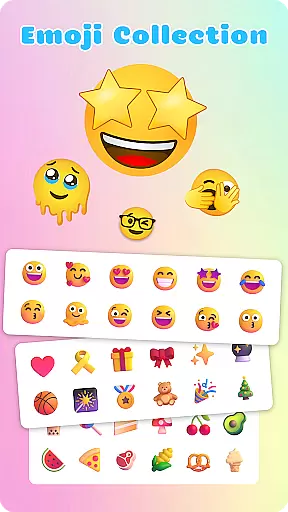
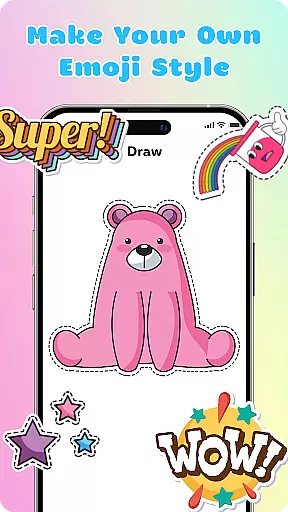
Emoji Maker is a feature-rich personalization app that allows users to create and customize unique emojis. The app offers two main functionalities - Emoji Maker for designing individual emojis, and Emoji Mixer for combining multiple emoji components. With an intuitive interface, users can easily access powerful editing tools to modify every detail of their creations.
The app's standout feature is its layering capability, which enables stacking and reordering of elements to produce more complex and personalized emojis. Users can also add text, use freehand drawing tools, and create custom emoji packs with self-designed elements. These robust customization options make Emoji Maker suitable for both casual and professional use cases.
This application particularly benefits social media managers, content creators, and anyone looking to enhance their digital communication with unique emojis. By providing endless creative possibilities, the app helps users express emotions and meanings more effectively across various conversation scenarios.
Emoji Maker distinguishes itself through its comprehensive set of customization features. The app provides users with complete control over emoji creation, including resizing, flipping, and duplicating elements. Its innovative layer feature allows precise arrangement of different components, enabling the creation of sophisticated emoji designs that go beyond basic combinations.
A key advantage is the app's regular feature updates and new content additions. These ensure that users always have fresh materials and tools to work with. The inclusion of text overlay functionality and freehand drawing tools further expands creative possibilities. Additionally, the app maintains an intuitive interface despite its advanced capabilities, making it accessible even to beginners in emoji design.
The combination of Emoji Maker and Emoji Mixer functions creates unique market value. While similar apps may offer basic emoji creation, this app's ability to merge multiple components into single expressive units sets it apart. This functionality, coupled with the custom emoji pack creation tool, establishes Emoji Maker as a versatile solution for personalized digital expression.
Emoji Maker offers an extensive range of customization options that allow users to create unique emojis tailored to their personal style and mood. With features such as resizing, flipping, and duplicating images, the app provides a versatile platform for emoji creation.
The app includes a text feature that lets users add special sentences or words on top of their emojis, enhancing their expressiveness. Additionally, a freehand drawing tool is available for adding personalized touches that make each emoji distinctive.
With the layer feature, users can stack elements and change the order of layers, resulting in more complex and personalized emojis. This level of detail ensures that each creation can be as unique as the user desires.
Beyond individual emoji creation, Emoji Maker supports the design of entire custom emoji packs. This feature enables users to craft sets of emojis with self-designed elements that reflect their personal themes and preferences.
The app's intuitive interface is designed for ease of use, making it simple for even beginners to design, mix, and manage emojis. Its compatibility with various themes allows users to adapt their creations for any conversational context.
Regular updates bring new features and customization options, ensuring that the app remains a dynamic tool for creative expression. Users can continuously explore new ways to enhance their digital conversations with personalized emojis.
User-friendly interface
Extensive editing tools
Regular feature updates
Layering capabilities
Text overlay option
May overwhelm beginners
Advanced features locked
Occasional performance lag
Limited free content
Subscription required

Fingerprint Lock Screen & Live Animations with 4K Wallpapers as Live Wallpaper
 4.40
4.40
A launcher for Samsung Good Lock and Good Guardians modules without ads
4.70
Personalize your phone with stunning HD and 4K wallpapers!
4.70
Over 28,000 high quality icons to bring color & homogeneity to your phone.
4.60
Ultimate Gallery Lock App - Hide Pictures, Videos and Lock Apps Instantly!
4.60 4.10
4.10 3.50
3.50
Organize and manage your photos and videos effortlessly with Photo Gallery
4.20
Yandex Browser — stylish and secure, with voice search and data compression
4.40
Only for Wear OS devices!
4.90
300+ Stunning and well-designed widgets inspired by NOTHING.
4.70
Ultra realistic high quality analog watch face for Wear OS.
4.60
Customize your home screen with stunning themes, blur, widgets & icons.
4.60
Vibrant Adaptive Icons with Material You and Enhanced Monet Colors.
4.50
AI-powered Copilot. Personalized keyboard with gifs, stickers & themes
4.40
More than 3000+ themes and 9000+ wallpapers for everybody!
4.10
Design your screen with unique, vibrant clocks
3.80
Interactive Miniature Painting Catalogue
3.30
Custom edge gestures for volume control, brightness, apps, and shortcuts.
4.2


User Reviews