
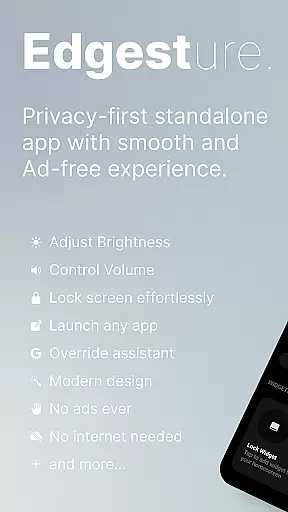
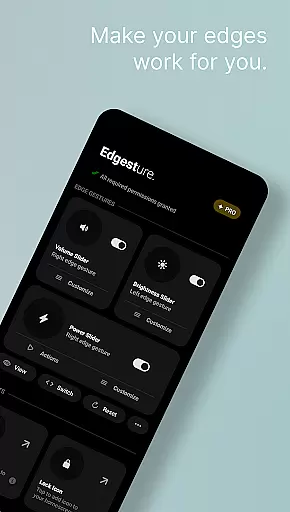
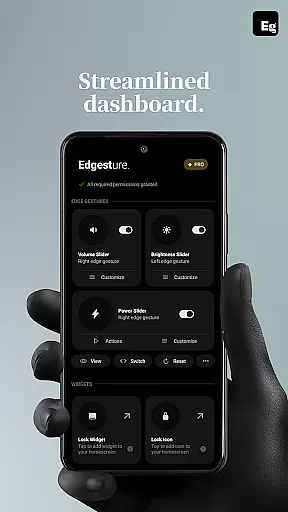
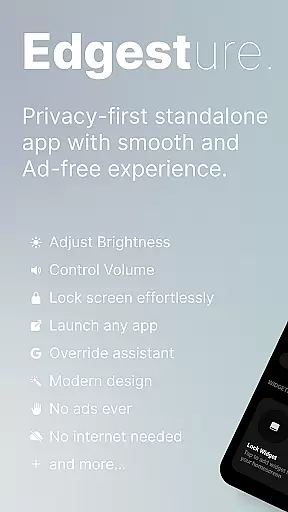
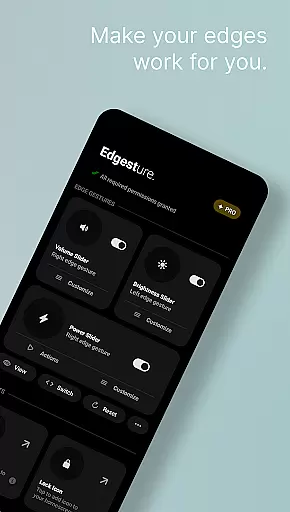

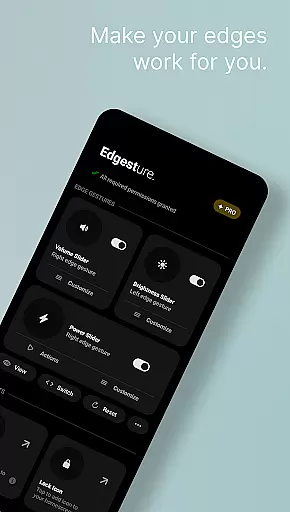
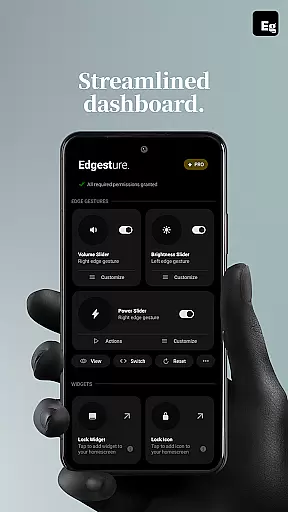
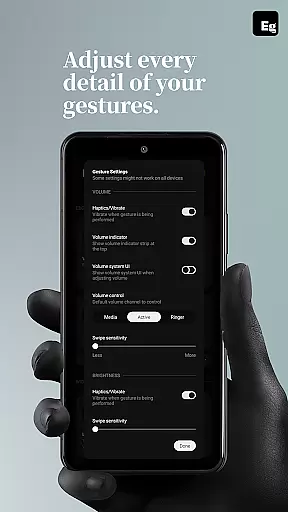
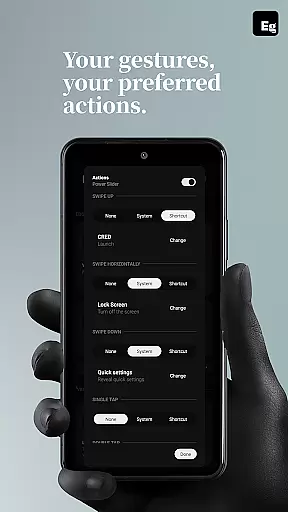
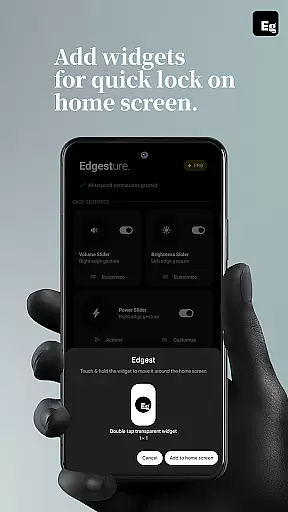
Edgest is a powerful personalisation tool that revolutionises the way you interact with your smartphone. This app offers intuitive edge gestures for seamless navigation, allowing users to access favourite apps and actions effortlessly. With features like volume control, brightness adjustment, and custom gesture shortcuts, Edgest enhances both convenience and productivity.
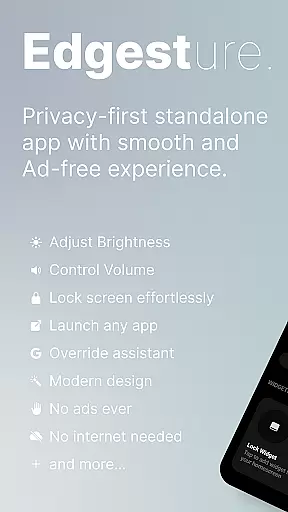
The application stands out through its commitment to simplicity and user experience. It provides a clutter-free environment with no ads, tracking, or hidden charges. Whether it's managing media playback, locking the screen with a tap, or creating personalised gesture controls, Edgest delivers a highly customisable and responsive interface that adapts to individual preferences.
Designed for power users who seek efficient device management, Edgest is perfect for those who want to streamline their daily smartphone interactions. By integrating advanced gesture controls and instant access to essential functions, this app transforms the smartphone experience into something more intuitive and engaging.
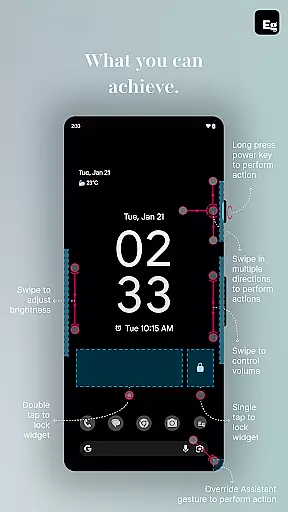
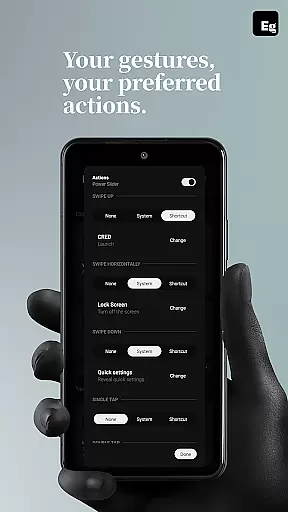
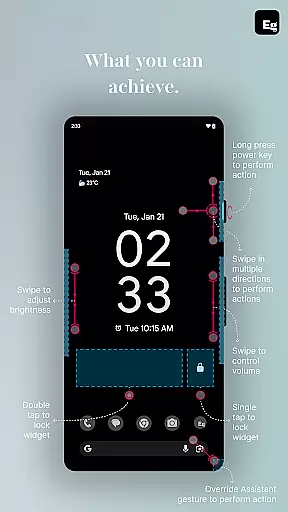
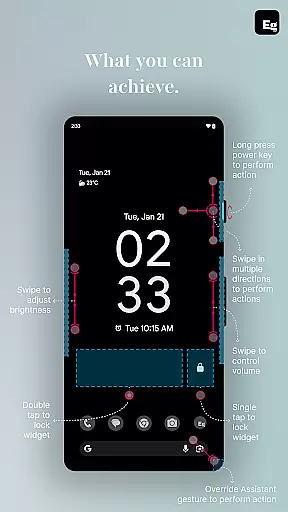
Edgest boasts an impressive array of features designed to optimise smartphone usability. The edge gestures functionality allows users to perform tasks such as opening apps, returning to the home screen, or adjusting settings with simple swipes and taps. These gestures are fully customisable, enabling tailored experiences that suit individual workflows.
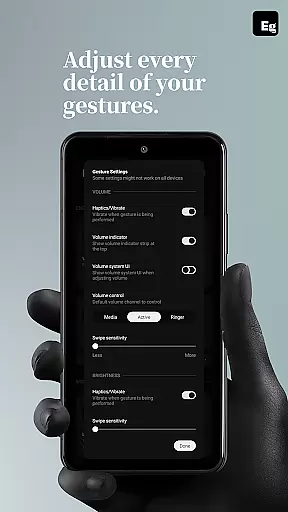
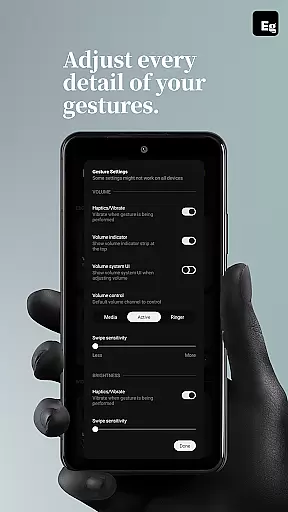
One standout feature is the ability to control volume and brightness directly from the screen's edge, eliminating the need to navigate through menus. Additionally, the quick settings tile provides instant access to frequently used actions, while media control can be managed via gestures or tiles without interrupting the current app. This ensures uninterrupted productivity and entertainment.
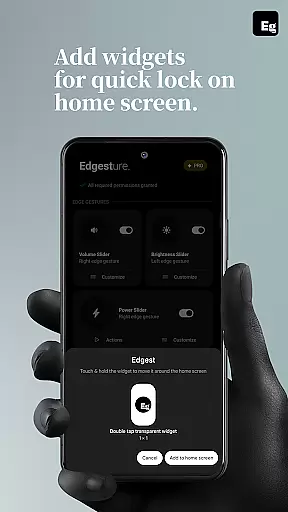
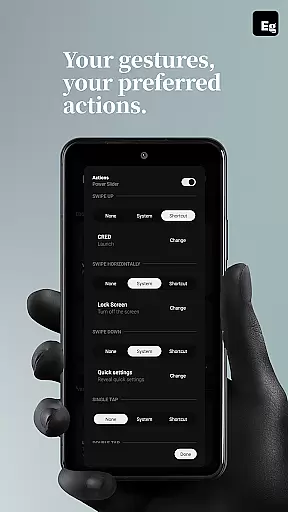
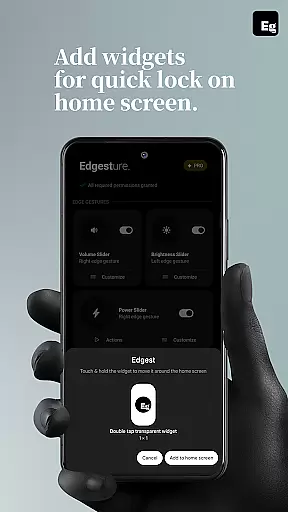
For added convenience, Edgest includes lock screen widgets and shortcuts. Users can lock their devices with a single or double tap, bypassing the physical power button. Furthermore, the app supports custom gestures that launch apps, open system menus, or trigger specific shortcuts. With ongoing updates promising even more customisation options, Edgest continues to evolve as a comprehensive solution for personalised device control.
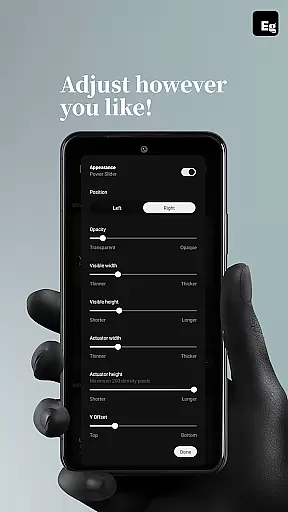
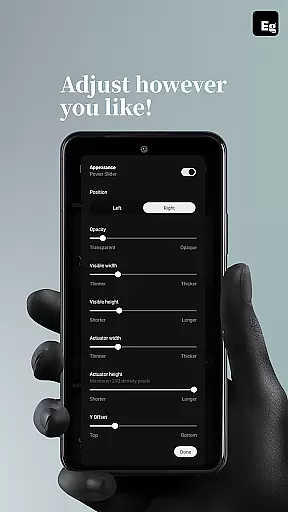
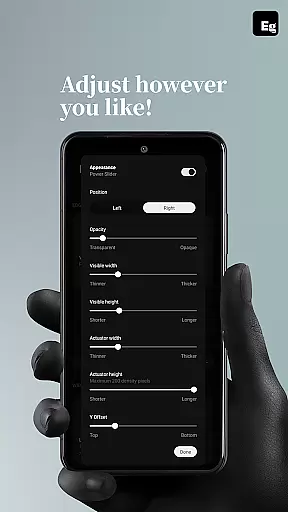
Edgest Edge Gestures & Control offers a wide array of customization options that allow users to tailor their device interaction according to personal preferences. The app supports custom gestures which can be mapped to various actions such as launching apps, controlling media playback, and accessing system settings.
This level of customization enhances user experience by providing quick access to frequently used functions without the need to navigate through menus or open applications manually. Users can define unique gestures for different tasks, making their smartphone usage more intuitive and efficient.
Moreover, Edgest includes features like gesture sensitivity adjustment, animation speed control, and feedback settings, ensuring that each user's experience is personalized. These options cater to individual comfort levels and usage patterns, promoting an ergonomic approach to daily device handling.
While Edgest Edge Gestures & Control focuses on gesture-based navigation and shortcuts, it also ensures seamless integration with the visual themes of your device. This means that regardless of the theme you have selected, all gesture controls and custom shortcuts will maintain consistency in appearance and behavior.
The app does not impose any thematic restrictions, allowing users to apply their preferred aesthetics without compromising functionality. Whether using a light or dark mode, the clarity and usability of gestures remain uncompromised, offering a cohesive look and feel across the device interface.
In addition, this compatibility extends to lock screen widgets and quick settings tiles, which adapt to match the overall theme of the device. Such attention to detail guarantees that personalization does not come at the expense of operational efficiency or visual harmony.
Intuitive gesture navigation
Highly customisable controls
No ads or tracking
Lightweight and battery-friendly
Enhances productivity
Limited to Android devices
Requires accessibility permissions
Learning curve for new users
Premium features may require purchase
Some gestures may conflict with system defaults

Ultra realistic high quality analog watch face for Wear OS.
 4.60
4.60
Wear Os Watch Face - Seasonal - Animated Snow Effect - 9 Animals
4.20
Make your phone look simple & luxury, like iDevice
4.60
Color phone with cool effects for call screen, flash alert & ringtones music
4.50
Design your screen with unique, vibrant clocks
3.80
Transform your device in a game console
4.40
Modern Glass Icon Pack with glossy icons, clean minimal theme & aesthetic style
4.5
Magic fluids wallpaper 4D: Relax with stunning fluid simulation wallpaper app
4.20
Customize phone with anime themes, 3D icons, aesthetic widgets & wallpapers
4.80
Customizable Glass widgets. Over 360+ stunning widgets and more!
4.70
A launcher for Samsung Good Lock and Good Guardians modules without ads
4.70
Unique Android Launcher
4.60 4.50
4.50
AI-powered Copilot. Personalized keyboard with gifs, stickers & themes
4.40
Themes - Widget & Wallpaper: Customize home screen, icon changer w unique themes
4.30
Your home screen, just the way you like it.
4.30
Unique Fonts, typefaces and stylish text. Fonts for Instagram, Whatsapp & others
4.20
Your go to Weather App & Home Screen. Get your weather at a swipe of a finger!
3.80
Prank your friends with realistic broken screen and cracked HD effects!
4.5


User Reviews