
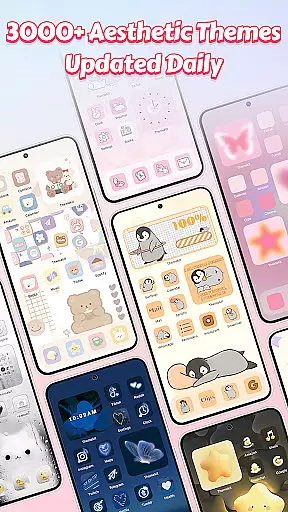
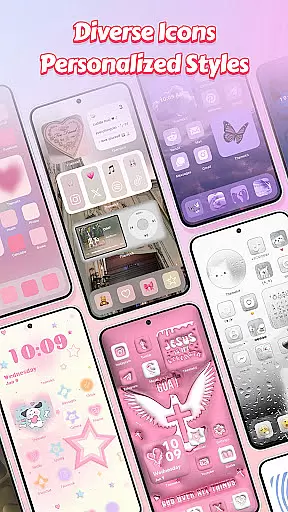
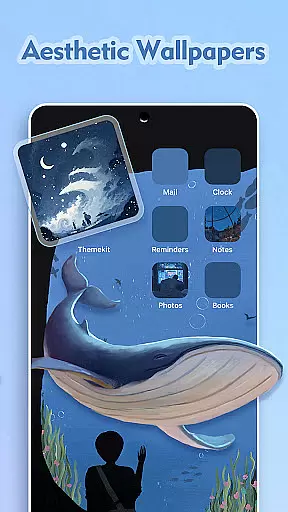
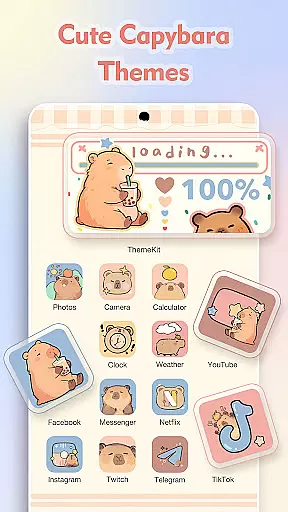
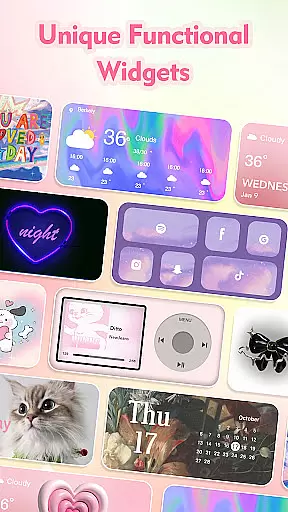
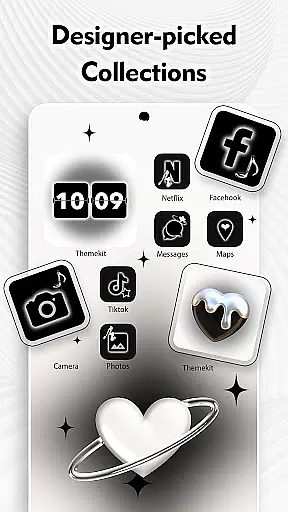
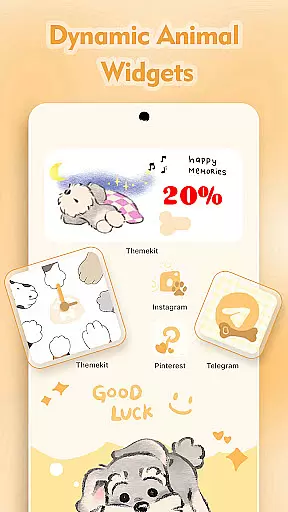
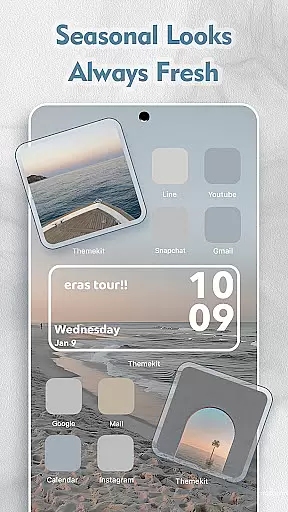
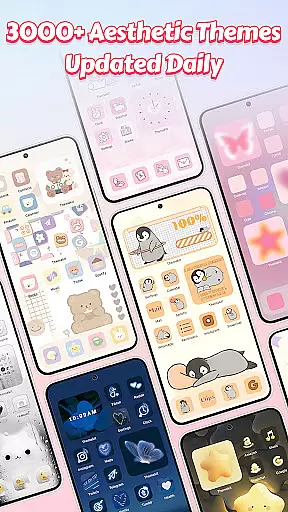
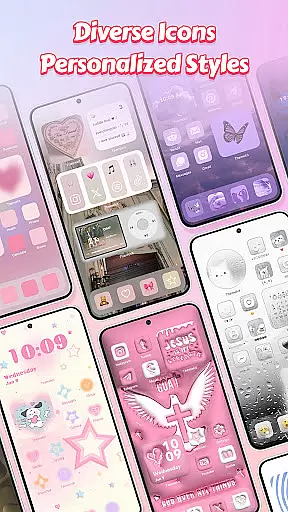
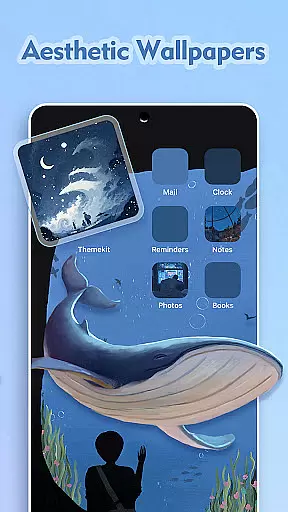
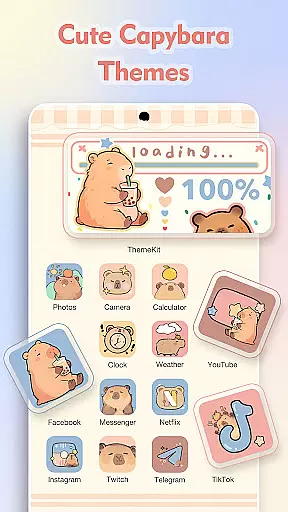
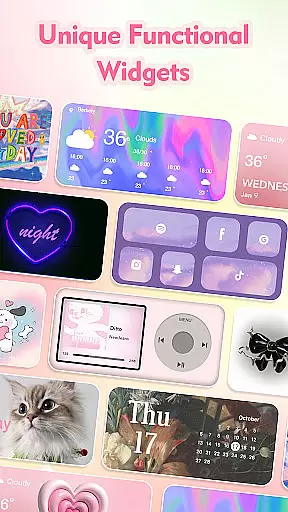
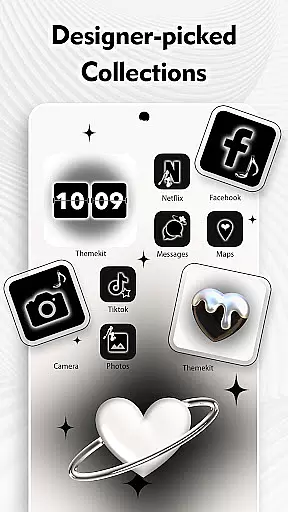
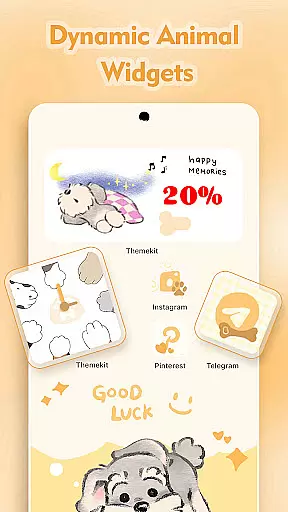
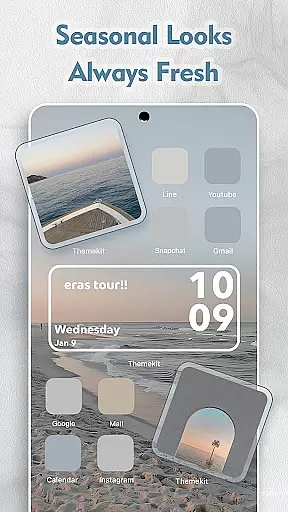
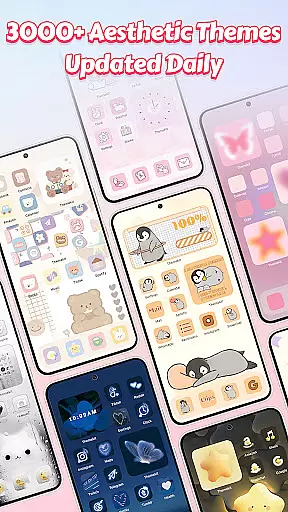
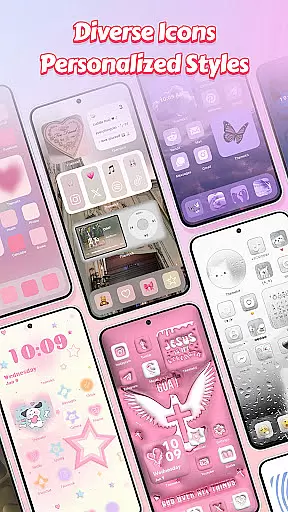
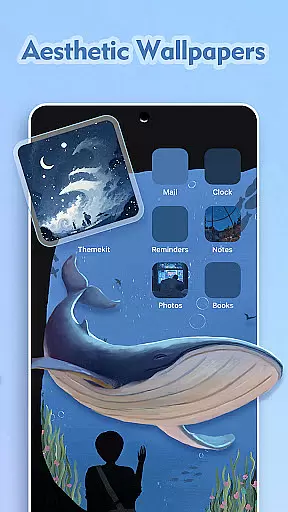
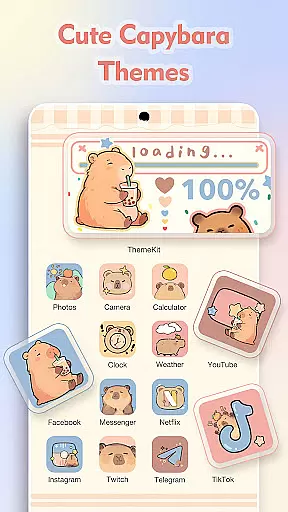
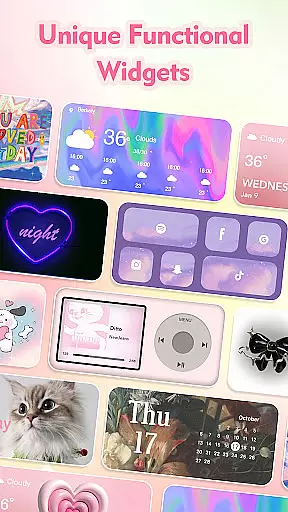
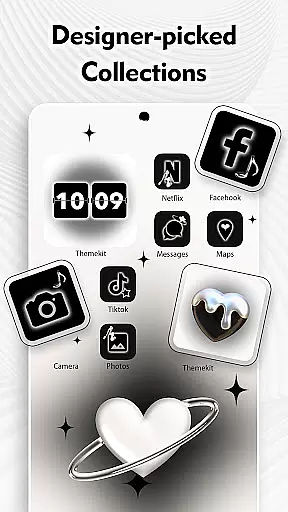
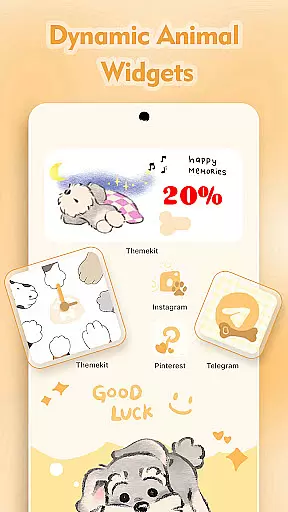
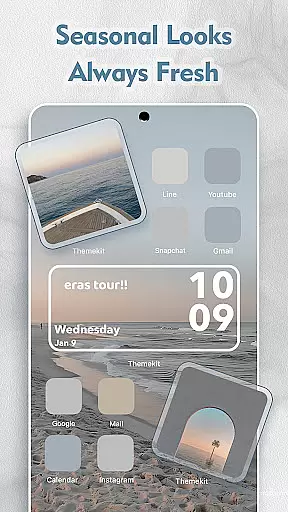

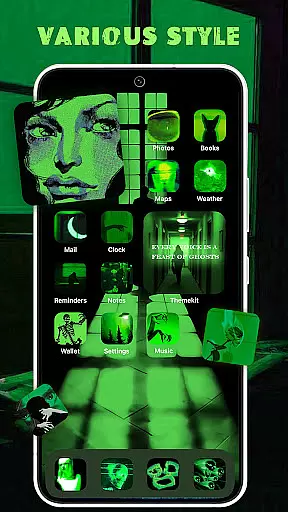
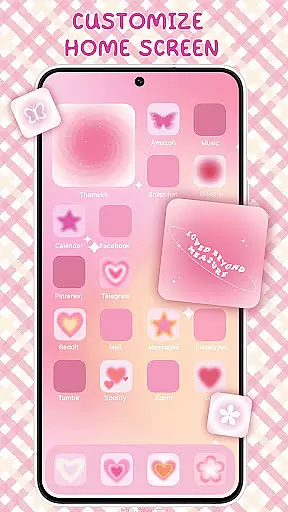
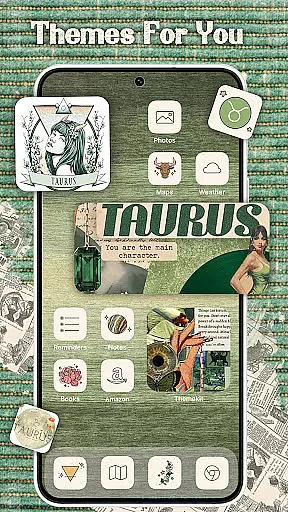
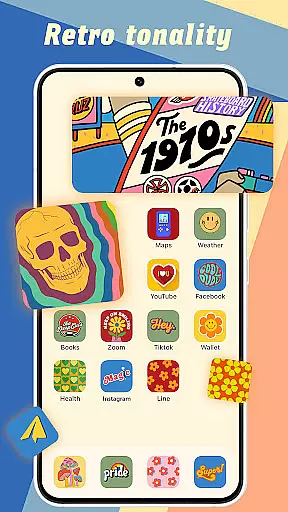
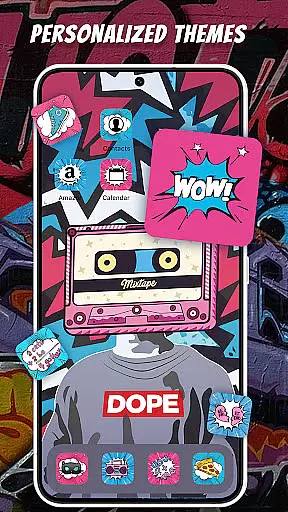
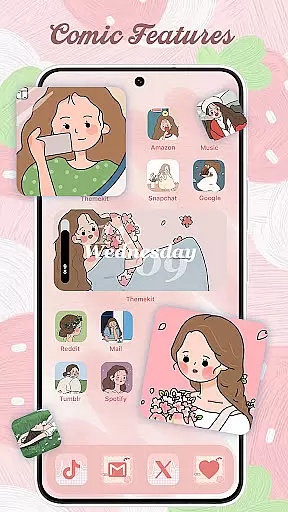
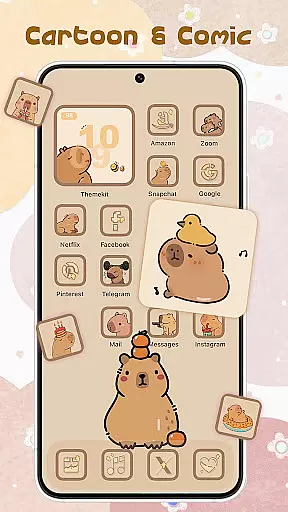
ThemePro is a comprehensive personalization app designed to bring style and creativity to your Android device. With an extensive library of 5000+ icons, 3000+ themes, 9000+ widgets, and thousands of wallpapers, it allows users to customize their home screens effortlessly. The app features daily updates with trendy designs, including anime wallpapers, 3D widgets, and festive themes like Christmas and New Year.
The app's standout feature is its user-friendly interface that supports multiple languages and offers seamless compatibility with various Android devices such as Samsung, Vivo, OPPO, and Xiaomi. ThemePro also provides advanced functionalities like icon changers, 4K wallpapers, and dynamic widgets for weather, calendar, and more. Its search function ensures easy navigation through the vast collection of themes and styles.
Whether you're looking to create a chic, minimalistic layout or a vibrant, anime-inspired design, ThemePro caters to diverse aesthetic preferences. Users can personalize their devices with unique themes inspired by popular culture, seasonal events, and artistic trends, making it an essential tool for anyone wanting to express their individuality through their phone's appearance.
ThemePro stands out with its rich array of customization options. The app offers a 3-in-1 solution integrating an icon changer, 3D widgets, AI-art wallpapers, and complete theme packs. Users can easily change app icons without needing a separate launcher, thanks to the built-in shortcut creation feature. The free widget kit includes hundreds of styles, allowing users to tailor their home screens precisely to their liking.
One of the key highlights is the 4K Wallpaper Changer, which provides a daily updated collection of high-quality images. These include trending categories like Winter Snow, Christmas Vibe, Aesthetic, K-pop, Hand Drawn, and Minimalism. Additionally, the app supports dynamic widgets for weather, calendar, clock, and even battery status, enhancing both functionality and visual appeal.
ThemePro also emphasizes user interaction and feedback. It has a dedicated support system offering 24-hour tech assistance and accepts user suggestions for new themes and designs. This collaborative approach ensures that users receive personalized content, making ThemePro not just a tool but a community-driven platform for creative expression on Android devices.
ThemePro stands out in the personalization category by offering an extensive array of customization options that cater to diverse user preferences. The app provides over 5000 icons, 3000 themes, and 9000 widgets, alongside thousands of wallpapers, ensuring users can find the perfect match for their unique style.
The level of variety is not just about quantity but also quality and relevance. Users can explore featured categories such as 2024 Christmas themes, anime wallpapers, and 3D widgets. These are regularly updated to keep up with new trends, including Winter Snow, Christmas Vibe, and popular culture-inspired designs like Grinch & Snoopy.
What makes ThemePro particularly valuable is its user-friendly interface that simplifies the customization process. With practical tools like the ICON CHANGER, FREE WIDGET KIT, and 4K WALLPAPER CHANGER, users can effortlessly personalize their home screens without needing technical expertise.
This wide-ranging selection empowers users to express their individuality through their device's appearance. Whether someone prefers chic and graceful designs or cute and colorful styles, ThemePro ensures that every user can create a home screen that truly reflects their personality.
Theme compatibility is crucial for any personalization app, and ThemePro excels in this area by ensuring its themes work seamlessly across various Android devices. This includes popular brands like Samsung, Vivo, OPPO, and Xiaomi, making it accessible to a broad audience regardless of their device choice.
The app supports multiple languages and is free from watermarks, enhancing the user experience by providing a clean and professional look. Its high compatibility extends to different screen sizes and resolutions, guaranteeing that all visual elements appear as intended without distortion or cropping issues.
One of ThemePro's standout features is its integration with Accessibility Services, which allows advanced functionalities like music and volume control directly from the home screen. This feature requires enabling Accessibility Services but assures users that their data remains secure and private.
By focusing on both breadth and depth of compatibility, ThemePro ensures that users enjoy a consistent and reliable customization experience. This commitment to compatibility reinforces the app's position as a top choice for those seeking comprehensive personalization options for their Android devices.
User-friendly interface
Extensive customization options
Daily updated content
Wide device compatibility
24/7 customer support
Requires accessibility permissions
Some features may need premium access
Occasional performance lags
Limited iOS availability
Ads in free version

Sparkle your screen with Glitter Wallpapers For Girls and Cute Backgrounds!
 4.80
4.80
Want to make your phone more special than ever?
4.60 4.50
4.50
Nothing Icon pack with more than 3750+ highly crafted icons.
4.70
Color phone with cool effects for call screen, flash alert & ringtones music
4.50
Your go to Weather App & Home Screen. Get your weather at a swipe of a finger!
3.80
Transform your device in a game console
4.40
Your home screen, just the way you like it.
4.30
350+ widgets with a premium glass-style finish, perfect for home & lock screens.
4.70
100+ Stylish Fonts, Emojis, Symbols keyboard for Instagram & TikTok!
4.80
A launcher for Samsung Good Lock and Good Guardians modules without ads
4.70
Ultimate Gallery Lock App - Hide Pictures, Videos and Lock Apps Instantly!
4.60
Beautiful realistic hybrid watch face with numerous customization options.
4.50
Fingerprint Lock Screen & Live Animations with 4K Wallpapers as Live Wallpaper
4.40
Romantic Kiss Stickers App. Start romantic messaging now!
4.30
Unique Fonts, typefaces and stylish text. Fonts for Instagram, Whatsapp & others
4.20
Realistic animated snow on your wrist, with 10 images landscapes to choose from
4.00
Create unique, fun emojis with Funny Emoji Maker! Unlimited creativity!
4.00
HappyLighting is a Bluetooth lamp control software.
3.40


User Reviews