
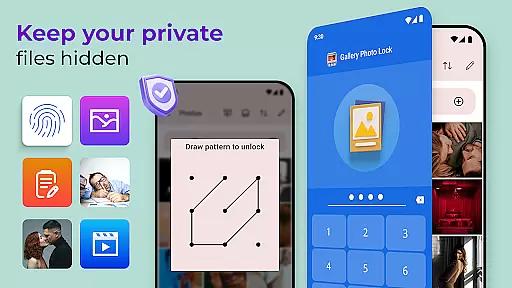
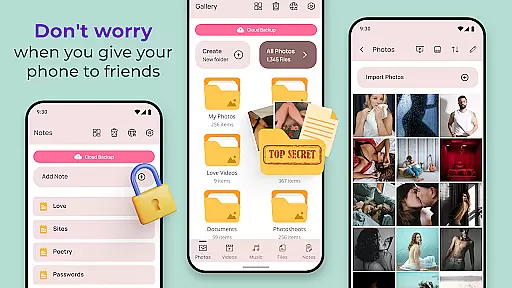
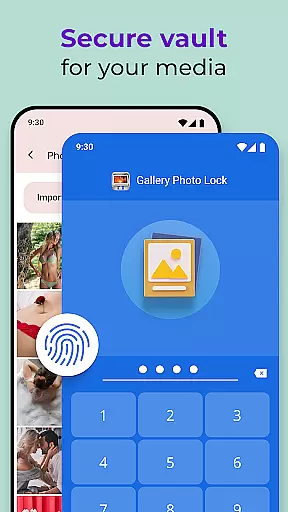
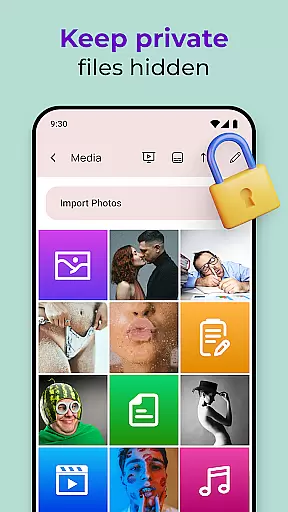
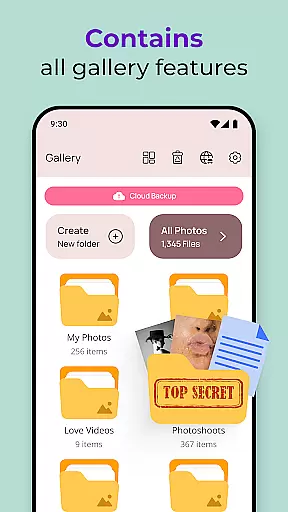
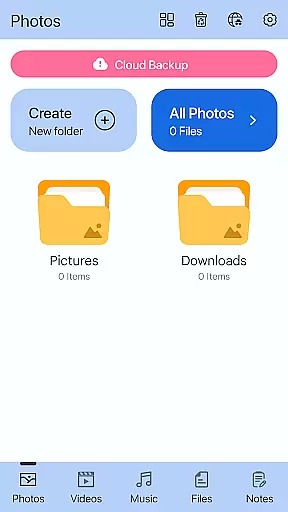
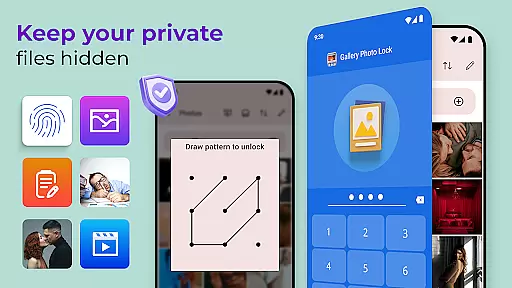
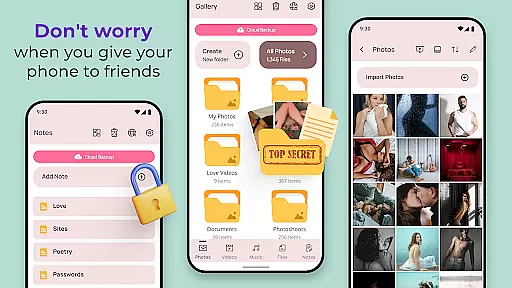
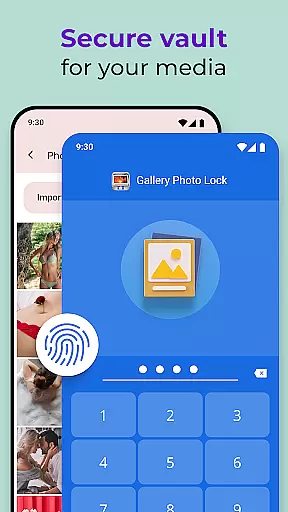
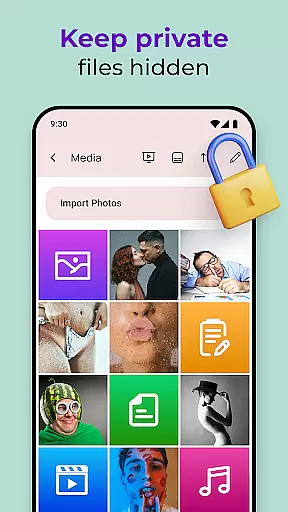
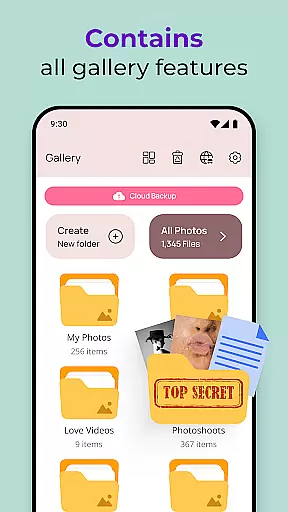
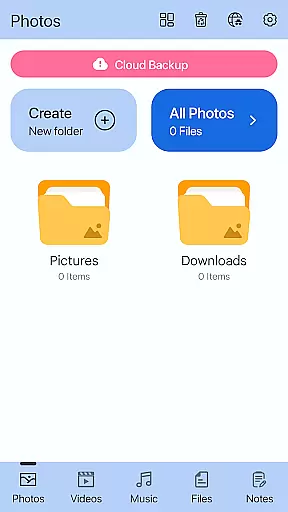
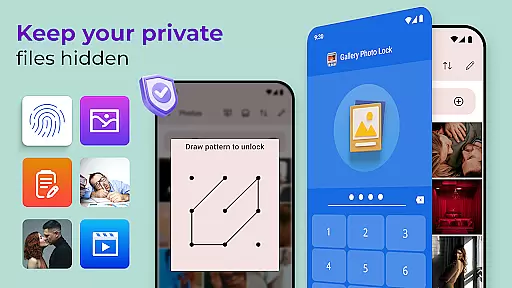
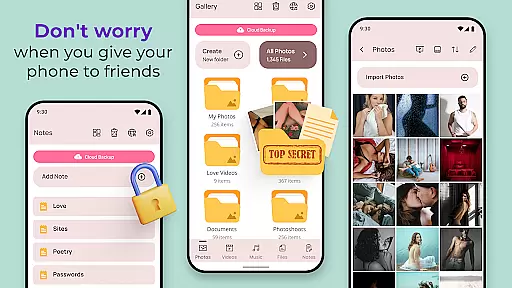
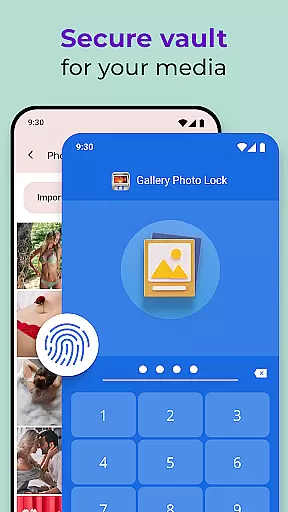
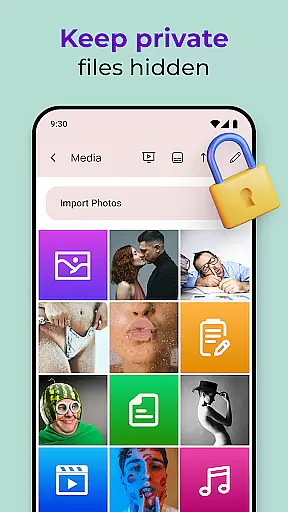
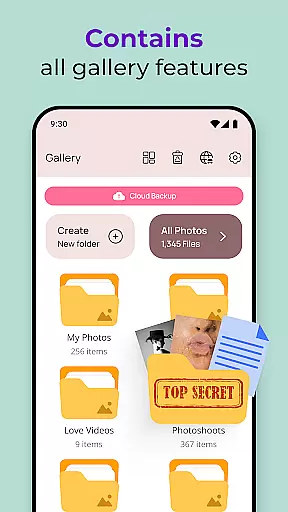
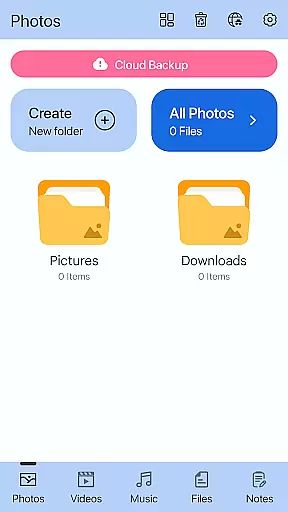
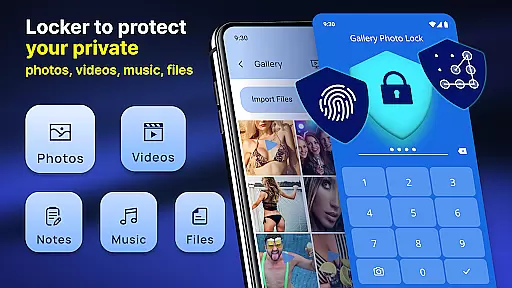
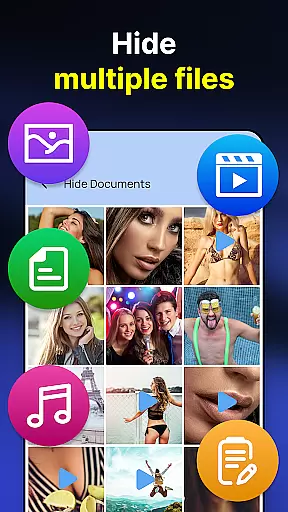
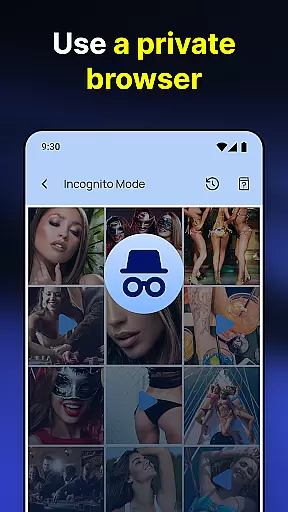
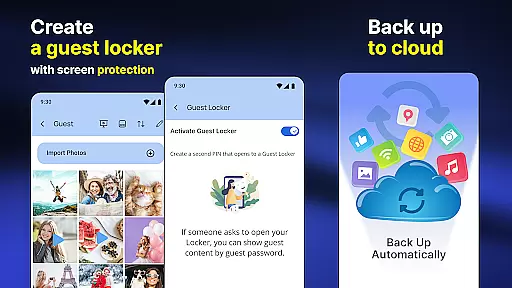
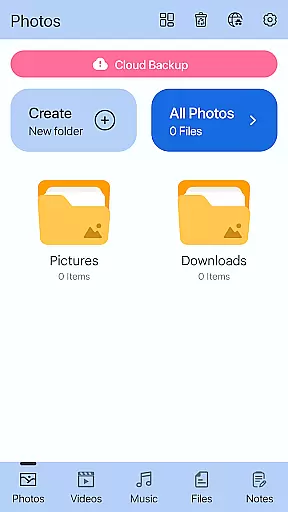
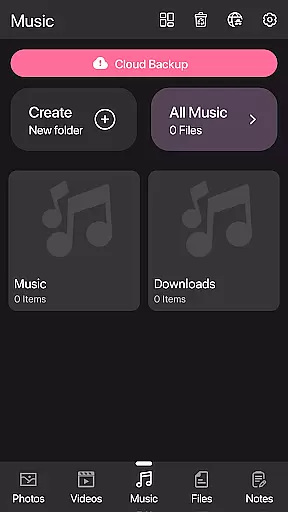
Gallery Photo Locker is a comprehensive privacy protection app designed to safeguard your personal media files. This app allows you to effortlessly hide an unlimited number of images and videos, ensuring that your private content remains secure. With features like fingerprint authentication and cloud backup, it offers both security and convenience. The app also includes a unique calculator lock feature, making it appear as a regular calculator app while secretly storing your private files.
The application is particularly useful for individuals who frequently lend their smartphones to friends or family but still want to maintain their privacy. By creating a secure vault for your photos and videos, Gallery Photo Locker provides peace of mind and ensures that sensitive content is not accidentally or intentionally viewed by others. Its user-friendly interface and customizable options make it accessible to users of all technical backgrounds.
Gallery Photo Locker stands out with its robust set of features tailored for privacy-conscious users. One of the key functionalities is the ability to hide media files using a secret photo vault, which can be accessed through a disguised calculator app interface. This ensures that your private content remains hidden in plain sight. Additionally, the app supports fingerprint unlock, providing a quick and secure way to access your vault.
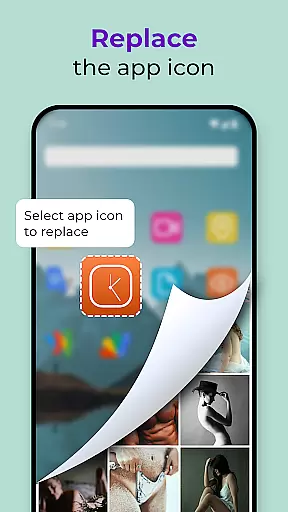
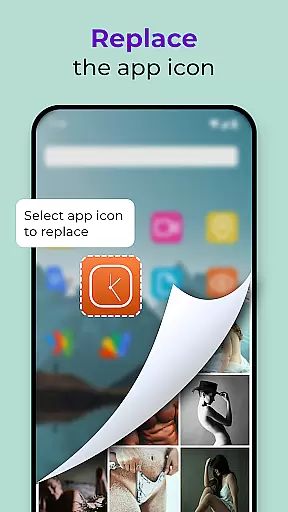
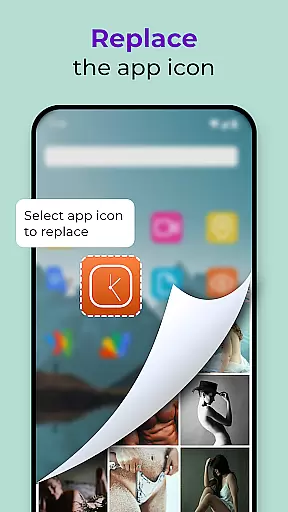
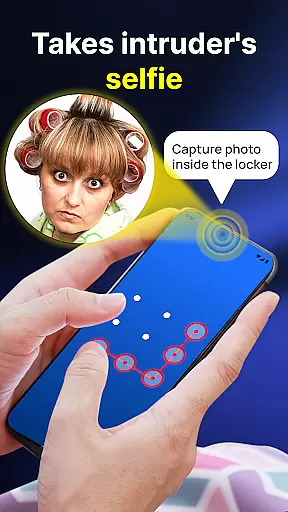
Beyond just hiding photos and videos, the app offers advanced features such as cloud backup, allowing you to securely store your hidden files online. It also includes an intruder selfie feature that captures a photo of anyone attempting unauthorized access. Users can customize the app's appearance with various themes and even replace the app icon to further conceal its presence on their device. These features collectively ensure that your personal data remains protected against both physical and digital threats.
Customization is at the heart of personalizing your experience with the Photo Lock App - Hide Pictures. This app offers a range of customization options that allow users to tailor their privacy settings according to their preferences.
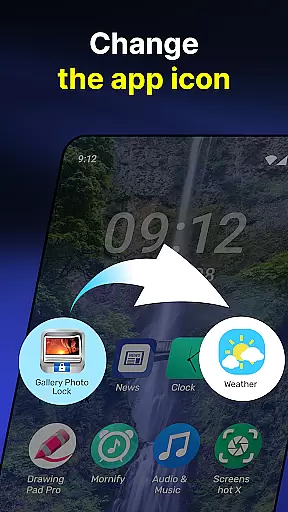
One of the standout features is the ability to replace the app icon with a secret icon such as news, weather, or radio, effectively camouflaging the app and safeguarding your privacy. Additionally, the Galerie Lock Themes feature lets you customize the Private Photo Vault: Photo Hider app's appearance, ensuring that your interaction with your private content remains a discreet affair.
The app also supports Fingerprint Unlock, adding another layer of personalization and security by using biometric data unique to you. This means that access to your hidden media is literally at your fingertips, and only you can unlock it.
By offering these diverse customization options, the Photo Lock App empowers users to create a personalized and secure environment for their private media, making sure that sensitive content remains hidden from prying eyes while still being readily accessible to the rightful owner.
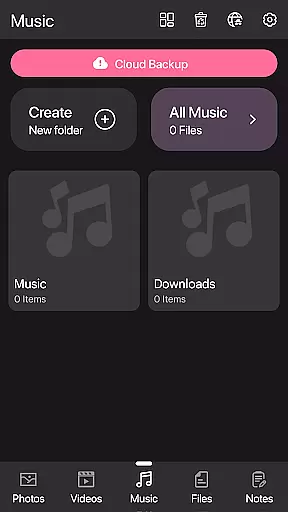
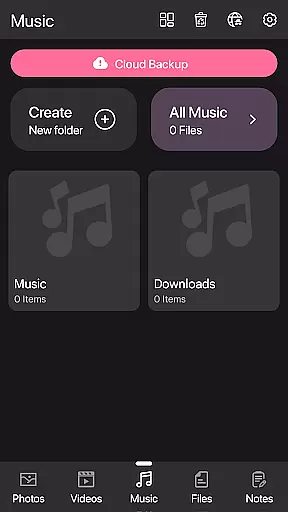
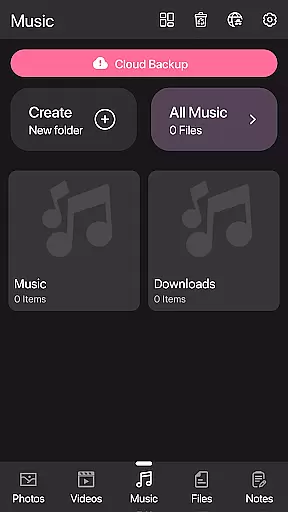
Theme compatibility in the Photo Lock App - Hide Pictures ensures that users have a seamless visual experience when customizing their app's interface. The availability of various themes allows for an adaptable aesthetic that can match individual tastes or even the default look of your device.
The Galerie Lock Themes feature is a testament to the app's dedication to providing theme options that are not only visually appealing but also practical in maintaining privacy. Users can choose from different themes, which helps them to keep their app incognito among other everyday apps on their device.
Moreover, the option to replace the app icon contributes to the overall theme compatibility, letting users pick an inconspicuous icon that blends with their device's home screen without drawing attention. This level of discretion is crucial for those who prioritize keeping their private photo vault truly private.
With its robust theme compatibility, the Photo Lock App - Hide Pictures stands out as a leader in personalization within its category, giving users peace of mind that their hidden media is protected behind a facade that suits both their style and need for secrecy.
User-friendly interface
Secure cloud backup
Fingerprint authentication
Customizable app icon
Intruder detection feature
Limited free storage
Premium features require subscription
Occasional bugs reported
Interface can be complex for beginners
Ads in free version

A light in the dark, a unique style and an andless cutomization!
 4.30
4.30
Transform your phone with Launcher iOS 26 - Smooth & elegant iOS experience
4.50
Gun Chase - Let the chase begin.
4.80
Art & Emoji Keyboard with Cool Fonts, Cute Themes and Custom Designs.
4.40
Personalize your phone with stunning HD and 4K wallpapers!
4.70
Embrace the Night. Unleash the power of darkness with Raven Dark Icon Pack
4.60
Yandex Browser — stylish and secure, with voice search and data compression
4.40
Enjoy a variety of amazing live wallpapers and colorful EDGE lighting borders!
4.80
Custom ringtones songs, music ringtones for Android phones
4.60
One 8 icons glass color version
4.80
Classic analogue watch face. For wear os devices.
4.60
Want to make your phone more special than ever?
4.60
Customize your home screen with stunning themes, blur, widgets & icons.
4.60
Customizable screen pets that play, climb, and keep you company.
4.50
Organize and manage your photos and videos effortlessly with Photo Gallery
4.20
Emoji Maker app - Design custom emojis and effortlessly blend them with Mixer
3.80
Adorable pets roam and play right on your phone screen!
3.30
Capture moments that pass like a storm, second by second.
4.4
⭐ OneUI inspired Fluffy Icon Pack – Soft. Stylish. Standout. ⭐
4.0


User Reviews