
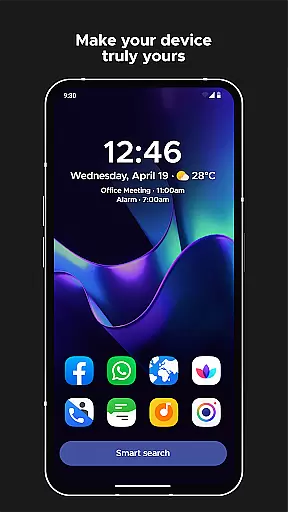
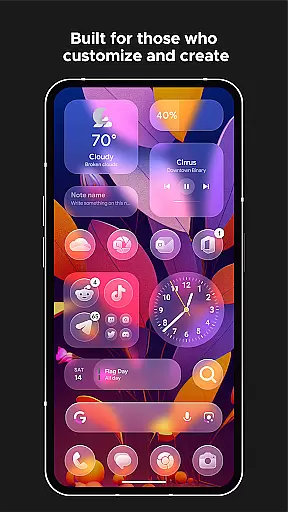
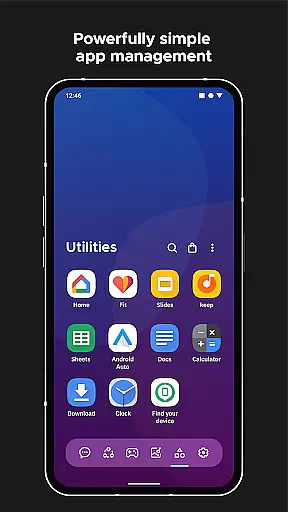
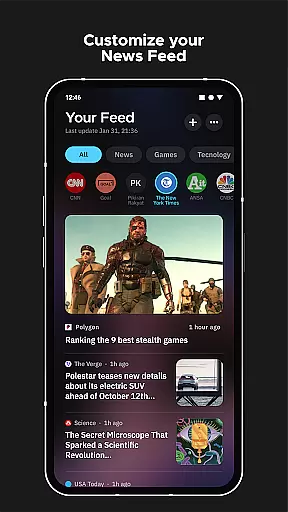
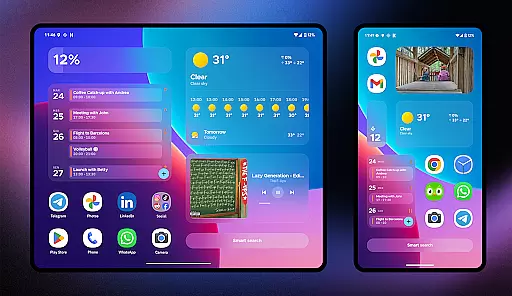
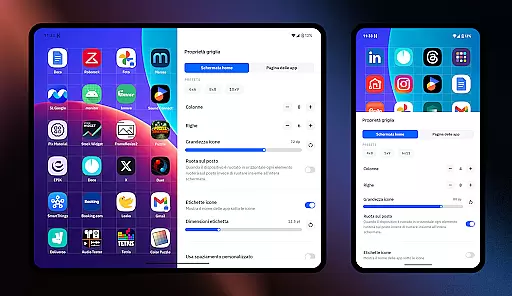
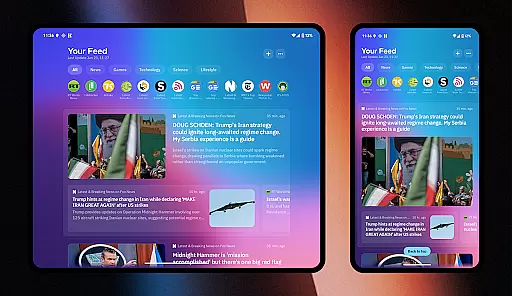
Smart Launcher 6 is a cutting-edge home screen replacement app designed to enhance the Android experience. It introduces an innovative interface that automatically sorts apps into categories, saving users the hassle of manual organization. The app features a powerful search engine for quick access to apps and information, making daily tasks more efficient.
This launcher stands out with its ambient theme system that dynamically matches wallpaper colors, creating a visually cohesive experience. Its one-hand optimized layout places essential controls within easy reach. With customizable themes, adaptive icons, and responsive widgets, Smart Launcher offers extensive personalization options while maintaining optimal usability.
Ideal for power users seeking efficiency, this launcher supports gestures, on-screen notifications, and immersive mode. These features make it perfect for streamlining workflow and maximizing productivity on Android devices.
Smart Launcher 6 distinguishes itself through several key features that redefine Android customization. The automatic app sorting system intelligently categorizes applications, eliminating the need for manual organization while maintaining logical groupings. This feature alone transforms how users interact with their installed apps.
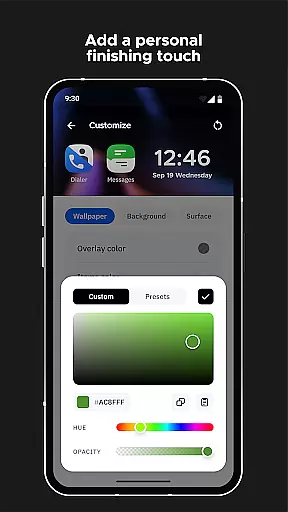
The launcher's ambient theme engine automatically adjusts color schemes based on your wallpaper selection, ensuring consistent aesthetics across the interface. Combined with extensive customization options, users can modify every UI element's color and choose from thousands of Google Fonts for text display. The adaptive icon support ensures modern, visually appealing icons regardless of device version.
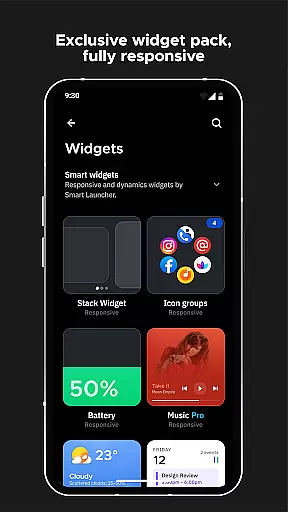
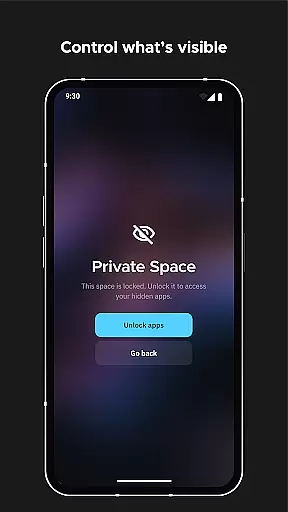
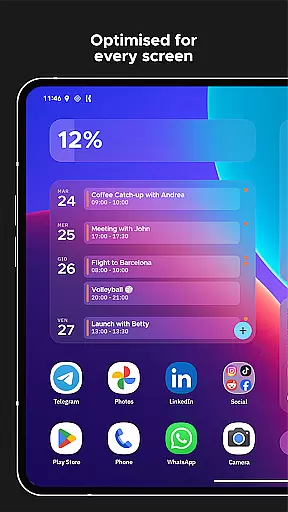
Productivity-focused features include a smart search bar for quick actions, gesture controls for navigation, and an ultra-immersive mode that maximizes screen real estate. The built-in widget system provides responsive components that adapt to different screen sizes, while security features allow app protection through PIN codes.
Smart Launcher 6 offers an extensive range of customization options that allow users to tailor their home screen to their personal preferences. This includes the ability to modify every single color within the theme, unlocking infinite possibilities for color combinations.
The launcher also supports adaptive icons, which means users can enjoy customizable icon shapes as well as larger and more aesthetically pleasing icons on any Android device, regardless of its version.
Furthermore, Smart Launcher provides access to thousands of fonts from Google Fonts, enabling users to change the typography on their home screen. This level of personalization ensures that each user's experience is unique and matches their style or mood.
With these comprehensive customization features, users are empowered to create a personalized and visually appealing interface that enhances both functionality and aesthetic pleasure on a day-to-day basis.
Theme compatibility in Smart Launcher 6 ensures a seamless integration with various themes, thanks to its ambient theme feature. Every time you change your wallpaper, the launcher automatically adjusts the theme colors to match, creating a cohesive and harmonious look.
This dynamic theming extends across all elements of the home screen, including widgets and icons, providing a unified visual experience. The responsive build-in widgets adapt to the theme, ensuring they always appear native to the system's current look.
Additionally, users have the option to hide the navigation bar for an ultra-immersive mode, maximizing screen space and allowing wallpapers and themes to take center stage without any distractions.
By delivering deep theme compatibility and an immersive experience, Smart Launcher 6 guarantees that users enjoy a consistent and engaging interface that remains visually stunning, regardless of how they customize their device.
Automatic app categorization
Dynamic theme adaptation
Extensive customization options
Powerful search functionality
Gesture-based navigation
Steeper learning curve
Higher battery consumption
Occasional stability issues
Limited default widget selection
Advanced features require setup

Stunningly Different look with Line Icons and Neon Colors
 4.60
4.60
A retro cartoon style watch face and a punch right in the face of the copyright
4.60
Personalize your phone with stunning HD and 4K wallpapers!
4.70
Wallpaper HD 4K Live - Thousands of high-quality Anime backgrounds for you.
4.80
Transform your device in a game console
4.40
Create unique, fun emojis with Funny Emoji Maker! Unlimited creativity!
4.00
Customize phone with anime themes, 3D icons, aesthetic widgets & wallpapers
4.80
Fast SMS & group chat - use GIFs and emojis from your home screen launcher.
4.50
Transform your phone with stylish zipper lock themes and 4D live wallpaper
4.10
Enjoy a variety of amazing live wallpapers and colorful EDGE lighting borders!
4.80
300+ Beautifully crafted widgets inspired by OneUI.
4.60
Transform your phone with Launcher iOS 26 - Smooth & elegant iOS experience
4.50 4.50
4.50 4.50
4.50
Art & Emoji Keyboard with Cool Fonts, Cute Themes and Custom Designs.
4.40
Transfer your live wallpapers from Windows to Android using Wallpaper Engine!
4.00
Crystal-clear, square icon provides a sleek and sophisticated visual upgrade
4.00
⭐ OneUI inspired Fluffy Icon Pack – Soft. Stylish. Standout. ⭐
4.4
Modern Glass Icon Pack with glossy icons, clean minimal theme & aesthetic style
4.5


User Reviews