


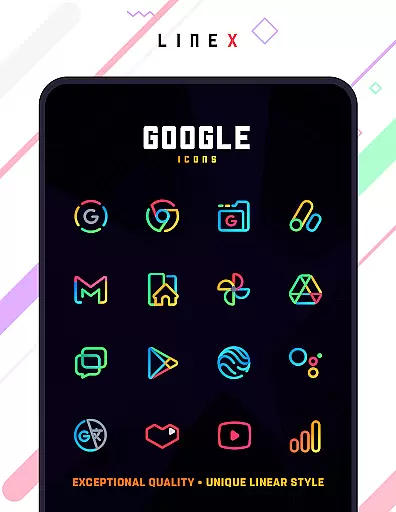
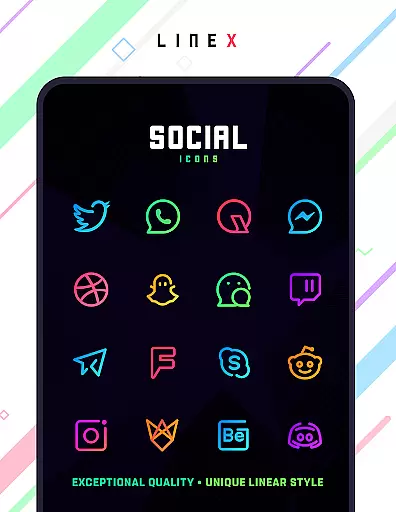
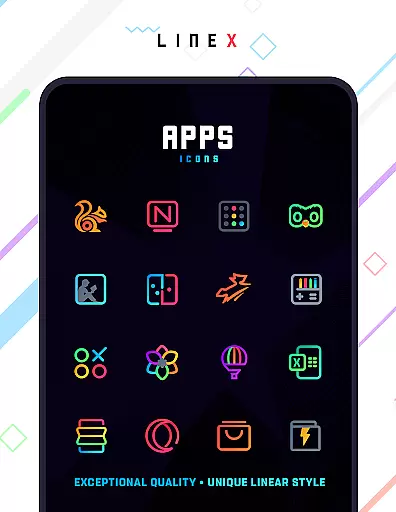
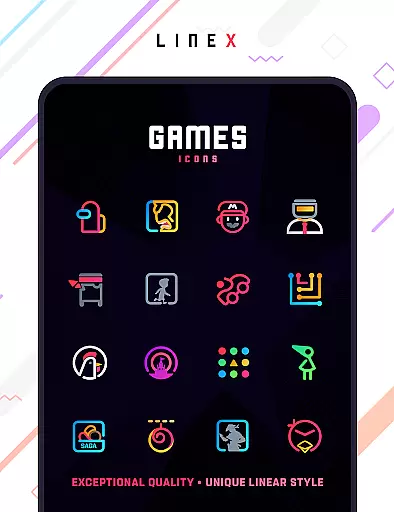
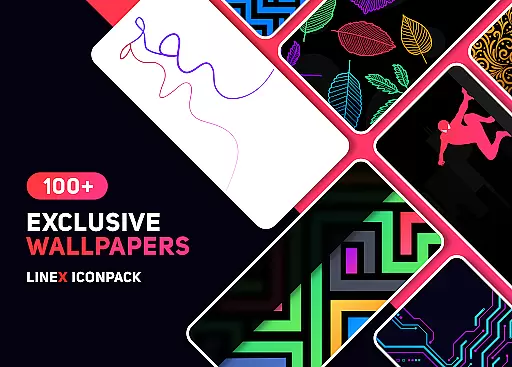
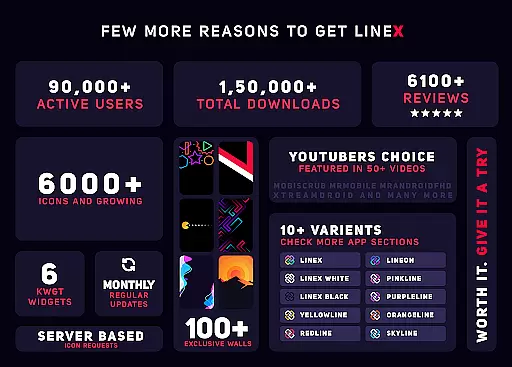
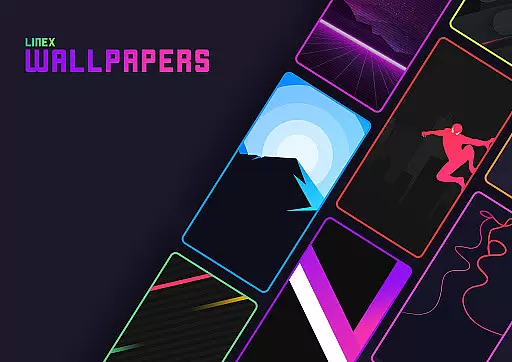
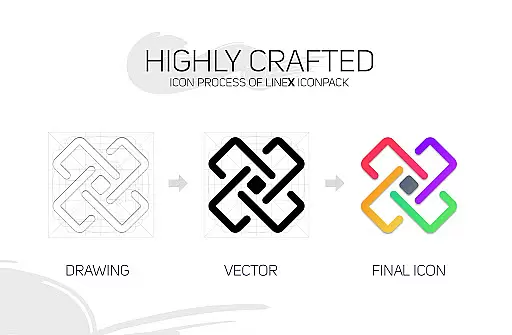
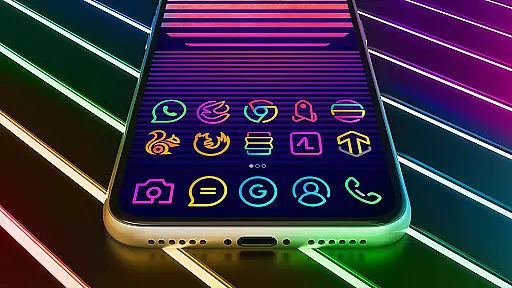
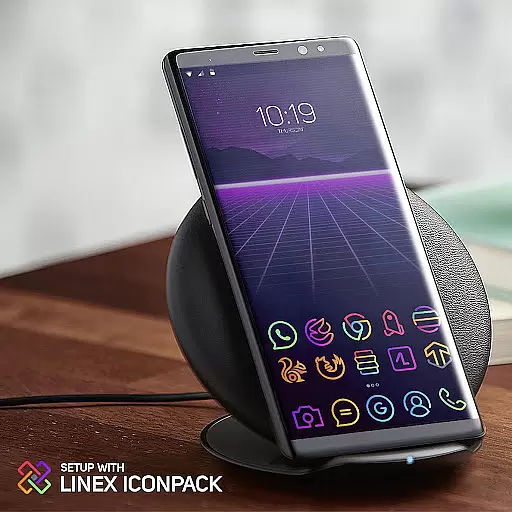
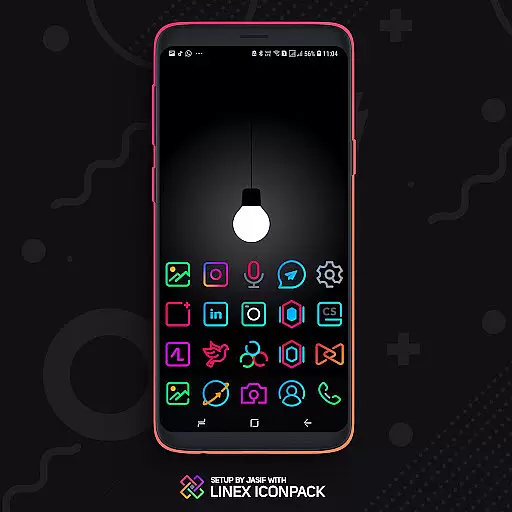
LineX Icon Pack is a premium icon pack designed for users who appreciate minimalist design with a modern touch. Featuring over 6000 linear-style icons, this pack offers one of the most comprehensive collections available on the market. Each icon is crafted with top-notch quality, ensuring clarity and aesthetic appeal on any device.
Beyond its extensive icon library, LineX also includes beautifully designed masks for unthemed icons, ensuring a consistent look across your device. Compatible with numerous launchers, it provides flexibility for customization while delivering an unmatched user experience. Whether you're using Nova, Apex, or other popular launchers, LineX guarantees a seamless integration that enhances your home screen's visual appeal.
This icon pack is more than just aesthetics; it's about enriching every interaction with your device. With features like dynamic calendars, icon search, and alternative icons, LineX ensures both functionality and style are at your fingertips. Perfect for those who want their devices to reflect personality and precision.
LineX Icon Pack stands out with its robust feature set tailored for customization enthusiasts. The pack boasts over 6000 meticulously designed icons, each following a sleek linear theme that brings a fresh and modern look to any device. These icons are complemented by a perfect masking system, which applies stylish designs even to unthemed app icons, ensuring uniformity throughout the user interface.
In addition to its vast icon library, LineX offers frequent updates that continually expand its collection, keeping pace with new app releases and user requests. Users can enjoy advanced functionalities such as dynamic calendar support, material dashboard navigation, custom folder icons, and category-based organization. This level of detail extends to include custom app drawer icons and easy icon request options, making personalization effortless and intuitive.
For optimal performance, LineX recommends using the Nova Launcher with specific settings adjustments like turning off icon normalization and setting preferred icon sizes. These recommendations ensure that every icon looks crisp and clear, enhancing the overall visual experience. With compatibility across multiple launchers and additional resources like FAQs and email support, LineX Icon Pack delivers both versatility and reliability in personalizing your digital space.
LineX Icon Pack offers an extensive range of customization options, making it a versatile choice for personalizing your device's appearance. With over 6000 icons, this pack ensures that users have plenty of choices to tailor their home screens according to their preferences.
The icon pack is not just about quantity; it also delivers top-notch quality with a linear theme that stands out among competitors. Each icon is crafted meticulously, providing clear and aesthetically pleasing visuals that enhance the overall user experience.
Beyond static icons, LineX includes dynamic features such as a masking system for unthemed icons and alternative icons, which means even apps without specific themed icons will still look cohesive on your screen. This attention to detail allows for a seamless visual flow across all app icons.
Additionally, users can enjoy extra features like icon previews, search functionality, custom folder icons, and category-based organization. These elements contribute to a highly personalized interface where every interaction feels intentional and satisfying.
Compatibility is key when selecting an icon pack, and LineX Icon Pack excels in this area by supporting a wide array of launchers. Whether you're using popular options like Nova or exploring others such as Apex or GO, LineX ensures that its icons display correctly and maintain their design integrity.
This broad compatibility extends beyond just the most common launchers. Even less mainstream choices like ZenUI and ABC Launcher are supported, offering flexibility for users who prefer niche or feature-rich launcher applications. Such extensive support makes LineX a reliable option regardless of your launcher preference.
For those whose preferred launcher isn't directly listed, LineX provides guidance on applying the theme through the launcheru2019s settings. This adaptability underscores the pack's commitment to accessibility and ease of use across different platforms.
Moreover, regular updates and frequent additions of new icons ensure that LineX remains compatible with emerging apps and maintains relevance in the ever-evolving landscape of mobile interfaces. Users can trust that their investment in LineX will continue to deliver value over time.
Extensive icon library
Frequent updates
Perfect masking system
Wide launcher compatibility
Dynamic calendar support
Paid icon pack
Requires compatible launcher
No Google Now support
Some features need setup
Initial learning curve

Ninja Turtles Cowabunga SE watch face for Wear OS
 4.50
4.50
Realistic animated snow on your wrist, with 10 images landscapes to choose from
4.00
Dark icon pack based on One 8
4.80
Interactive Miniature Painting Catalogue
3.30
Turn text & photos into stunning AI videos, art, and creative visual stories.
4.50
Customize your home screen with stunning themes, blur, widgets & icons.
4.60
400+ Beautifully crafted widgets inspired by NOTHING.
4.70
Amazing letter fonts in your messages and social statuses
4.70
Your home screen, just the way you like it.
3.80
A minimalist productivity launcher. One-hand-friendly. Zero ads.
4.70
Ultra realistic high quality analog watch face for Wear OS.
4.60
Customizable screen pets that play, climb, and keep you company.
4.50 4.50
4.50
Color phone with cool effects for call screen, flash alert & ringtones music
4.50
The definitive Icon pack maker and editor
4.30
Crystal-clear, square icon provides a sleek and sophisticated visual upgrade
4.00
Design your screen with unique, vibrant clocks
3.80
Customize glowing edges, wallpapers, and caller screen with EdgeAura.
3.50
Prank your friends with realistic broken screen and cracked HD effects!
4.4


User Reviews