
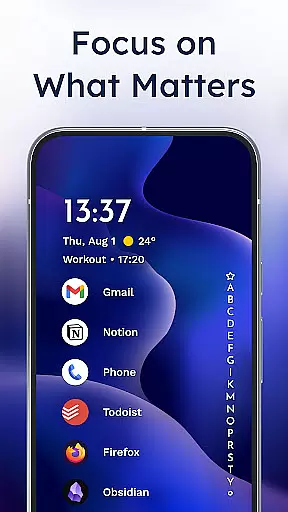
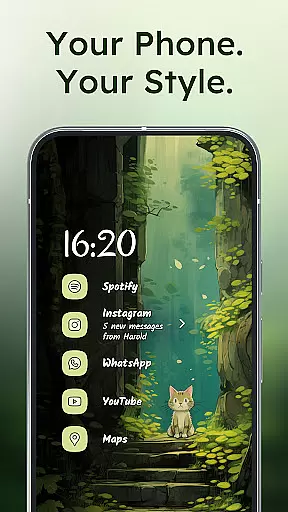
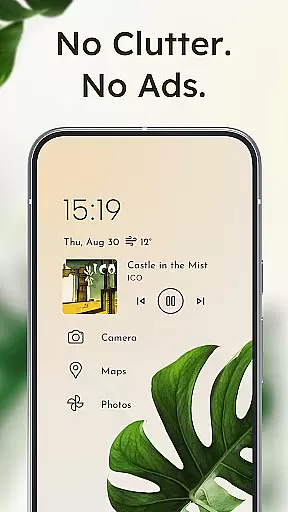
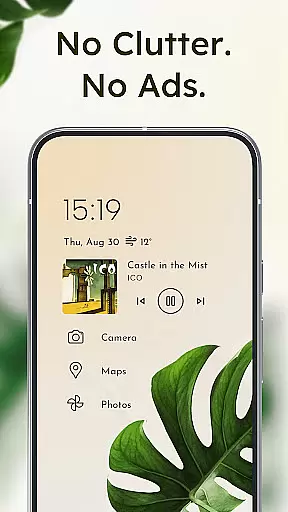
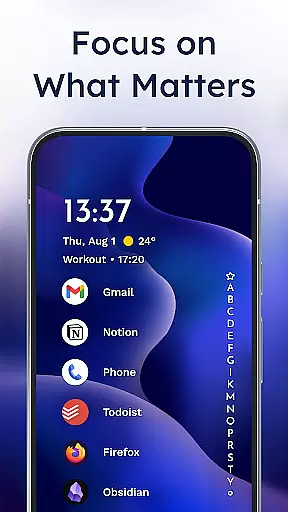
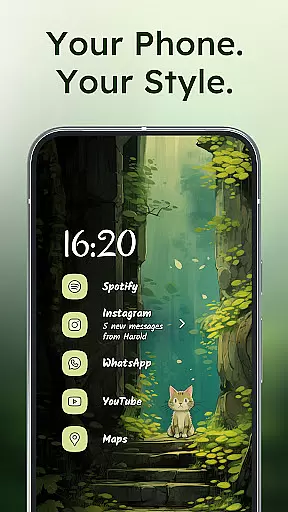
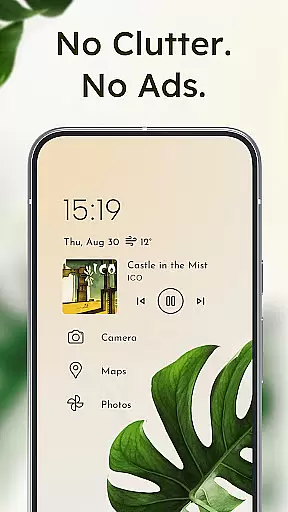
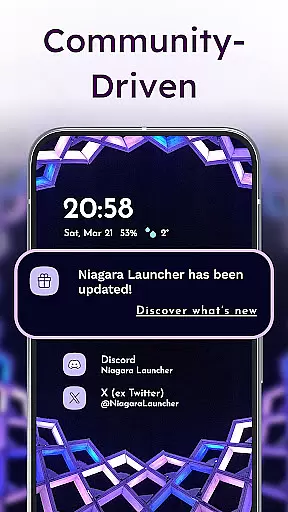
Niagara Launcher is a minimalist home screen replacement app designed to optimize one-handed usage on modern smartphones. Unlike traditional launchers that rely on grid layouts, Niagara offers an adaptive list interface that dynamically adjusts based on user needs and interactions.
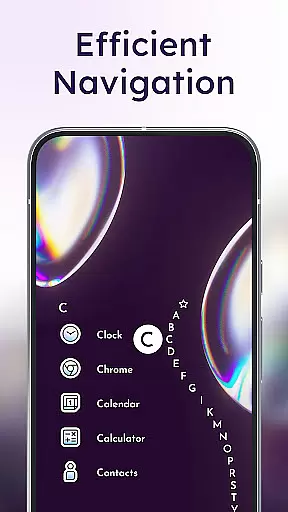
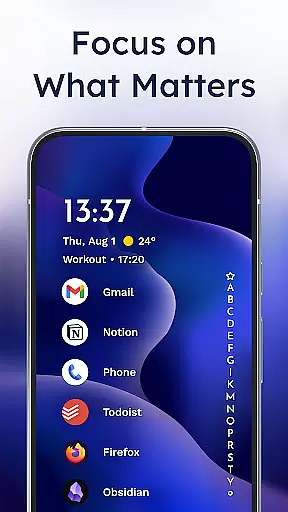
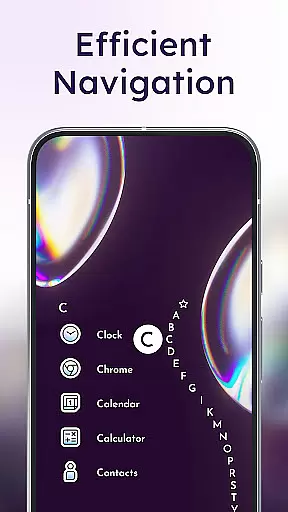
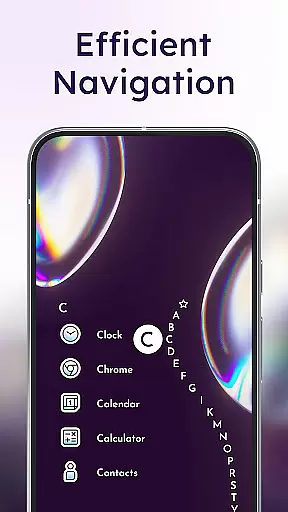
The launcher's key innovations include the wave alphabet navigation system for efficient app access, embedded notifications that allow direct interaction from the home screen, and deep Material You theming integration that works across all Android versions. These features collectively create a focused, distraction-free mobile experience while maintaining high performance and visual appeal.
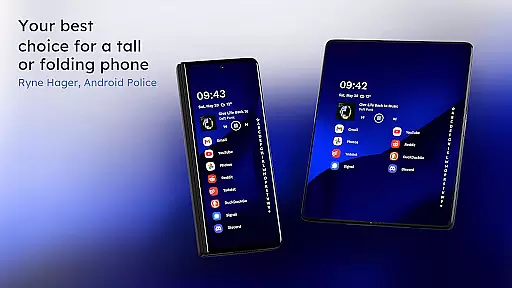
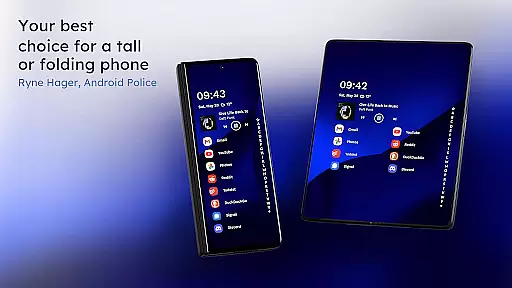
Particularly suitable for users with larger phones, Niagara Launcher enables complete control of the device interface without compromising comfort or usability. Its thoughtful design makes daily smartphone interactions more efficient and enjoyable.
Niagara Launcher distinguishes itself through several innovative features that enhance the Android home screen experience. The wave alphabet navigation system allows users to reach any installed application with minimal finger movement, while the adaptive list layout dynamically incorporates important information like media controls and calendar events.
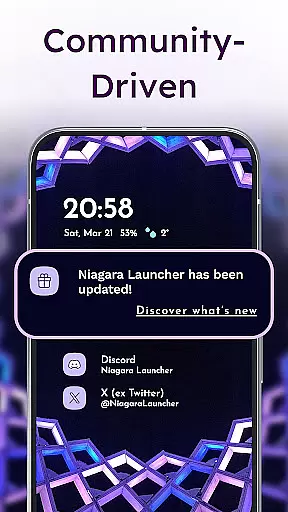
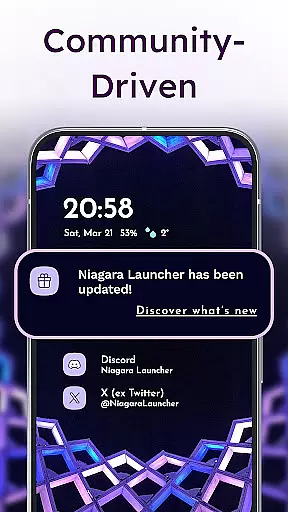
The launcher's notification system goes beyond simple alert dots by embedding actionable notifications directly into the home screen interface. This implementation of Material You theming is particularly noteworthy, as it extends Google's modern design language to older Android versions and automatically adapts colors based on the user's wallpaper choice.
Performance optimization is another core aspect, with the app maintaining a small footprint while delivering smooth animations and transitions. The customization options are comprehensive yet tasteful, allowing users to personalize their experience through icon packs, fonts, and wallpapers while maintaining the clean aesthetic that defines the launcher's identity.
Niagara Launcher offers a wide array of customization options that allow users to tailor their home screen experience according to their preferences. The launcher supports Material You Theming, which means it can adapt its appearance based on the wallpaper you choose, providing a personalized and cohesive look.
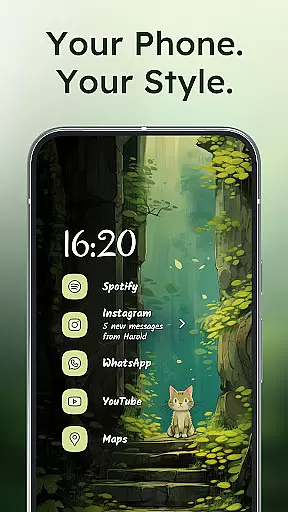
In addition to theming, users have access to integrated icon packs, various fonts, and customizable wallpapers. This level of personalization ensures that your device not only functions but also looks the way you want it to, making every interaction with your phone uniquely yours.
The adaptive list feature is another aspect where customization shines; as opposed to static grid layouts, Niagara Launcher's design dynamically adjusts to show media controls, messages, or calendar events when needed. This flexibility in layout management enhances both aesthetics and usability.
Theme compatibility is at the heart of Niagara Launcher's design philosophy. By adopting Androidu2019s new Material You design system, this launcher allows for an expressive and personalized user interface that themes around your chosen wallpaper. This creates a seamless visual experience across all elements of the home screen.
Moreover, Niagara Launcher extends theme support beyond newer devices by backporting Material You to work with older versions of Android. As a result, no matter what device you are using, you can enjoy a modern and consistent appearance without worrying about version limitations.
This commitment to theme compatibility ensures that whether you prefer a minimalist aesthetic or something more vibrant, Niagara Launcher will maintain visual harmony while reflecting your personal style through its adaptable theming capabilities.
One-handed efficiency
Adaptive interface
Material You support
Lightweight performance
Active development
Limited widget support
Steeper learning curve
Fewer visual effects
Basic icon pack
No live wallpapers

Classic analogue watch face. For wear os devices.
 4.60
4.60
Gun Chase - Let the chase begin.
4.80
Transfer your live wallpapers from Windows to Android using Wallpaper Engine!
4.00 4.50
4.50 4.50
4.50 3.50
3.50
Color phone with cool effects for call screen, flash alert & ringtones music
4.50
Embrace the Night. Unleash the power of darkness with Raven Dark Icon Pack
4.60
350+ widgets with a premium glass-style finish, perfect for home & lock screens.
4.70
A launcher for Samsung Good Lock and Good Guardians modules without ads
4.70
Icons made of colorful linear lines
4.60
3D, live, and moving wallpapers & themes in 4K and HD for your device.
4.50
Vibrant Adaptive Icons with Material You and Enhanced Monet Colors.
4.50
Your home screen, just the way you like it.
4.30
Organize and manage your photos and videos effortlessly with Photo Gallery
4.20 4.10
4.10
Design your screen with unique, vibrant clocks
3.80
Capture moments that pass like a storm, second by second.
4.5
Custom edge gestures for volume control, brightness, apps, and shortcuts.
4.1


User Reviews