

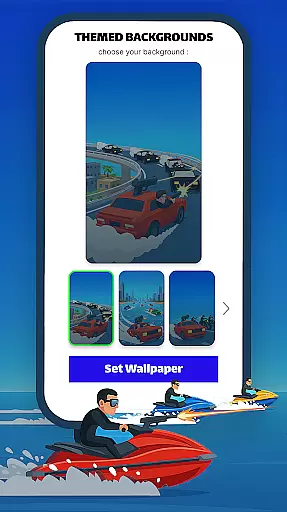
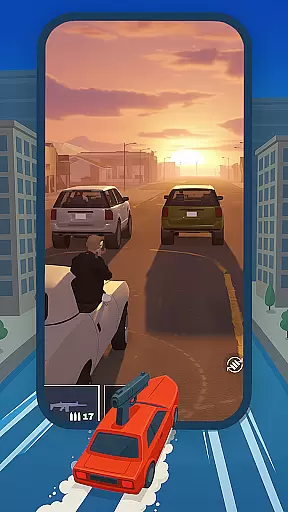
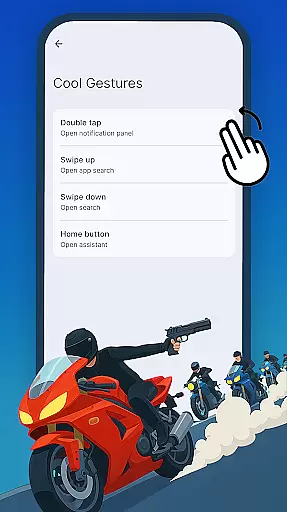
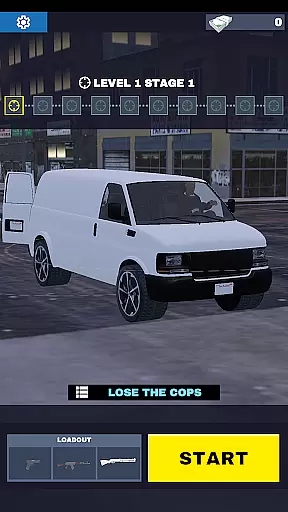


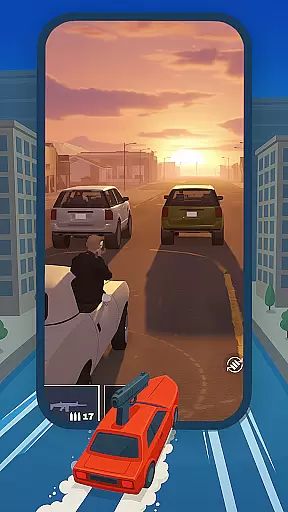
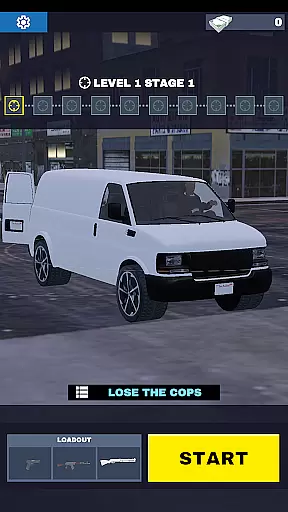

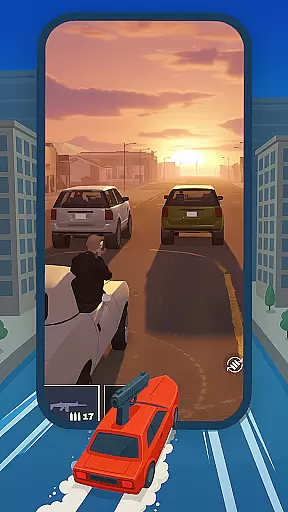
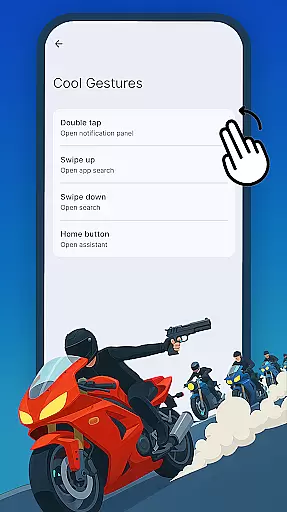
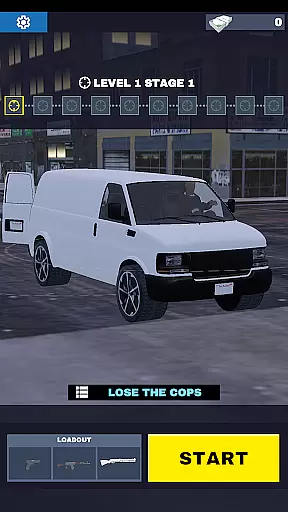
Gun Chase Launcher is a dynamic Android home screen app that combines the thrill of high-speed chases with extensive customization options. Designed for gamers and personalization enthusiasts, this launcher brings the adrenaline-pumping action of Gun Chase to your fingertips. With themed backgrounds, cool gestures, adjustable themes, and customizable icon shapes, it offers a unique way to interact with your device while keeping the excitement alive.
The app allows users to personalize their home screens with game-inspired visuals and intuitive navigation features. Whether you're dodging obstacles in the game or navigating through your apps, Gun Chase Launcher ensures a seamless and immersive experience. Its combination of gaming aesthetics and functional enhancements makes it an ideal choice for those looking to revamp their device's interface.
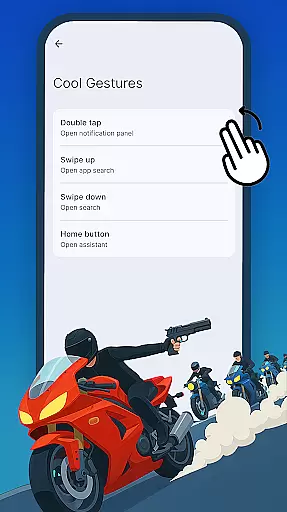
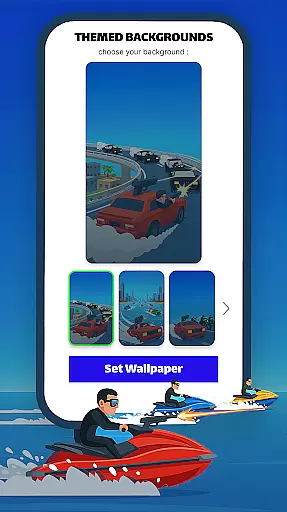
Gun Chase Launcher stands out with its innovative integration of gaming elements into a home screen app. The Themed Backgrounds feature transforms your device’s appearance with visuals inspired by the Gun Chase game, creating an engaging atmosphere. Cool Gestures enhance usability by allowing users to assign specific actions—like opening apps or triggering shortcuts—to swipes, taps, and double taps.
Customization is further expanded with adjustable themes, offering both bright and dark modes to suit different preferences and lighting conditions. The Icon Shapes panel provides additional flexibility, enabling users to choose from various styles and shapes to match their aesthetic tastes. These features are easily accessible through the launcher menu, ensuring a user-friendly setup process.
By blending gaming excitement with practical functionality, Gun Chase Launcher delivers a personalized and interactive experience that caters to both casual users and dedicated gamers.
Customization options variety is a crucial aspect of any personalization app, and Gun Chase Launcher excels in this area. This feature refers to the range of different customization choices available to users, allowing them to tailor their device's appearance and functionality according to their preferences.
Gun Chase Launcher offers an extensive array of customization features. Users can choose from themed backgrounds that bring the thrilling style of the Gun Chase game directly to their home screen. Additionally, cool gestures such as swipes, taps, and double taps can be configured to open specific apps or perform common actions, streamlining navigation and enhancing user experience.
The benefits for users are significant. With these customization options, individuals can create a personalized and efficient home screen setup that reflects their unique style and meets their functional needs. Whether it's adjusting themes between bright or dark modes or changing icon shapes, users have the freedom to design an interface that truly feels like their own.
This level of customization not only improves aesthetic appeal but also boosts productivity by enabling quicker access to frequently used features and applications. The ability to personalize various aspects of the home screen ensures that every user can optimize their device for maximum comfort and efficiency.
Theme compatibility is an essential feature in personalization apps, ensuring that visual themes work seamlessly across different devices and operating systems. For Gun Chase Launcher, theme compatibility means providing users with consistent and visually appealing experiences regardless of their device specifications.
The launcher supports adjustable themes, allowing users to switch between bright and dark modes effortlessly. This flexibility caters to varying lighting conditions and personal preferences, making the app versatile and user-friendly. Moreover, the icon shapes panel lets users select from different styles and shapes, ensuring that all visual elements align well with chosen themes.
Users benefit greatly from this feature as it enhances visual harmony and usability. By offering compatible themes and customizable icon shapes, Gun Chase Launcher ensures that every element on the home screen looks cohesive and functions smoothly. This attention to detail provides a polished and professional appearance, elevating the overall user experience.
Ultimately, robust theme compatibility empowers users to maintain a consistent look and feel across their devices while enjoying the flexibility to adapt their interface based on mood or necessity. This capability underscores the app's commitment to delivering both form and function in equal measure.
Unique gaming theme
Intuitive gesture controls
Highly customizable
Variety of icon styles
Easy-to-use interface
May reset existing layout
Limited appeal for non-gamers
Potential learning curve
Fewer traditional features
Battery usage concerns

A retro cartoon style watch face and a punch right in the face of the copyright
 4.60
4.60
Wear Os Watch Face - Seasonal - Animated Snow Effect - 9 Animals
4.20
A launcher for Samsung Good Lock and Good Guardians modules without ads
4.70
Ultimate widget creator. Design custom widgets for a truly unique home screen!
3.90
Want to make your phone more special than ever?
4.60
Stylish Pink Cute Hippo keyboard with 10000+ customized keyboard themes!
4.60
Transform your device in a game console
4.40
350+ widgets with a premium glass-style finish, perfect for home & lock screens.
4.70
Install amazing sticker packs: endless styles, always cool.
4.70
One 8 icons glass color version
4.80
Vertically oriented rectangular icons
4.70
Ultra realistic gold analog watch face with lots of customization options.
4.50
Turn text & photos into stunning AI videos, art, and creative visual stories.
4.50 4.50
4.50 4.50
4.50
Your home screen, just the way you like it.
4.30 3.50
3.50
Struggling to find apps? Use this app to locate and open any app on your phone!
2.20
Custom edge gestures for volume control, brightness, apps, and shortcuts.
4.3


User Reviews